Unmounting and Reboot

Description

After a successful calibration (all values green), the Unmount bracket panel is activated.


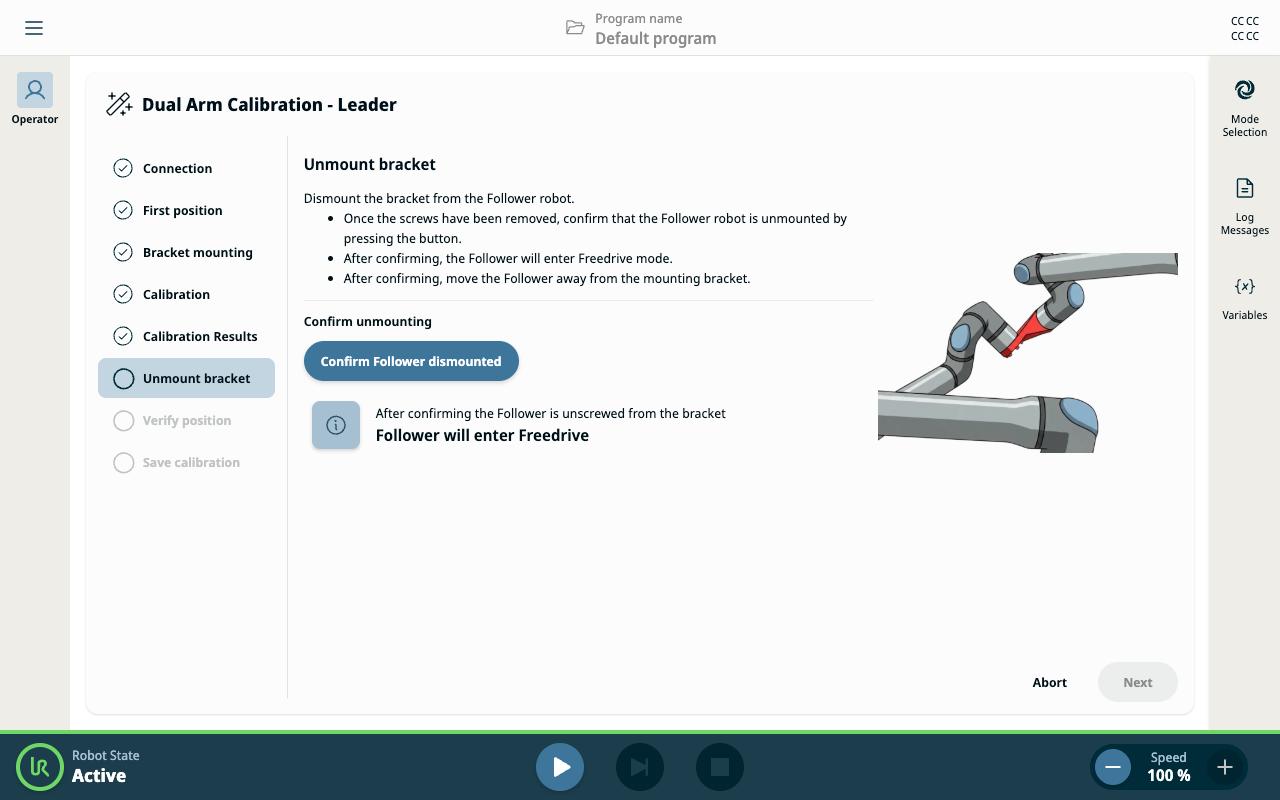
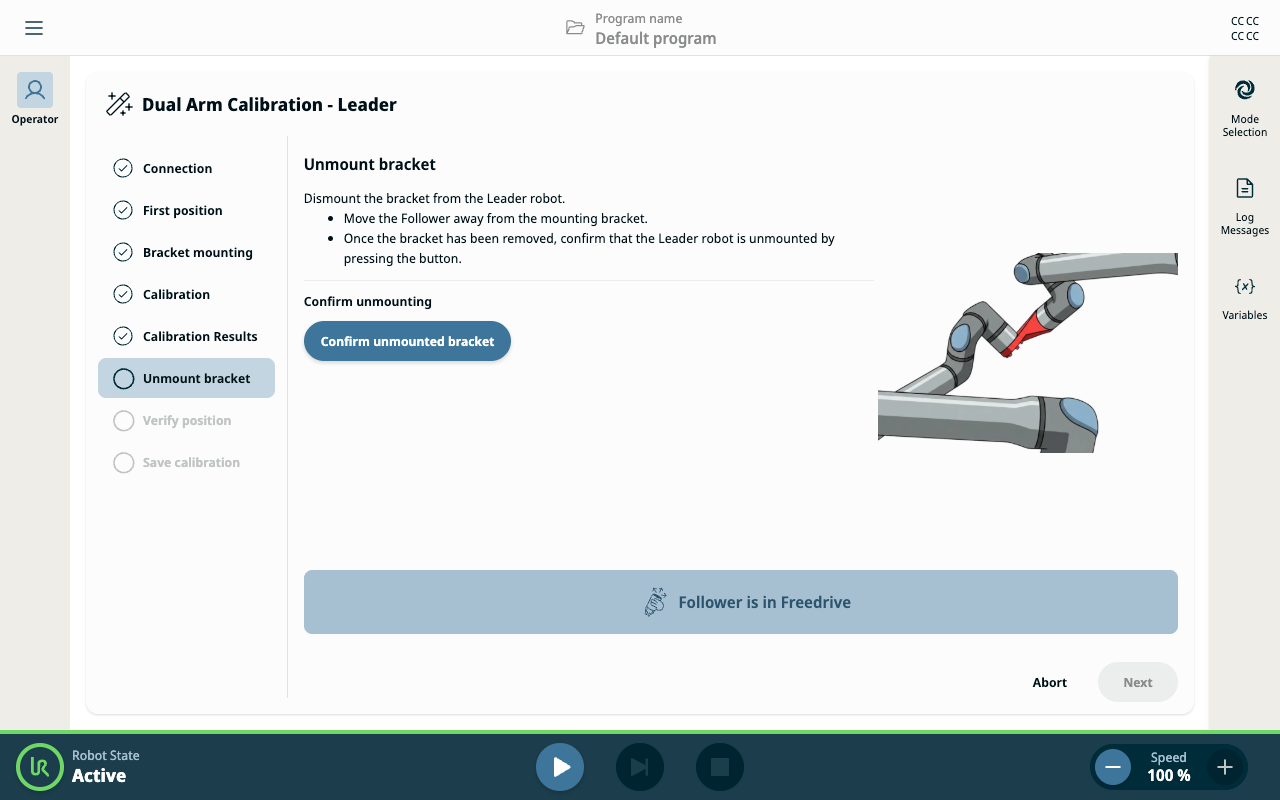
Unmount the calibration bracket

  1. Follow the on-screen steps to physically disconnect the bracket from both robots.

  2. Tap the Confirm unmounted bracket button.


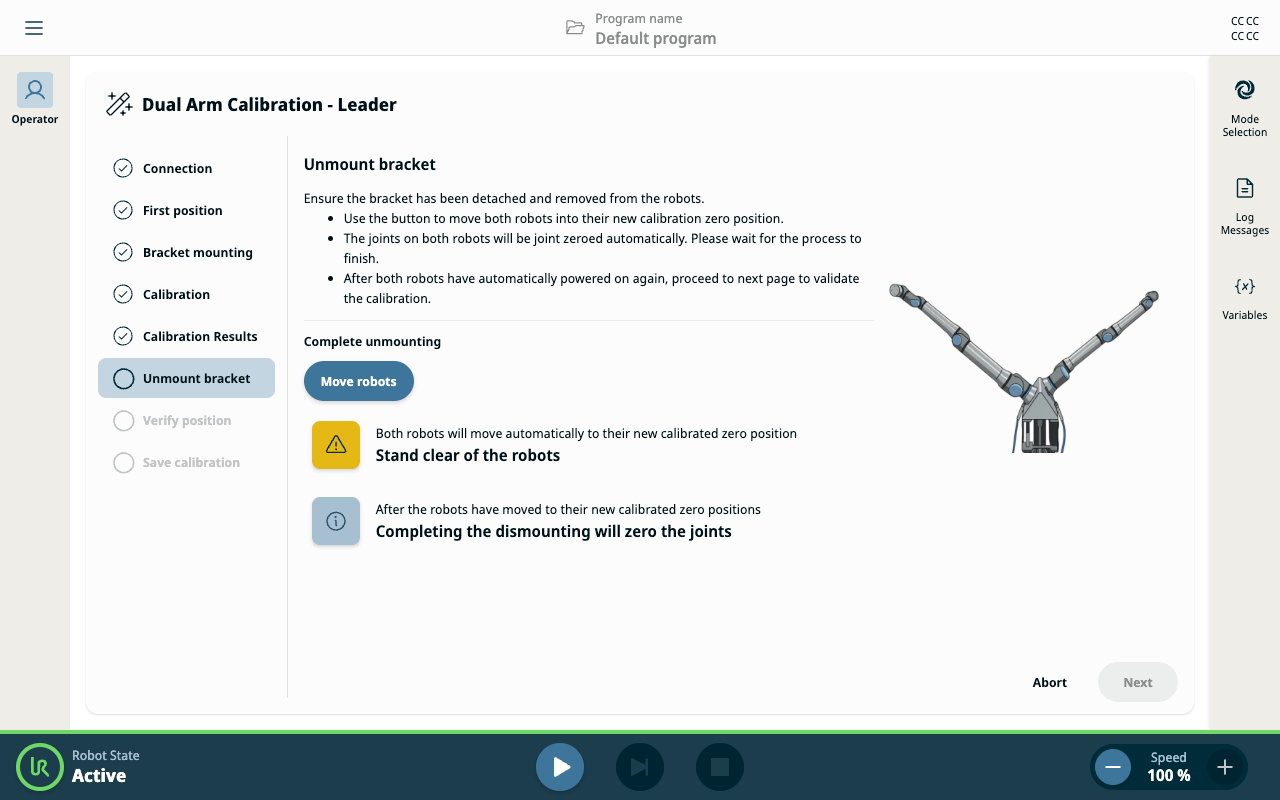
Move robots and reboot

  1. Tap the Move Robots button. This returns both robots to zero position and reboots both robot arms.

  2. Wait until the system returns to the Active state before proceeding.