Positioning and Bracket Mounting

Description

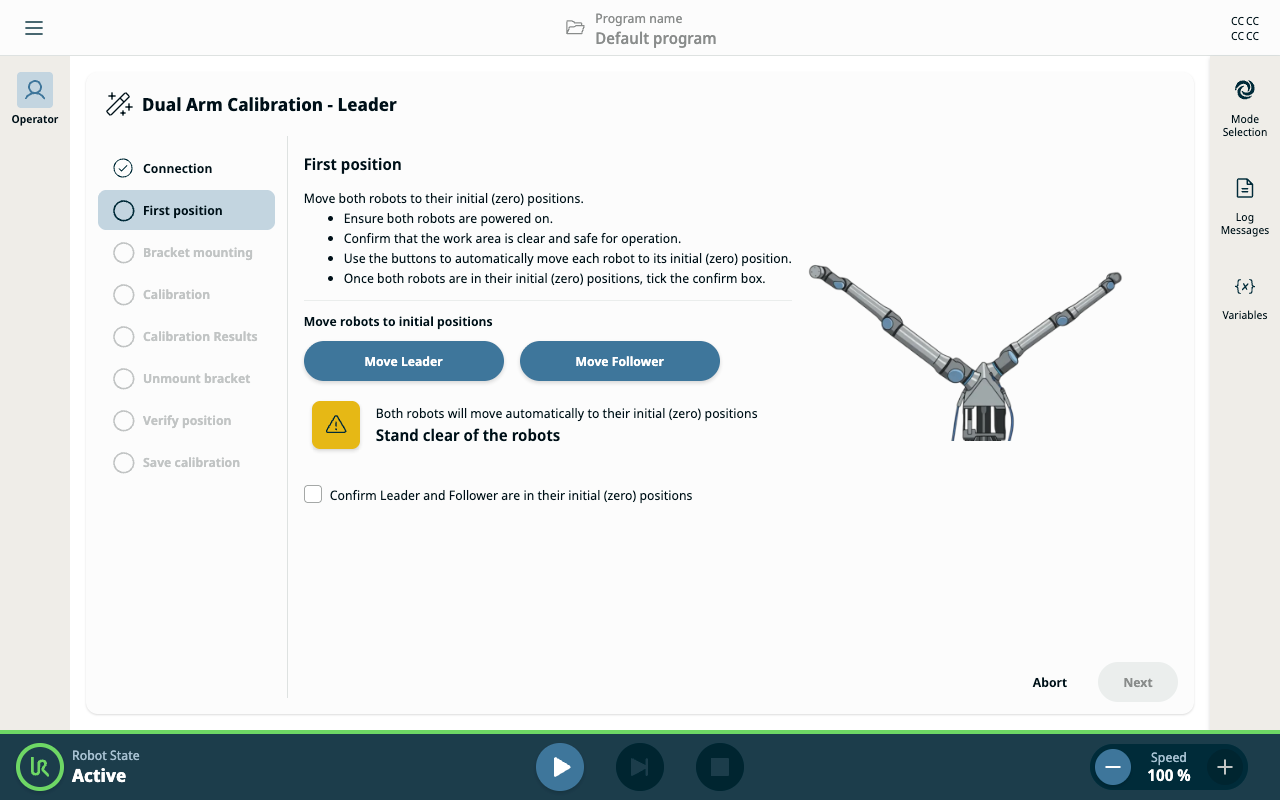
Positioning and bracket mounting start with the first position, which enables both robots to be moved to their initial positions.


Move robots to first position (zero position)

  1. You are in the First position panel, which enables you to move both robots to their zero (initial) position.

  2. Select the checkbox to confirm both robots are in position.

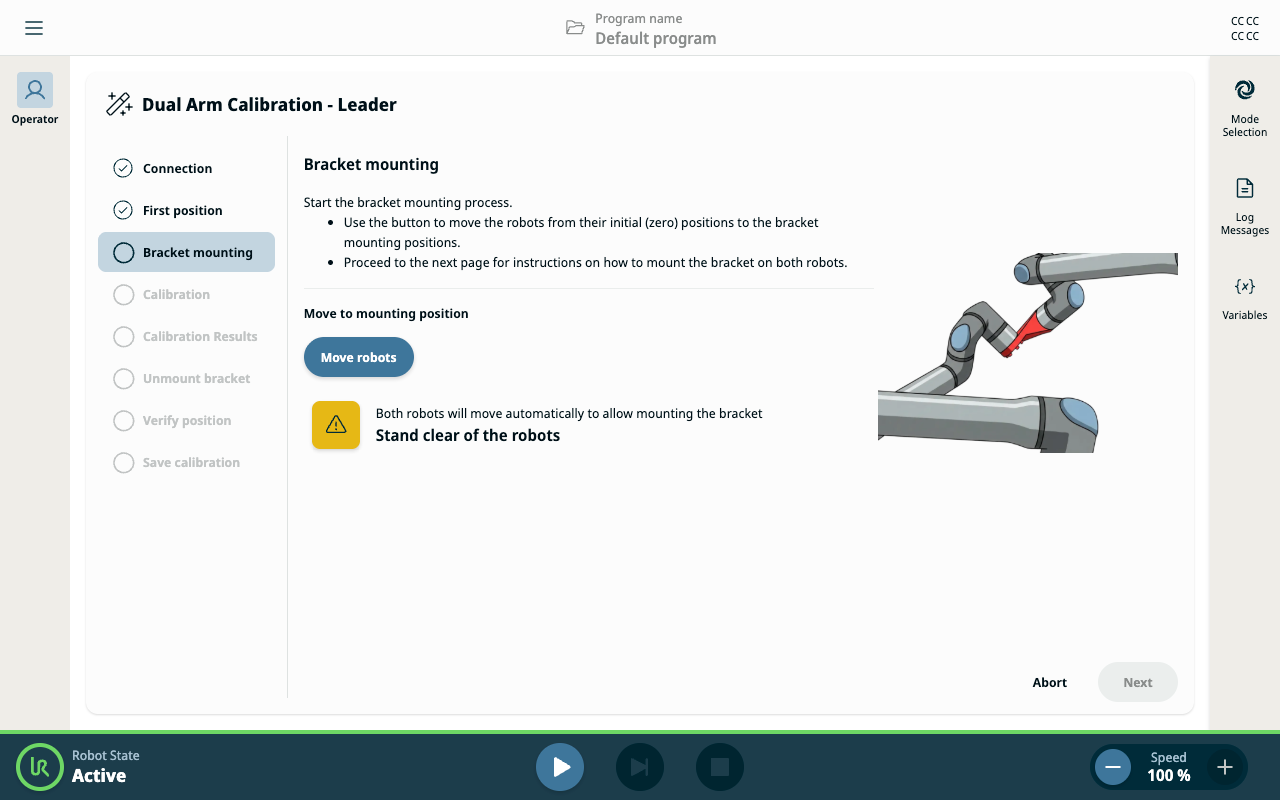
  3. The Bracket mounting panel is activated.


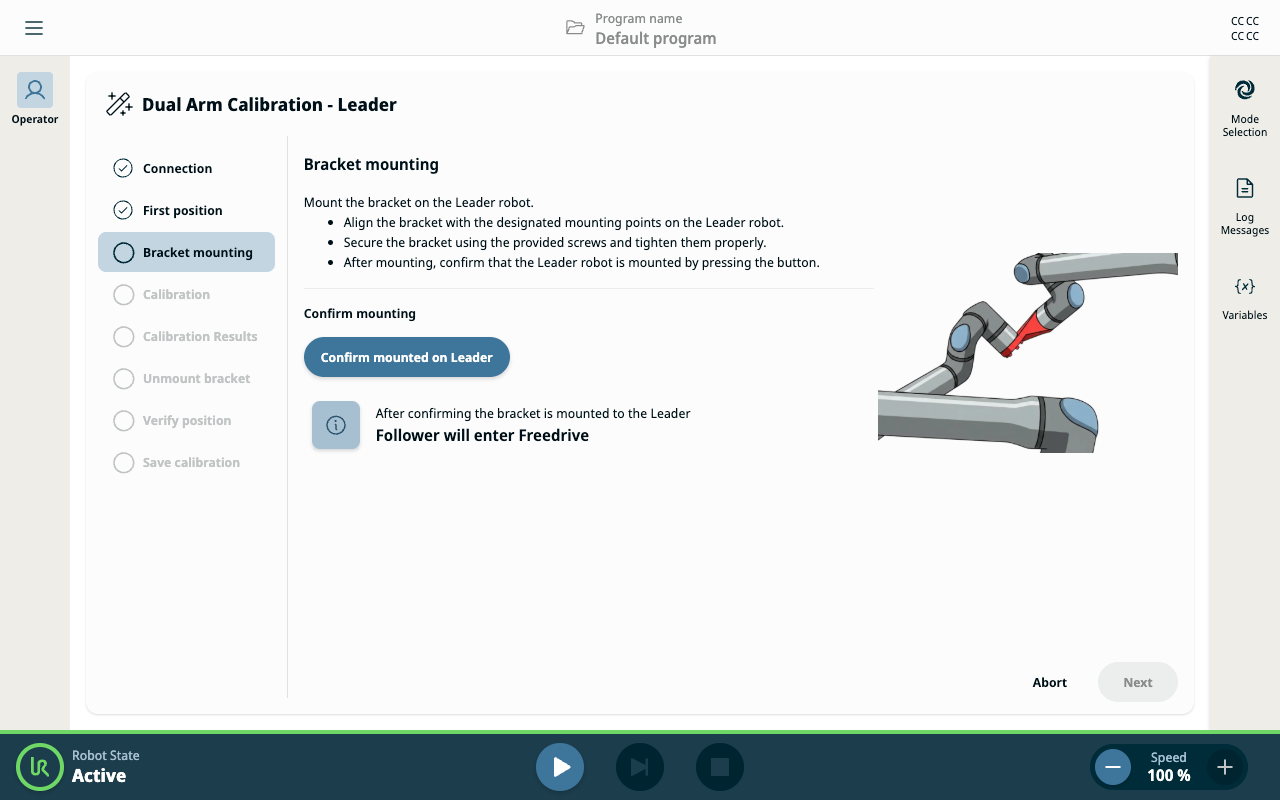
  1. Tap Confirm mounted on Leader to proceed.


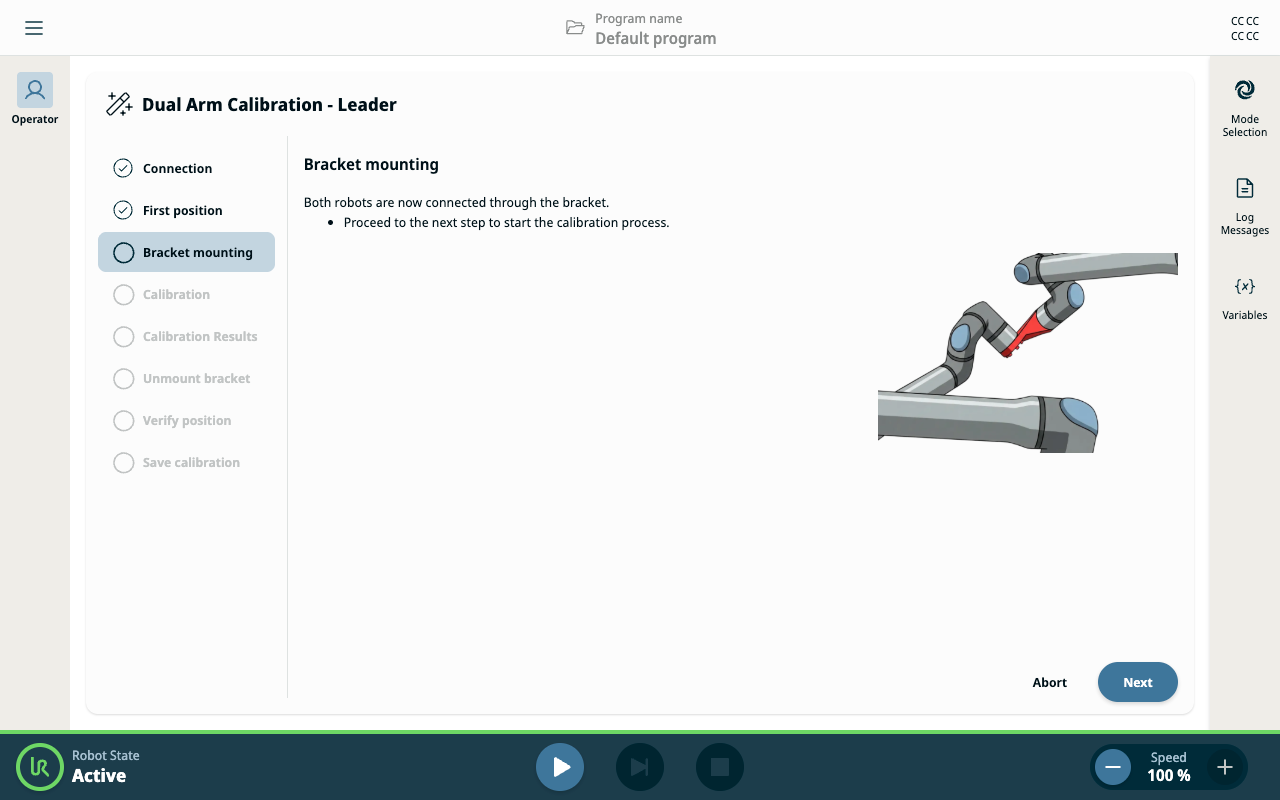
Mount the calibration bracket

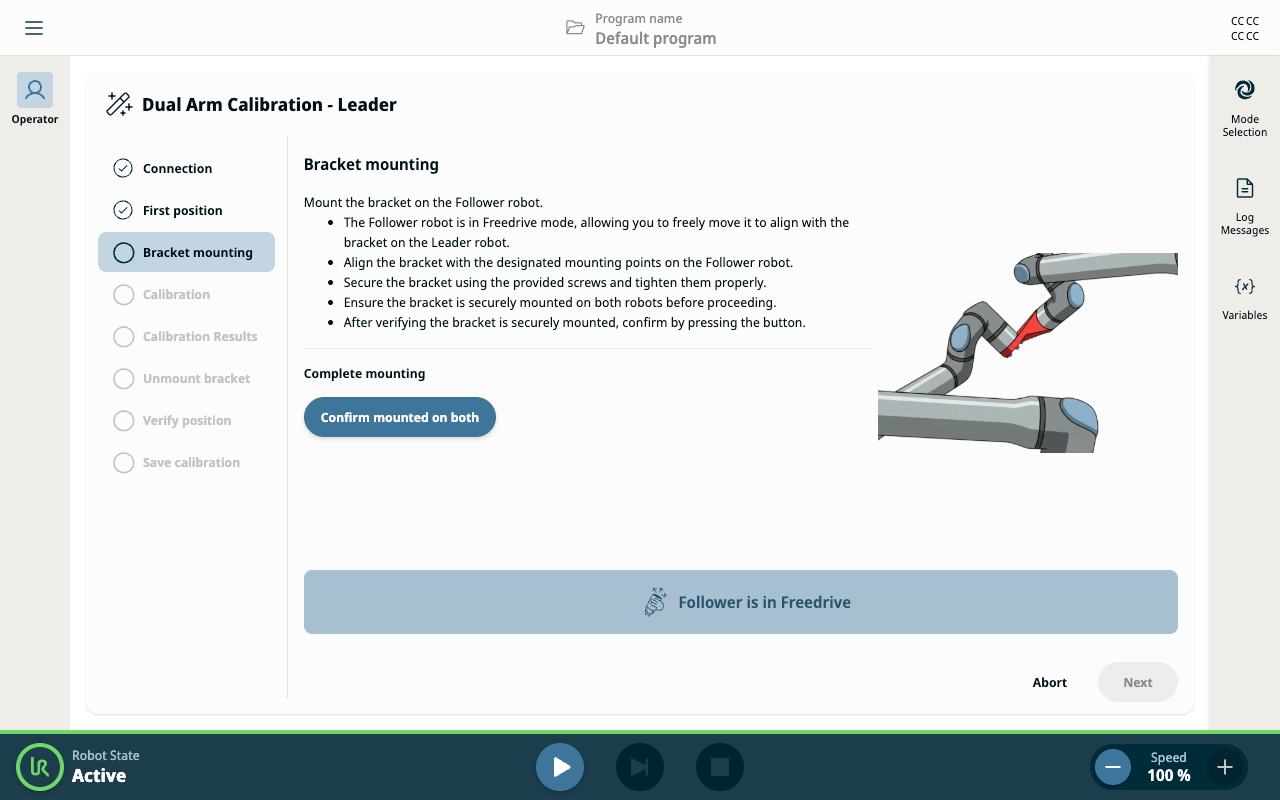
  1. Follow the on-screen instructions to physically connect the two robots using the calibration bracket:

    • Align the robots according to the guided steps.

    • Secure the bracket to both robot arms.

    • Confirm each mounting step as prompted.

  2. Tap Next to finish the bracket mounting steps.