Calibration

Description

The calibration process takes about 25 minutes.


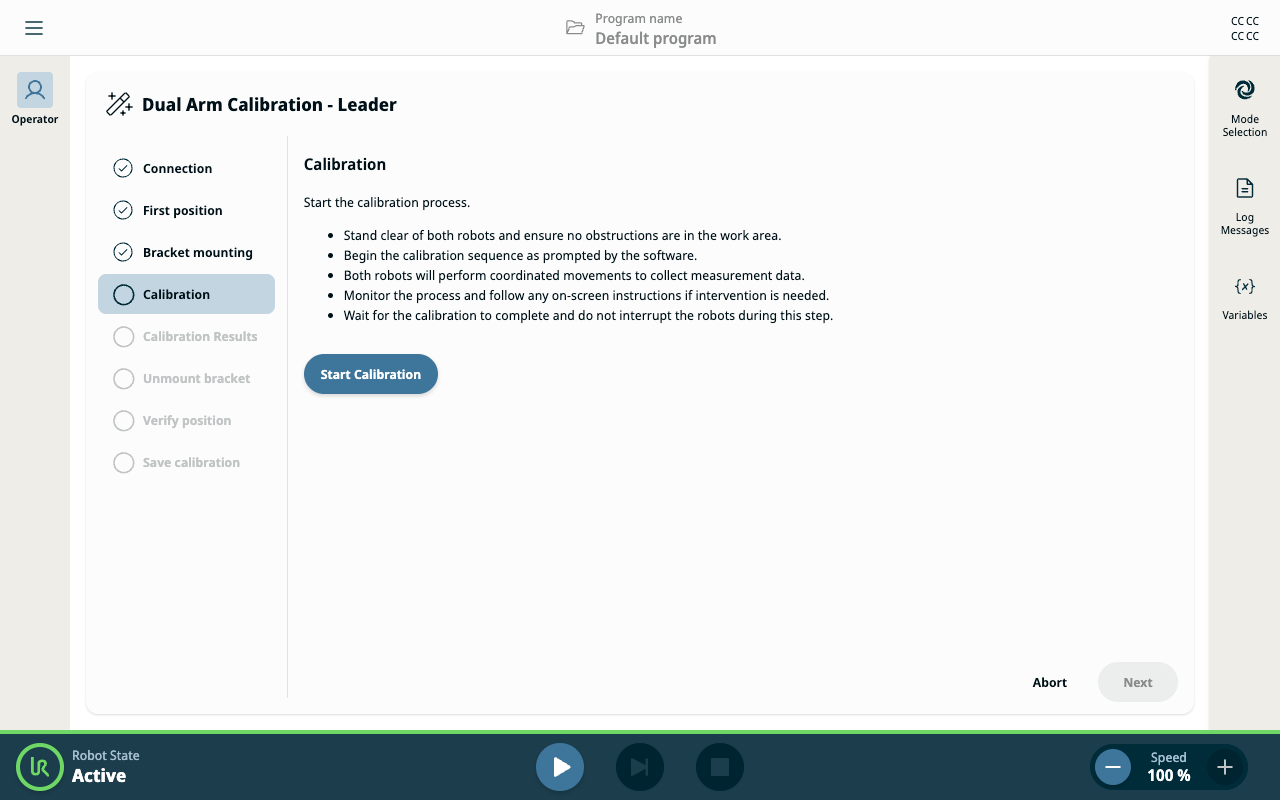
Start the calibration process
  1. Once Bracket mounting is complete, tap Start Calibration.

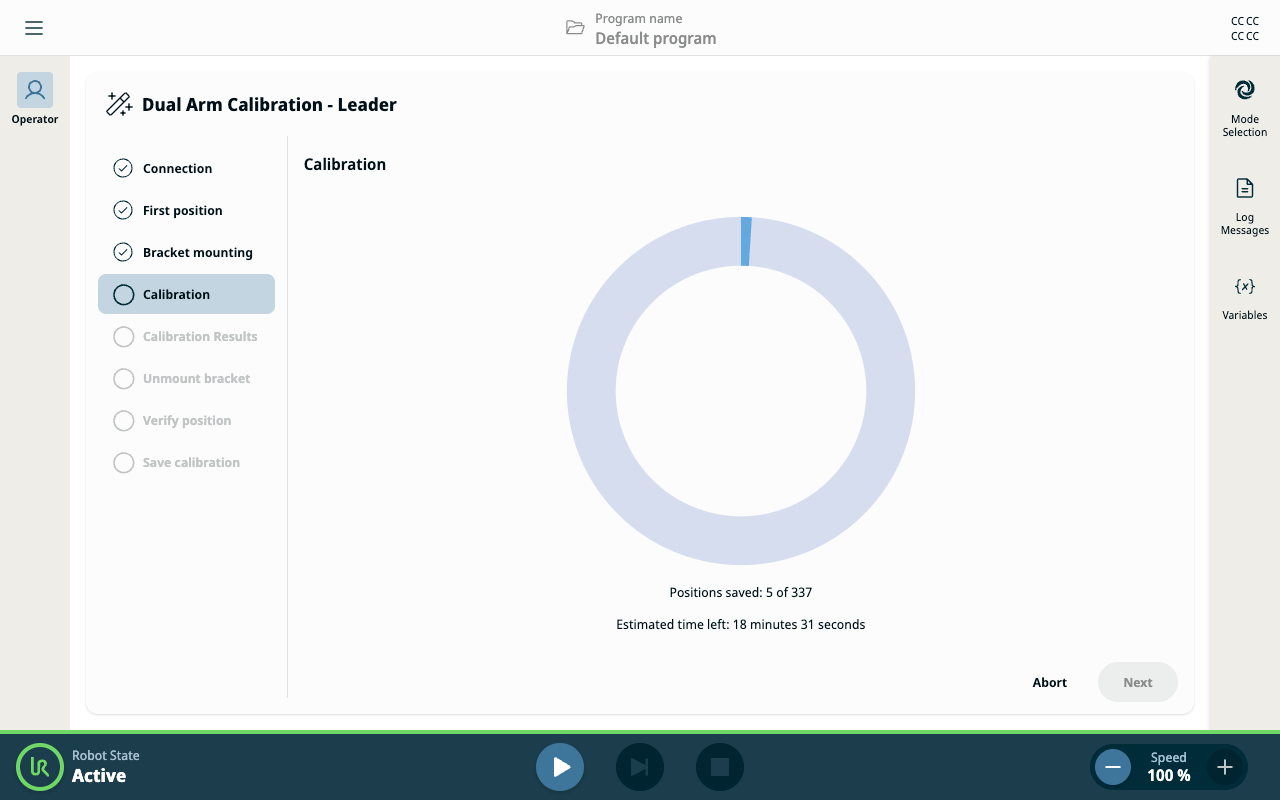
    The robots perform a series of automatic movements lasting approximately 25 minutes.

    A circular progress bar shows the progress, along with:

    • Number of positions saved

    • Estimated time left


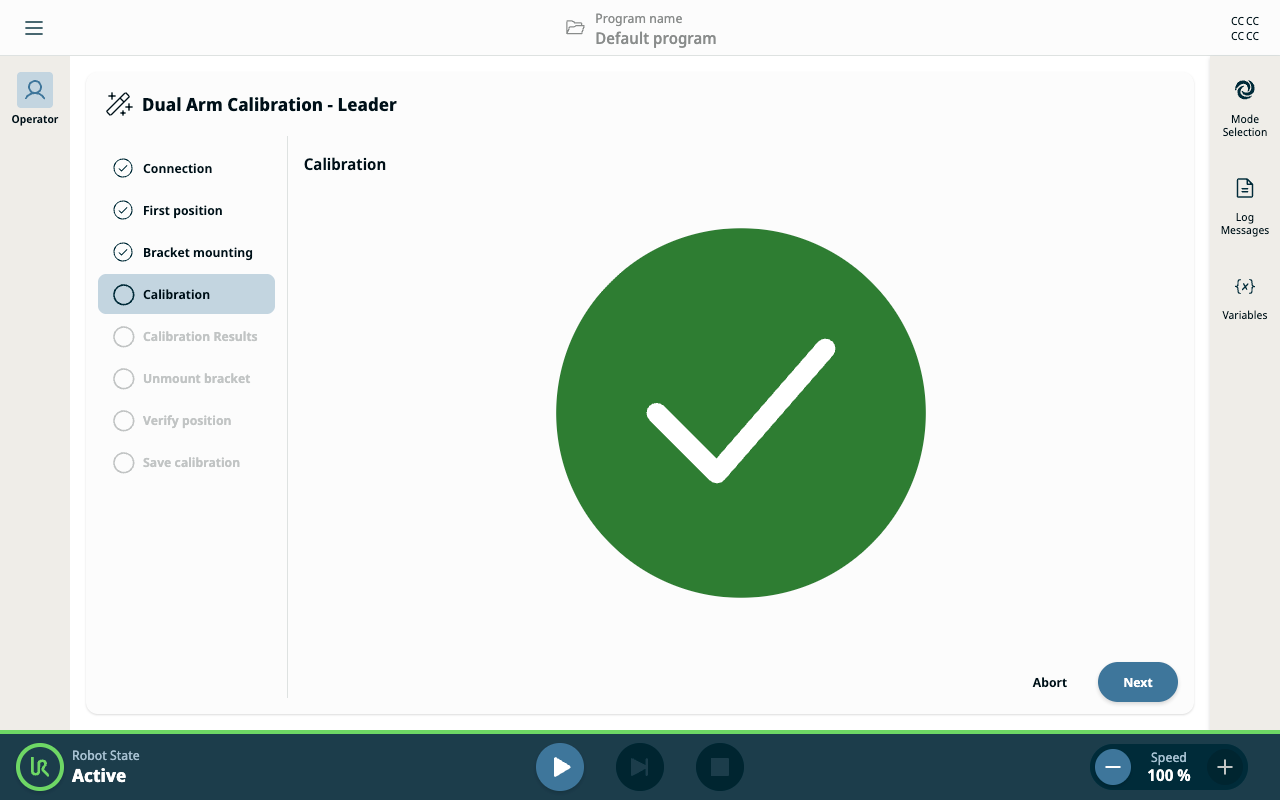
Calibration complete

  1. When calibration finishes, a large green check mark is displayed.

  2. Tap Next to continue.


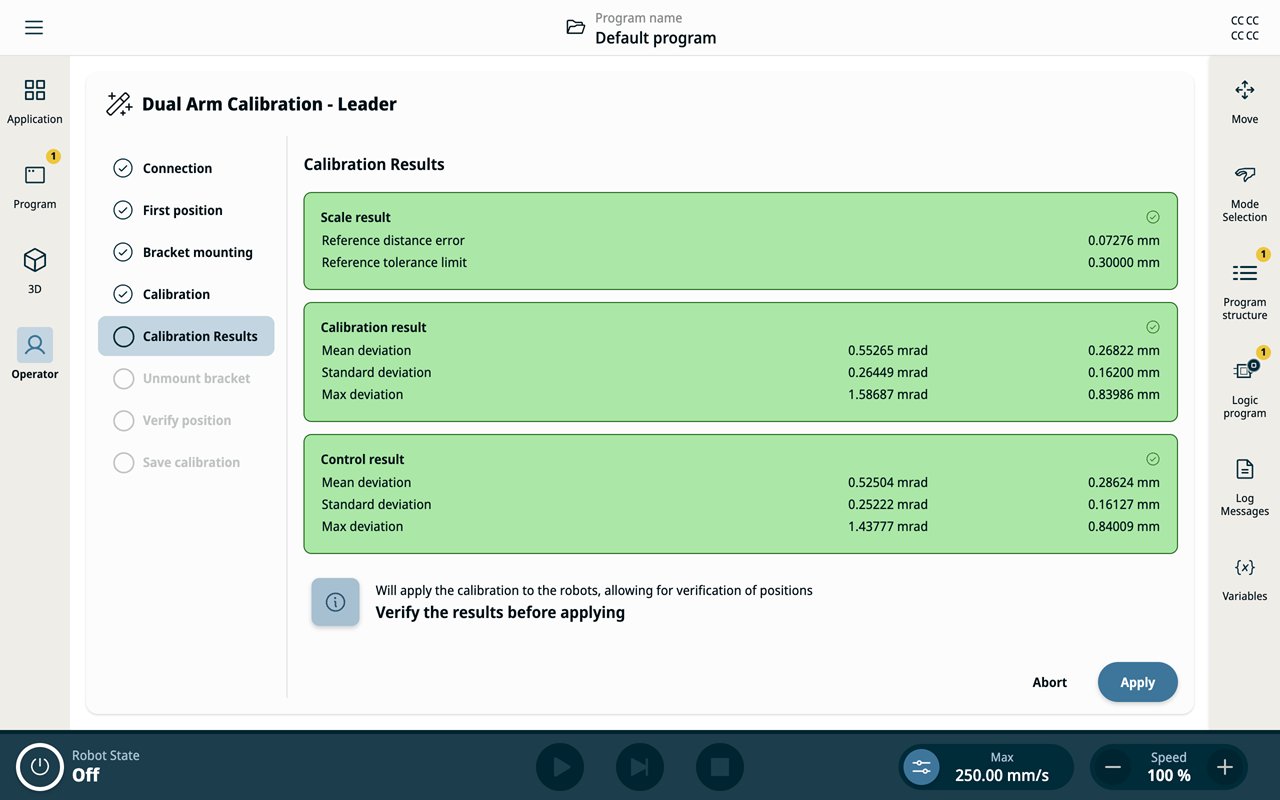
Review calibration results

  1. The Calibration Results panel shows all measured values. All values must be green to proceed.

  2. If any values are red, the Apply button is disabled, and you must tap Abort and retry or troubleshoot the issue.