Save and Finish

Description

This section concludes the calibration process.


Save the calibration

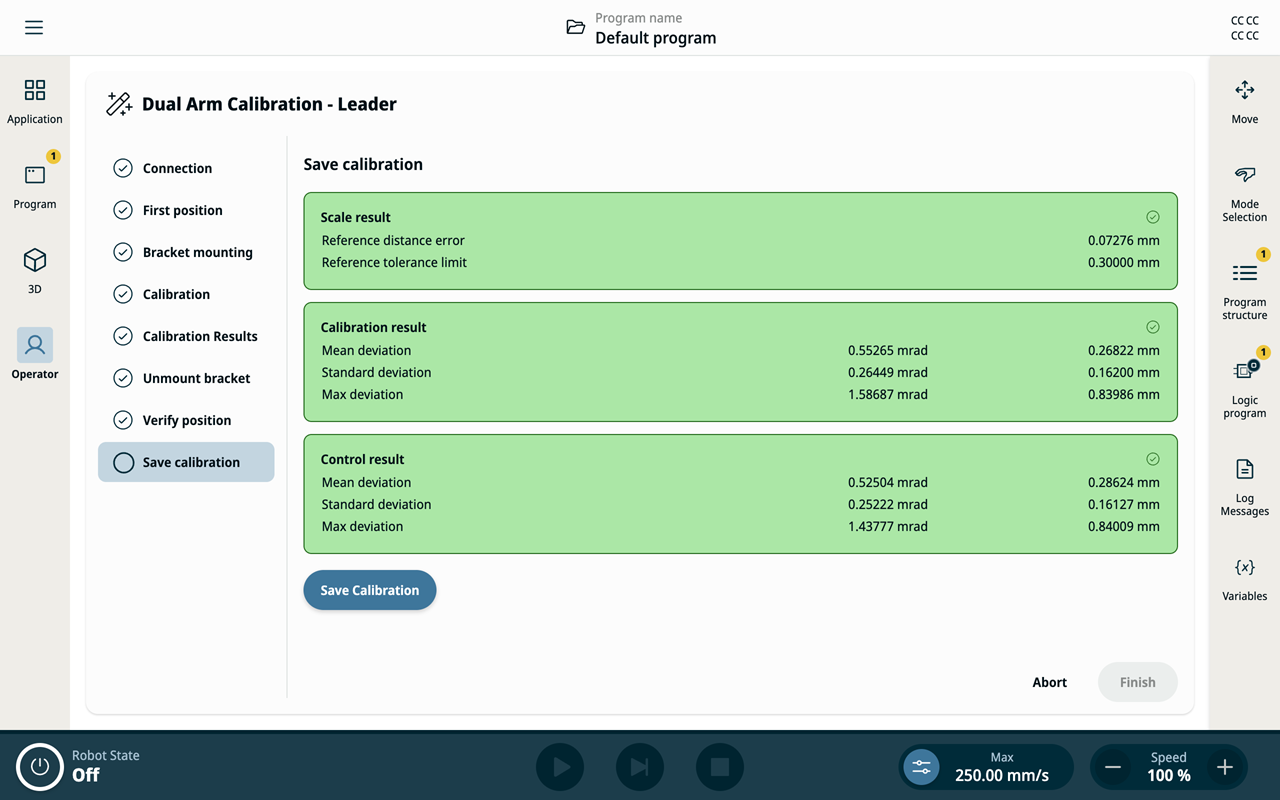
  1. The Save Calibration panel shows the final results one more time.

    All values must be green to proceed.
  2. Tap the Save Calibration button.

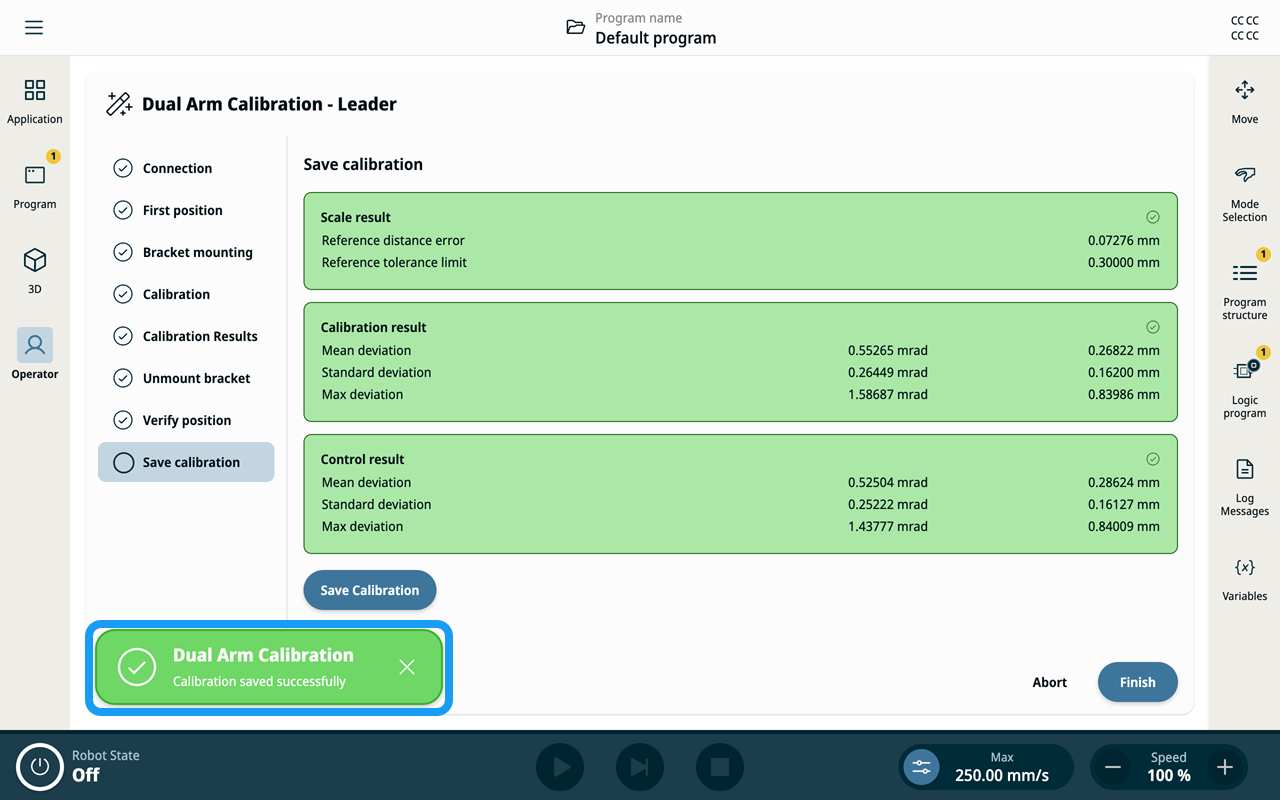
  3. A success snackbar appears, and the Finish button becomes enabled.


Finish the process

  1. Tap Finish.

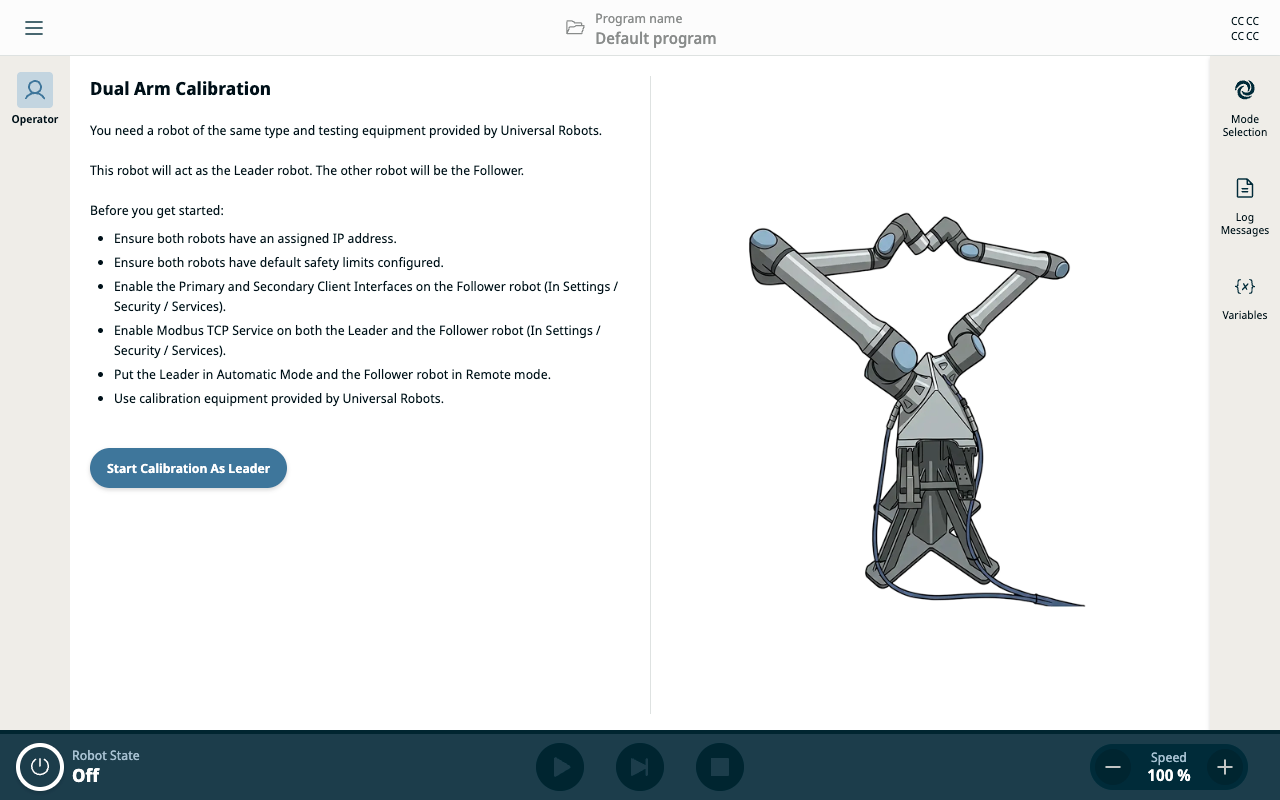
    The system returns to the start screen.

    Calibration is now complete.