关节验证
A replacement joint needs to be verified by the controller to be assigned the correct ID. The steps below appear automatically when the robot arm is powered on for the first time.
在更换之前,如果不对关节进行测试,可能会导致财产损失和/或设备损坏
-
在使用新关节之前,请务必进行关节更换测试。 有关更多信息,请参阅关节验证一节。
To verify joint replacement:
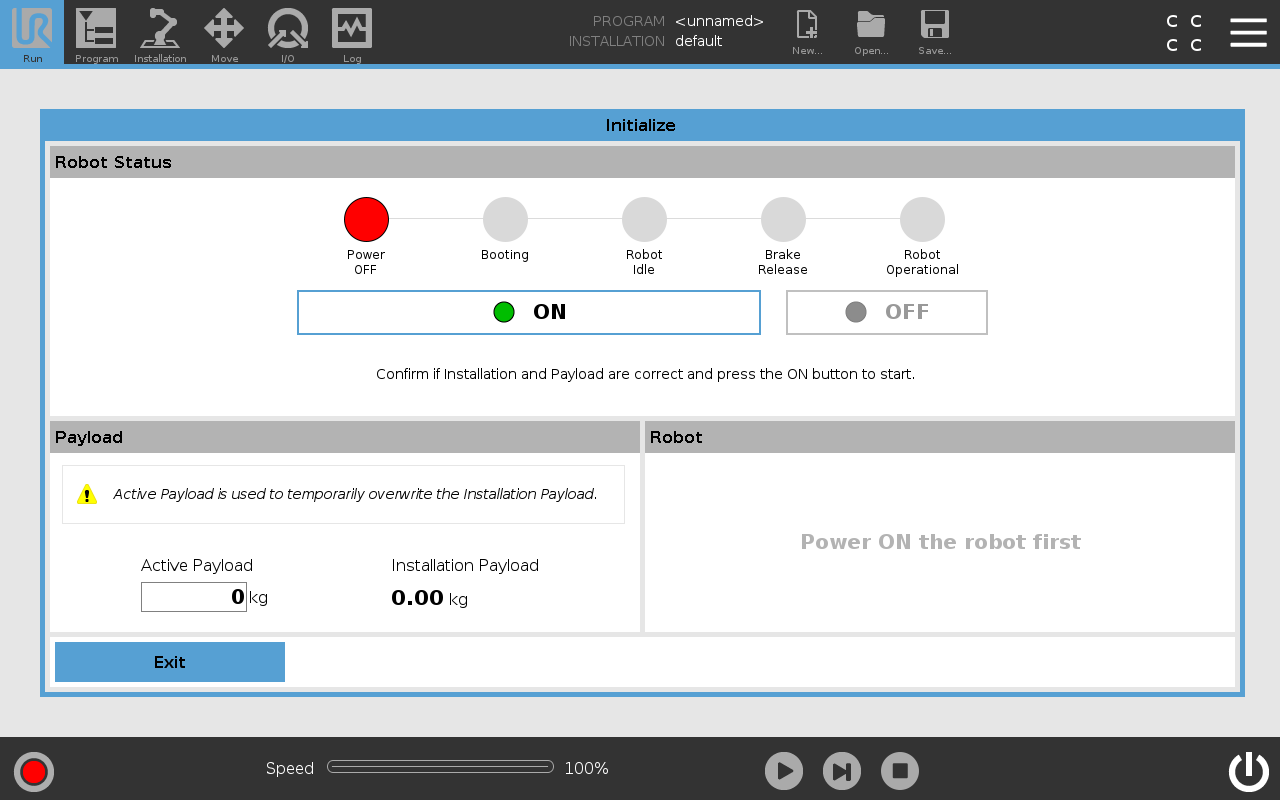
- Go to Initialize screen and tap ON.
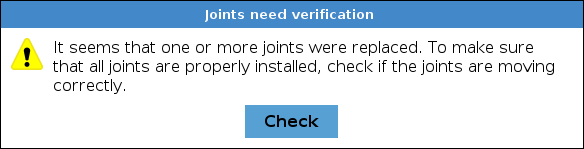
- A popup displays the need for joint verification. Confirm the popup message by tapping Check
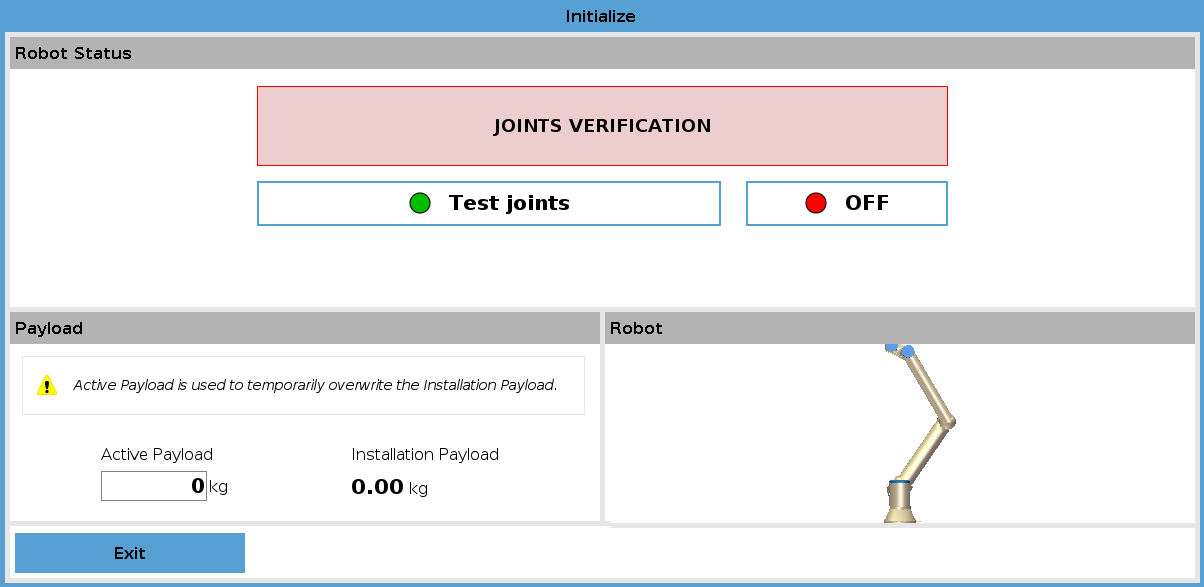
- Tap Test Joints to start joint verification.
-
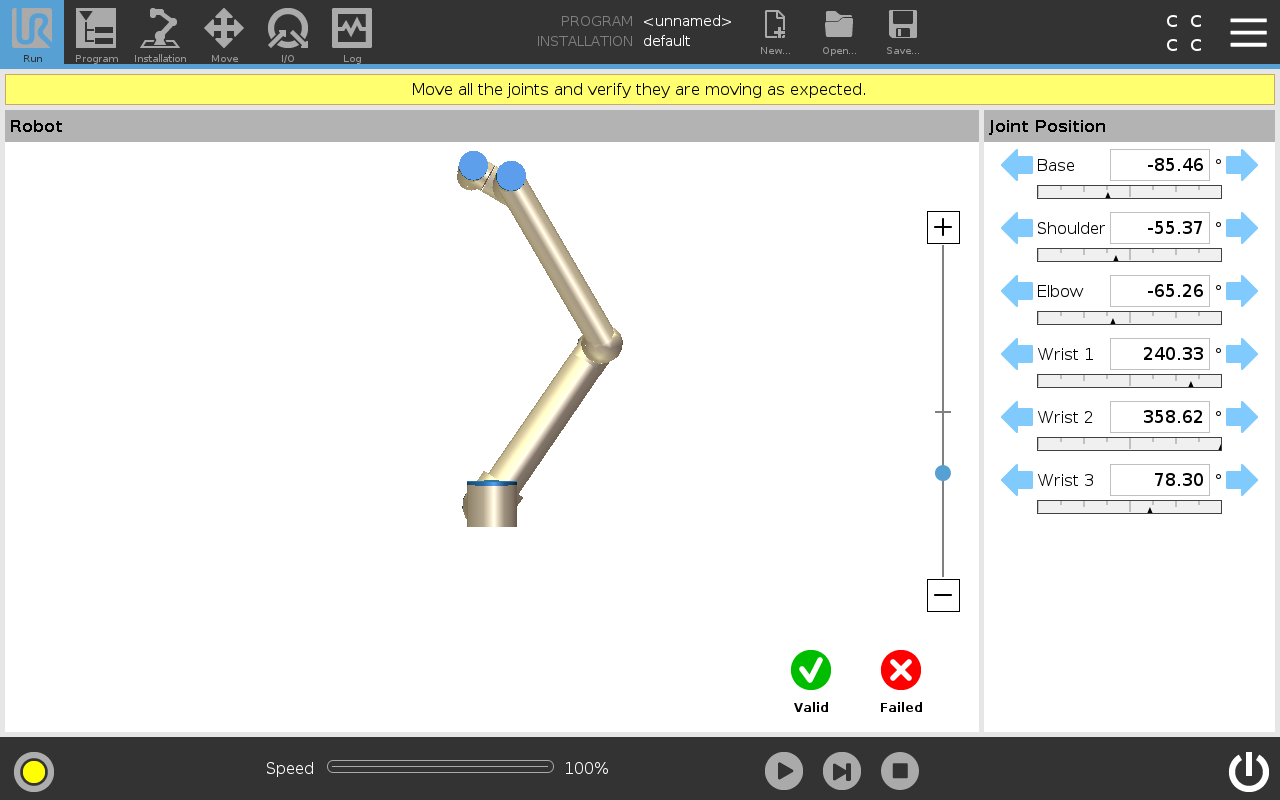
Move all joints with the arrows respective to each joint.
-
If joints move as expected, tap Valid and a popup appears. Follow the popup instructions.
-
If joints do not move as expected (i.e., wrong joint moves or incorrect direction), tap Failed and a popup appears. Follow the popup instructions.
-