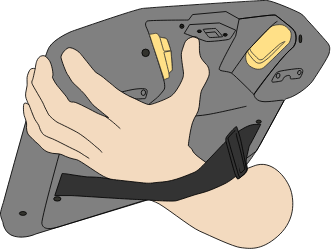
使用“将机器人移动就位”
“将机器人移动就位”可在完成程序后将机械臂移动到该起始位置。 机械臂必须处于起始位置才能运行程序。
有关更多信息,请参阅机器人《用户手册》中的“将机器人移动就位”一节。
使用 3PE 按钮将机械臂移动就位:
-
When your program is complete, press Play
-
选择从头运行。
在 PolyScope 上,将出现将机器人移动就位屏幕,显示机械臂的移动。
-
Light-press and hold the 3PE button.
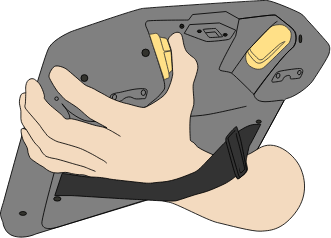
-
Now, on PolyScope, press and hold Automove, for the robot arm to move to the start position.
将出现“运行程序”屏幕。
-
保持轻按 3PE 按钮可运行程序。
-
松开 3PE 按钮可停止程序。