円弧移動
| 説明 |
The Circular Arc Move enables you to program the robot to move in a circular motion while keeping the tool orientation either fixed or unconstrained.
|
|
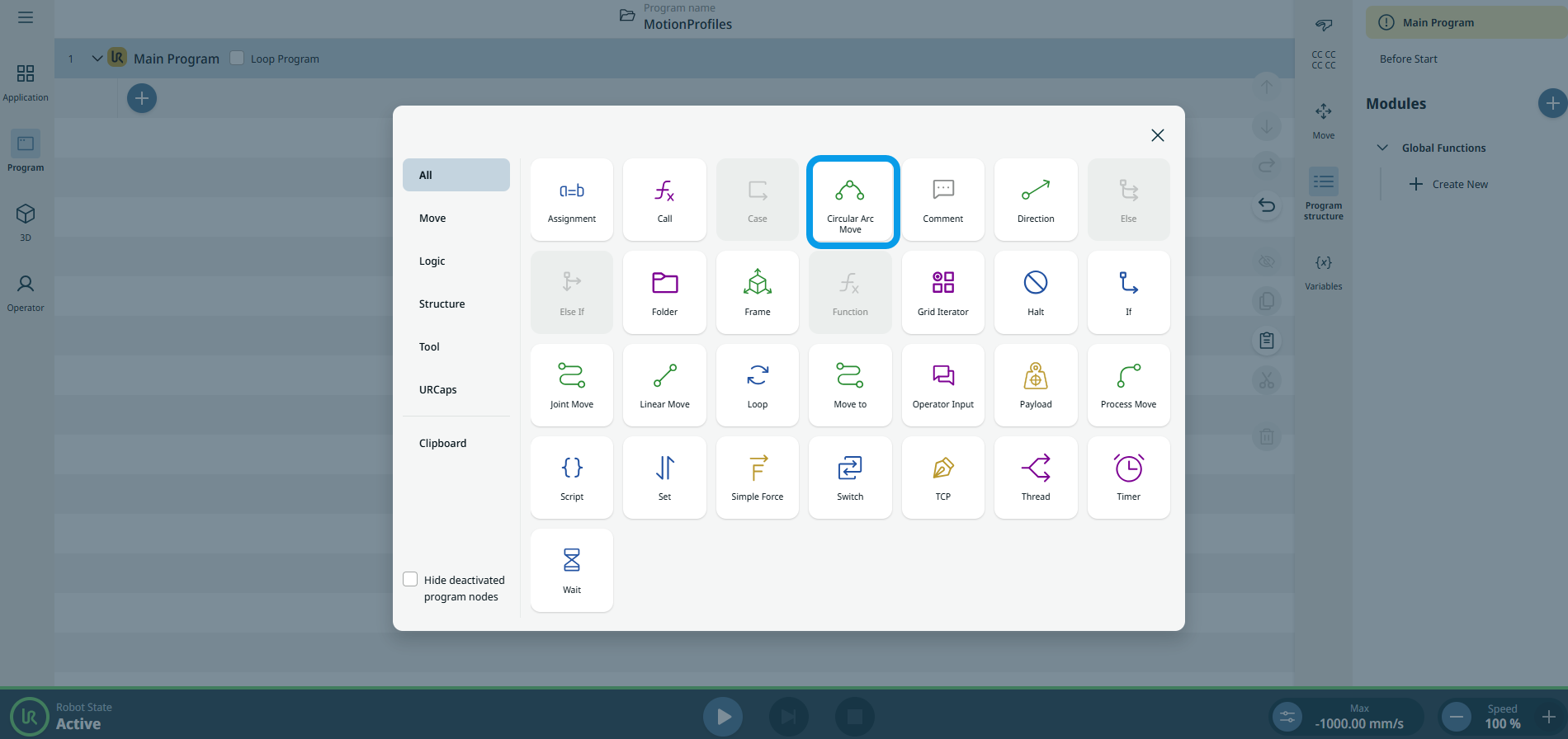
To access Circular Arc Move command |
|
|
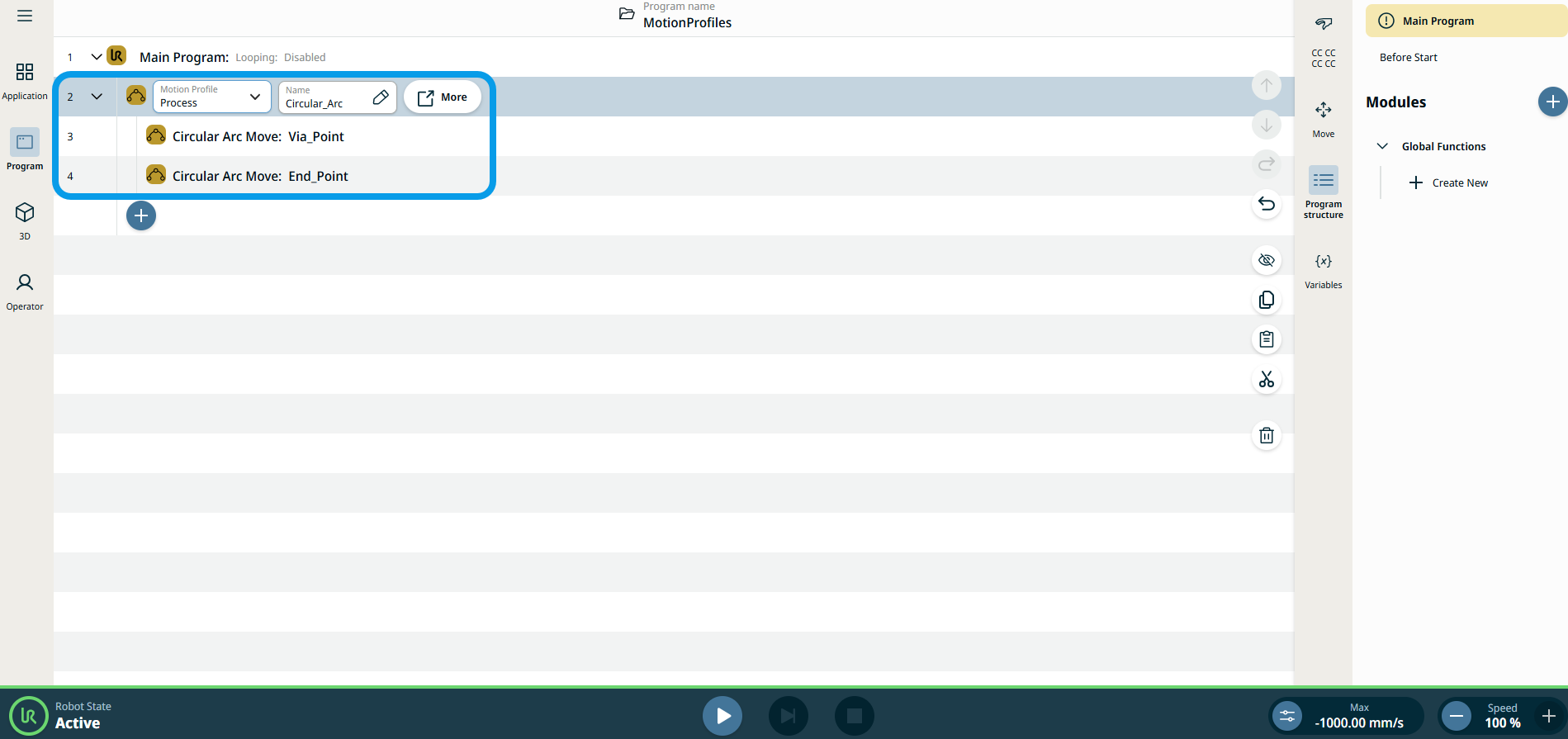
The three editable fields are:
|
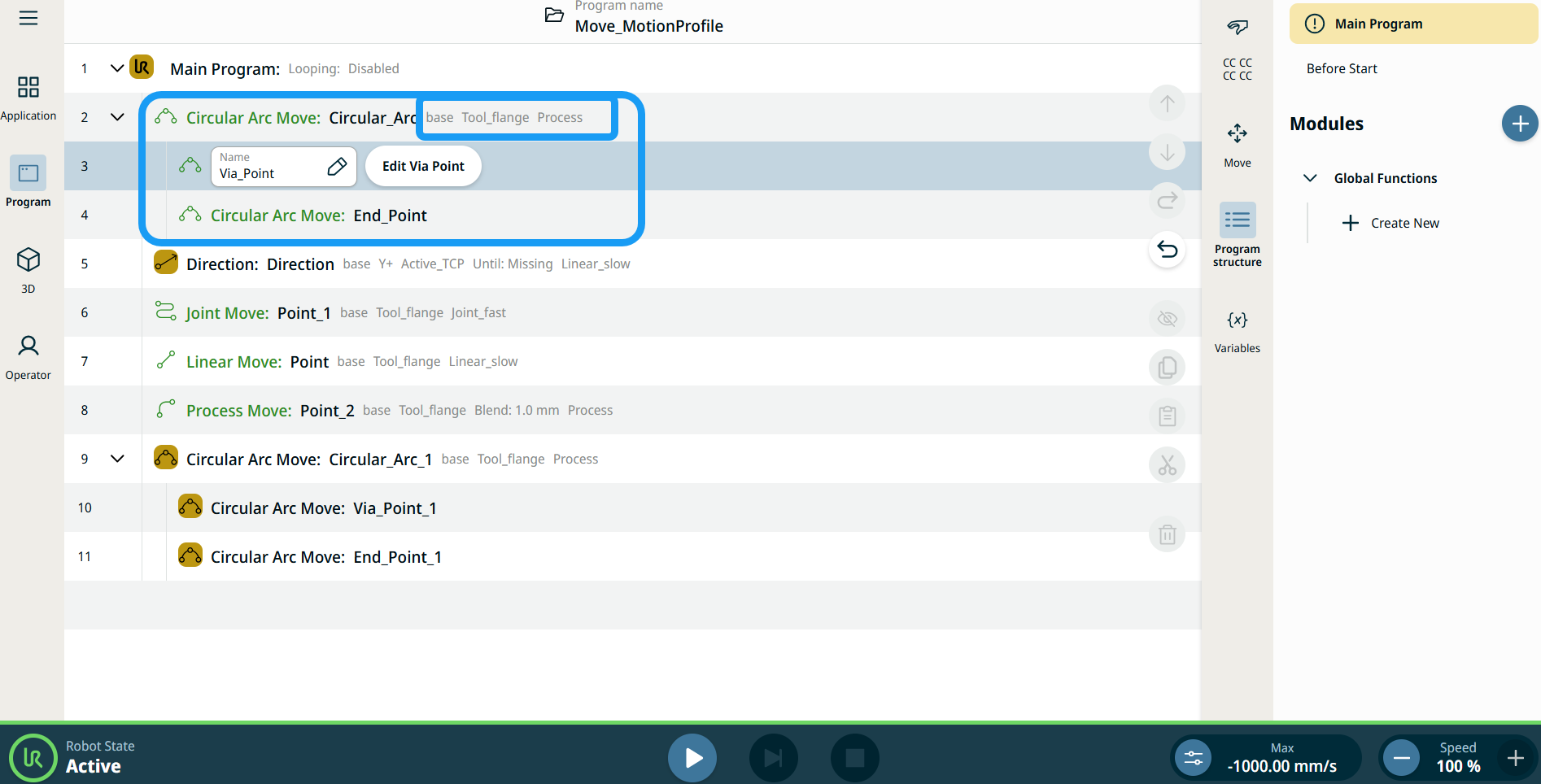
| 移動ノードのモーションプロファイルラベル |
プログラムツリー内のすべての移動関連コマンドノードには、各ノードに関連付けられた移動プロファイルが表示されます。 この機能により、移動ノードで選択されている移動プロファイルを確認できます。 この機能は以下のコマンドノードに実装されています: カスタムモーションプロファイルを使用する移動ノードでは、モーションプロファイルの代わりに速度と加速度の値が表示されます。 |
|
|
|
| To access More settings |
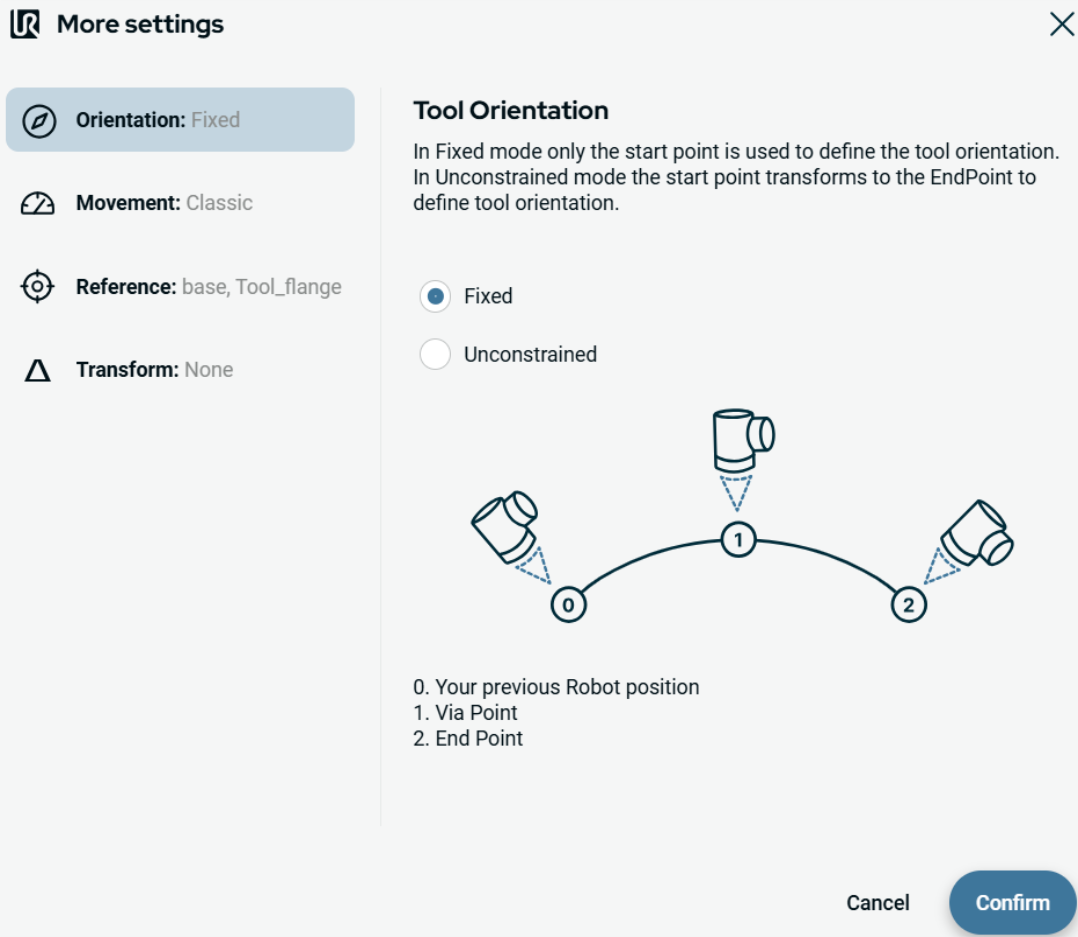
Tap the More button, and the More settings screen appears. On the left side, you see four advanced options:
|
|
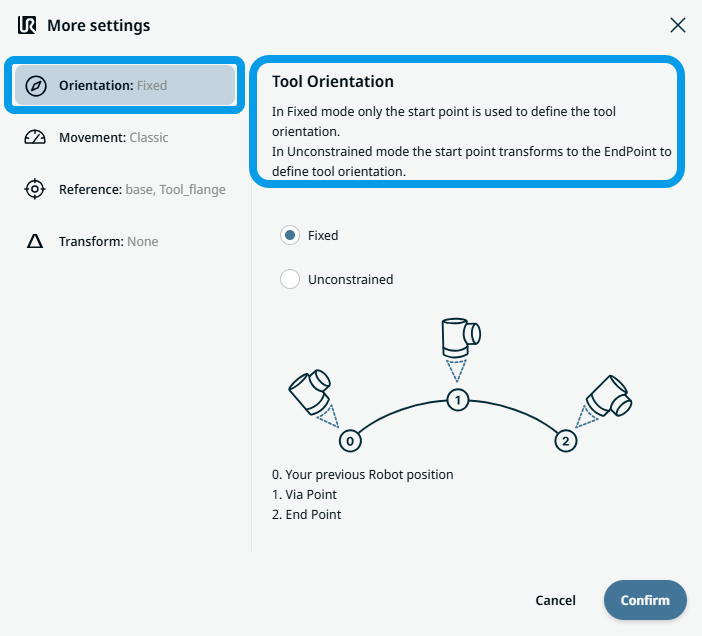
To use Orientation |
|
|
To use Movement |
|
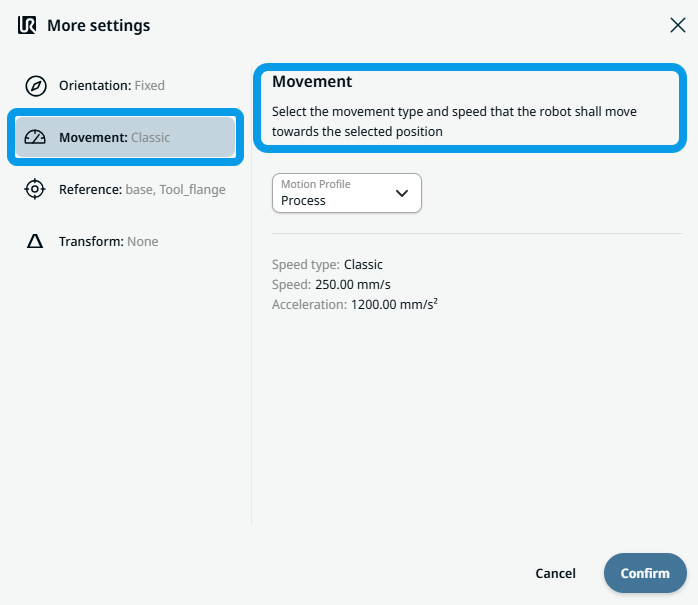 Two fields appear:
|
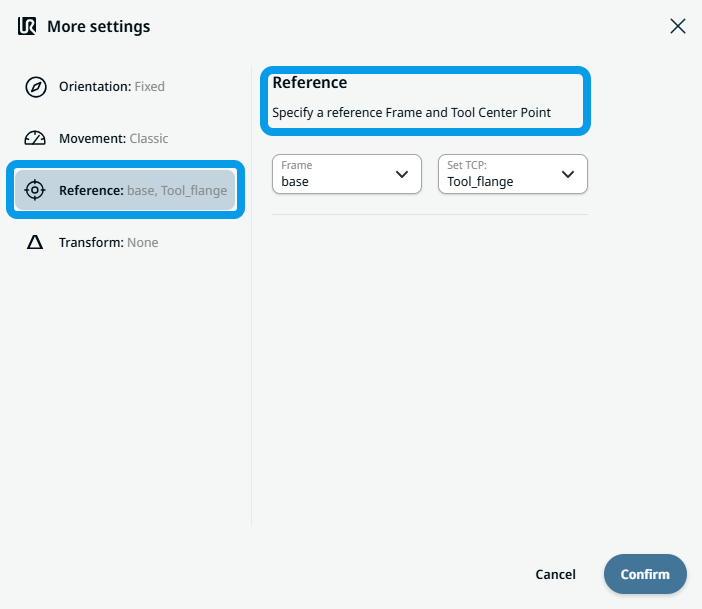
To use Reference |
|
|
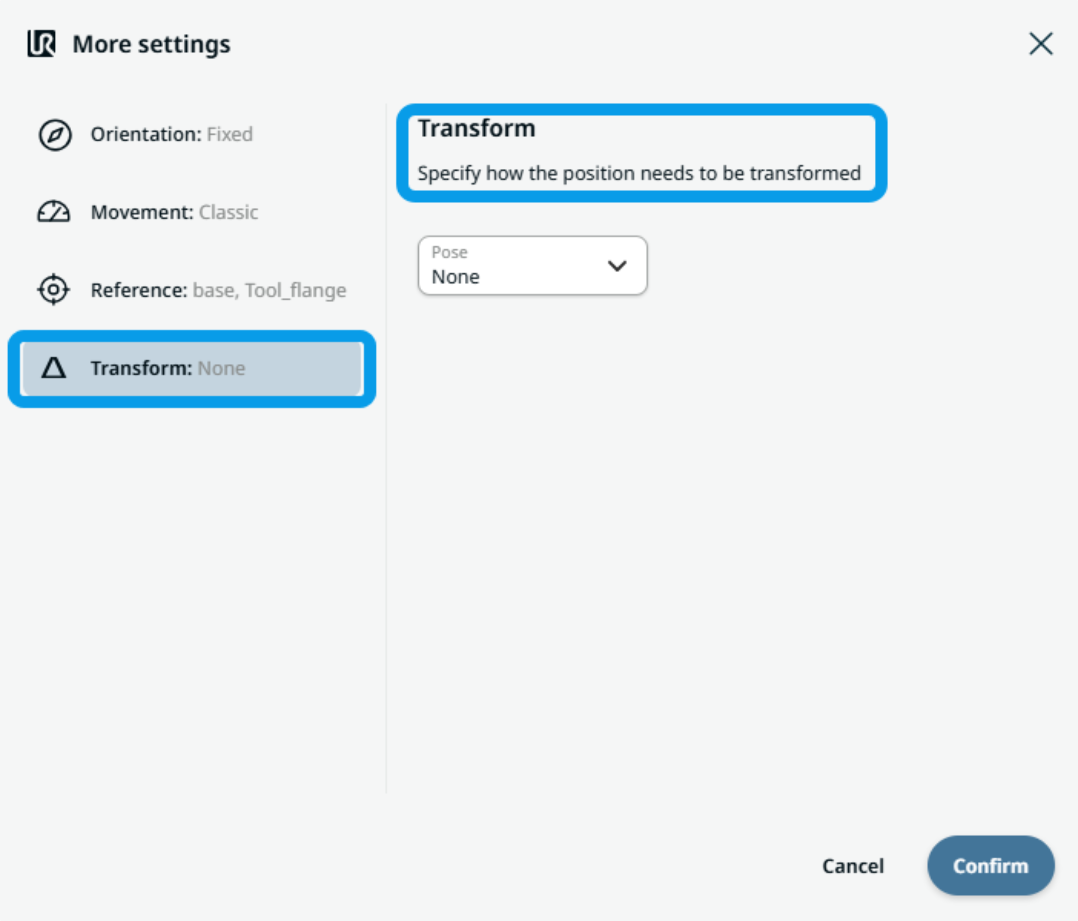
To use Transform |
|
|
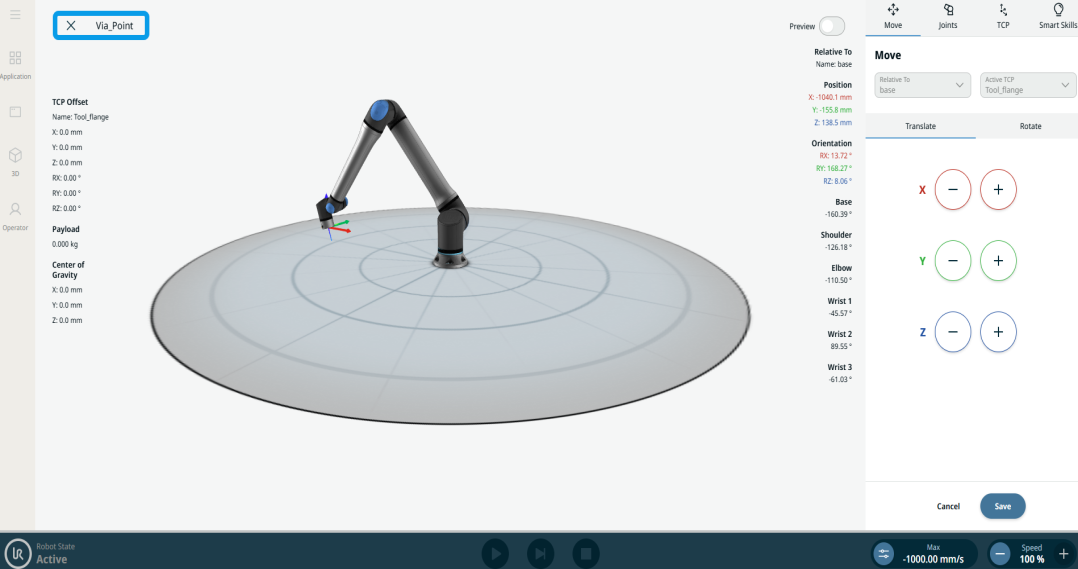
To use Circular Arc Move: Via_point |
|
|
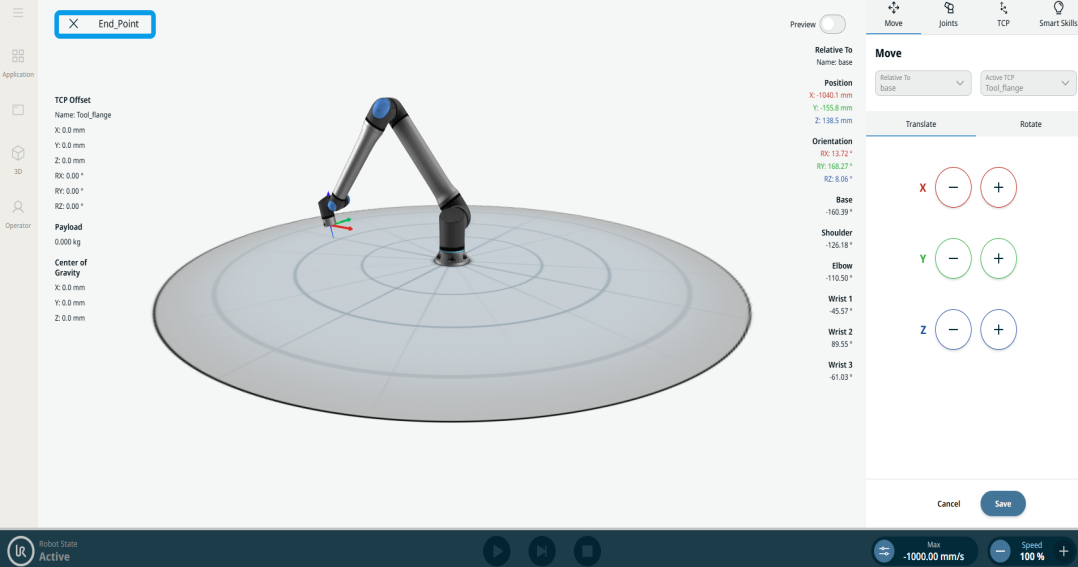
To use Circular Arc Move: End_Point |
|