Method 2: Master/Slave connection
| Description |
Use this method only for robots connected directly with single network cable. The network communication between the Master robot and the Slave robot can break down, causing the calibration to stop.
The Master / Slave network connection uses self-assigned IP addresses, which can interfere with local area network devices. |
| Connecting the Master / Slave network (Method 2) |
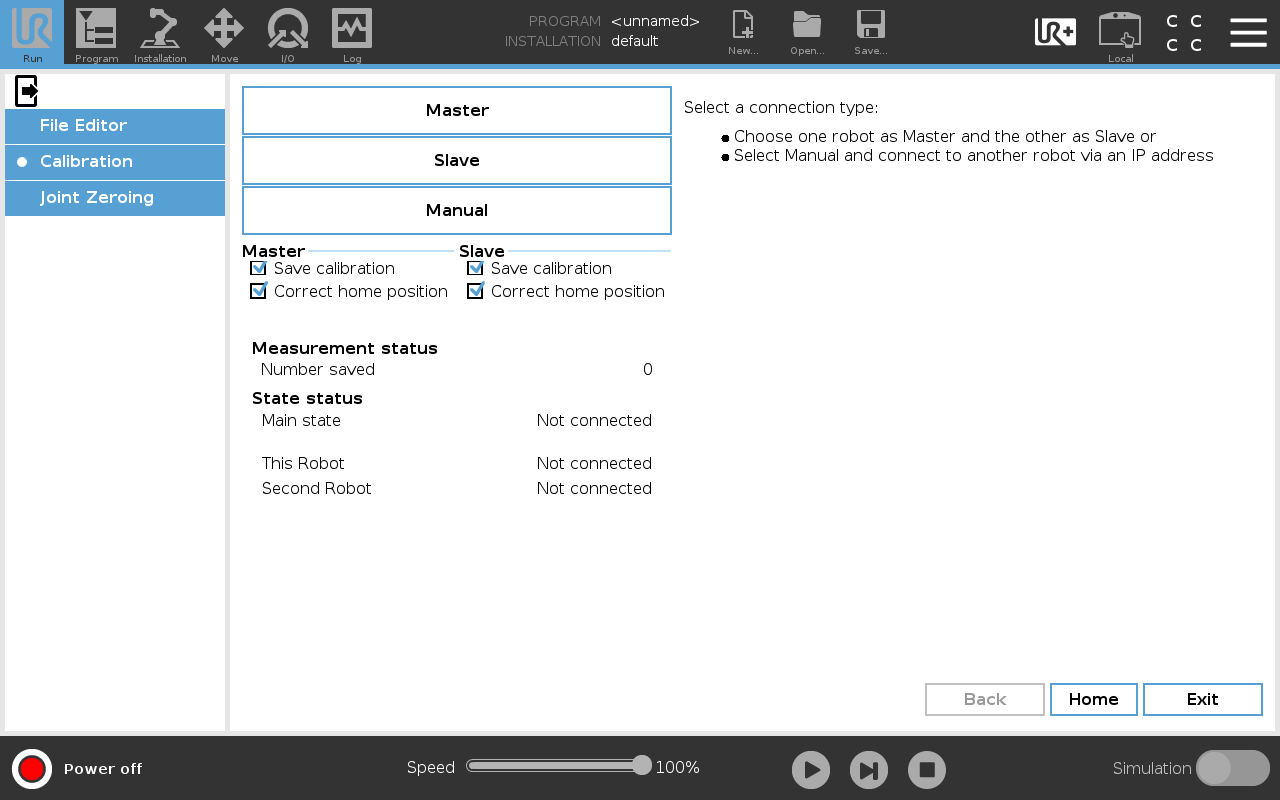
Define the network connection types as listed in the following table:
|
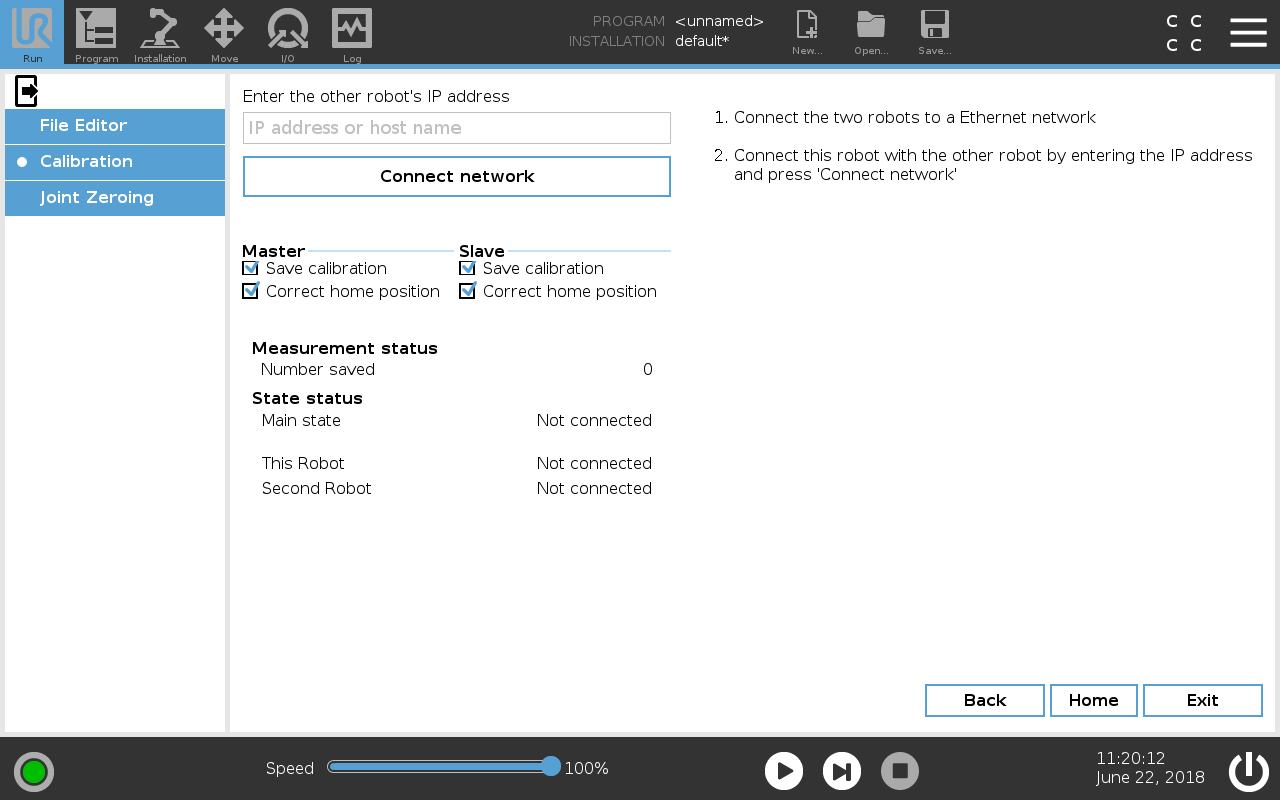
| To connect the Master / Slave network |
Please verify that all installed services are enabled, such as Modbus. If they are disabled the connection will fail.
|
|
|
|