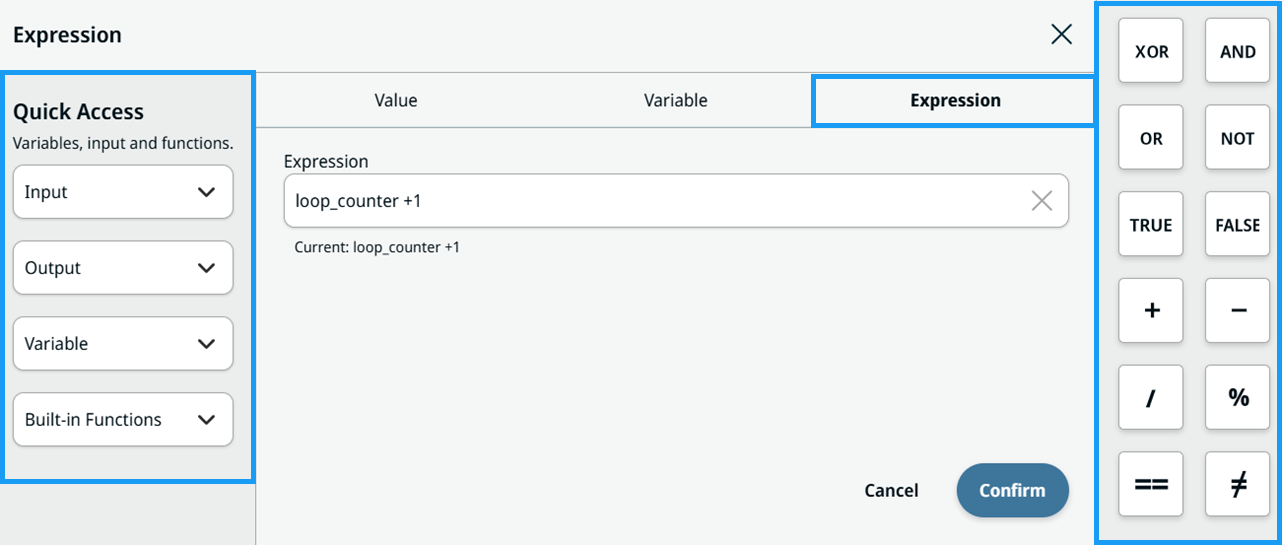
Expression Editor
| Description |
The Expression tab lets you insert an expression that is valid URScript and evaluates to the correct type. An expression in an If node evaluates to a Boolean. A String type requires enclosing quotes. The Expression tab also lets you insert a variable into the expression.
|
|
Example use of Expression tab |
Create a program loop counter.
|

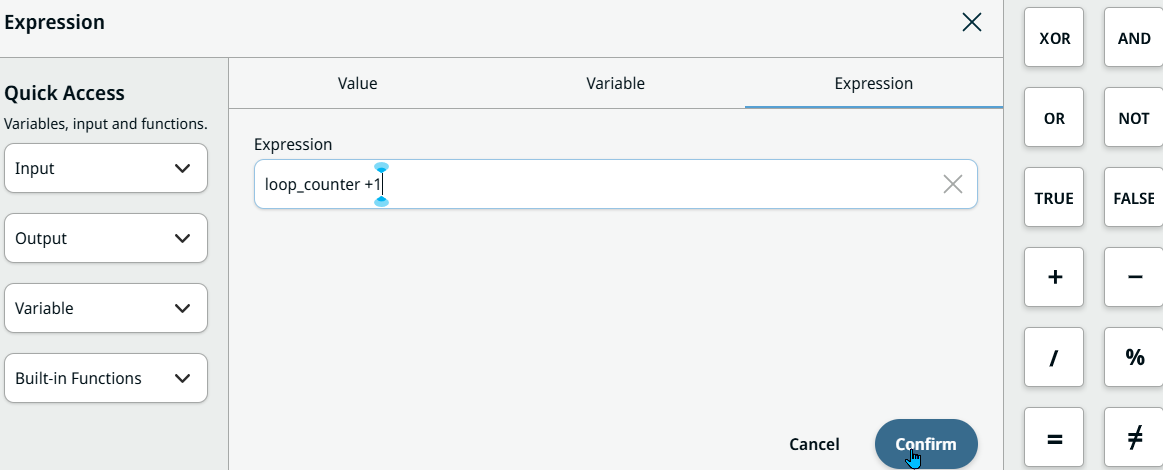
| Expression Editor |
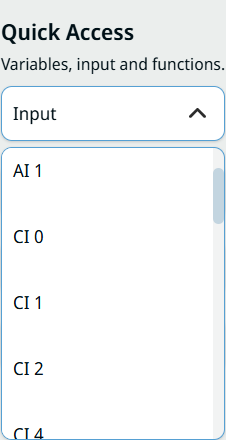
In the Expression Editor, you can use shortcuts to insert functions, I/Os, and logic operators into expressions. The left column shows the Quick Access section, where you can insert an Input, Output, Variable, or Built-in Function at the current cursor position. From PolyScope X 10.14, input and output signals are discovered dynamically from all registered sources and grouped by source in the selectors. For signal discovery and grouping, see Expression Editor Signals. The right column contains buttons to insert common logic operators and values, such as AND, OR, NOT, TRUE, and FALSE. This functionality is available in every tabbed dialog, and in some node fields that previously only accepted a string, such as the If node.
The values in the Quick Access drop-down menu are sorted in both alphabetical and numerical order.
|