Validation Indicators
| Description |
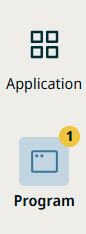
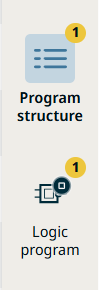
Starting in SW 10.14.0 for PolyScope X, validation errors are shown with notification count badges and left-border highlights instead of yellow icon buttons. Validation indicators tell you when program or settings input fails validation—for example, when a command node is incomplete, a reference is missing, or an expression is invalid. Previously, yellow icon buttons marked validation errors in the Sidebar, Main navigation, program tree, and settings dialogs. The updated design is cleaner and less intrusive while still showing where errors exist. Validation indicators are not the same as safety faults, E-stop states, or controller error dialogs.
|
|
How it works |
|

|
To find and fix validation errors |
For an overview of the program screen and program tree, see Program Menu.
|