Recovery of Data
| Description |
This section helps users recover robot image data when a Windows-run computer cannot read the USB flash drive.
|
|
Linux file system |
This is an optional process. Users who encounter a notification from the computer stating that the USB drive is not readable should implement this procedure.
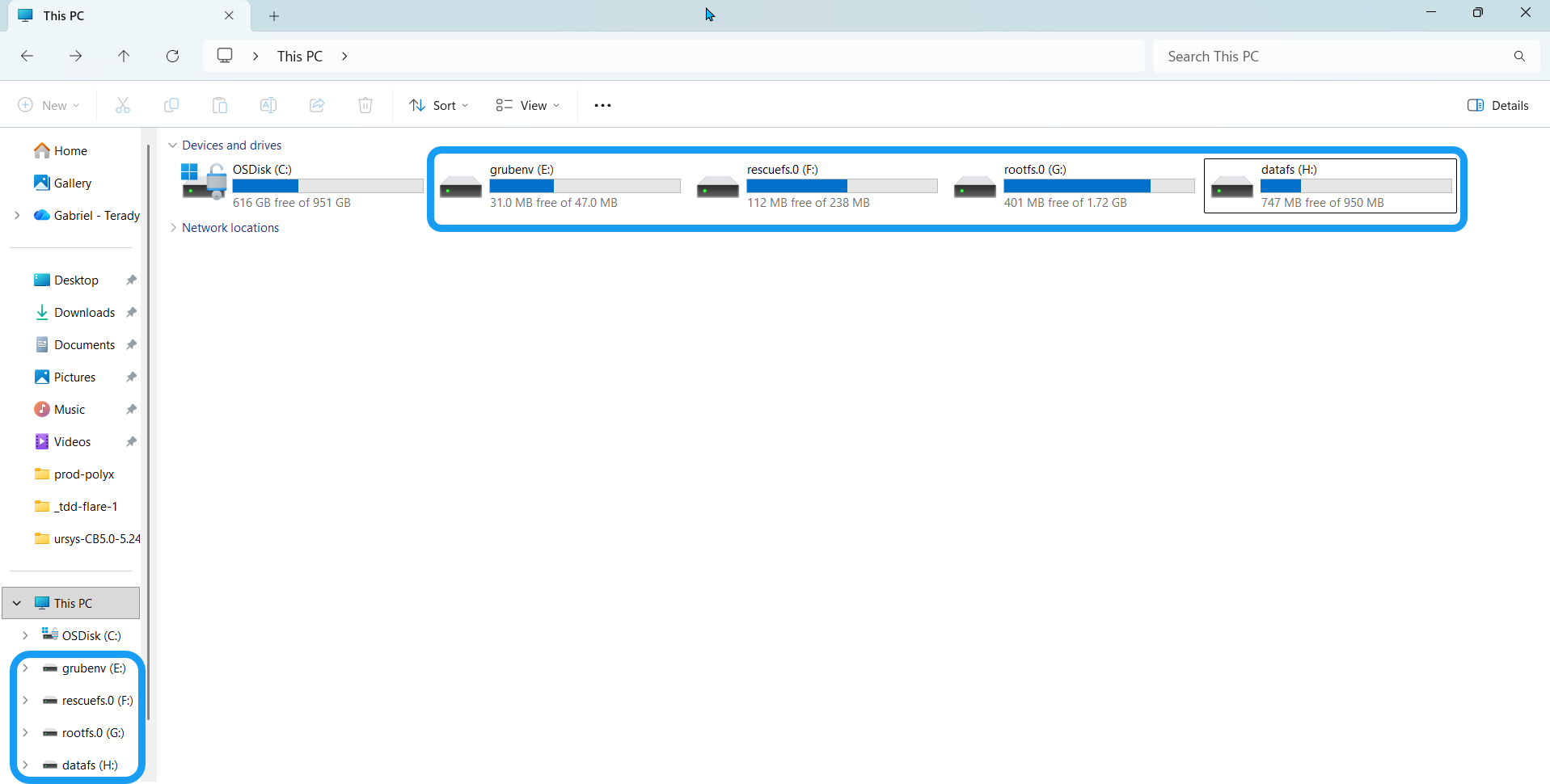
If you insert an SD card or USB flash drive into a Windows PC, it will tell you that the drive is not readable and will offer to format it. Do not format the drive. Formatting it will destroy all robot data inside the flash drive. Windows machines can't read SD card from robot because it is partitioned as ext3 and ext4. There are some additional software components that a user needs to install to access these partitions. Choose any software for managing Linux file system, in case you choose to use Linux command line to reboot.
Install any software for accessing Linux file system on Windows. Linux File Systems for Windows by Paragon is a third-party software and not associated with Universal Robots A/S. Universal Robot takes no responsibility for this software.
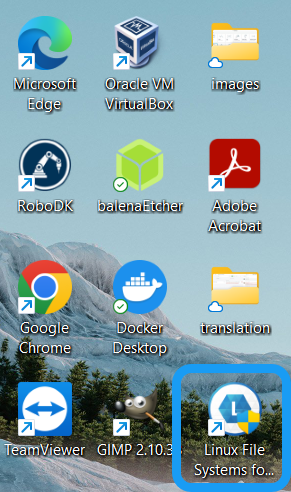
When you successfully install Linux File Systems for Windows by Paragon in your computer, its icon is visible in your desktop, along with the other programs installed in your computer. |
|
|
|