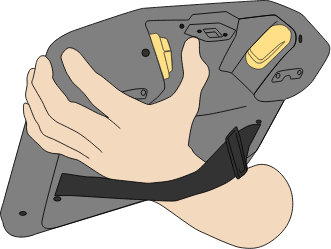
使用「將機器人移動到位」
在完成程式後,「將機器人移動到位」可以將機器手臂移動到該起始位置。 機器人手臂必須位於起始位置,才能運行程式。
如需更多資訊,請參閱機器人《使用手冊》中的「將機器人移動到位」一節。
使用 3PE 按鈕將機器人手臂移動到位:
-
When your program is complete, press Play
-
選擇從頭執行。
在 PolyScope 上,將出現將機器人移動到位的畫面,顯示機器手臂的移動。
-
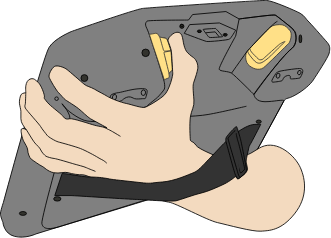
Light-press and hold the 3PE button.
-
Now, on PolyScope, press and hold Automove, for the robot arm to move to the start position.
將會出現「運行程式」畫面。
-
一直輕按 3PE 按鈕來運行程式。
-
鬆開 3PE 按鈕可停止程式。