線性移動
| 描述 |
The Linear Move command node supports Motions Profiles as Joint Move, but it creates a movement that is a direct line from point A and point B. It moves the Tool Center Point (TCP) linearly between waypoints. 这意味着每个关节都会执行更复杂的运动,以使工具保持在直线路径上。
|
|
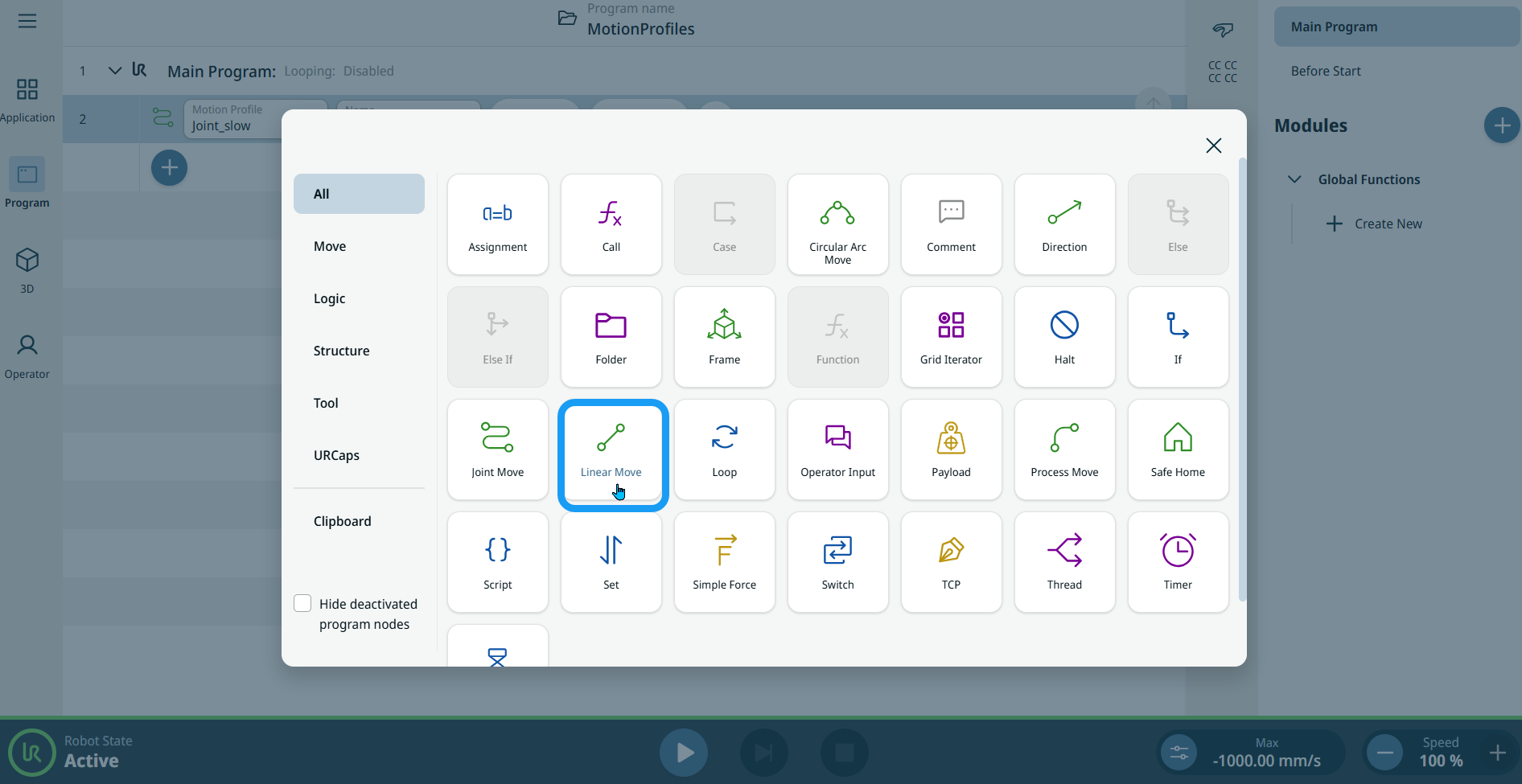
To access Linear Move command |
|
|
|
|
| 使用「移動到此」按鈕 |
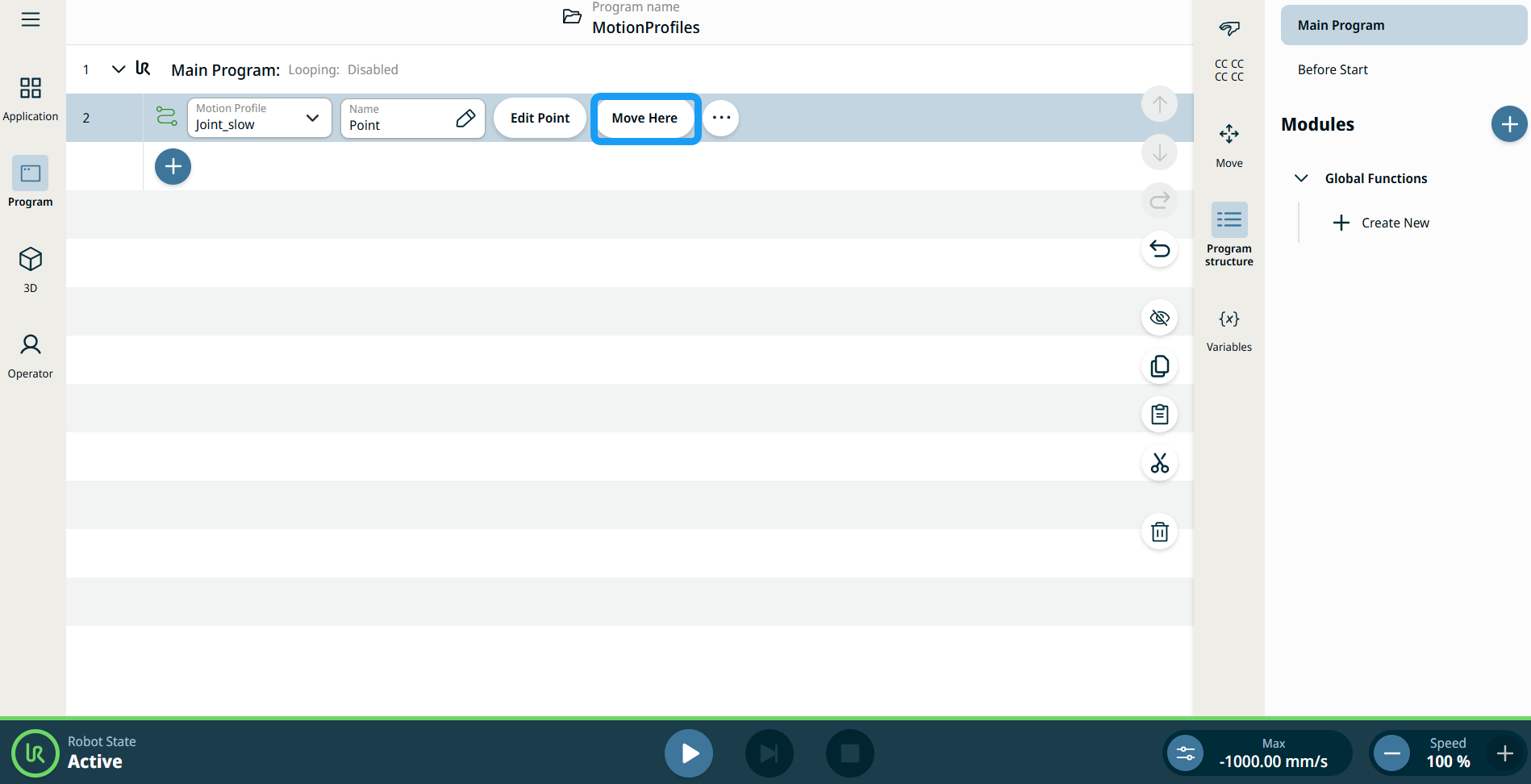
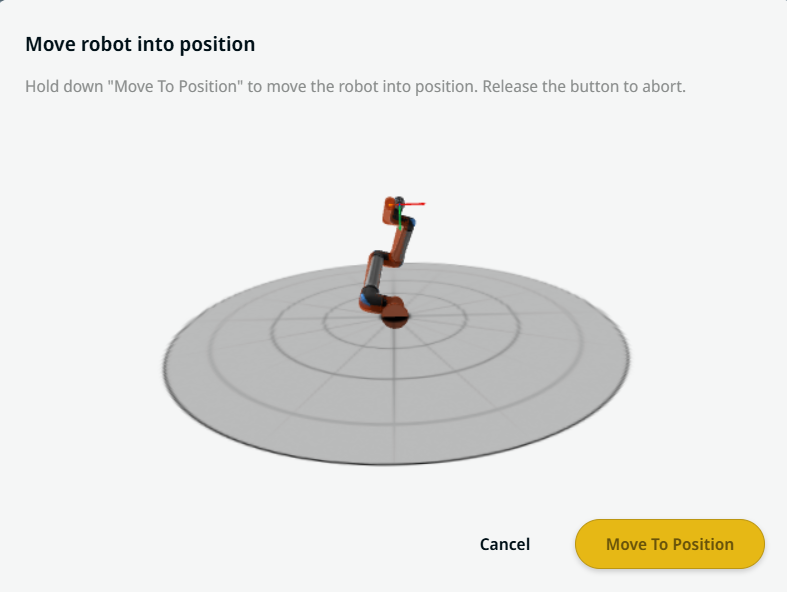
移至此處按鈕會顯示在線性移動和關節移動命令中。 可使用此功能直接從程式樹移動到路點的位置。 按移至此處按鈕,就會開啟「將機器人移動到位」對話方塊。 此按鈕會已教導在路點的情況下顯示,而且僅會在機器人狀態為正常或縮減模式時啟用。
|
| 移動節點上的運動設定檔標籤 |
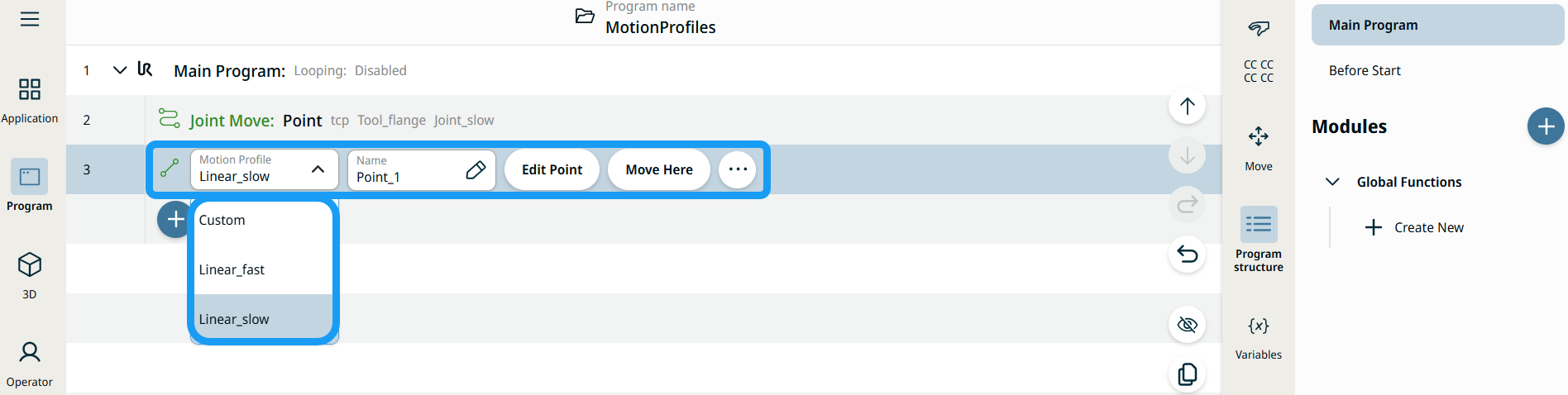
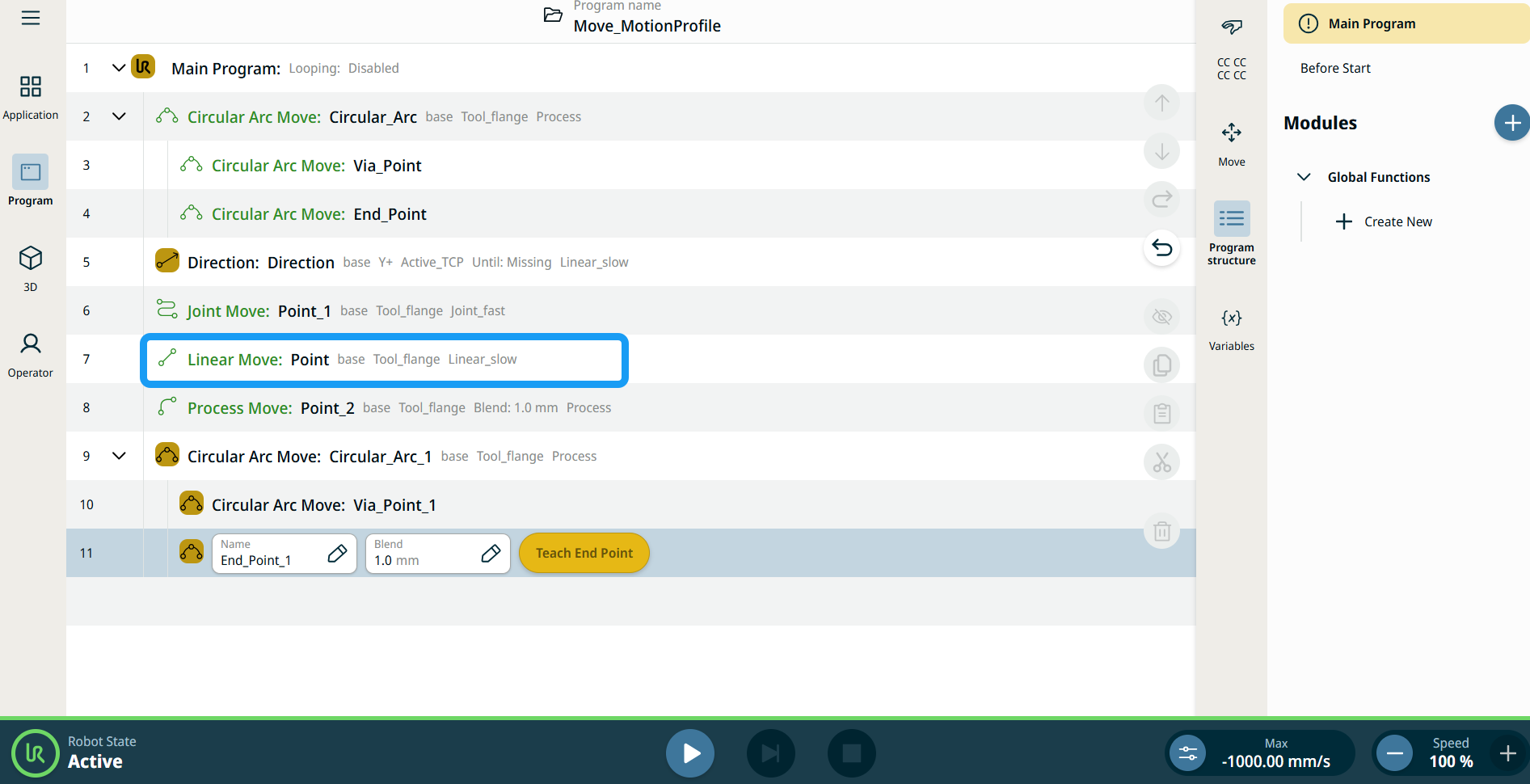
程式樹中所有與移動相關的命令節點,都會顯示與每個節點相聯的運動設定檔。 此功能可讓使用者查看移動節點上已選取的運動設定檔。 此功能在下列命令節點實行: 具有自訂運動配置檔案的移動節點,將會顯示速度和加速度值,而不會顯示運動配置檔案。 |
|
|
|
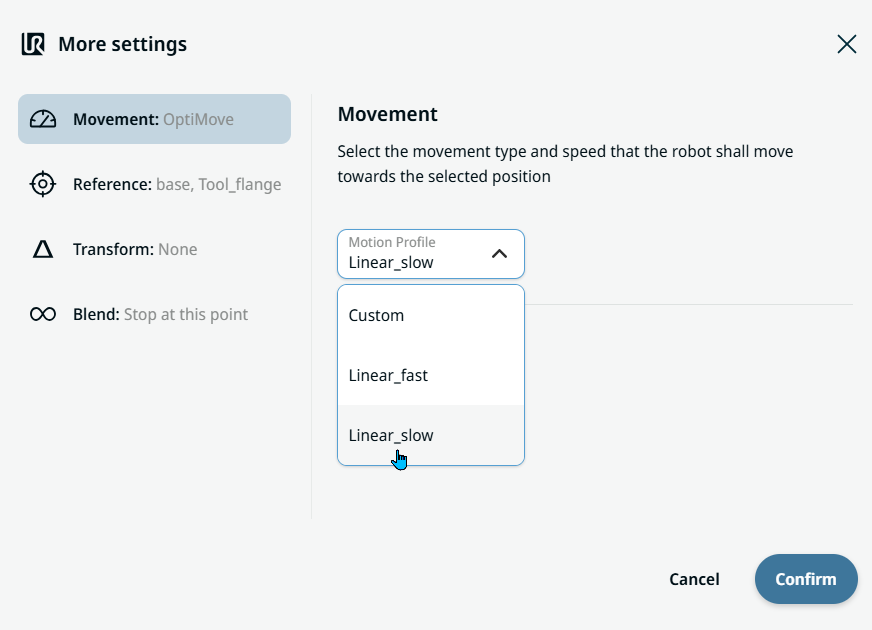
| Movement setting |
|
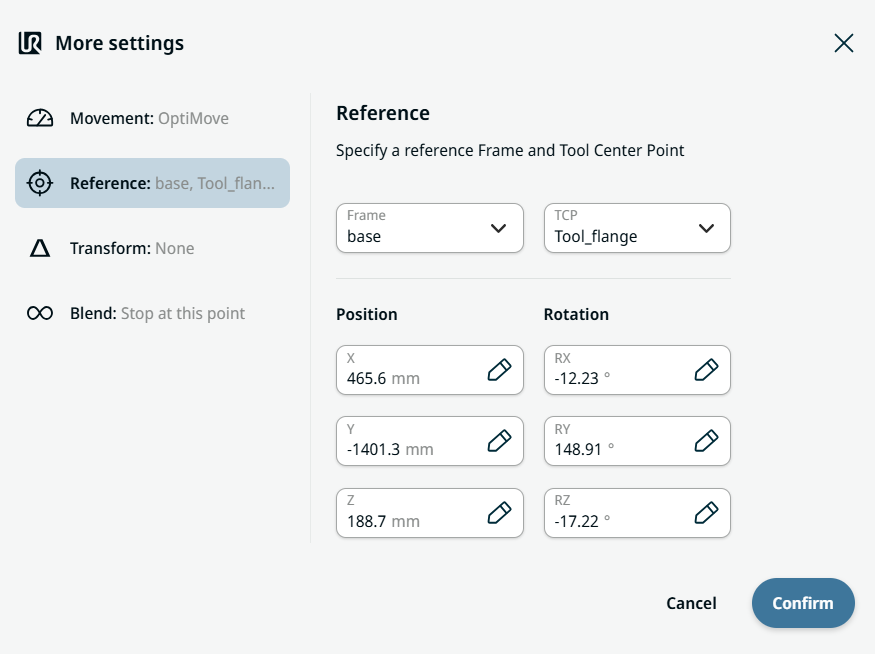
| Reference setting |
|
| Transform setting |
|
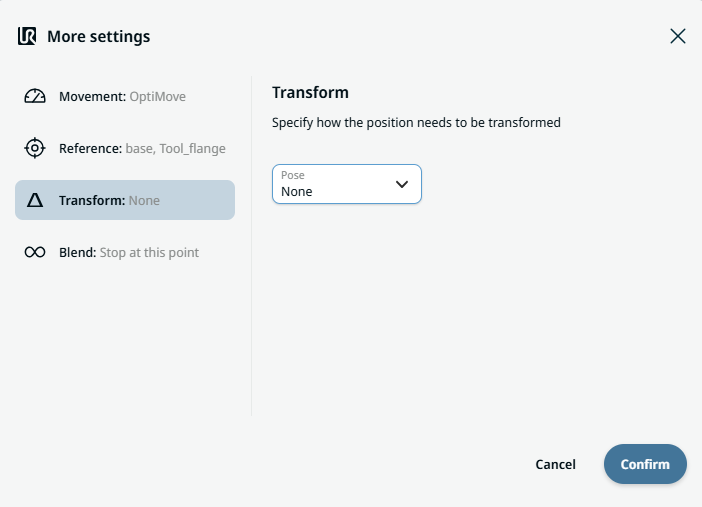
|
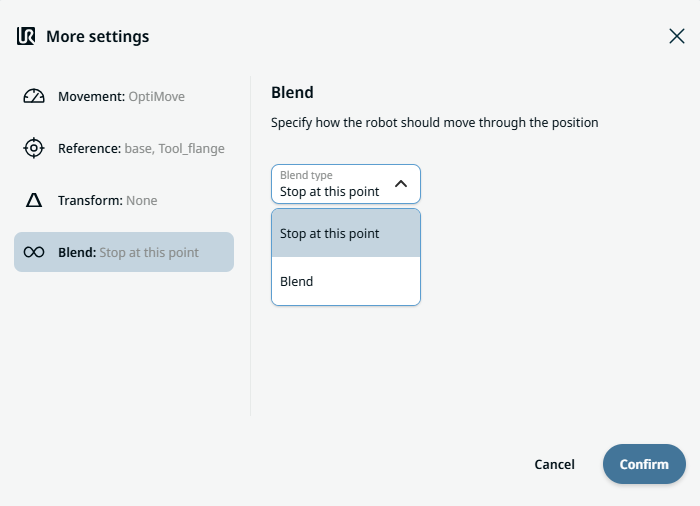
Blend setting |
|