Circular Arc Move
| 描述 |
The Circular Arc Move enables you to program the robot to move in a circular motion while keeping the tool orientation either fixed or unconstrained.
|
|
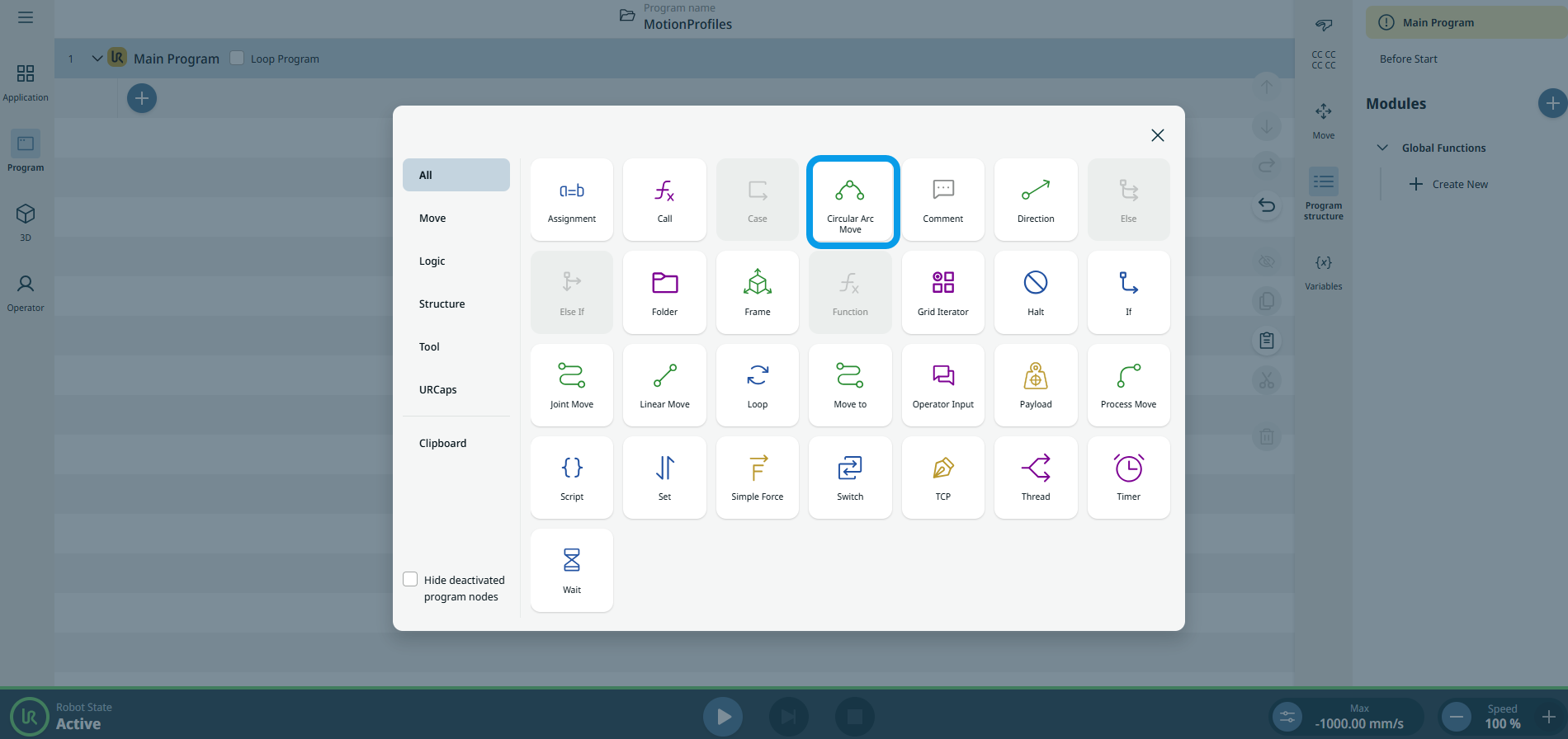
To access Circular Arc Move command |
|
|
The three editable fields are:
|
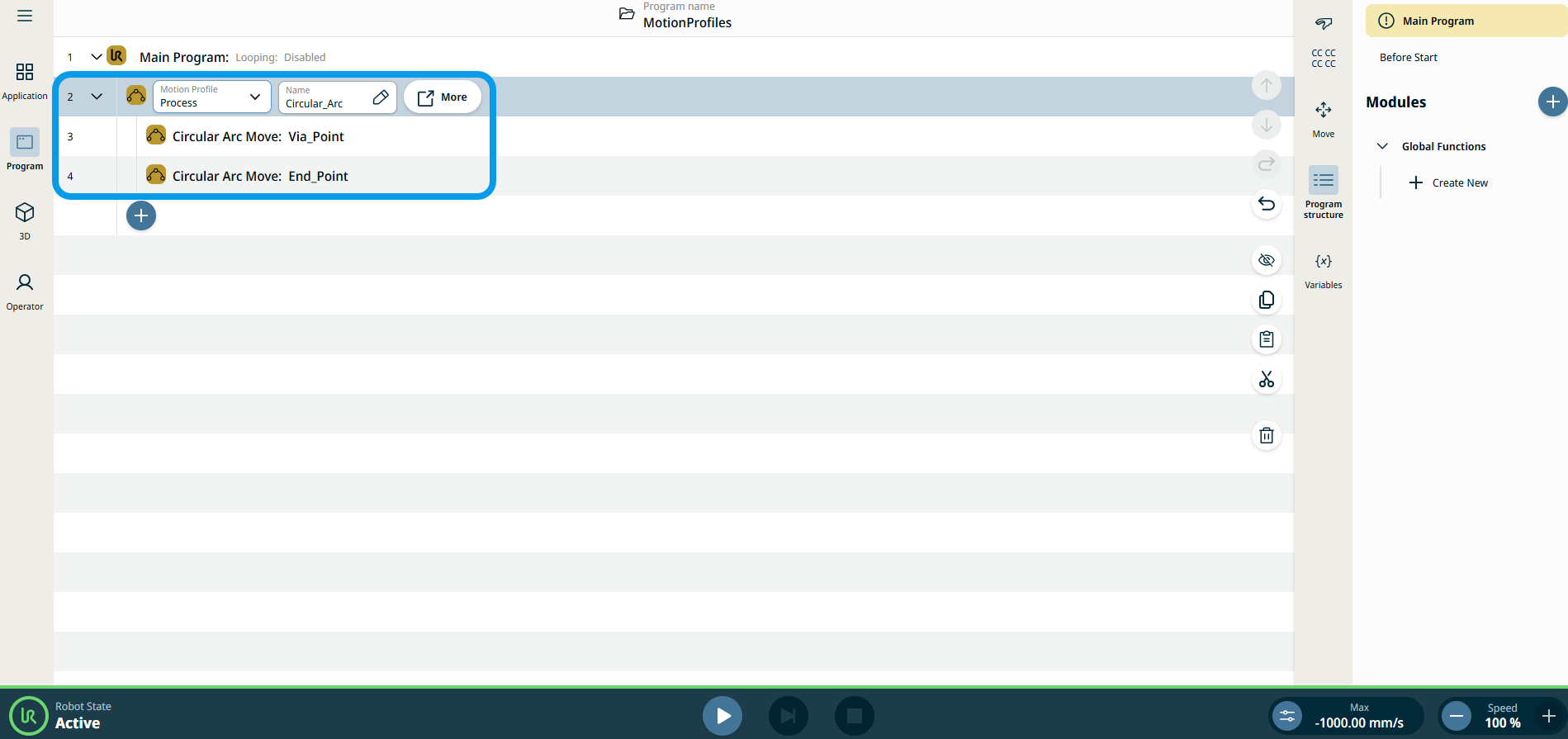
| 移动节点上的运动配置文件标签 |
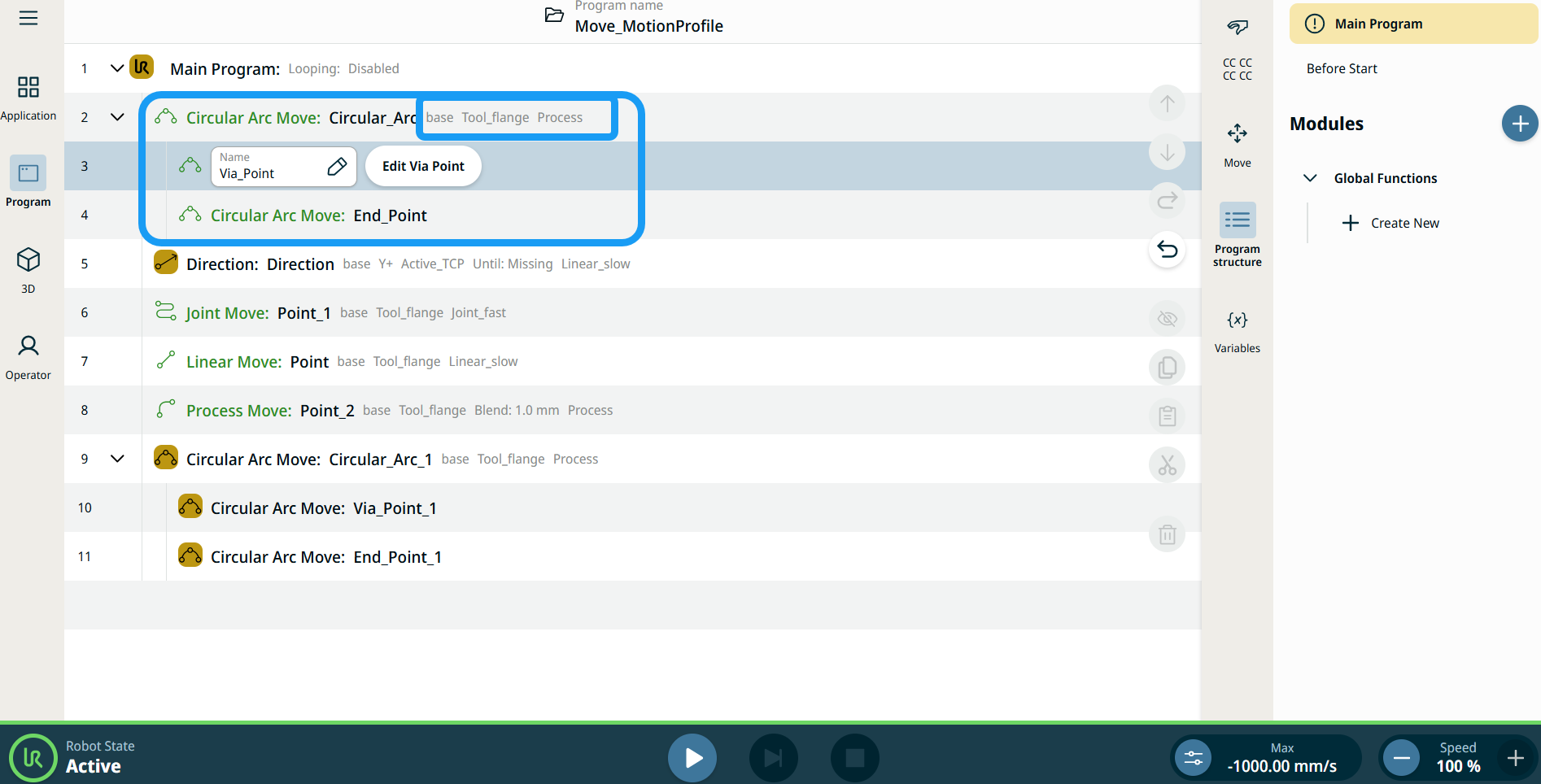
程序树中所有与移动相关的命令节点都会显示与每个节点关联的运动配置文件。 利用此功能,用户可以查看移动节点上的所选运动配置文件。 此功能在以下命令节点实现: 带有自定义运动配置文件的移动节点将显示速度和加速度值,而不显示运动配置文件。 |
|
|
|
| To access More settings |
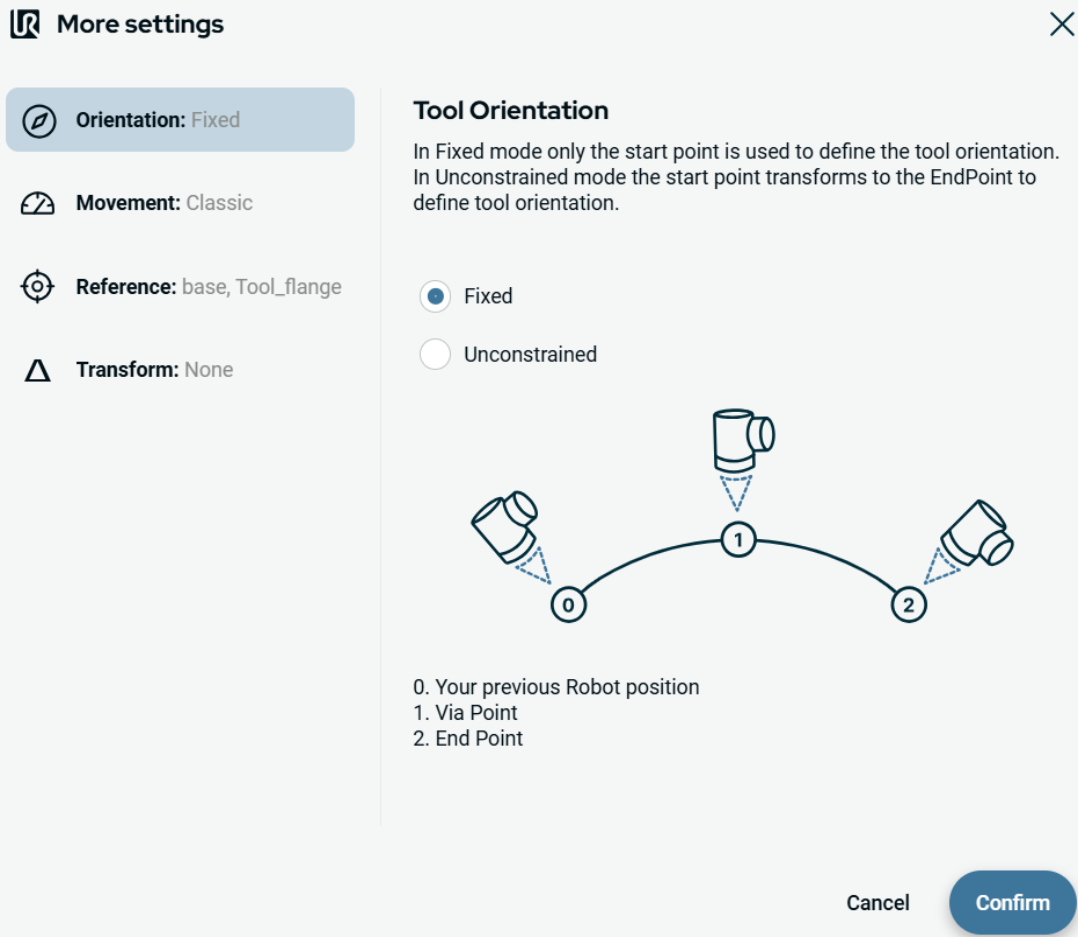
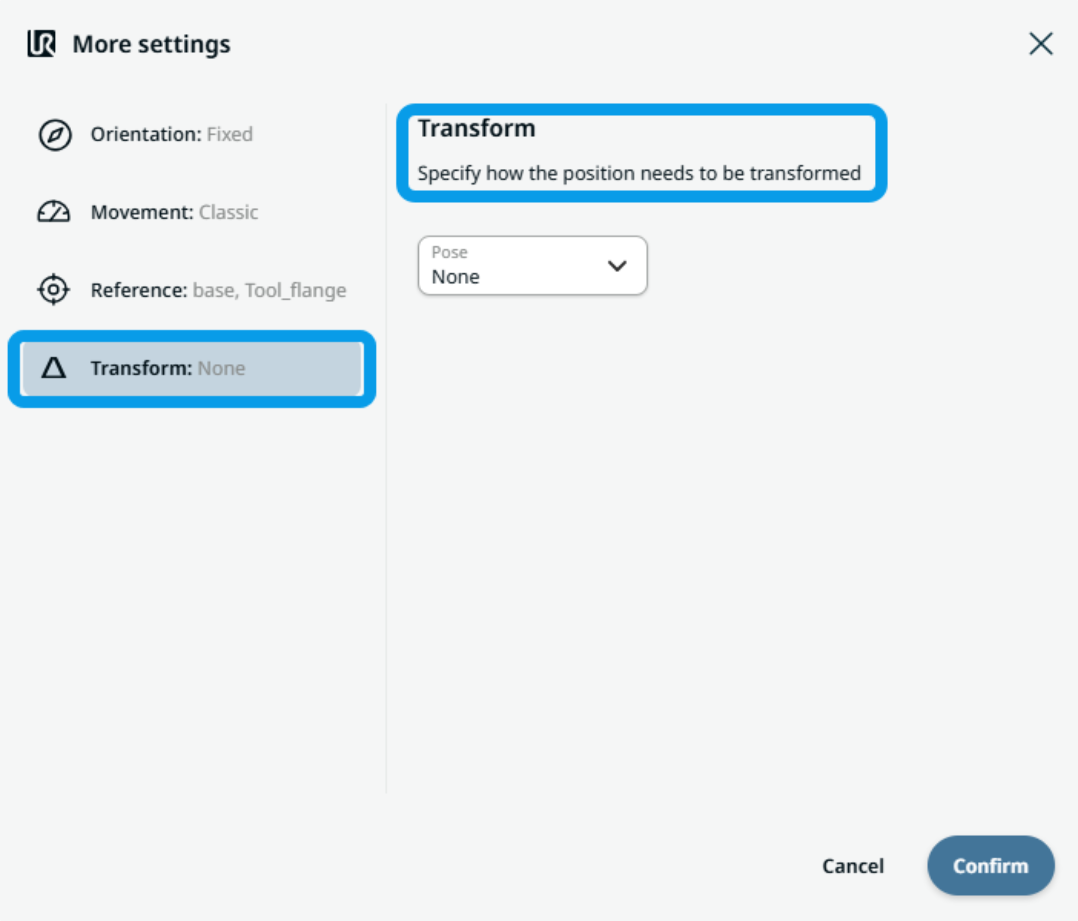
Tap the More button, and the More settings screen appears. On the left side, you see four advanced options:
|
|
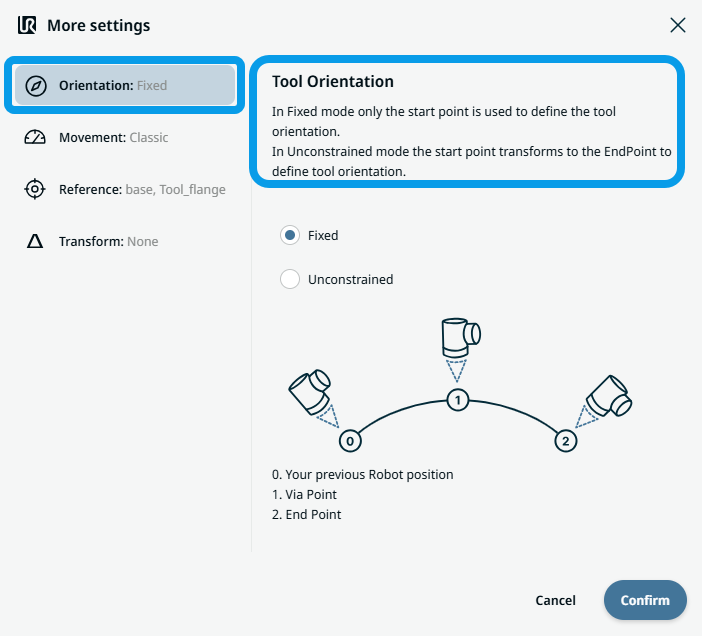
To use Orientation |
|
|
To use Movement |
|
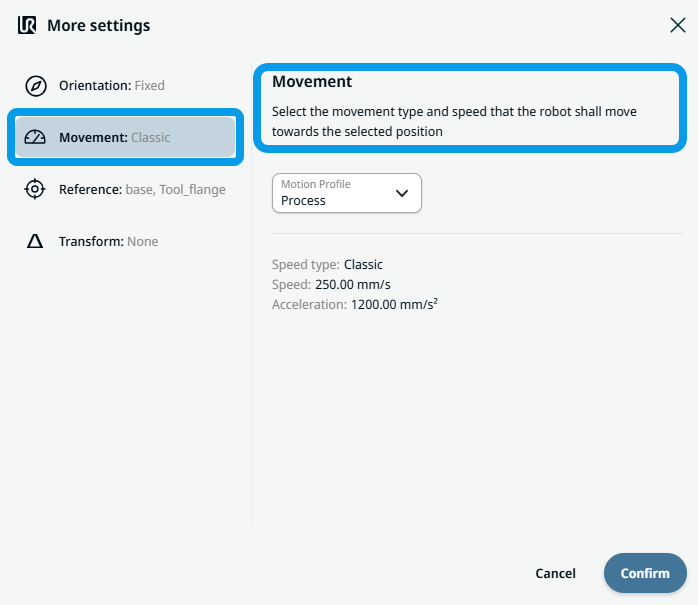 Two fields appear:
|
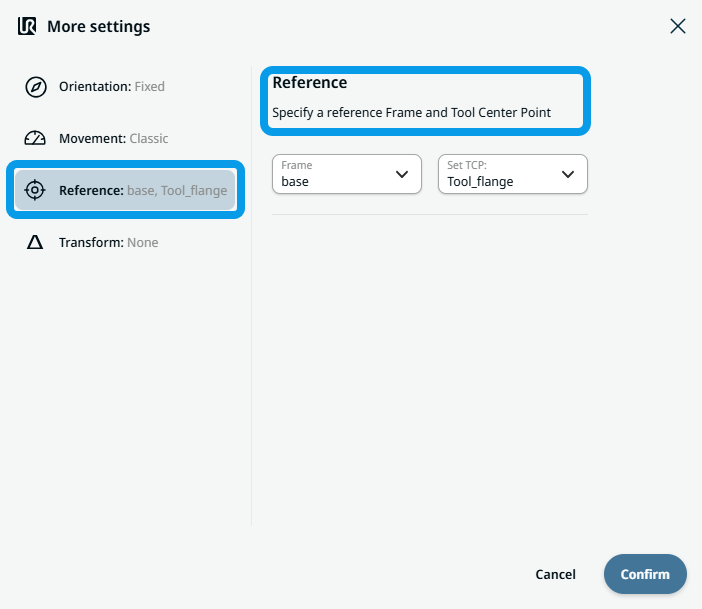
To use Reference |
|
|
To use Transform |
|
|
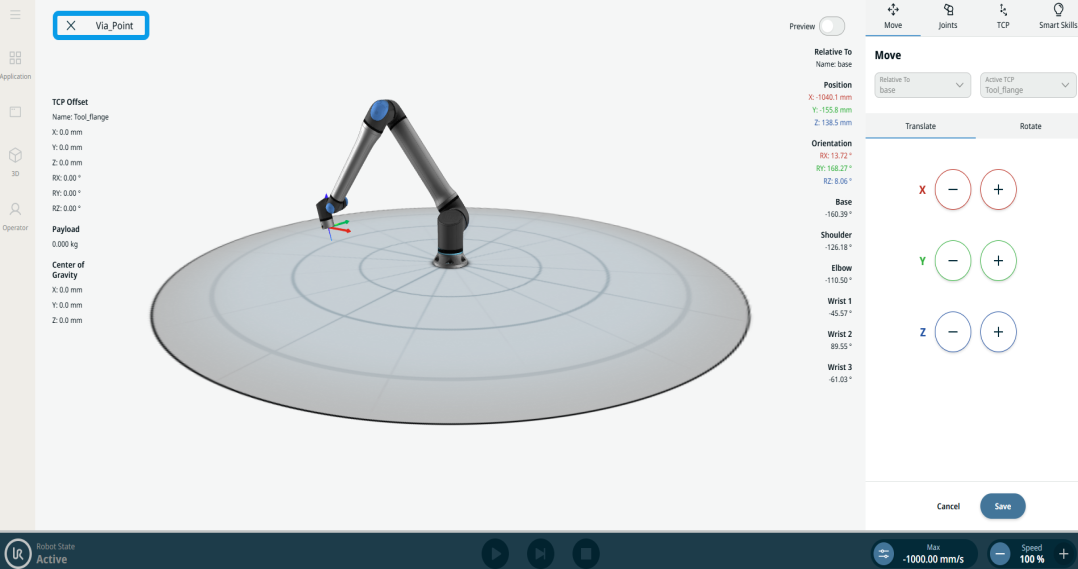
To use Circular Arc Move: Via_point |
|
|
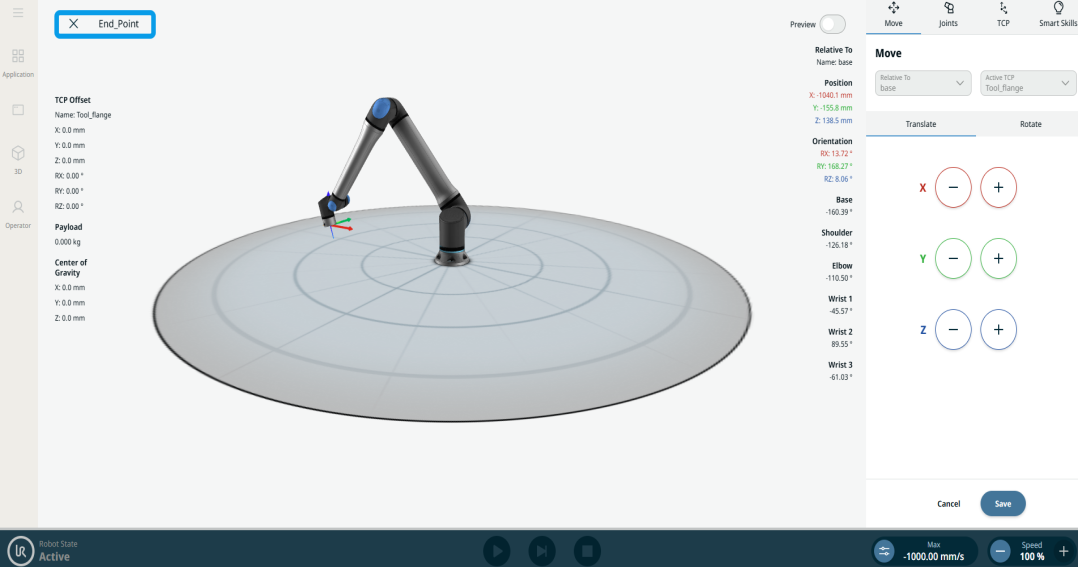
To use Circular Arc Move: End_Point |
|