Boot PolyScope with PROFIsafe Enabled in the Default Installation
| Description |
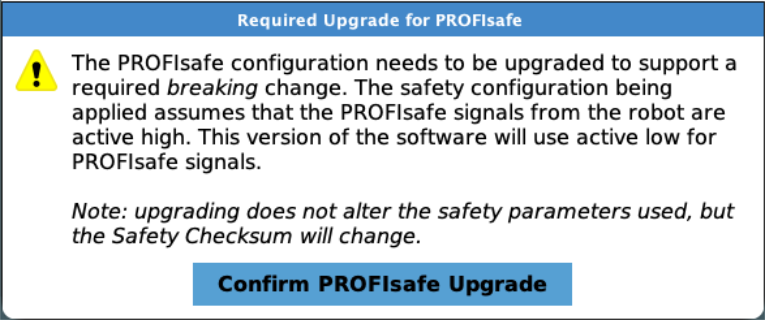
During PolyScope Boot sequence, the user is confronted with a dialog requesting the user to perform a required PROFIsafe upgrade.
|
| Steps to Resolve |
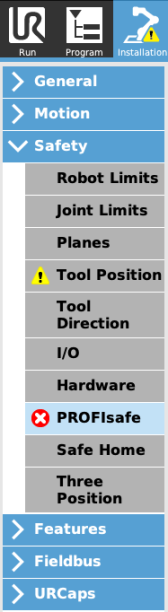
Confirm the necessary upgrade by tapping the button: Confirm PROFIsafe Upgrade. Then you must navigate to the PROFIsafe subsection:
|
| Perform Upgrade |
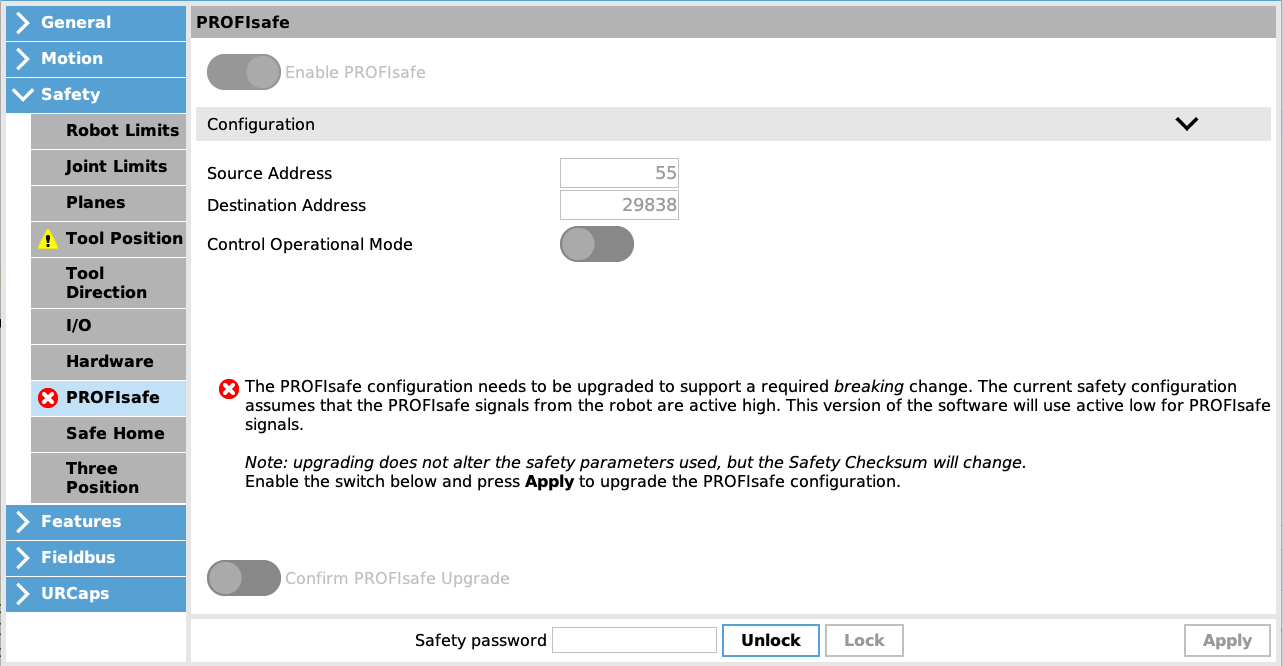
Following On-Screen Instructions to perform the PROFIsafe upgrade:
|
| Apply and Restart: |
The Safety Configuration dialog will appear.
Save the installation after applying the new PROFIsafe Safety Configuration to prevent this process from repeating. |