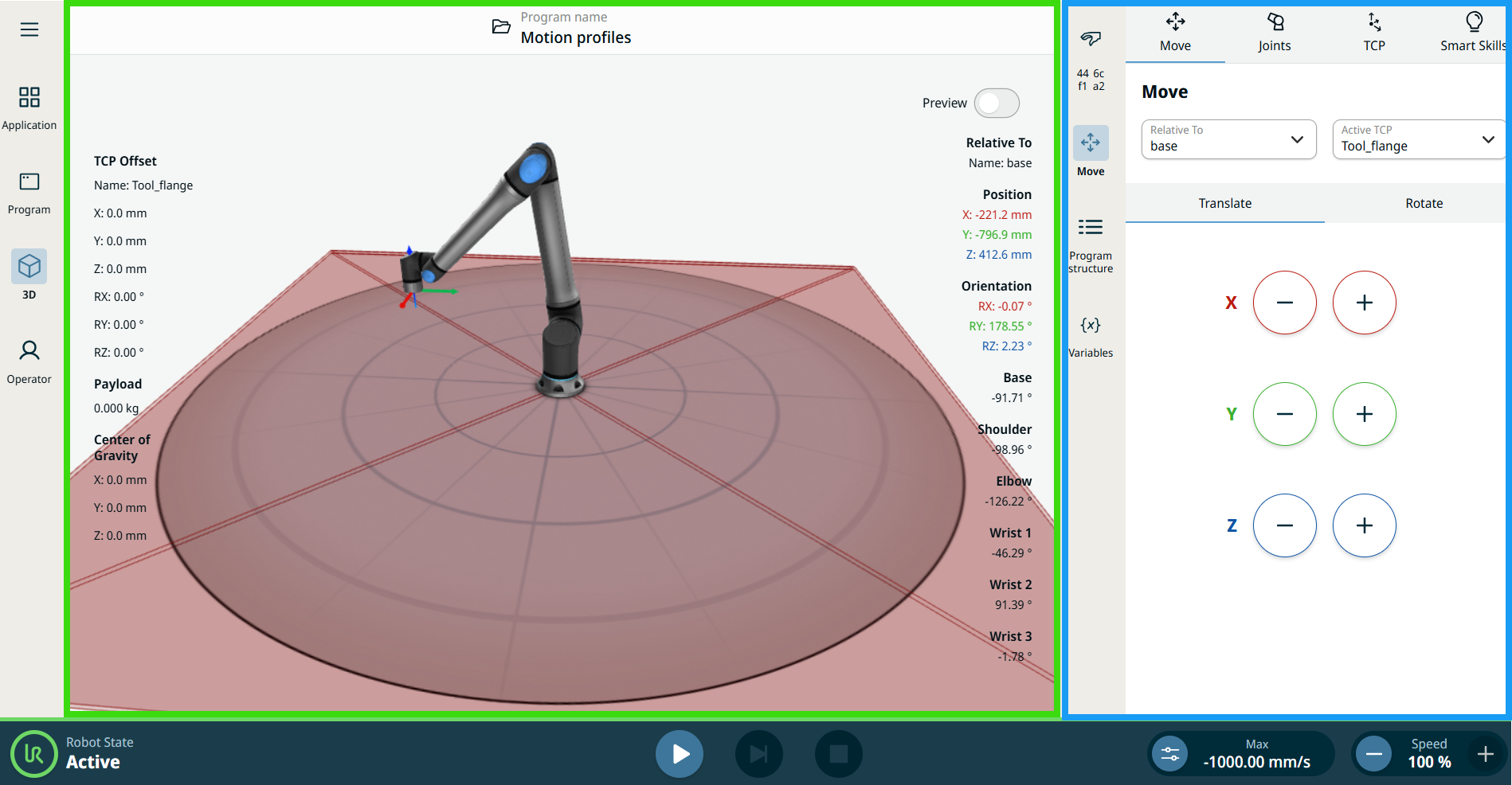
Sidebar
| Description |
The sidebar contains the following menus:
|
| Using the Sidebar |
When you tap a menu in the sidebar, its content expands into the center of the screen. This center area is the multitask screen (blue box). Any changes you make in the multitask screen appear as graphical responses from the robot arm in the main screen (green box).
|