Header
| Description |
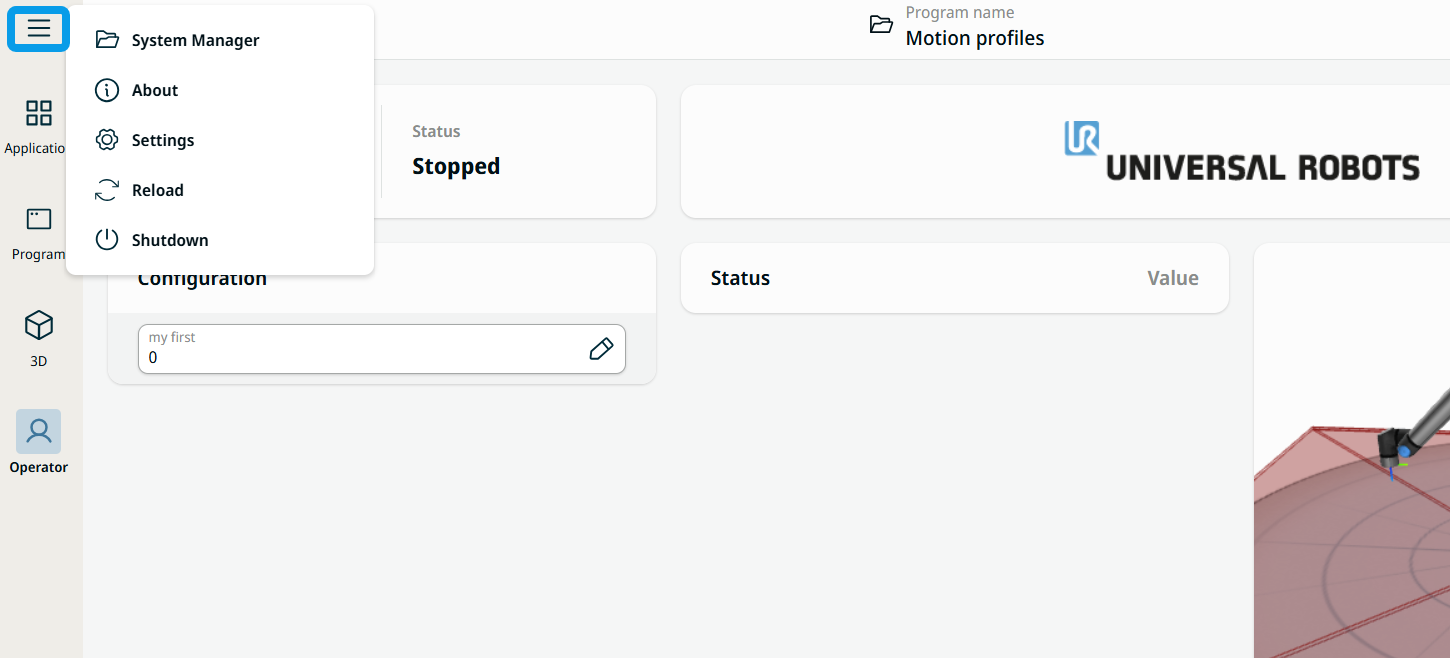
The header contains three functioning menus and feature:
|
|
To open the Hamburger menu |
|
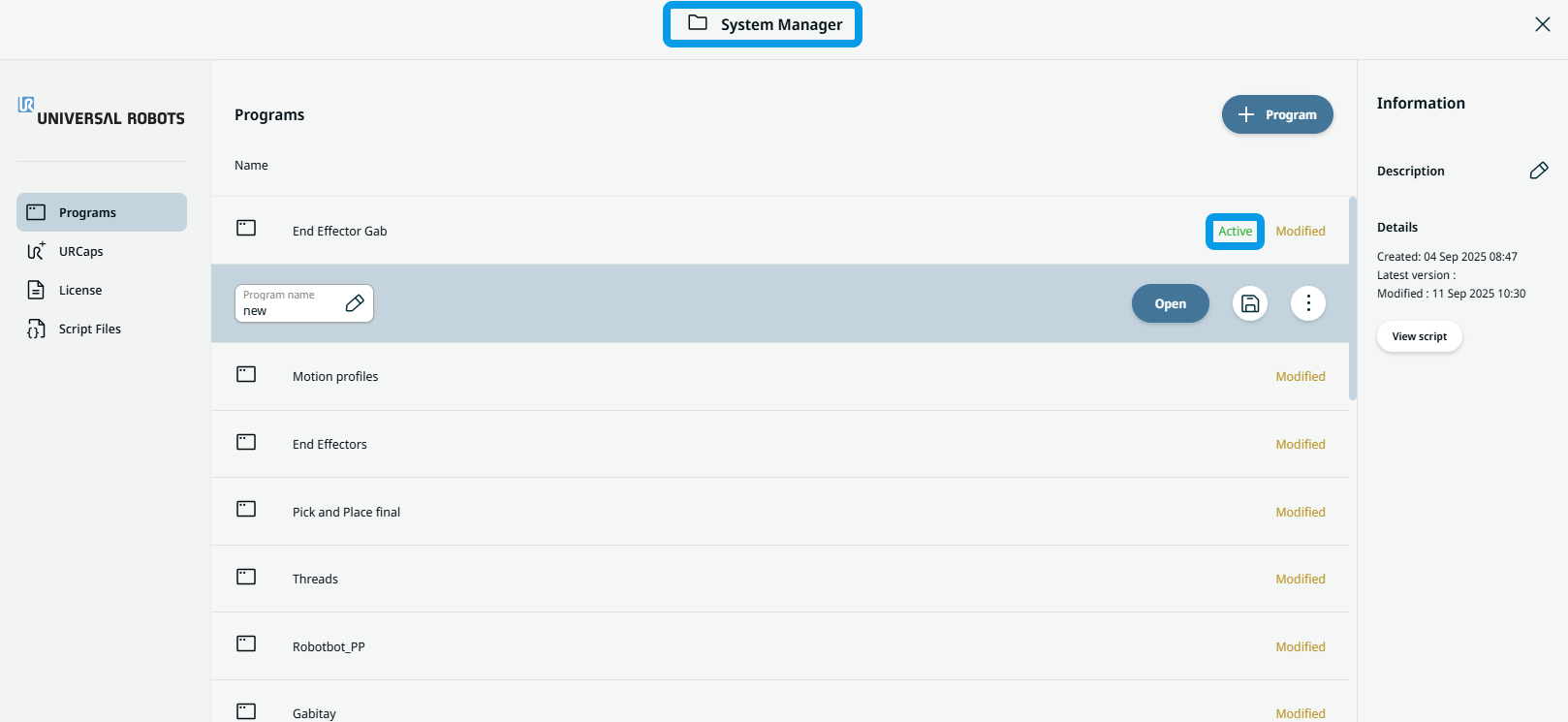
| To open Program name |
When you tap the Program name menu, the System Manager screen appears, which enables you to do several things:
|
|
|
|
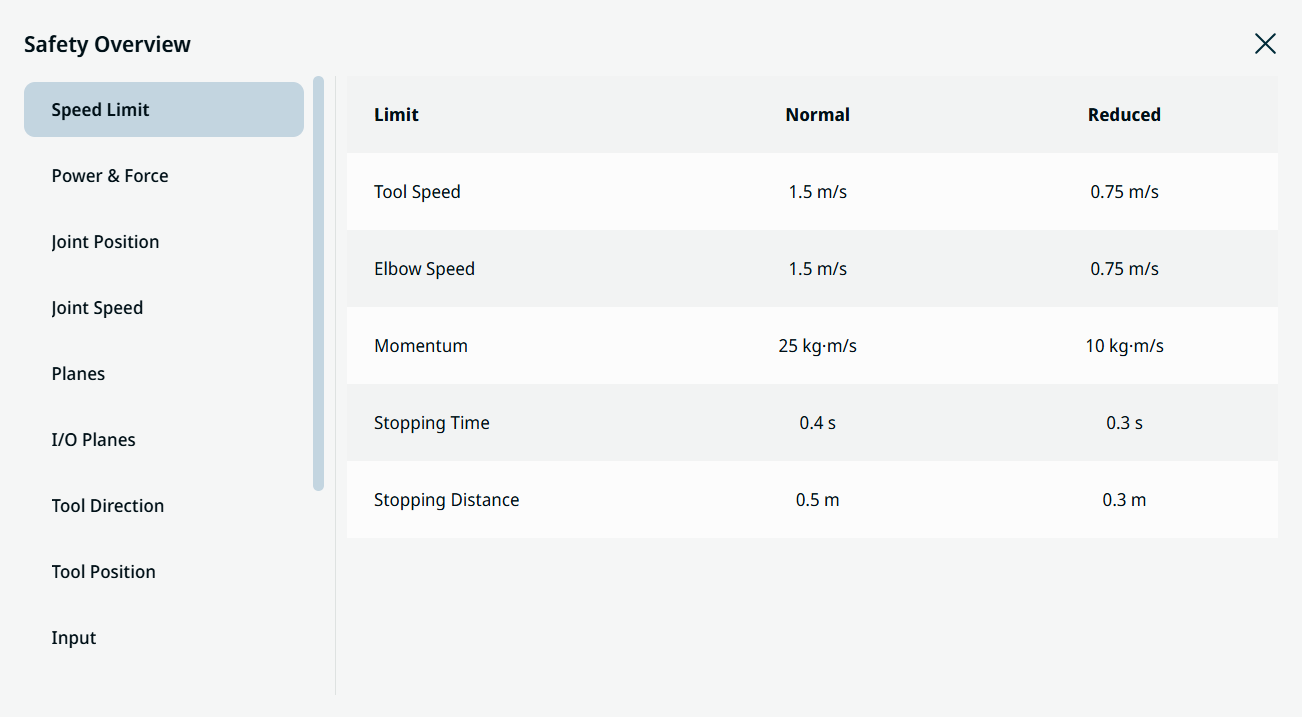
To open Safety checksum |
Tap the Safety checksum icon on the right side of the header This icon
 shows the default Safety checksum for a newly created program in a new application. shows the default Safety checksum for a newly created program in a new application.
|
 to open the robot’s Safety Overview. The items in the Safety Overview panel correspond to the safety settings you configured in the Application tab. Use the scroll bar to review your complete safety configuration.