Safety

Description

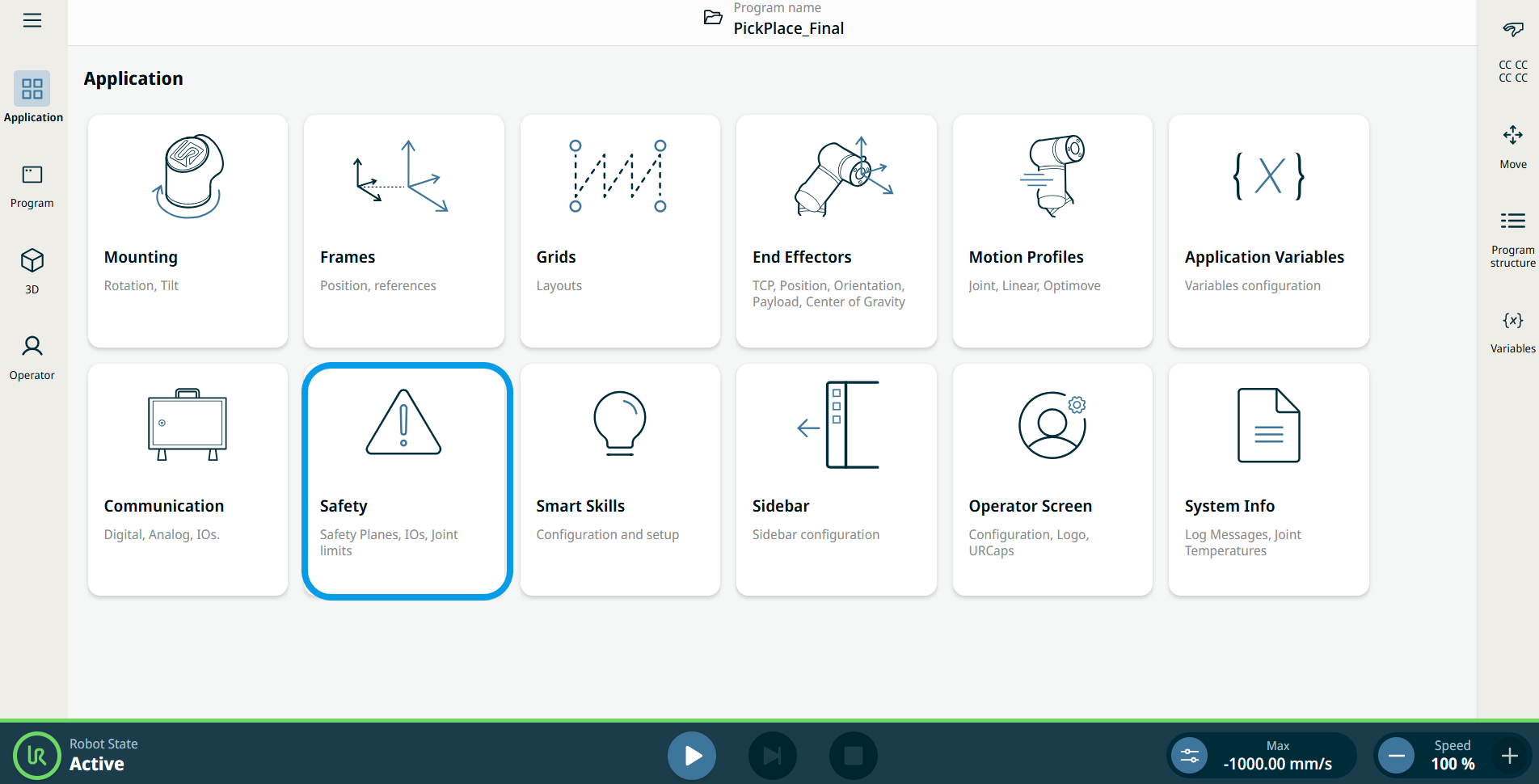
The Safety application enables you to access the robot safety settings.


Using the Safety application functionality

  1. Go to the Application menu screen. See Application Tab.

  2. Tap the Safety icon.

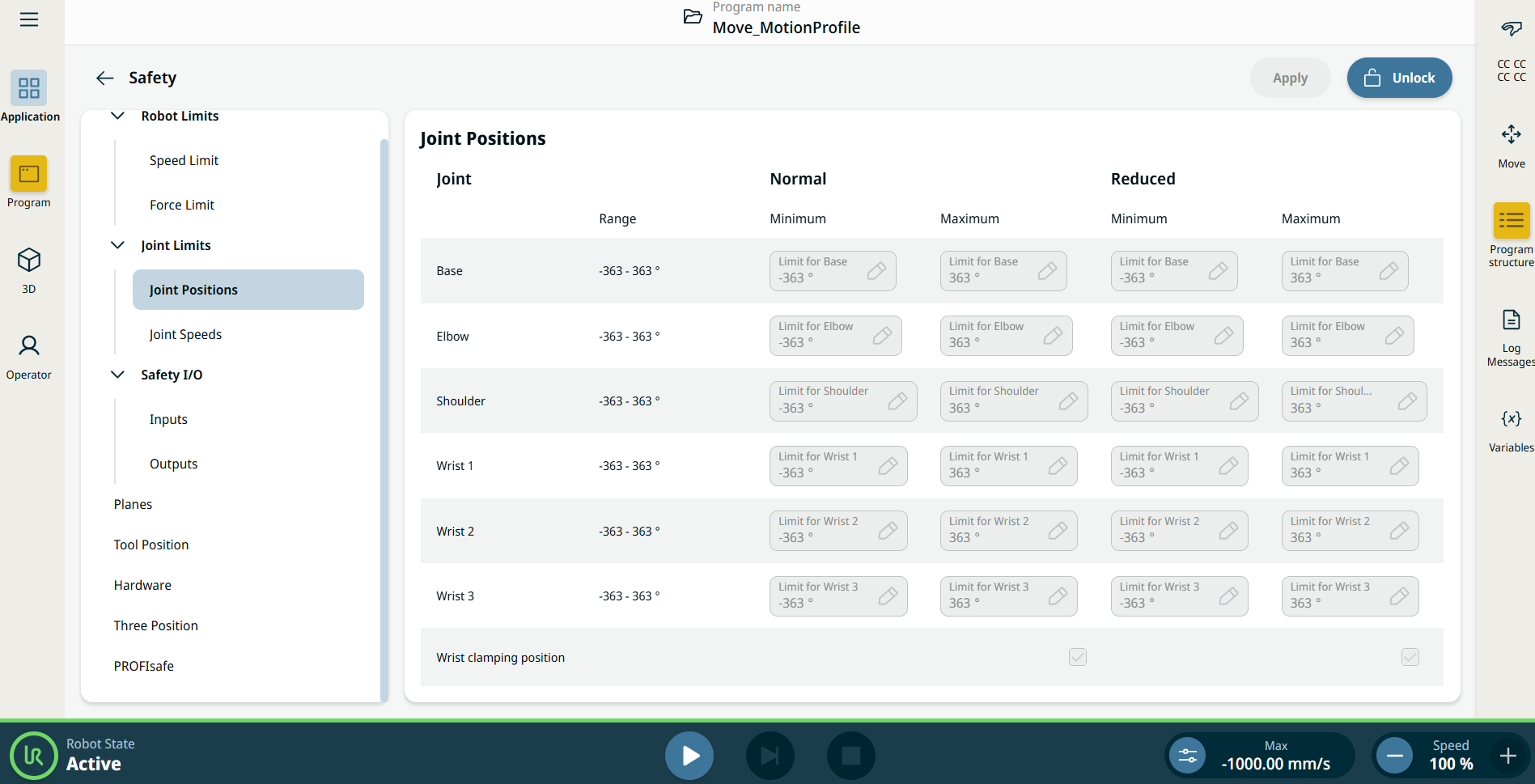
    The safety screen appears, which is divided into the left panel and the right panel.

    The left panel consists of the Safety tree, composed of eight functions:

    • Robot Limits

    • Safety I/O

    • Tool Position

    • Three Position

    • Joint Limits

    • Planes

    • Hardware

    • PROFIsafe

The right panel shows the editable fields of the chosen function, which are inaccessible.


Unlock safety settings
  1. To access the safety settings, tap Unlock on the top right side of the safety screen.
  2. Enter the safety password.
  3. Tap Confirm to activate all settings.