OptiMove

Description

The OptiMove motion value is an advanced feature of PolyScope X Joint and Linear Move commands. See Joint Move and Linear Move.


OptiMove allows you to have the following benefits:

  • More dynamic robot acceleration and deceleration

  • Smoother moves with less jerk

  • More fluent acceleration and deceleration

  • Higher travel speeds

  • Reduced vibrations and loads on the robot and mounted equipment

The combined effect in OptiMove generally results in improved cycle time with more fluent motion and reduced strain on the robot.


To access OptiMove

  1. Go to the main program screen. See Command Nodes.

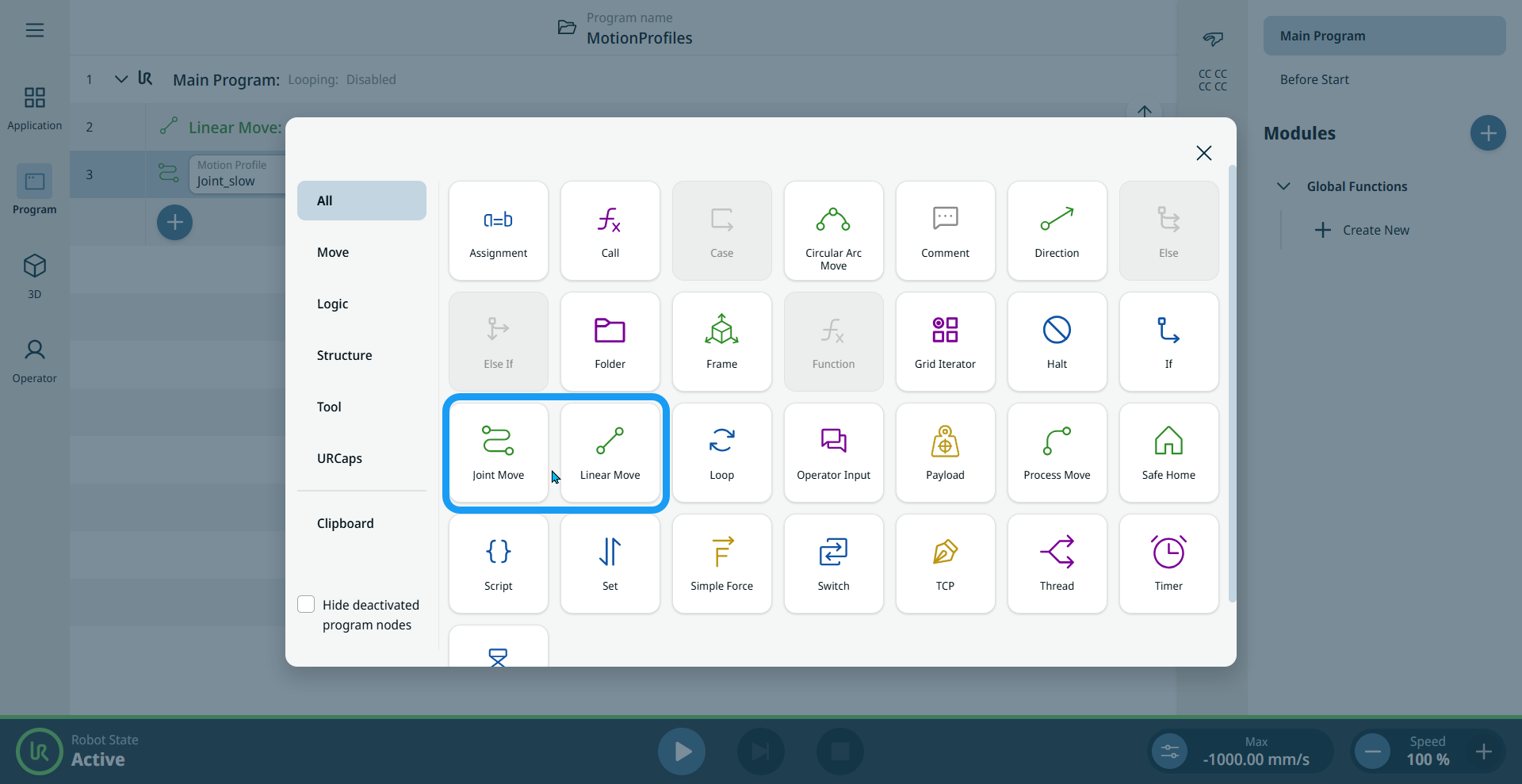
  2. Tap the Joint Move or Linear Move icon on the Commands toolbox.

    A node is inserted into the program tree. The node has two editable fields and tabs, and an ellipsis icon .

  1. Tap the ellipsis icon and the More settings screen appears.


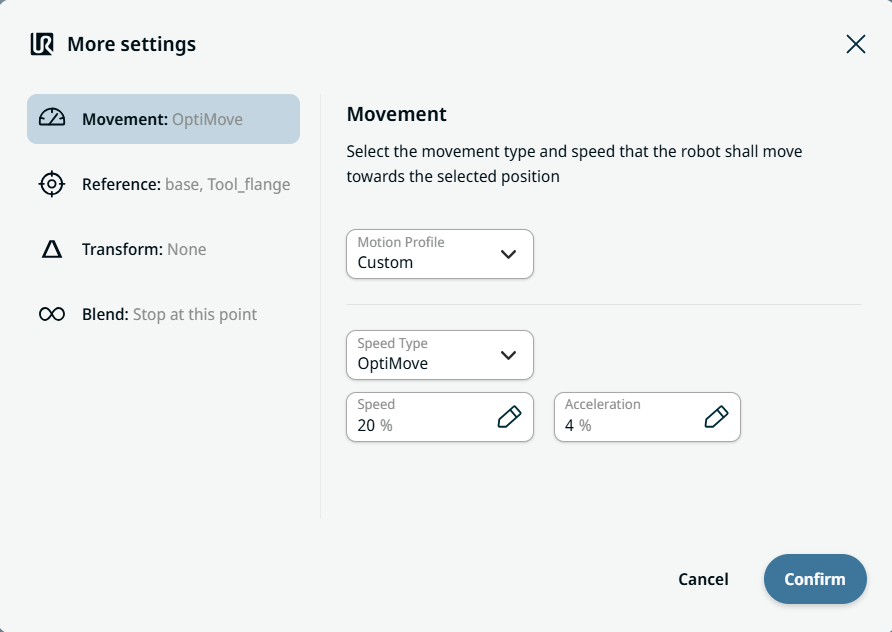
  1. Tap Movement on the left side of the screen.

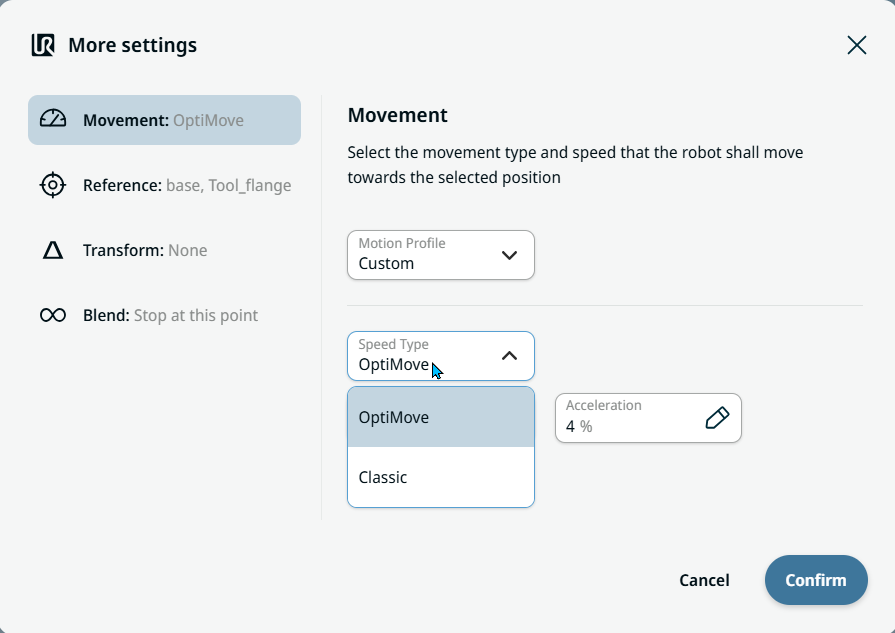
    On the right side, two tabs and fields appear:

    • Motion Profile

    • Speed Type

    • Speed tab

    • Acceleration tab


  1. In the Motion Value field, OptiMove is the default option. Choose Classic movement if you want to input speed and acceleration in degrees per second or mm per second.

  2. Tap OptiMove.

    OptiMove settings are specified in percent to simplify the usage and setup.

  3. In the Speed tab, enter the percentage of your preferred speed and tap Confirm.

    Speed tab sets the target travel speed as a percentage of the robot's maximum speed capability.

  4. In the Acceleration tab, enter the percentage of your preferred acceleration and tap Confirm.

    Acceleration tab sets the target torque limits during acceleration and deceleration as a percentage of the robot's maximum power.