Teach Pendant with 3-Position Enabling (3PE) Device
| Description |
Depending on the robot generation, your Teach Pendant can include a built-in 3PE device. This is called a 3-Position Enabling Teach Pendant (3PE TP). Higher payload robots can only use the 3PE TP.
If you are using a 3PE TP, the buttons are located on the underside of the Teach Pendant, as illustrated below. You can use either button, according to your preference.
If the Teach Pendant is disconnected, you are required to connect and configure an external 3PE device. The 3PE TP functionality extends to the PolyScope interface, where there are additional functions in the Header.
|
| Robot and 3PE TP Compatibility Table |
|
|||||||||||||||||||||||||||||||||||||||||||||||||||||||||||||||||||||||
| Overview of TP |
|
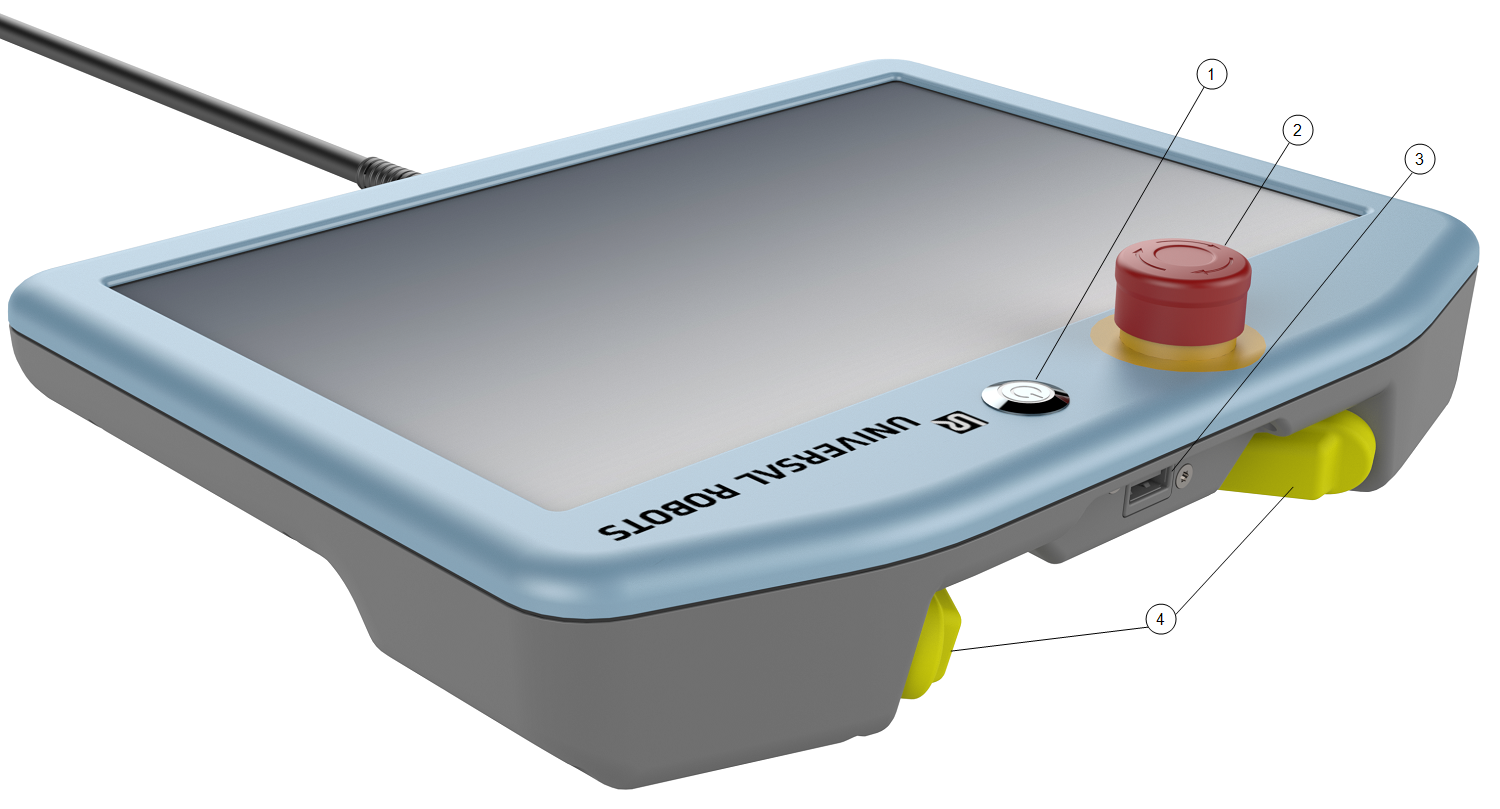
| Freedrive |
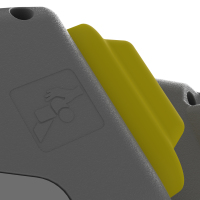
A Freedrive robot symbol is located under each 3PE button, as illustrated below.
|
| Further 3PE TP details |
The 3PE device = yellow hardware buttons on the Teach Pendant. The Polyscope on the 3PE TP is always in Teach Pendant 3PE Stop mode. To enter Normal mode, press a 3PE device halfway down and hold. To enter Freedrive mode, double-click a 3PE device halfway down and hold.
|