Robot Image

Download and install robot image

To download a robot image:

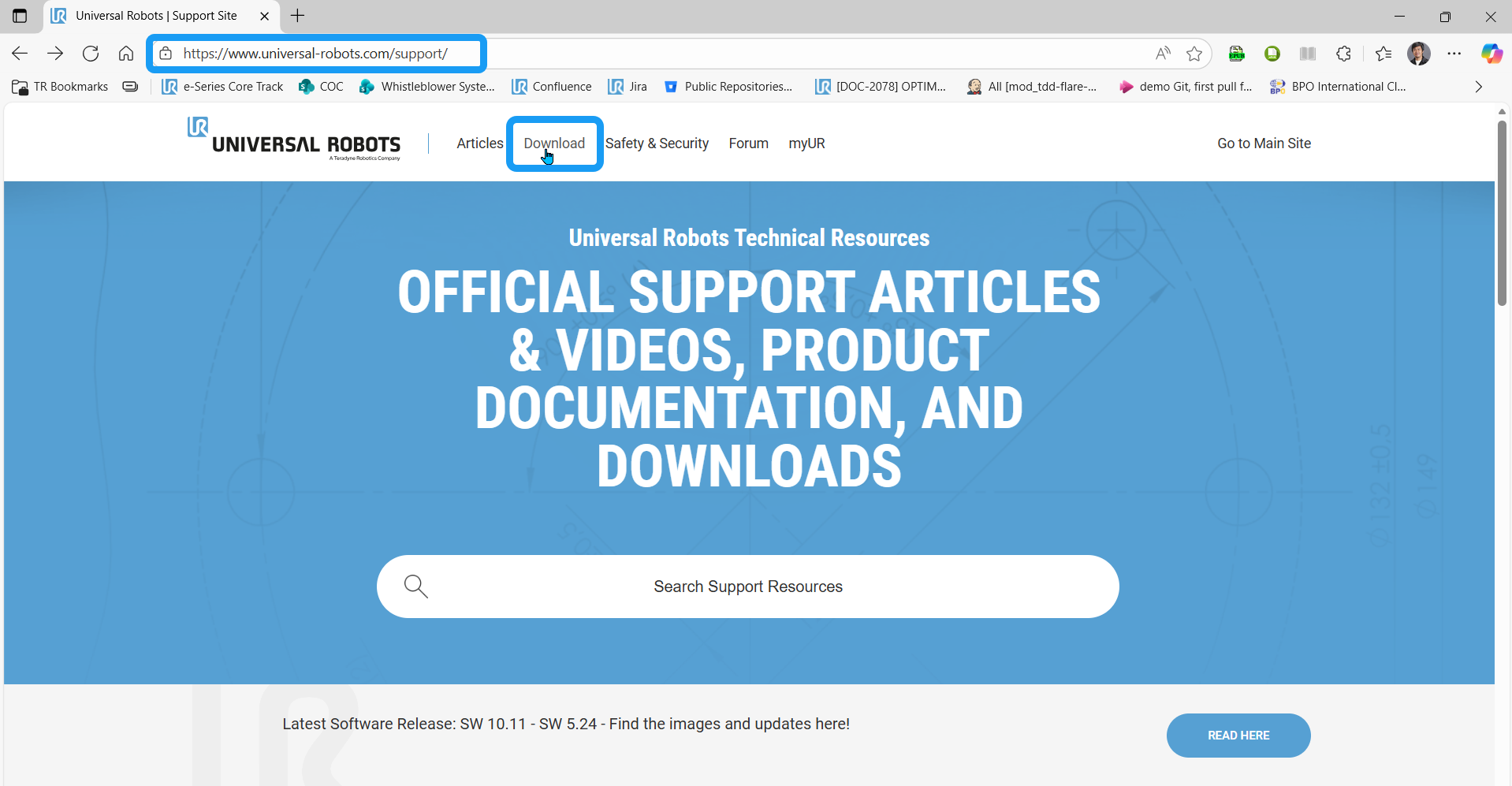
  1. Go to https://www.universal-robots.com/support/.

  2. In the header, click the download section.

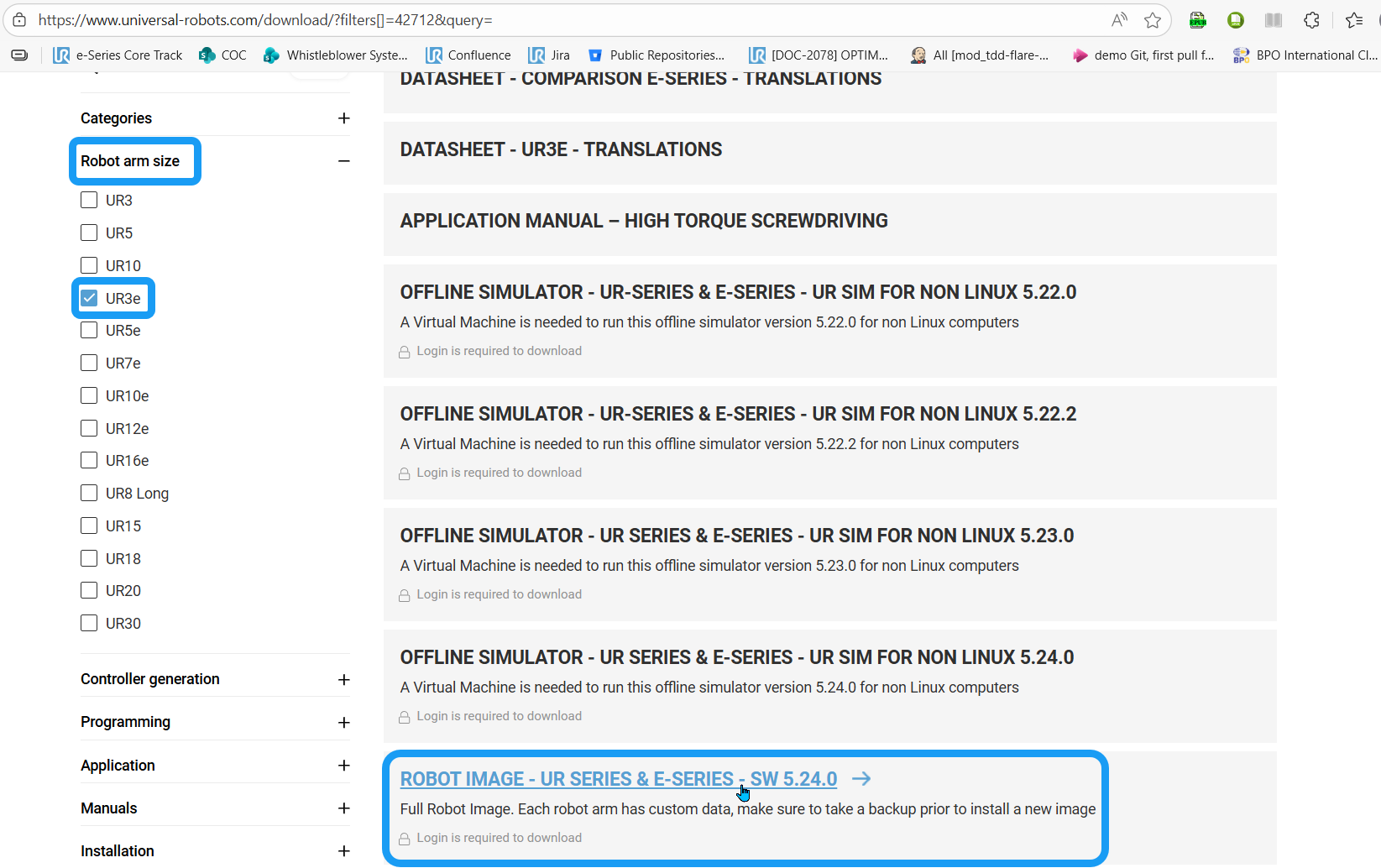
  3. Click Robot arm size and tick the checkbox of your robot type. Click the Load More Results button and scroll down to locate the Robot Image section.

  4. Enter your log-in credentials to download.

    Before you download, make sure to back up prior to installation of a new image. Each robot arm has custom data.
 
CF card

If you have a CF card, choose 2.0 for CB2 and CB3.0 for CB3.

USB

If you have a USB drive, choose 2.1 for CB2.1 and CB3.1 for CB3.

SD card

e-Series and UR Series