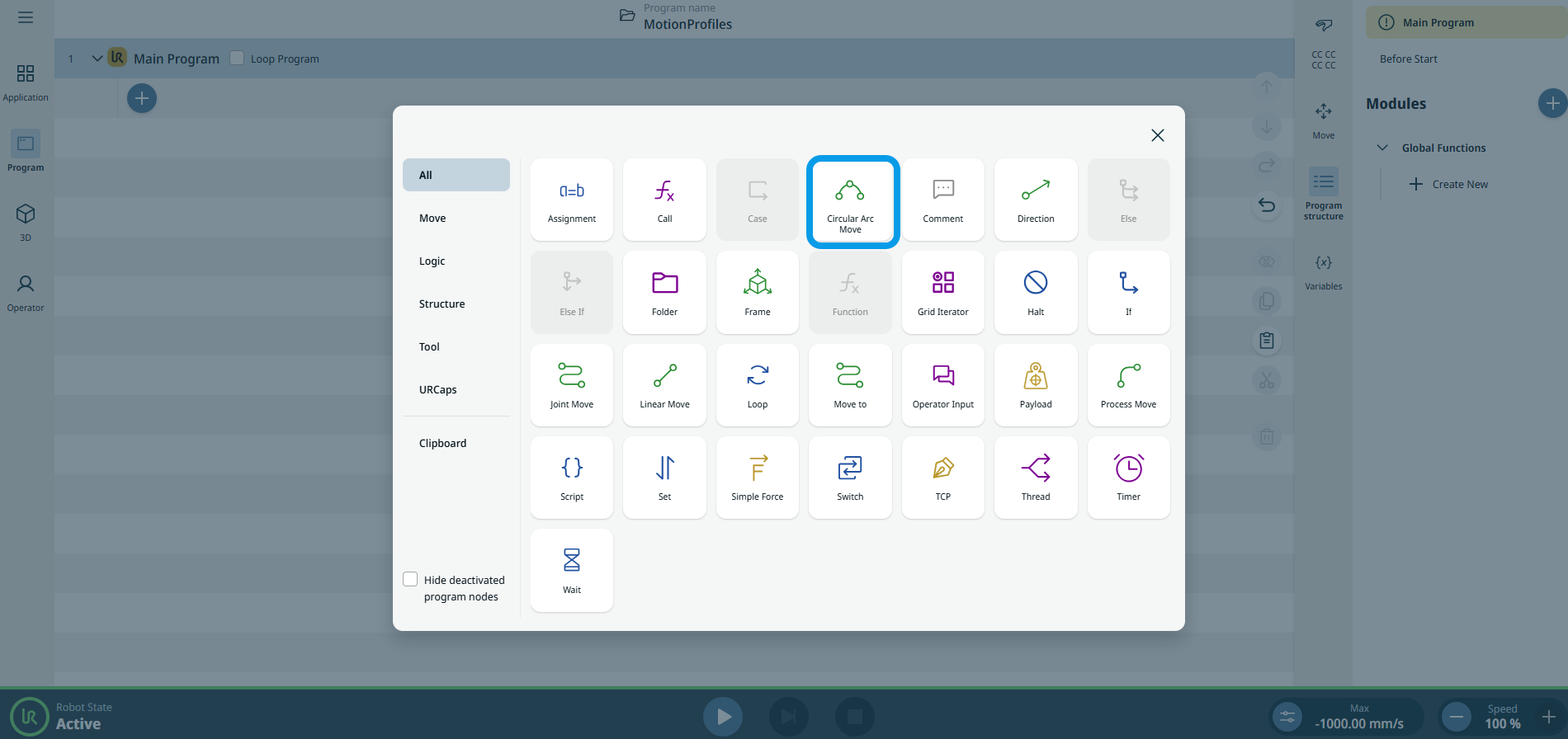
Circular Arc Move
| Açıklama |
The Circular Arc Move enables you to program the robot to move in a circular motion while keeping the tool orientation either fixed or unconstrained.
|
|
To access Circular Arc Move command |
|
|
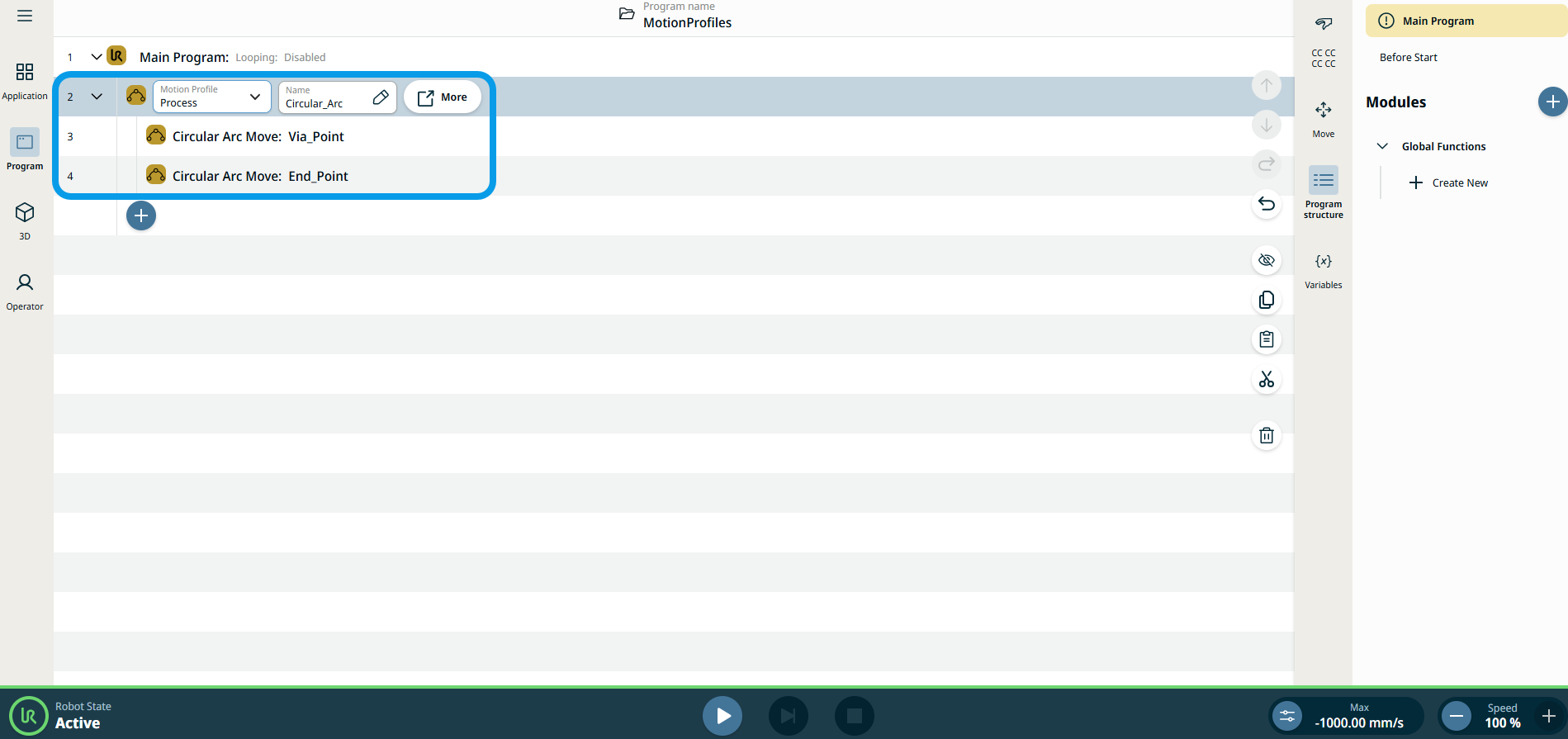
The three editable fields are:
|
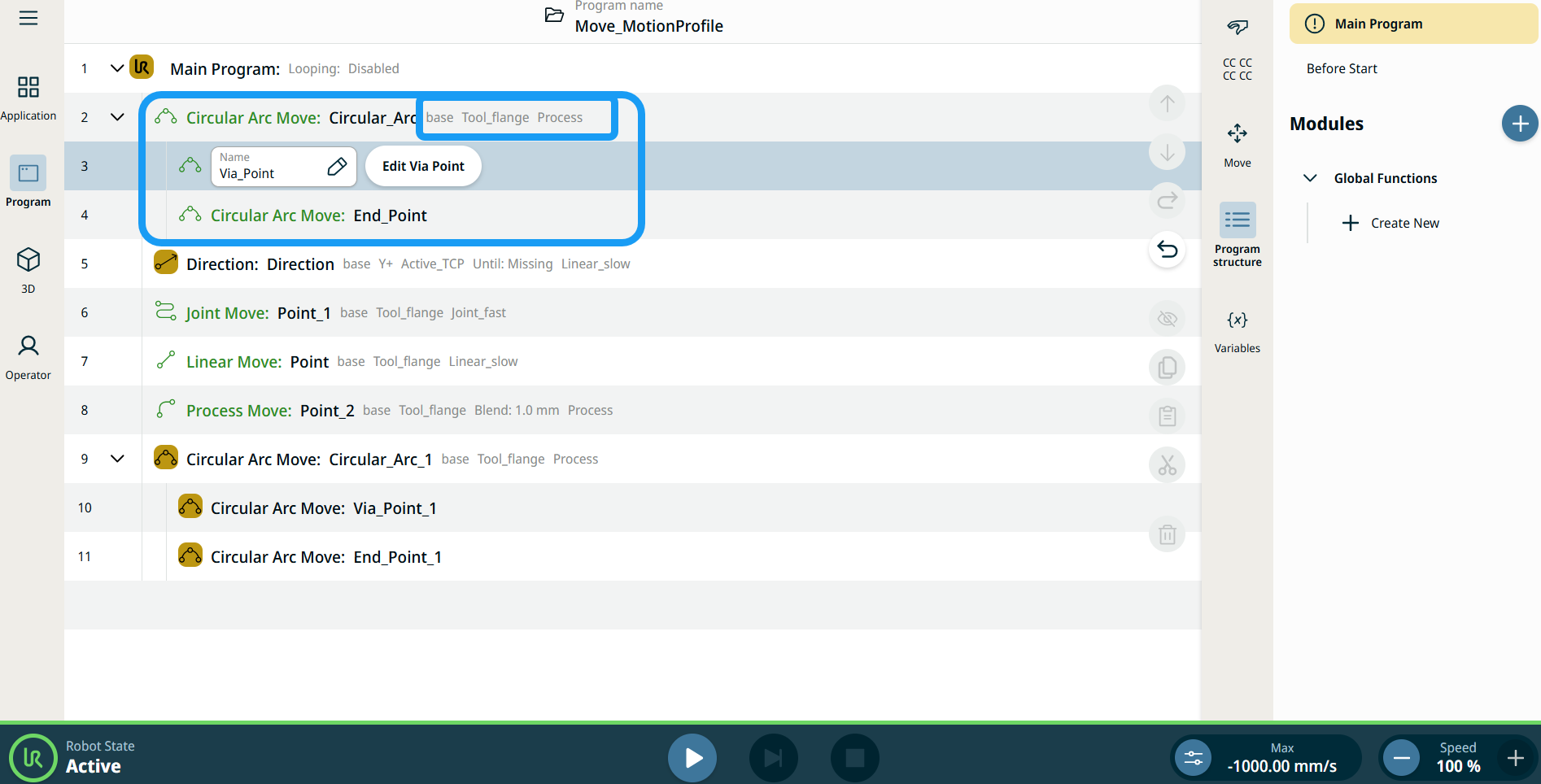
| Hareket Et Düğümlerindeki Devinim Profili etiketleri |
Program ağacındaki tüm Hareketle ilişkili komut düğümleri, her bir düğümle ilişkili Devinim Profilini gösterir. Bu özellik, kullanıcıların Hareket düğümünde seçili bir Devinim Profilini görebilmesini sağlar. Bu özellik, aşağıdaki komut düğümlerine uygulanır: Özel devinim profili olan Hareket düğümleri, Devinim profili yerine hız ve ivme değerlerini gösterir. |
|
|
|
| To access More settings |
Tap the More button, and the More settings screen appears. On the left side, you see four advanced options:
|
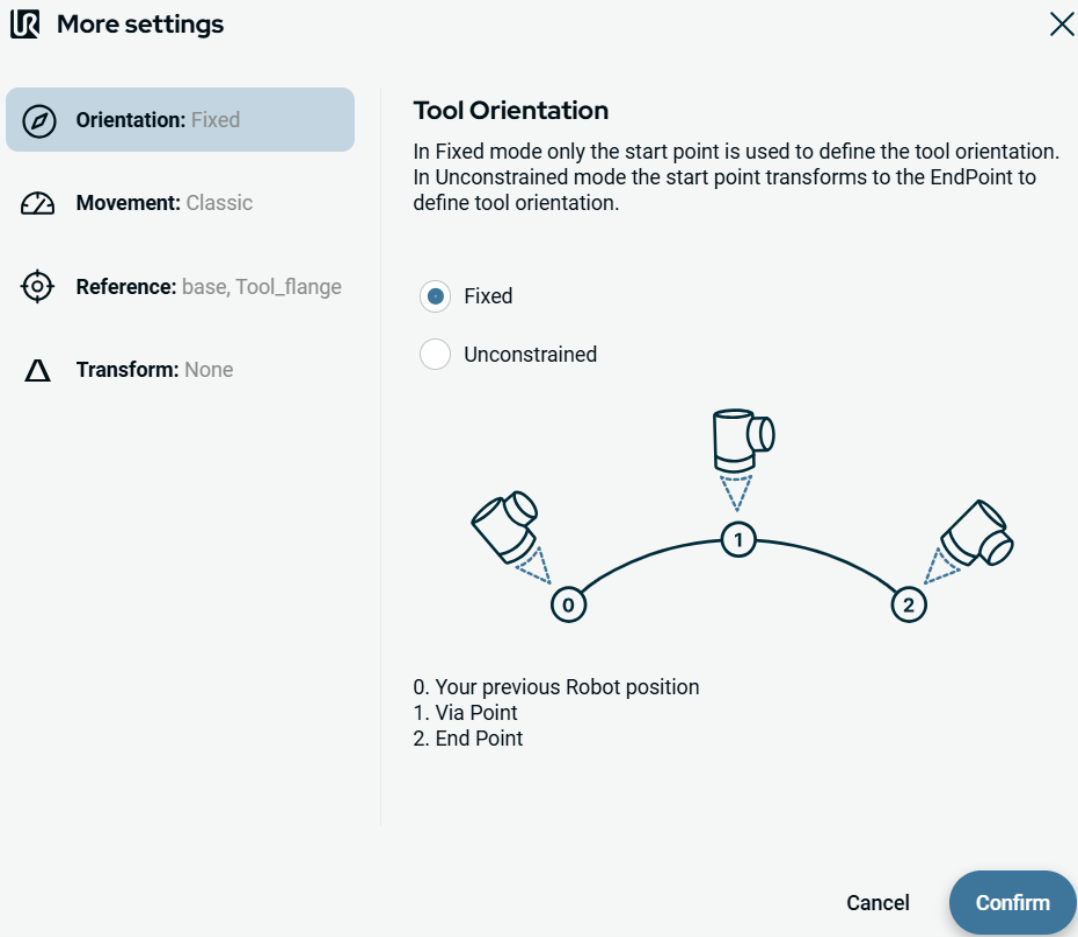
|
To use Orientation |
|
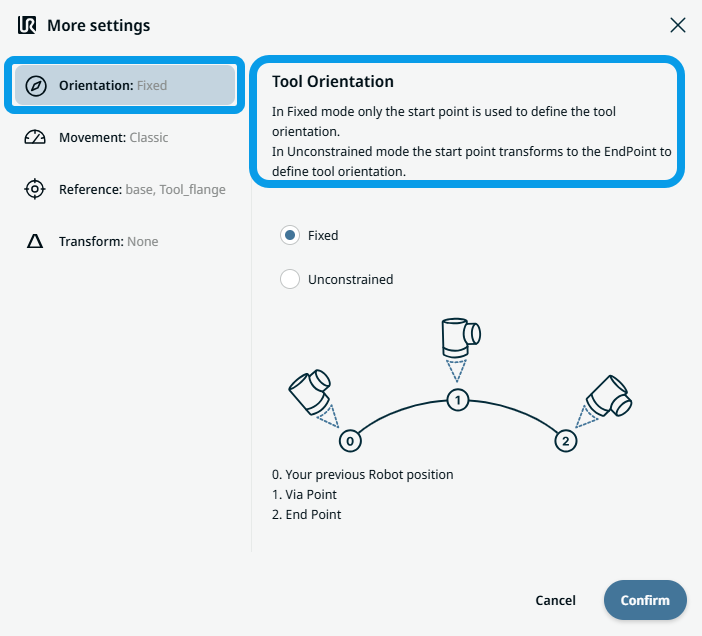
|
To use Movement |
|
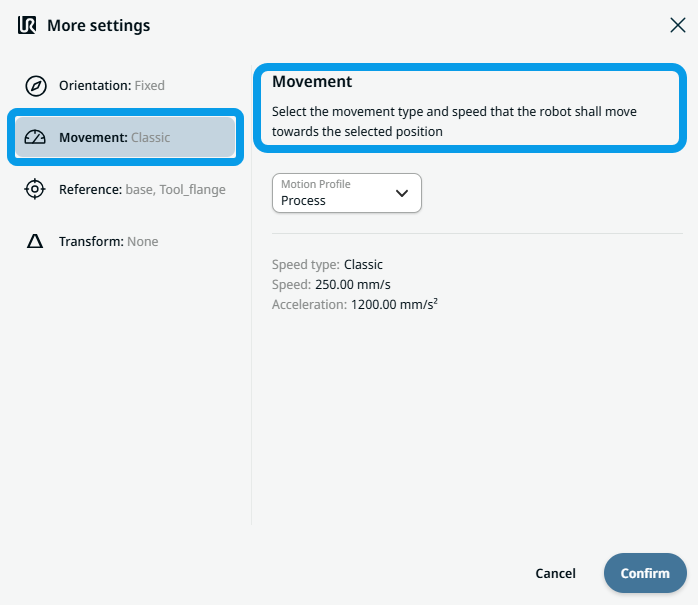 Two fields appear:
|
To use Reference |
|
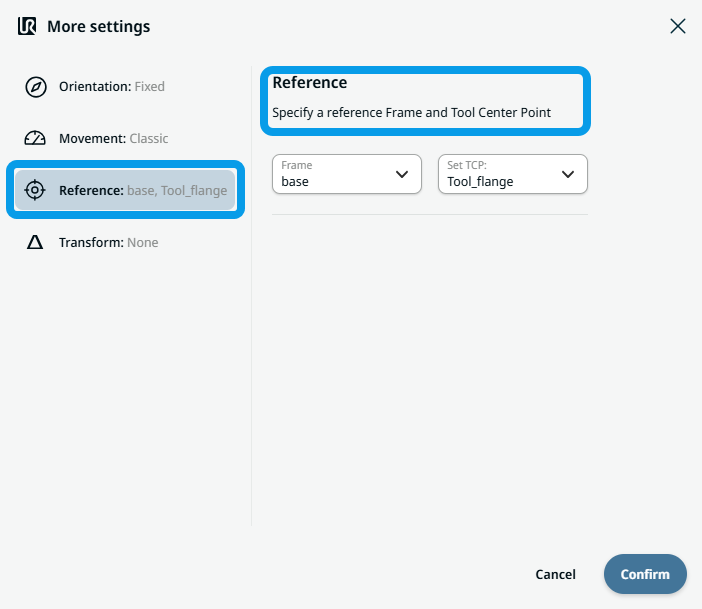
|
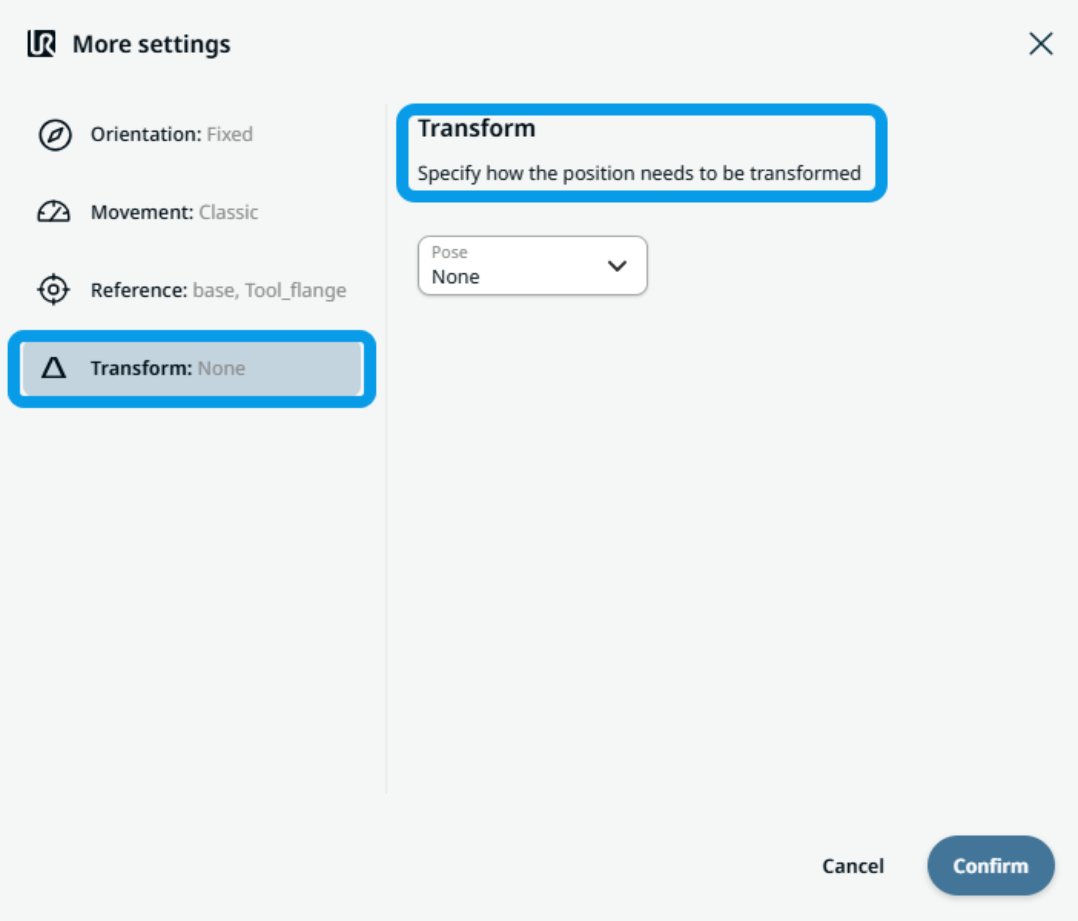
To use Transform |
|
|
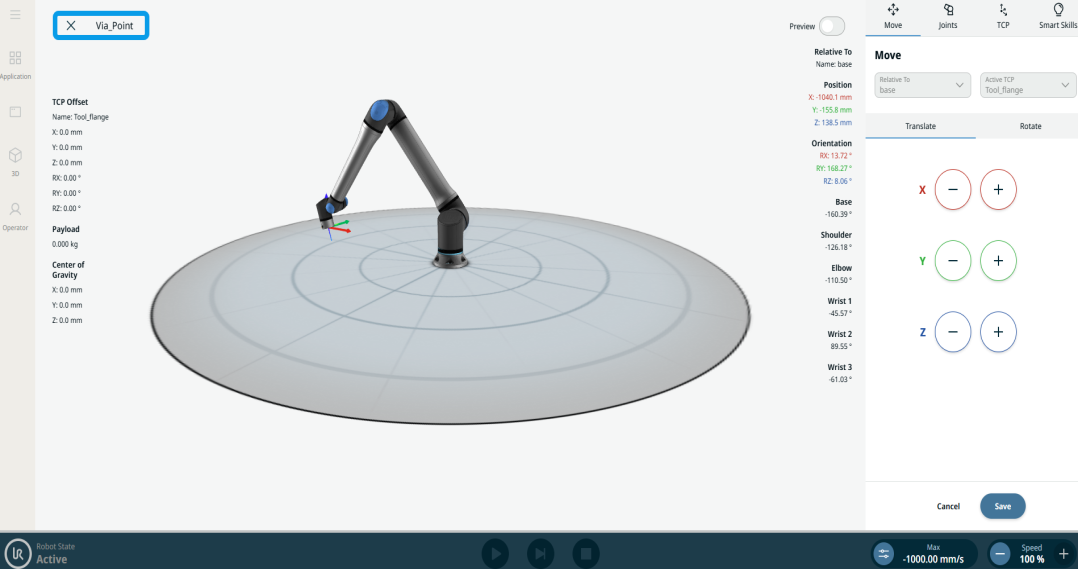
To use Circular Arc Move: Via_point |
|
|
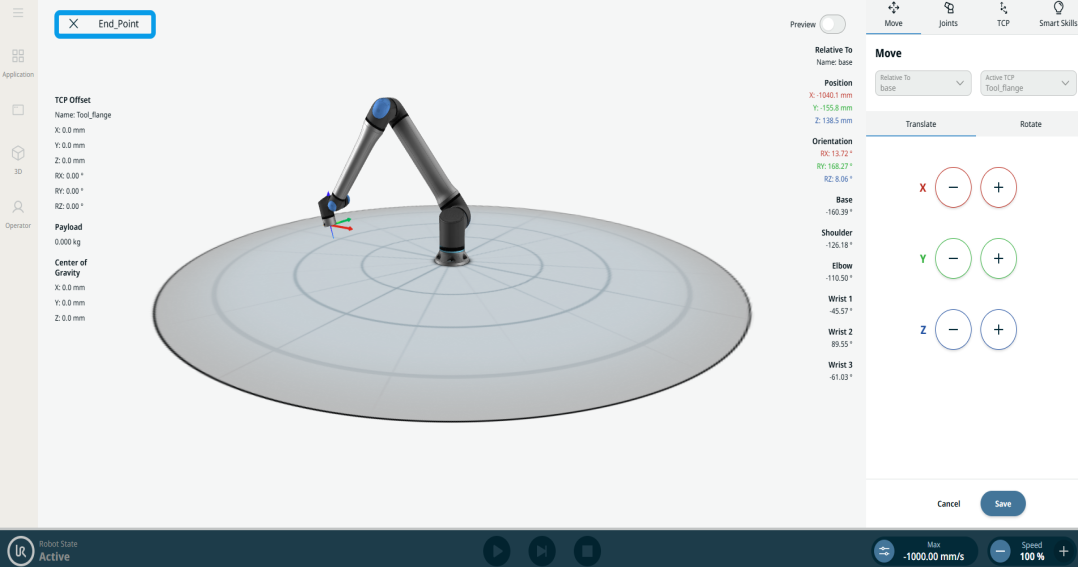
To use Circular Arc Move: End_Point |
|