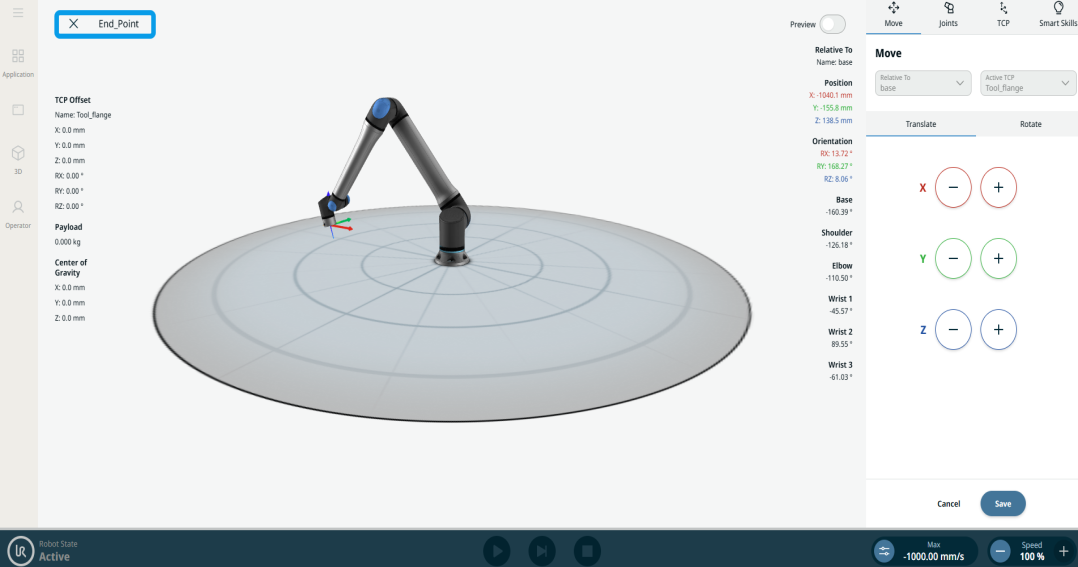
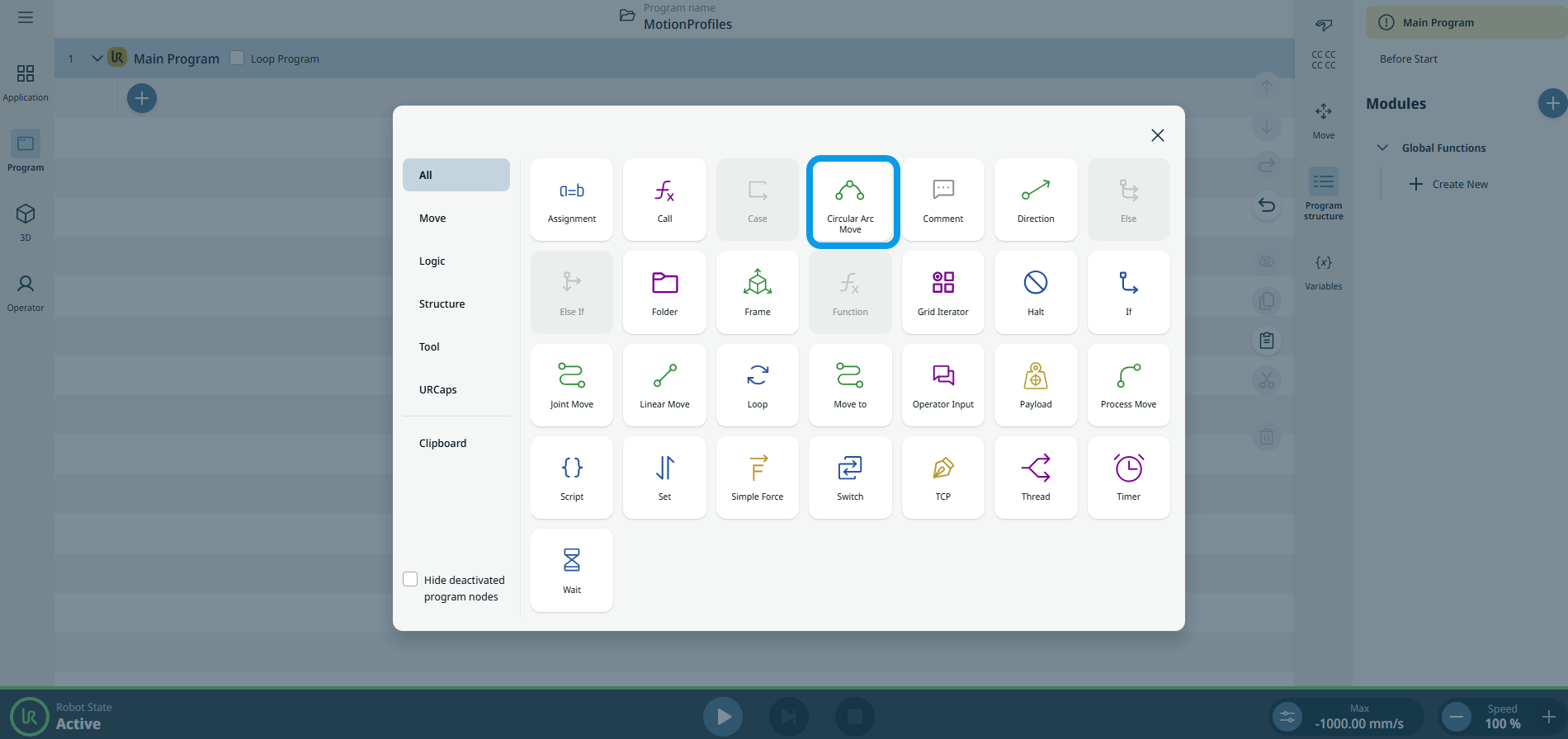
Circular Arc Move
| Beskrivning |
The Circular Arc Move enables you to program the robot to move in a circular motion while keeping the tool orientation either fixed or unconstrained.
|
|
To access Circular Arc Move command |
|
|
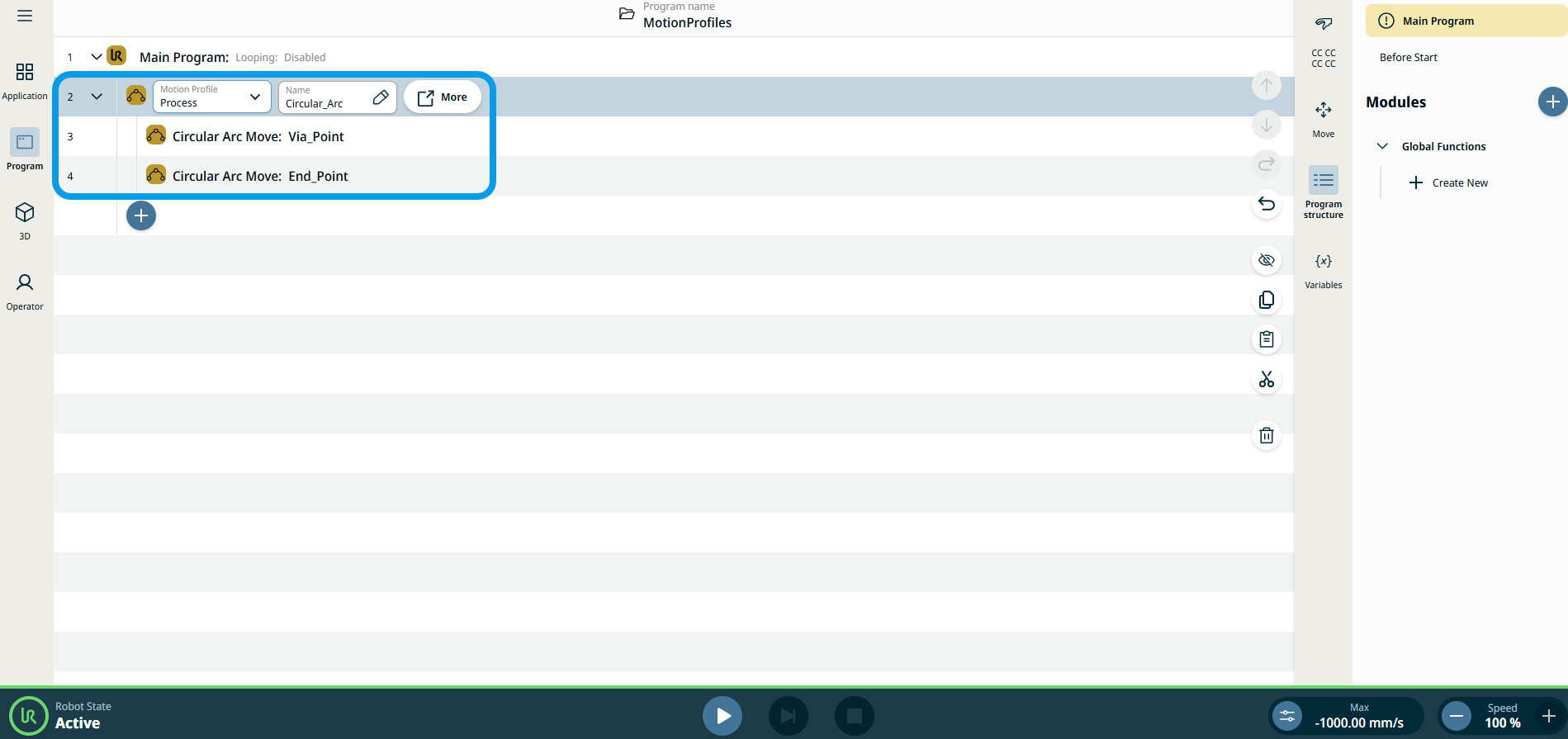
The three editable fields are:
|
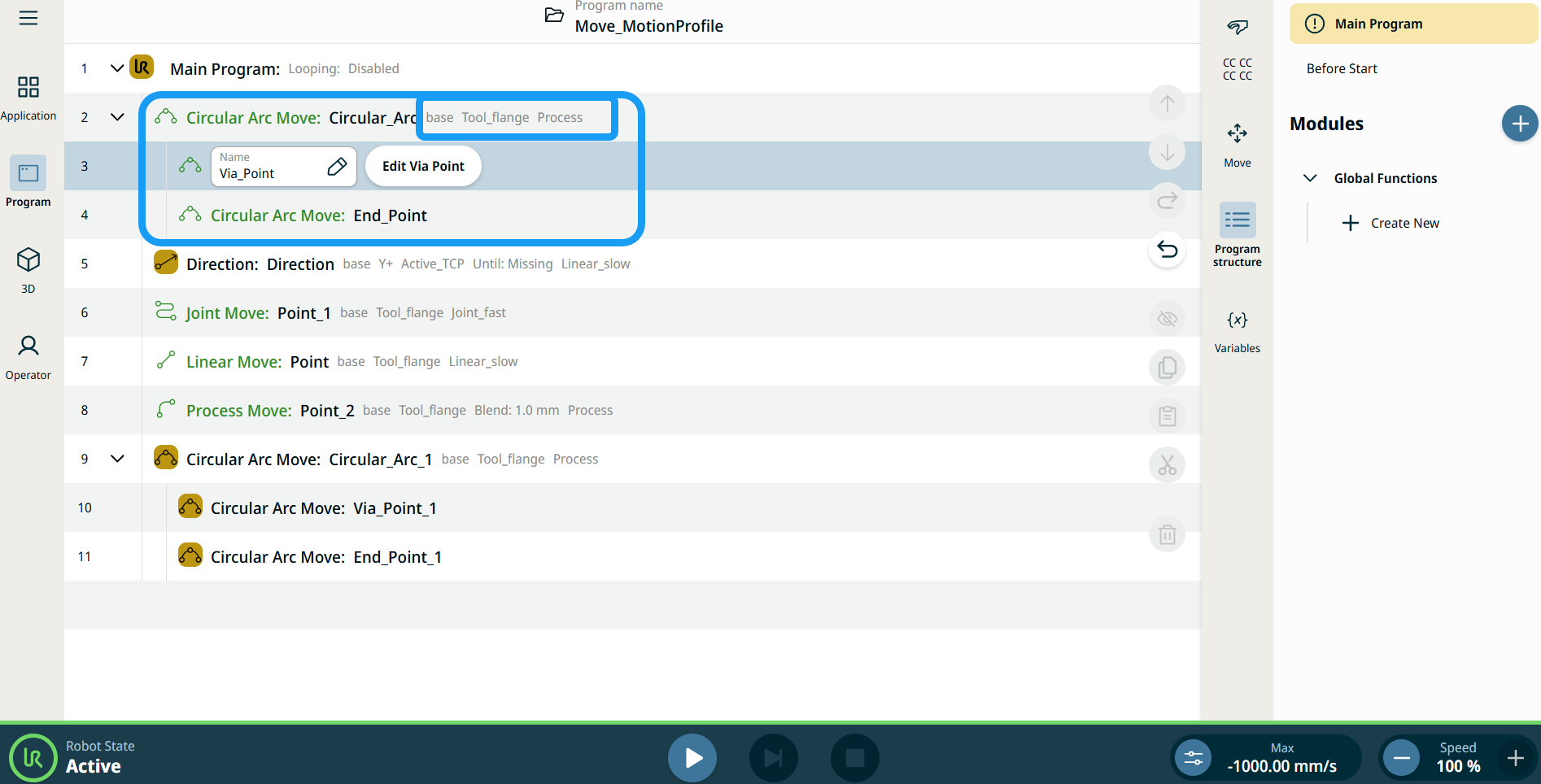
| Rörelseprofiletiketter på flyttnoder |
Alla rörelserelaterade kommandonoder i programträdet visar den rörelseprofil som är associerad med varje nod. Funktionen gör det möjligt för användare att se den valda rörelseprofilen på en Flytta-nod. Denna funktion är implementerad på följande kommandonoder: Flytta noder med anpassad rörelseprofil visar värdena för hastighet och acceleration istället för rörelseprofil. |
|
|
|
| To access More settings |
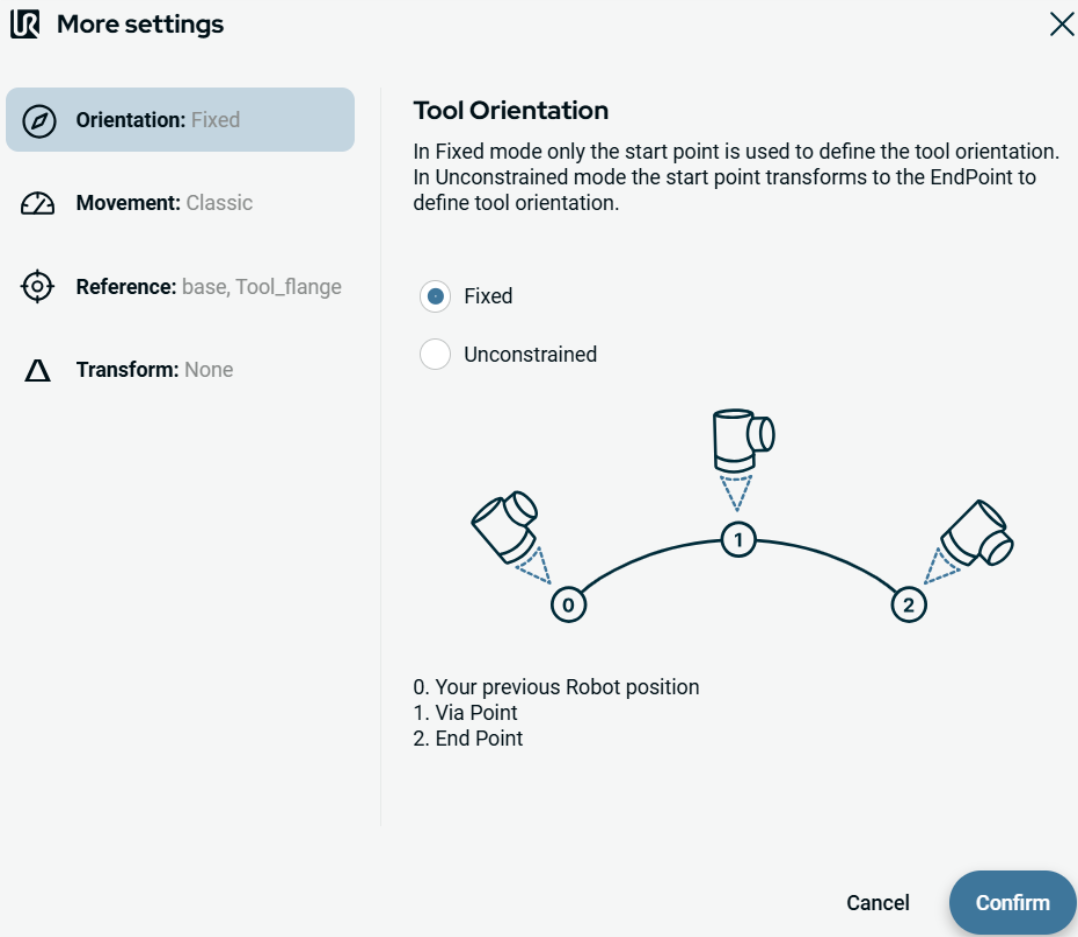
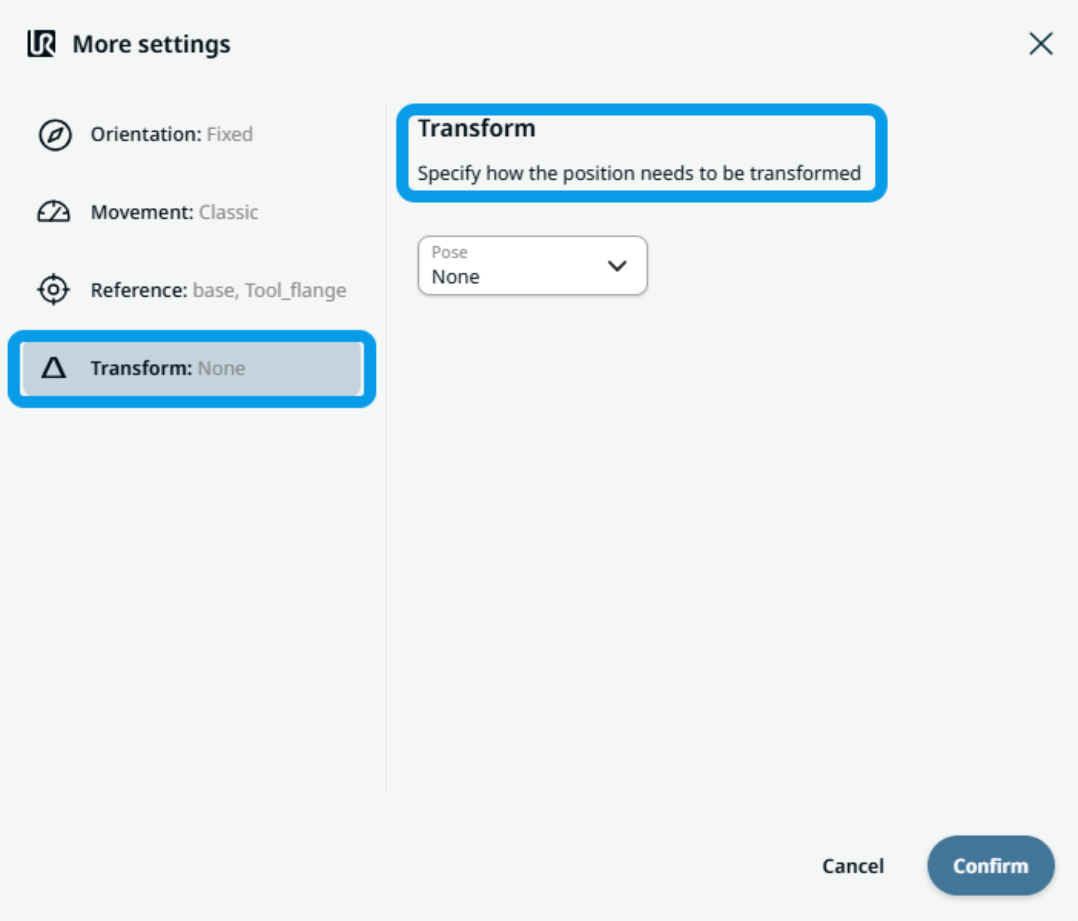
Tap the More button, and the More settings screen appears. On the left side, you see four advanced options:
|
|
To use Orientation |
|
|
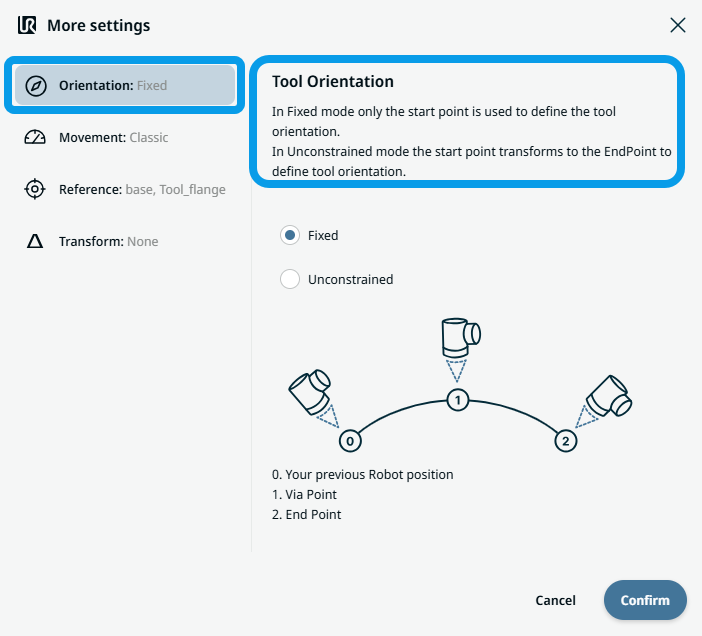
To use Movement |
|
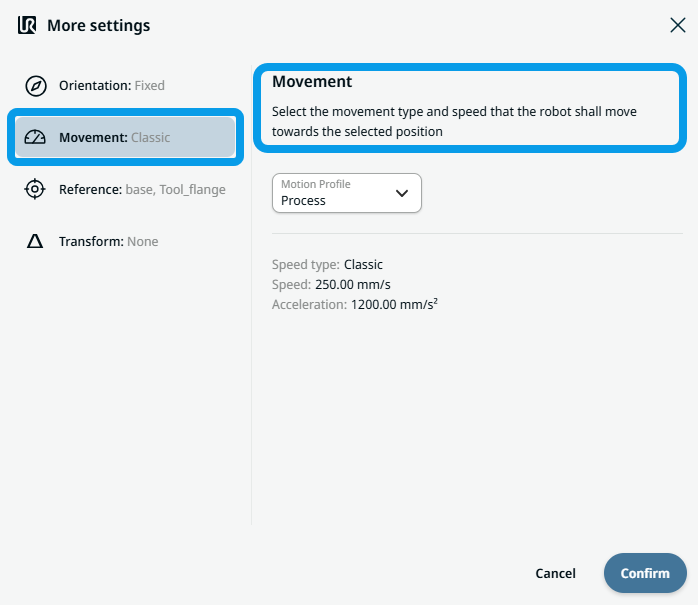 Two fields appear:
|
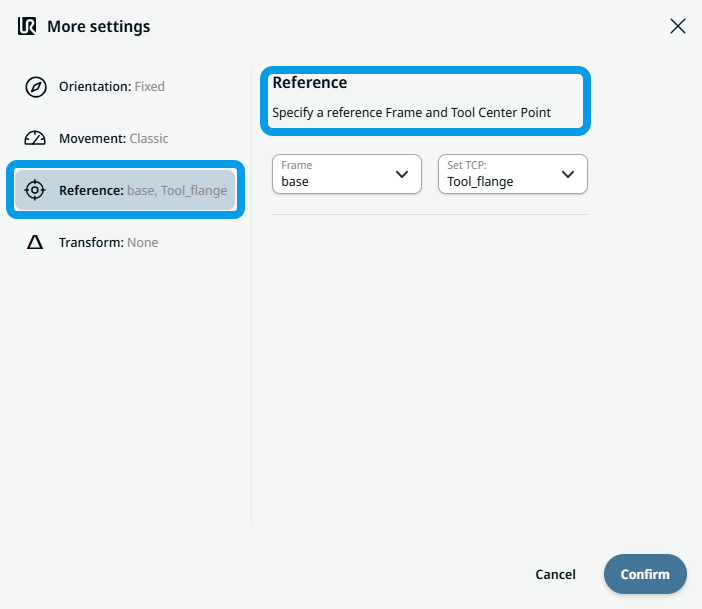
To use Reference |
|
|
To use Transform |
|
|
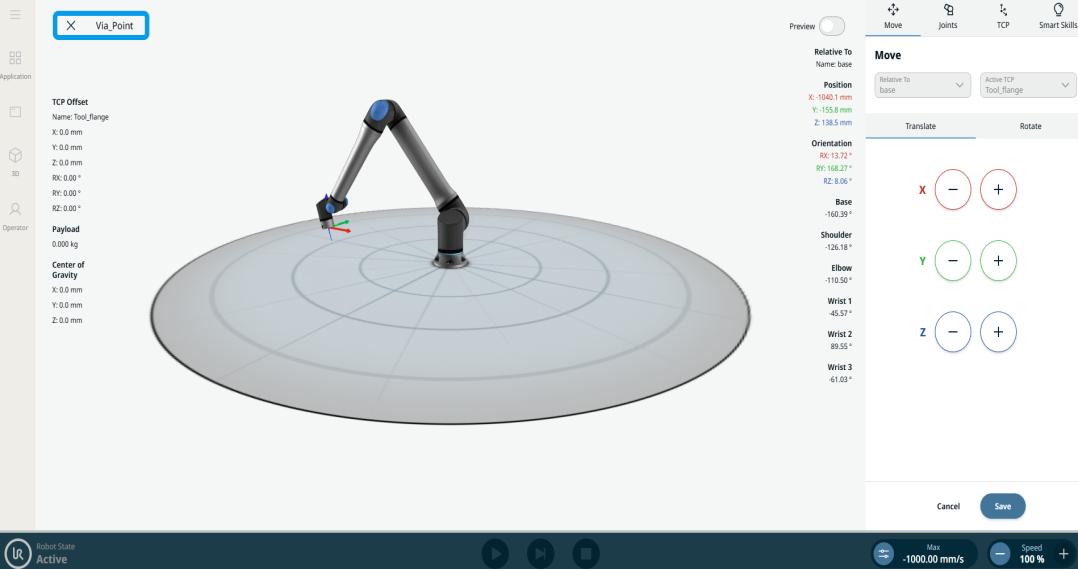
To use Circular Arc Move: Via_point |
|
|
To use Circular Arc Move: End_Point |
|