Pohyb kruhového oblúka
| Popis |
The Circular Arc Move enables you to program the robot to move in a circular motion while keeping the tool orientation either fixed or unconstrained.
|
|
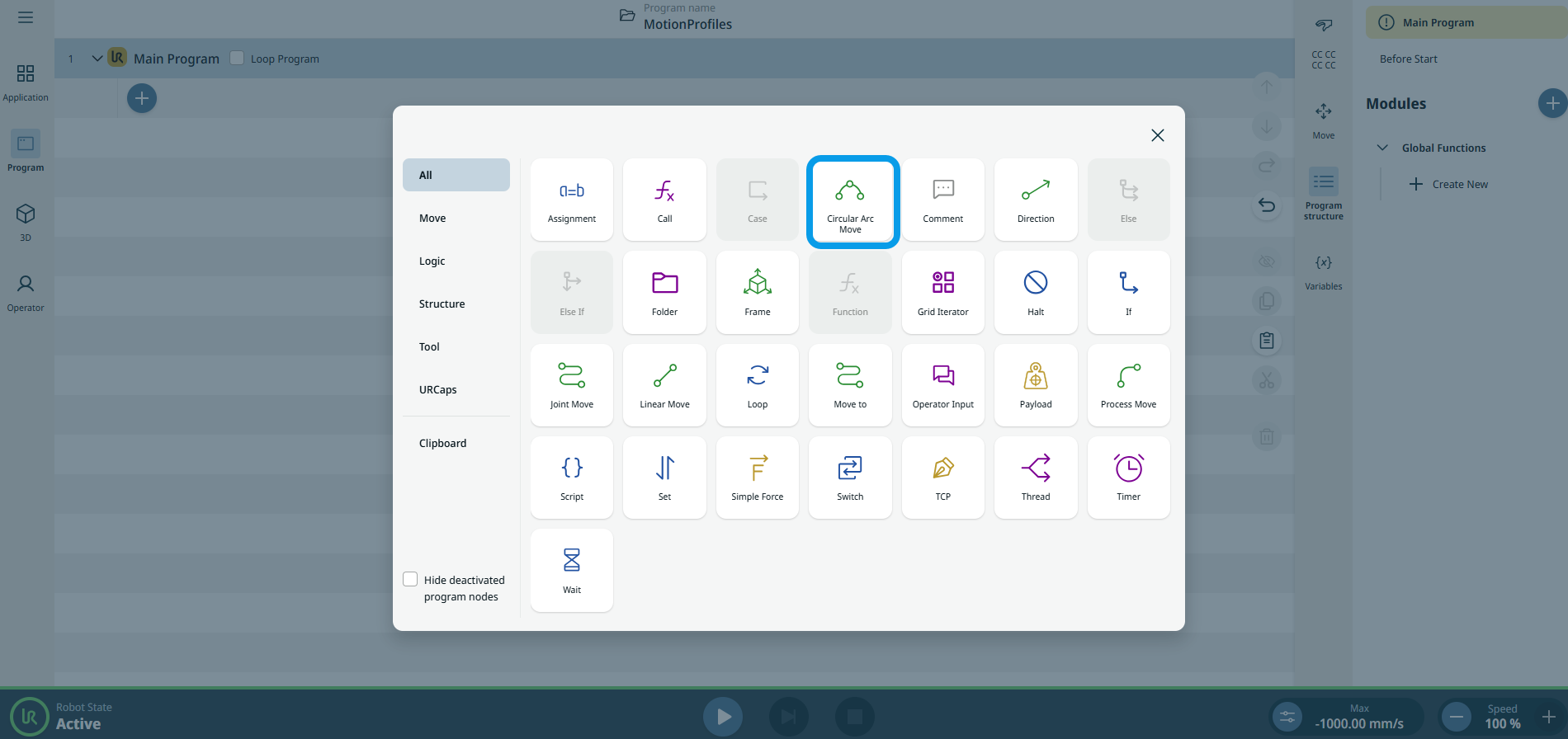
To access Circular Arc Move command |
|
|
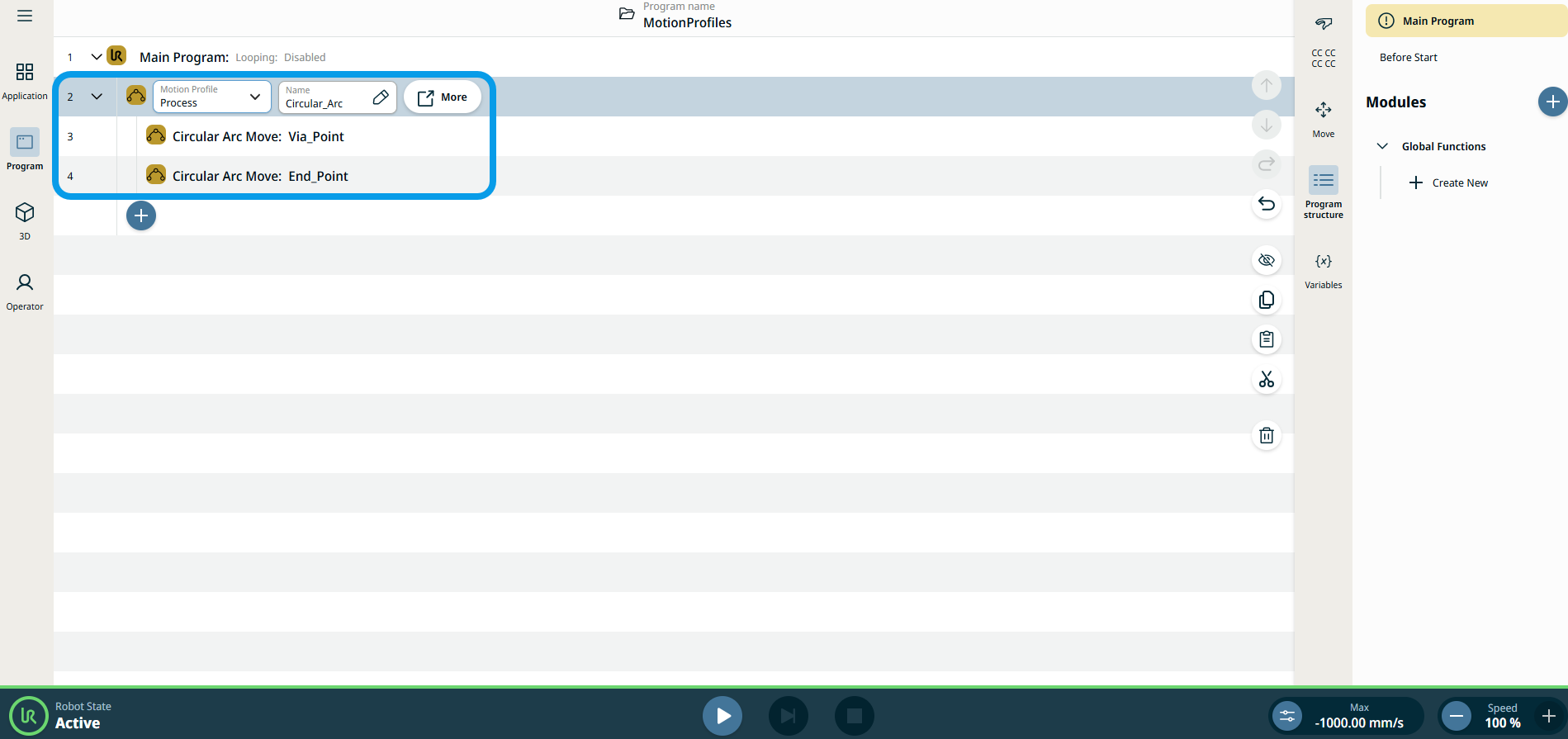
The three editable fields are:
|
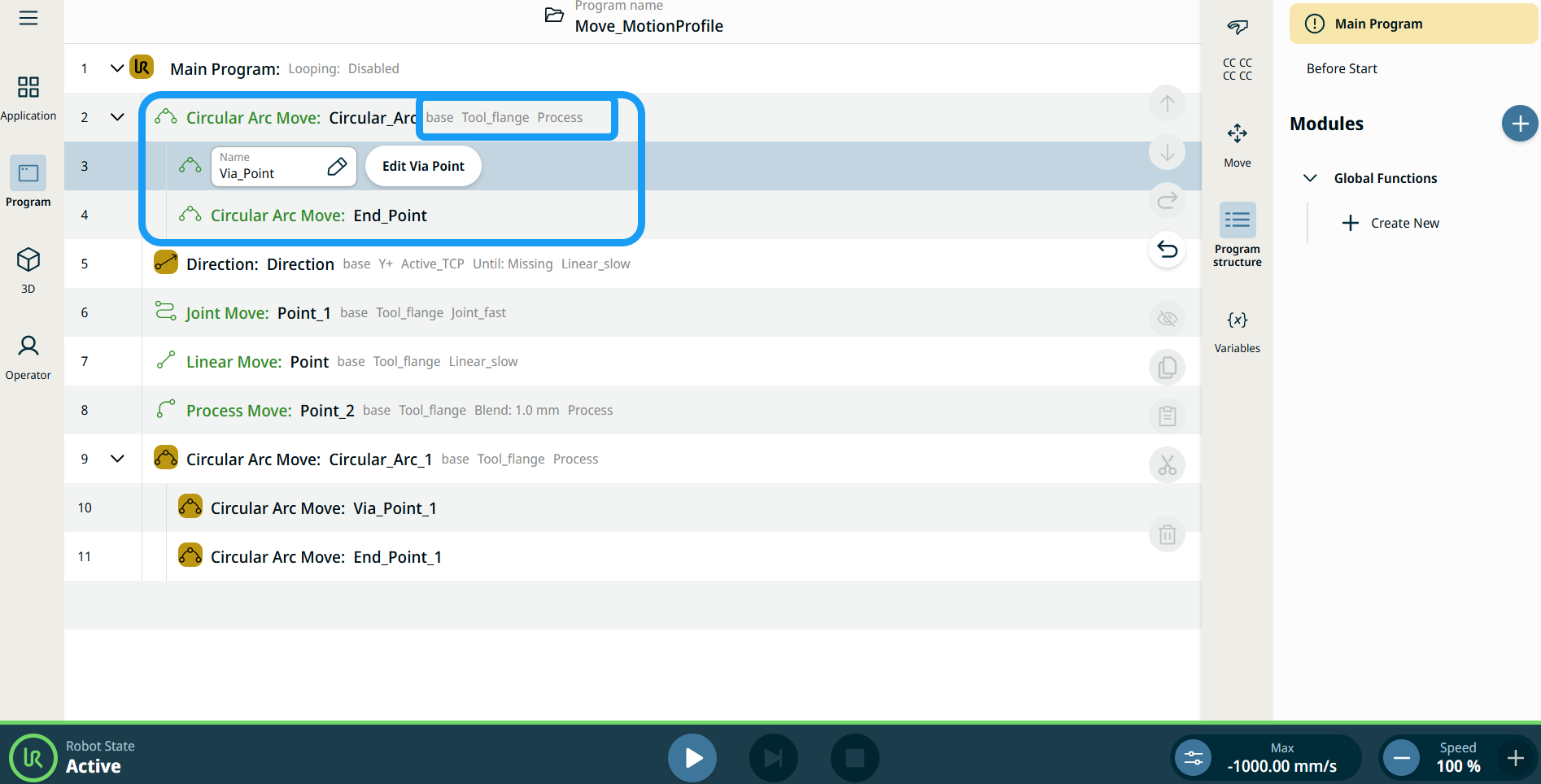
| Štítky profilu pohybu na uzloch pohybu |
Všetky uzly príkazov súvisiace s pohybom v stromovej štruktúre programu zobrazujú profil pohybu pridružený ku každému uzlu. Táto funkcia umožňuje používateľom zobraziť vybraný profil pohybu na uzle pohybu. Táto funkcia je implementovaná na nasledujúcich príkazových uzloch: Pohybový uzol s vlastným profilom pohybu zobrazí hodnoty rýchlosti a zrýchlenia namiesto profilu pohybu. |
|
|
|
| To access More settings |
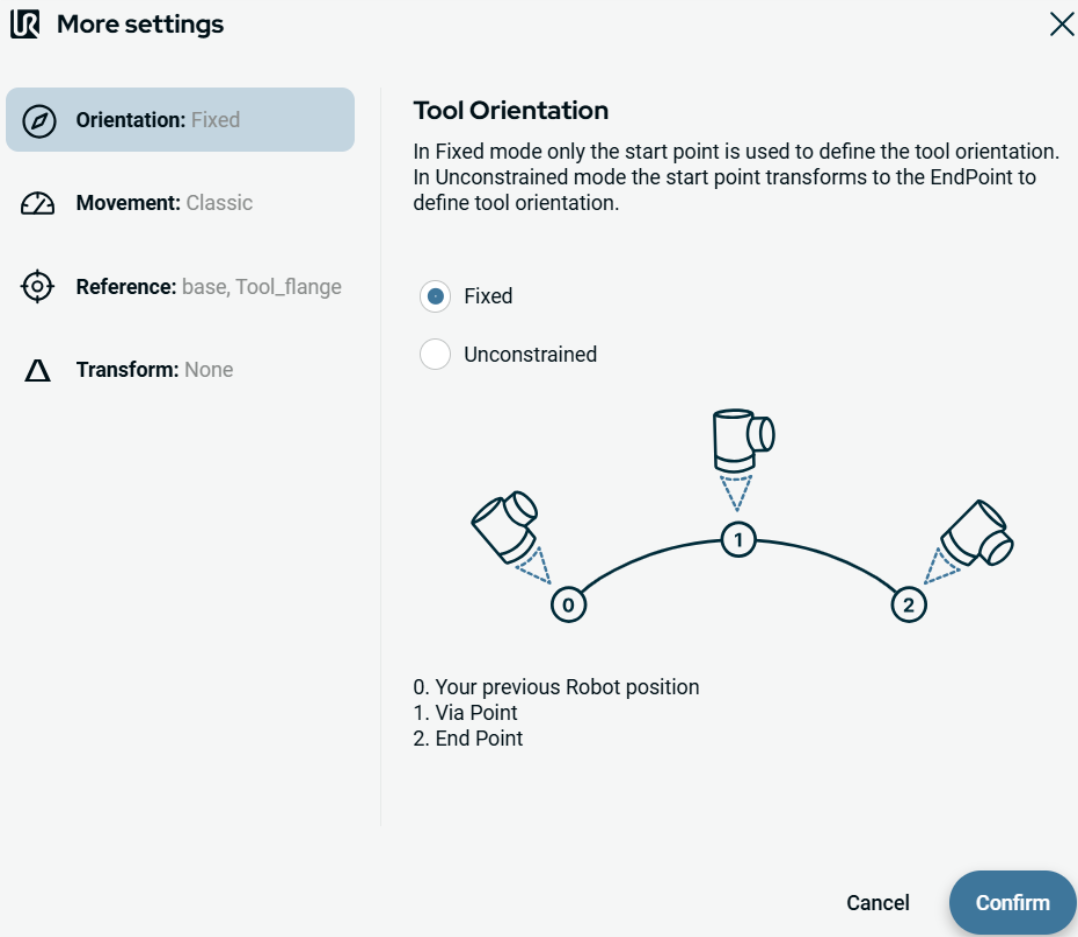
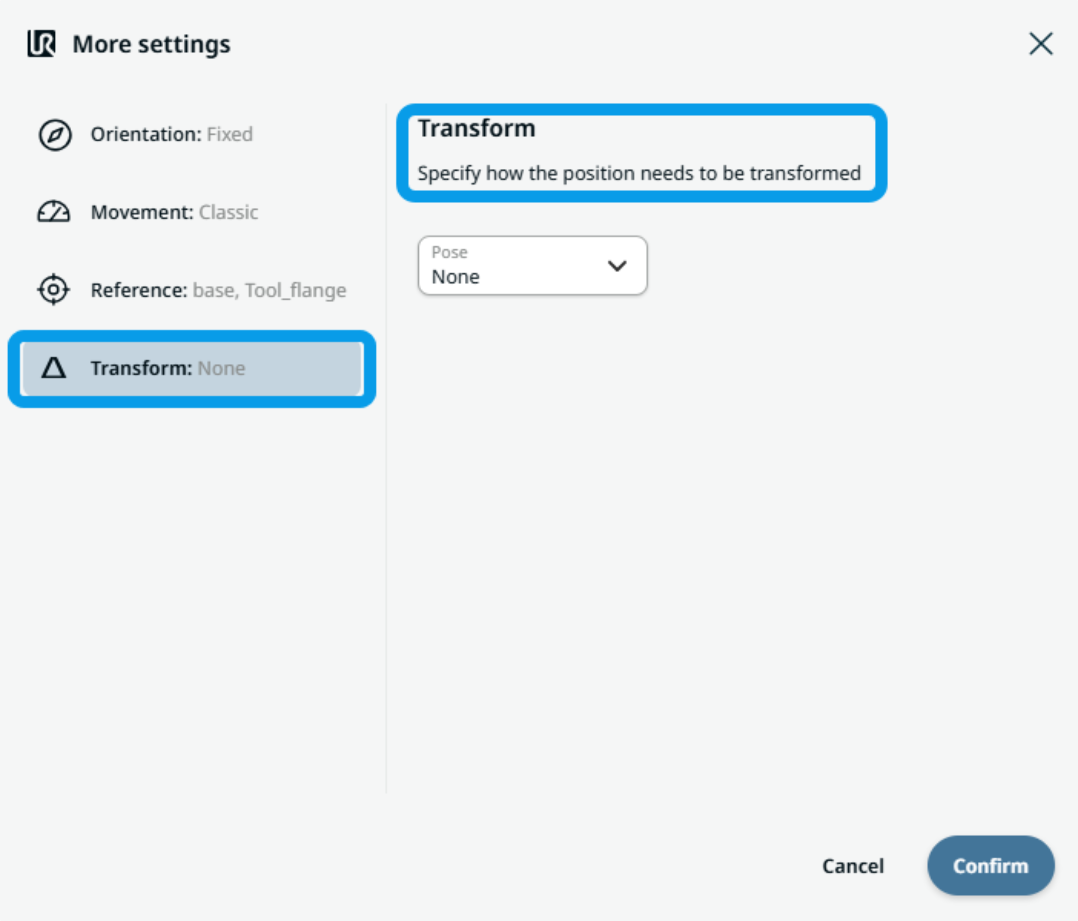
Tap the More button, and the More settings screen appears. On the left side, you see four advanced options:
|
|
To use Orientation |
|
|
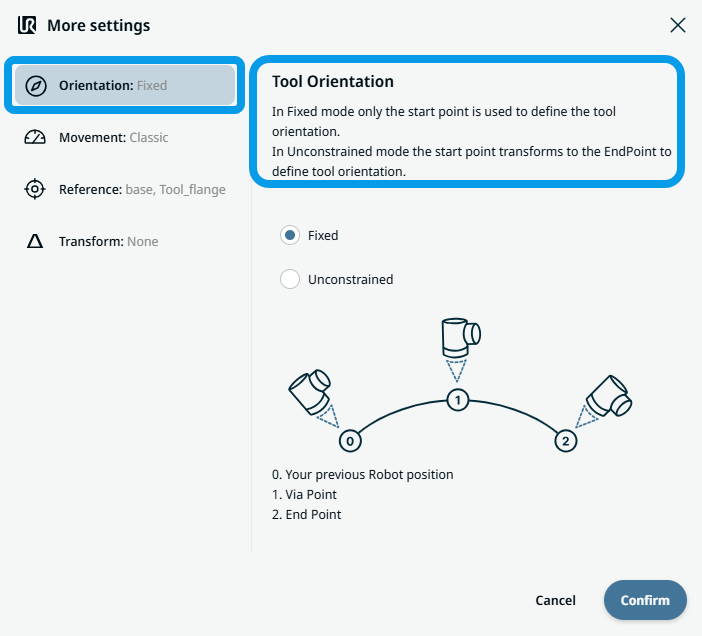
To use Movement |
|
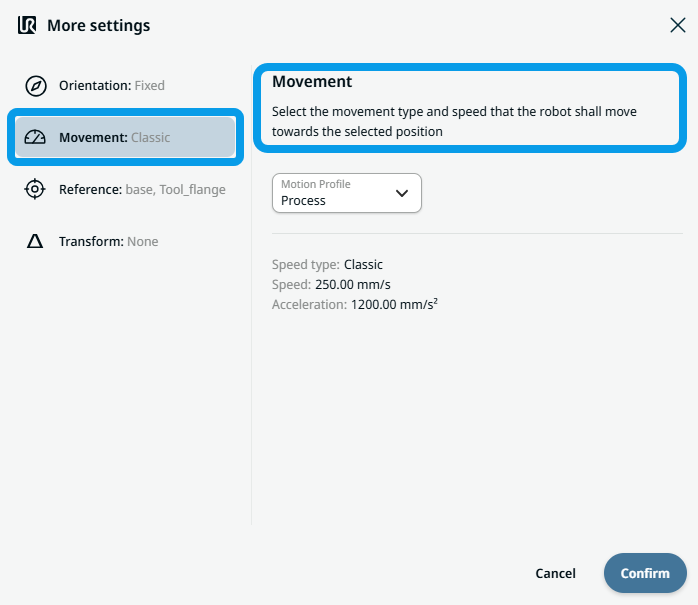 Two fields appear:
|
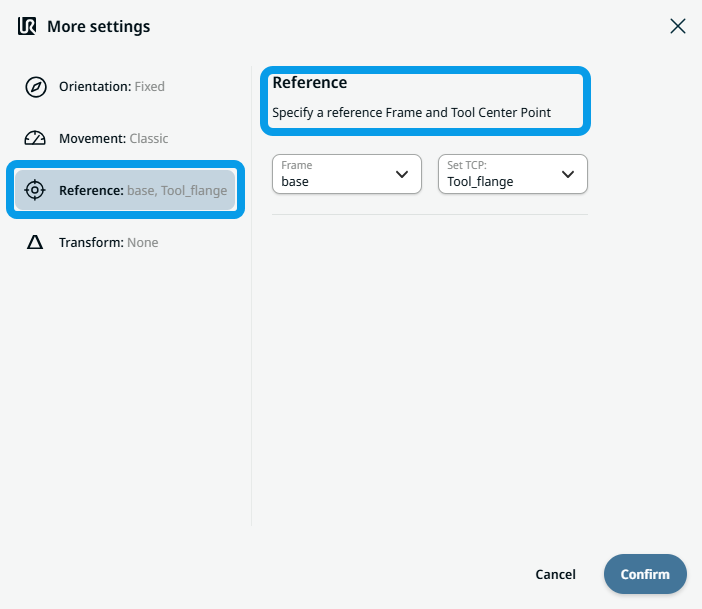
To use Reference |
|
|
To use Transform |
|
|
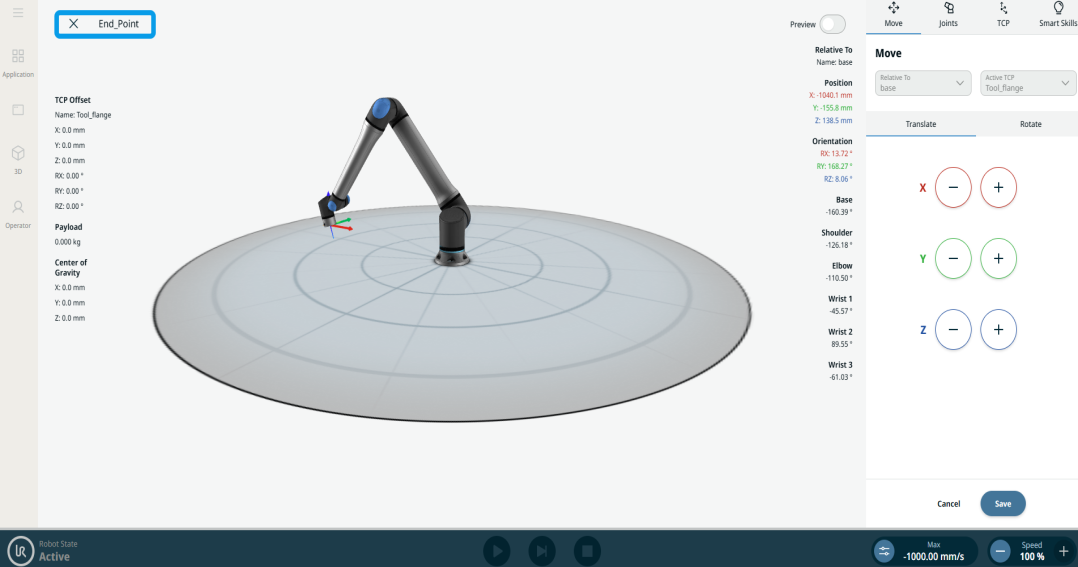
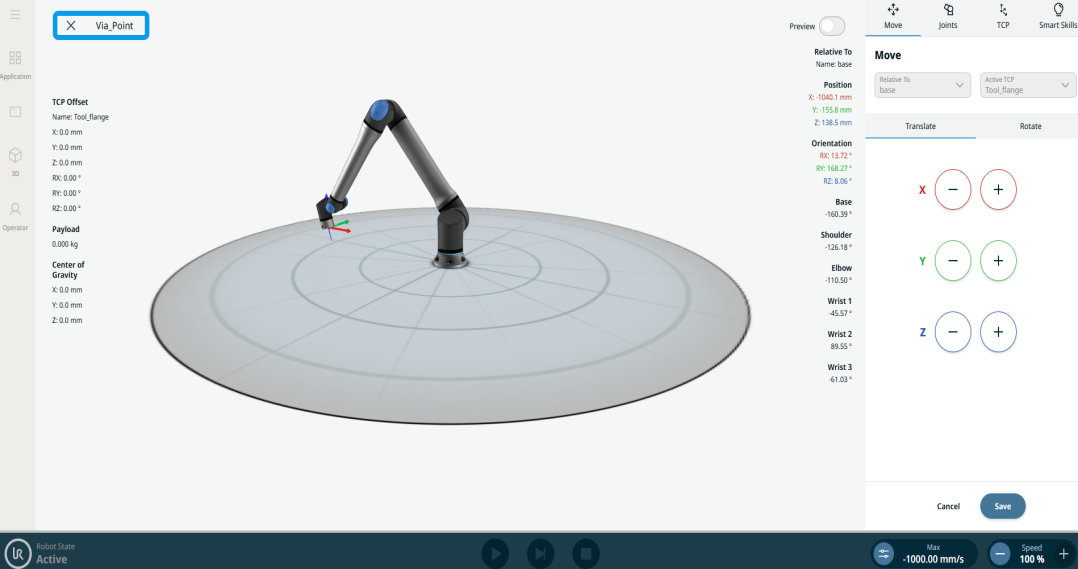
To use Circular Arc Move: Via_point |
|
|
To use Circular Arc Move: End_Point |
|