Retning
| Beskrivelse |
The Direction command enables you to move the robot in a specific direction in a linear motion along an axis. A stop condition halts it.
|
|
To access Direction command |
|
|
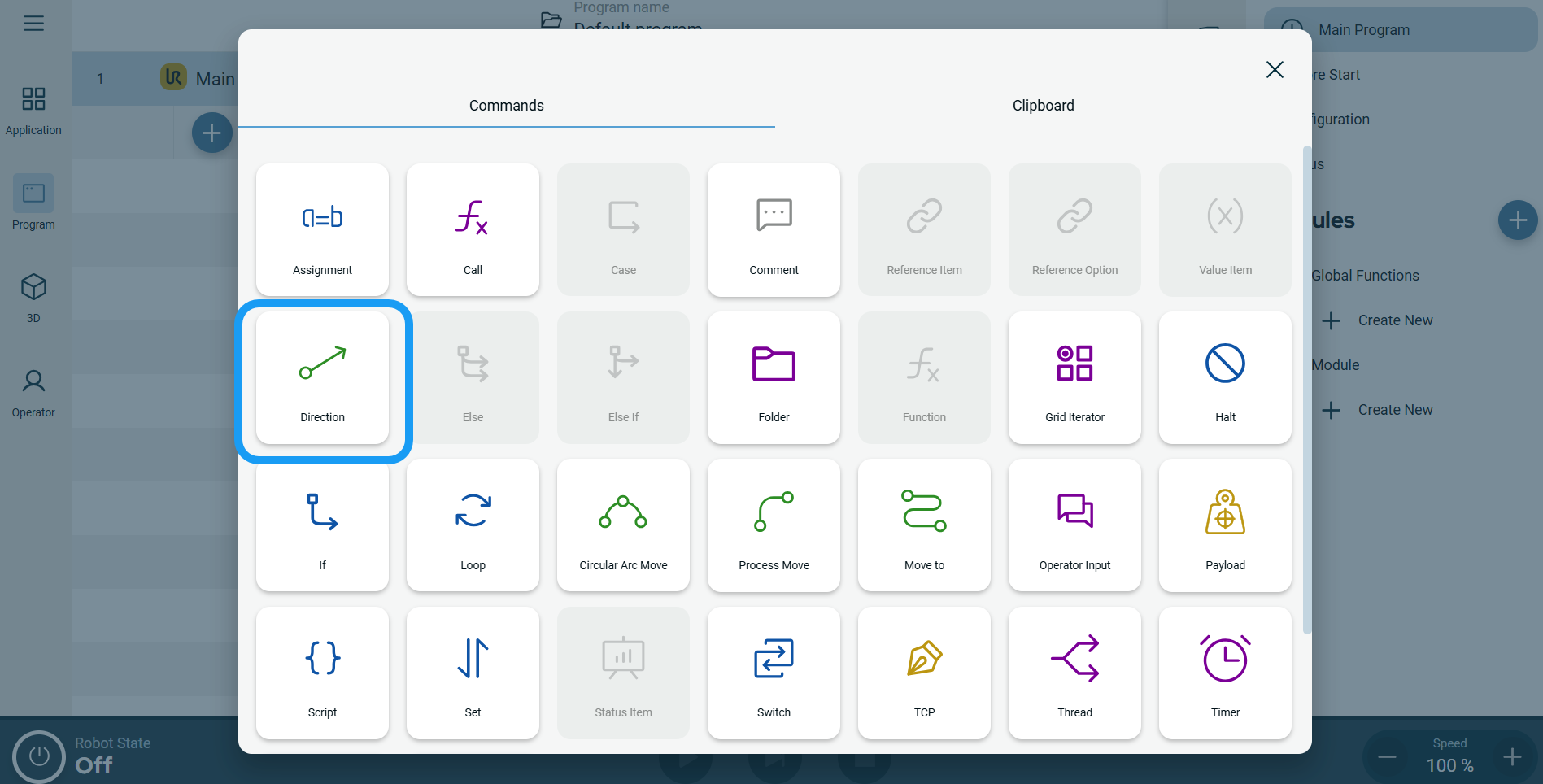 A node with three editable fields and a More button is inserted into the program tree. The three fields are: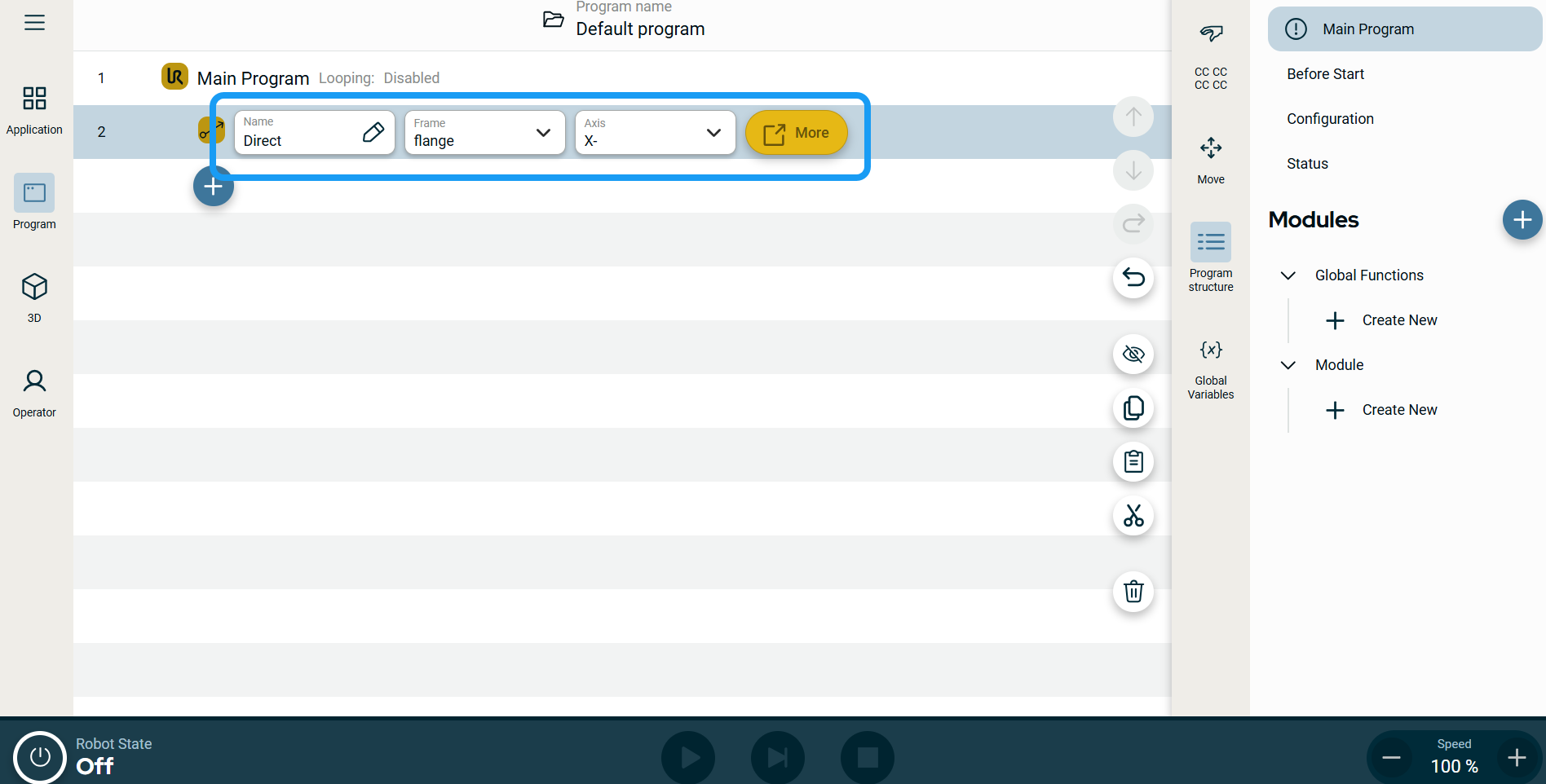
| Bevegelsesprofiletiketter på Flytt-noder |
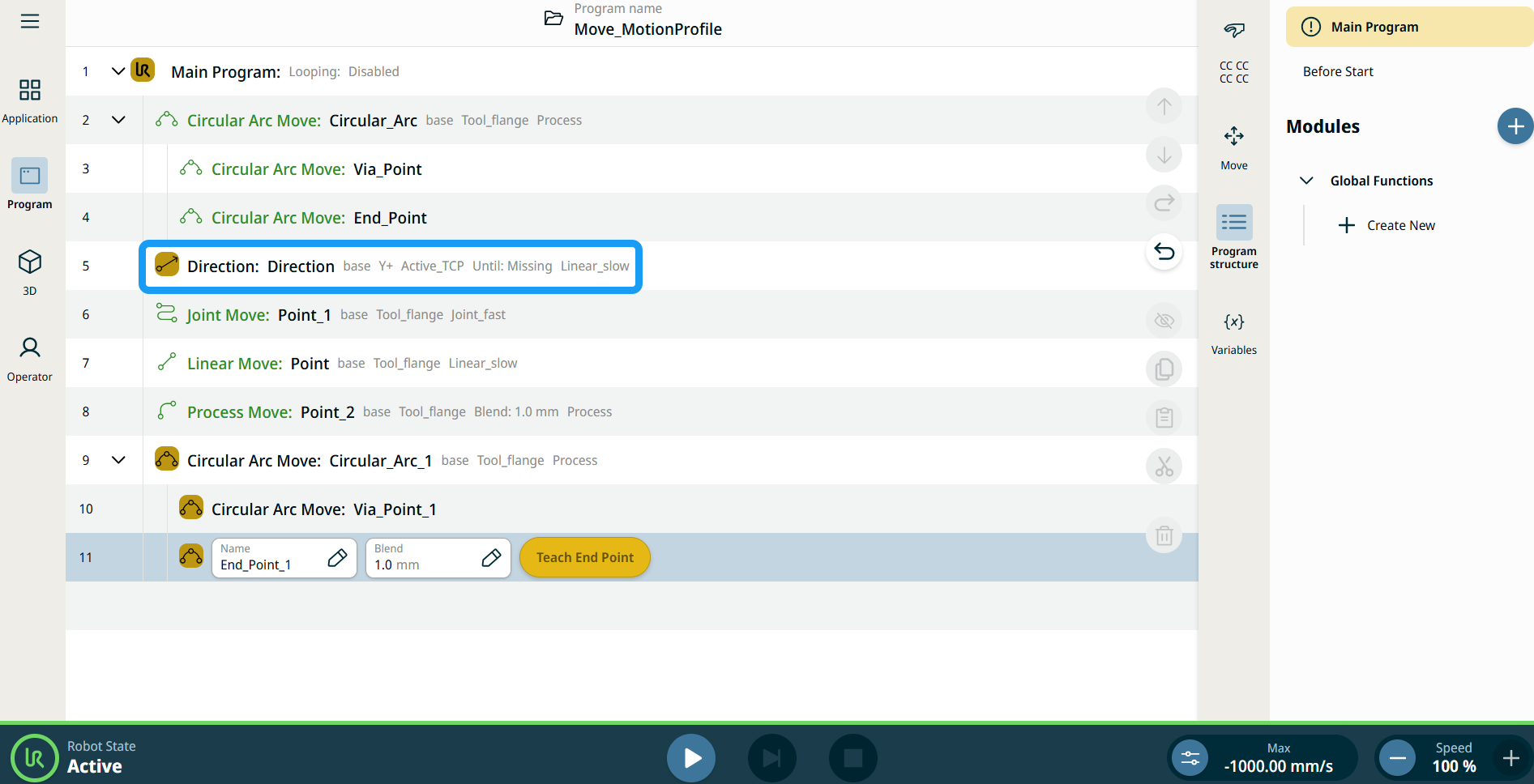
Alle Flytt-relaterte kommandonoder i programtreet viser Bevegelsesprofilen knyttet til hver node. Denne funksjonen gjør det mulig for brukere å se den valgte Bevegelsesprofilen på en Flytt-node. Denne funksjonen er implementert på følgende kommandonoder: Flytt-noder med egendefinert bevegelsesprofil vil vise verdiene for hastighet og akselerasjon i stedet for Bevegelsesprofil. |
|
|
|
|
To use the More options |
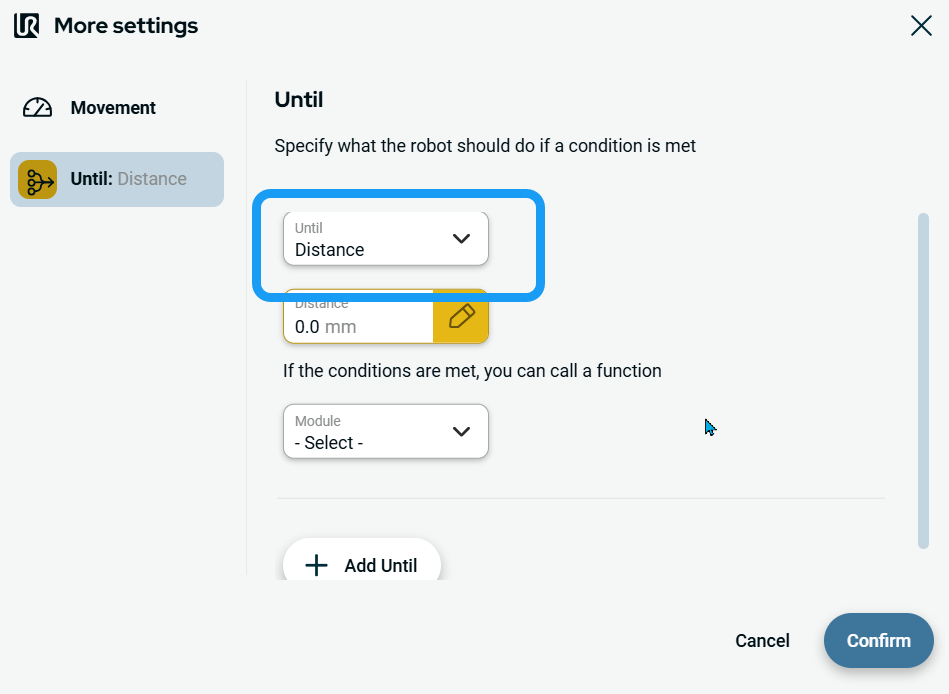
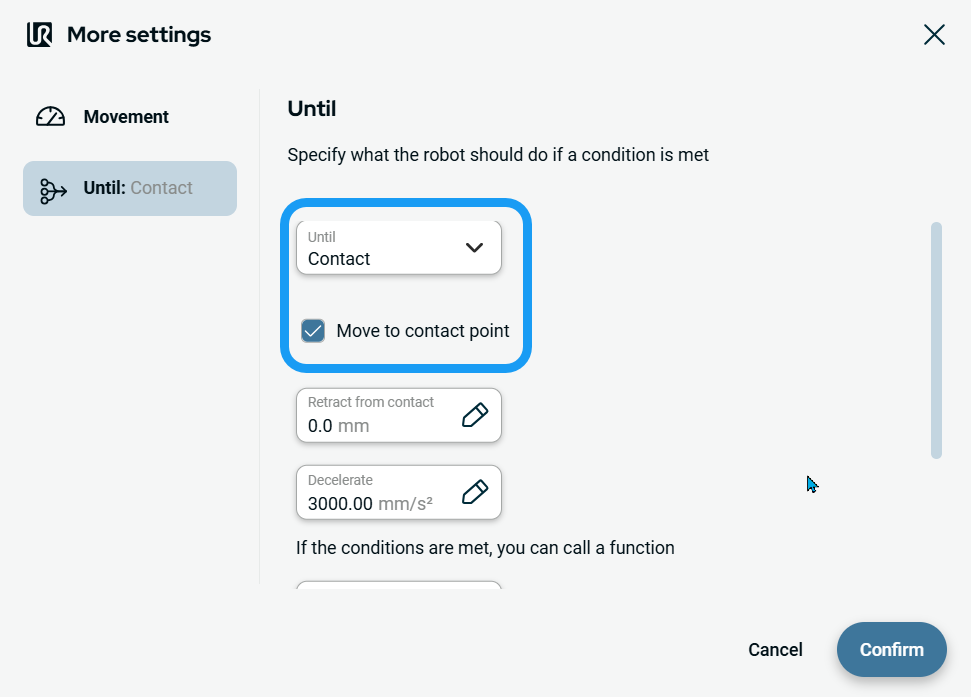
Tap the More button. A new screen appears containing two advanced settings:
|
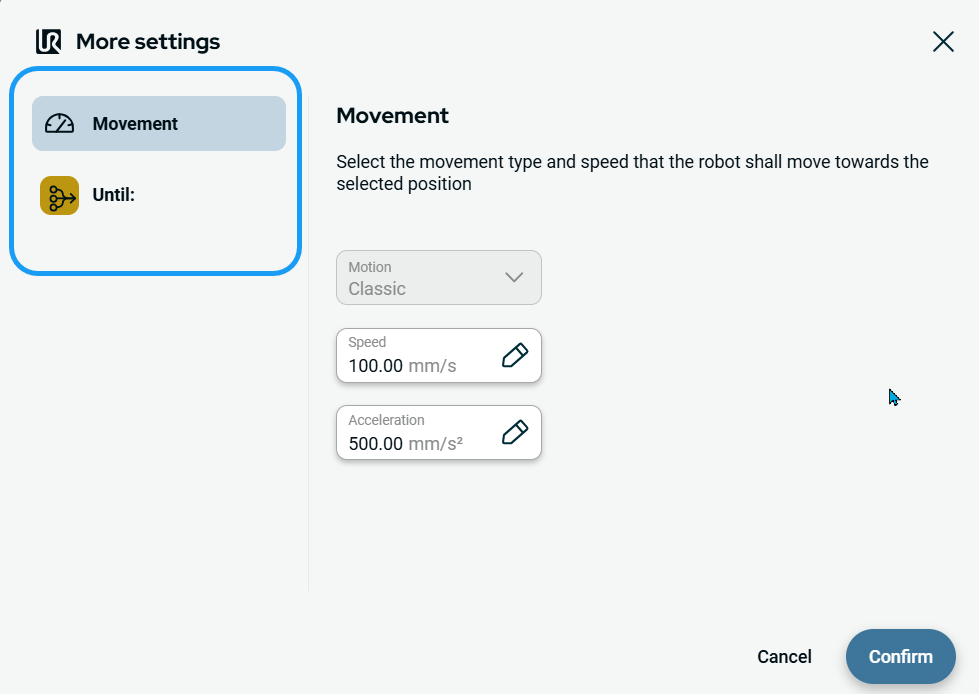
| To use Movement setting |
|
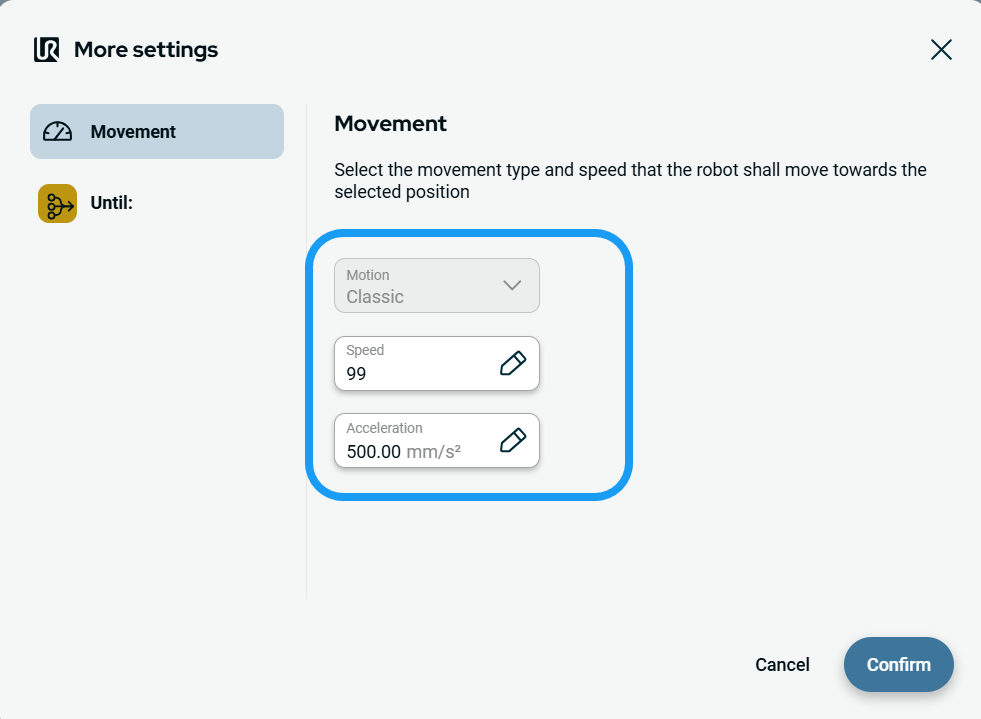
| To use Until setting |
|
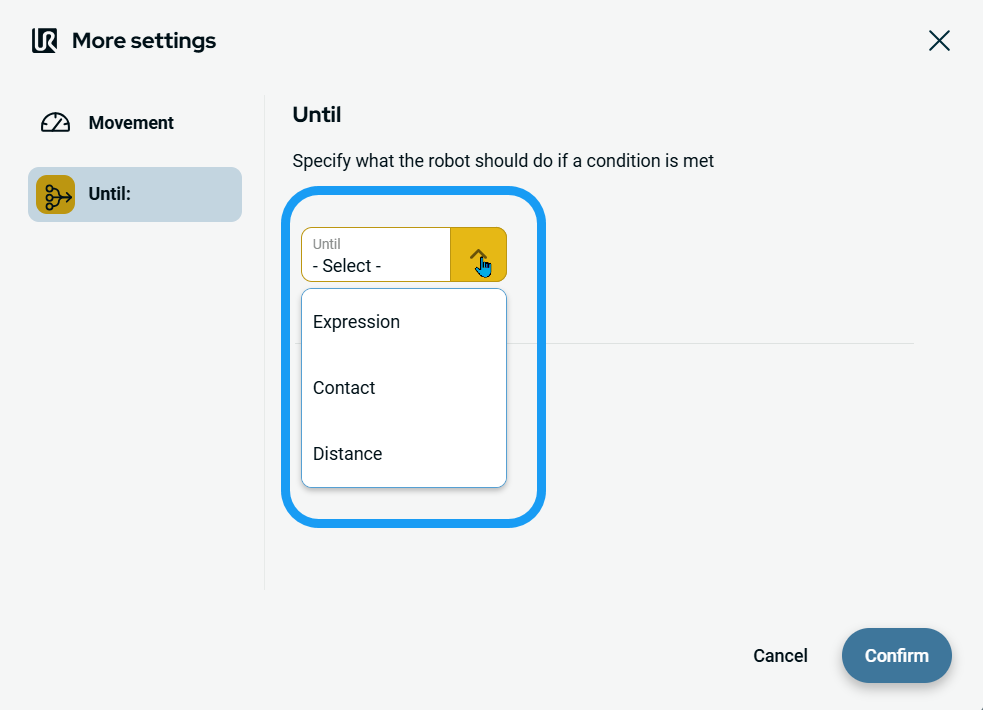
| To access Expression |
|
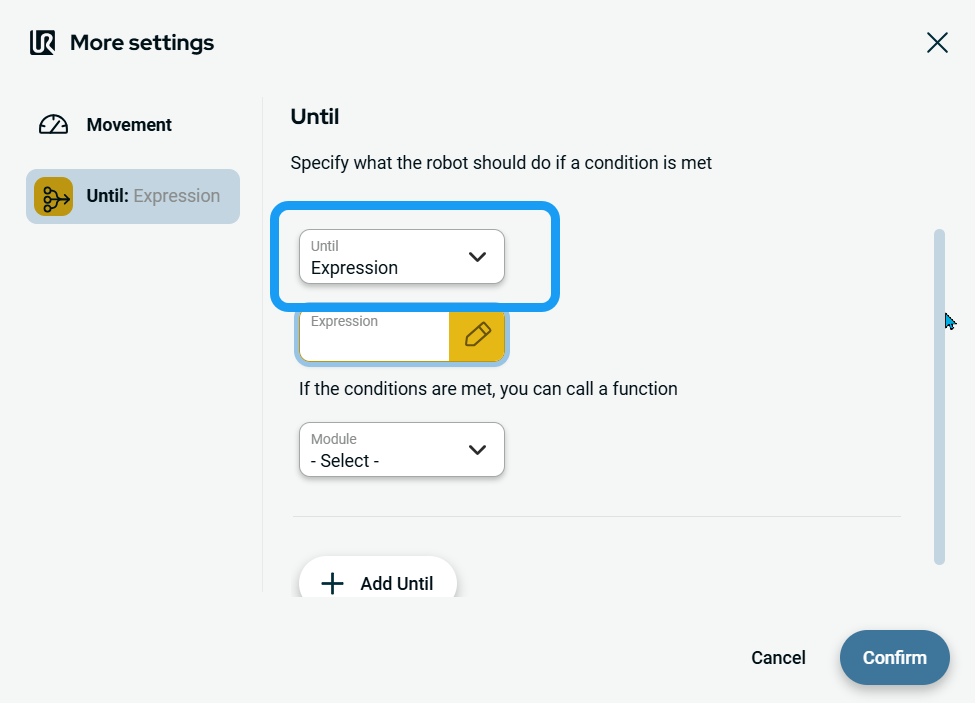
| To access Contact |
|
|
| To access Distance |
|