Circular Arc Move
| Beschrijving |
The Circular Arc Move enables you to program the robot to move in a circular motion while keeping the tool orientation either fixed or unconstrained.
|
|
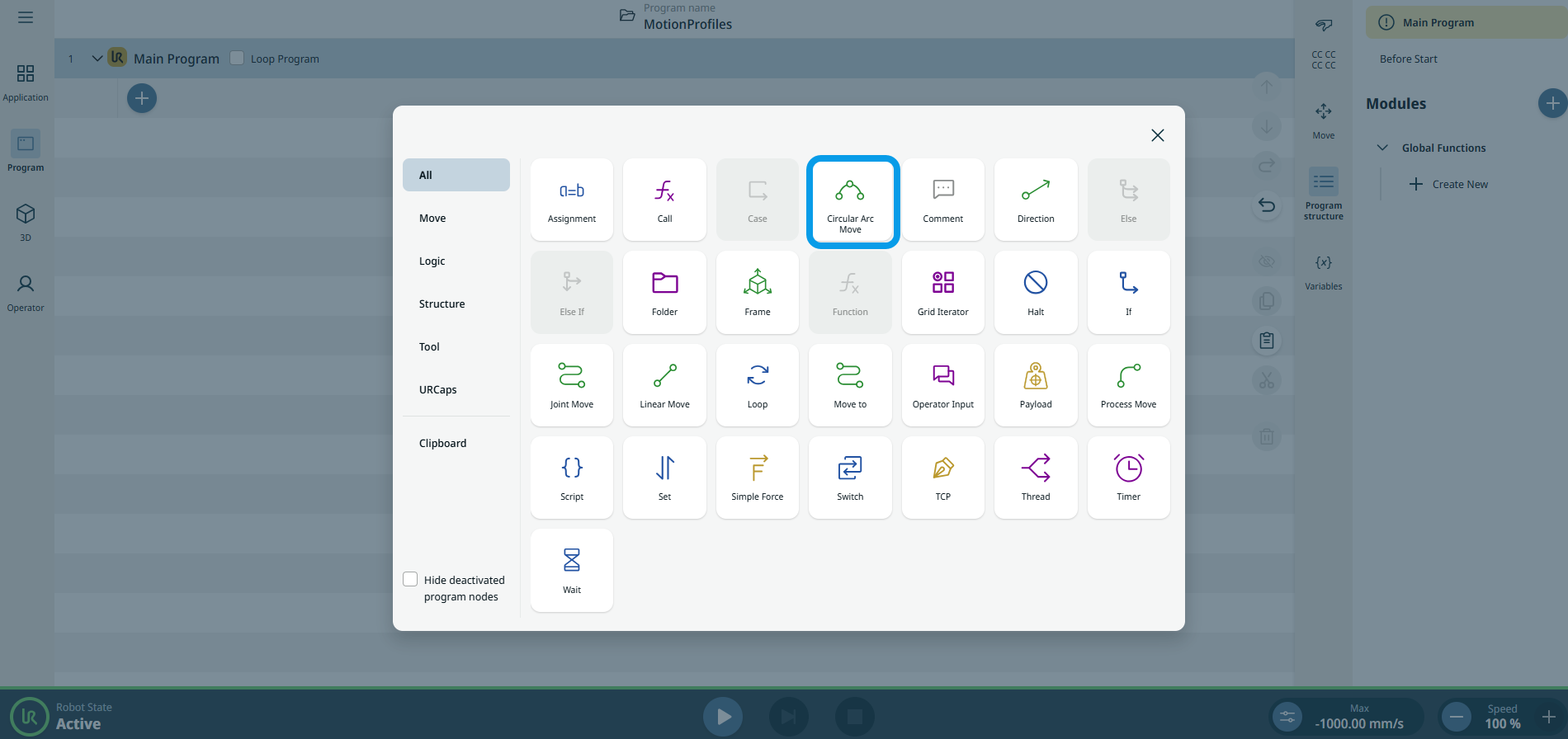
To access Circular Arc Move command |
|
|
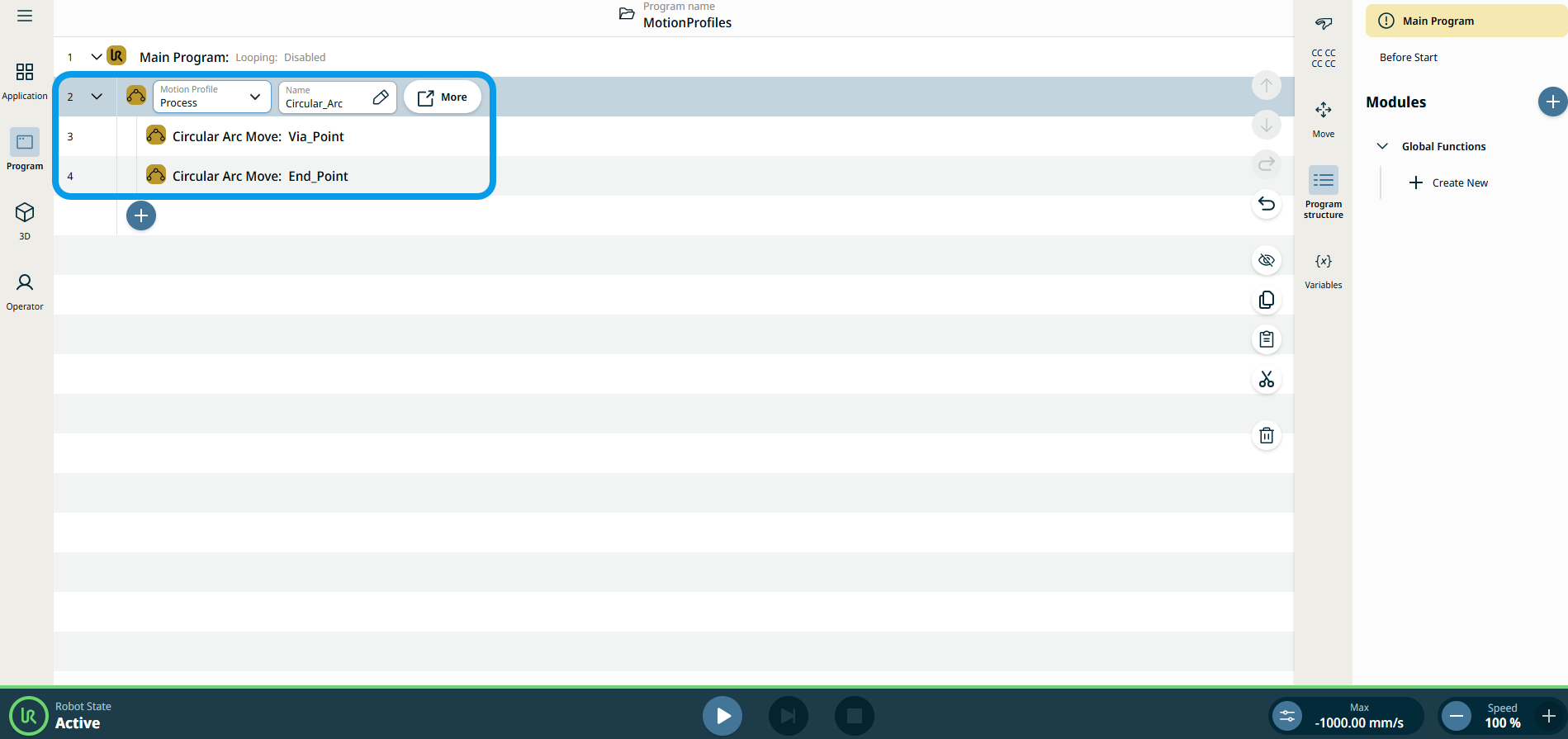
The three editable fields are:
|
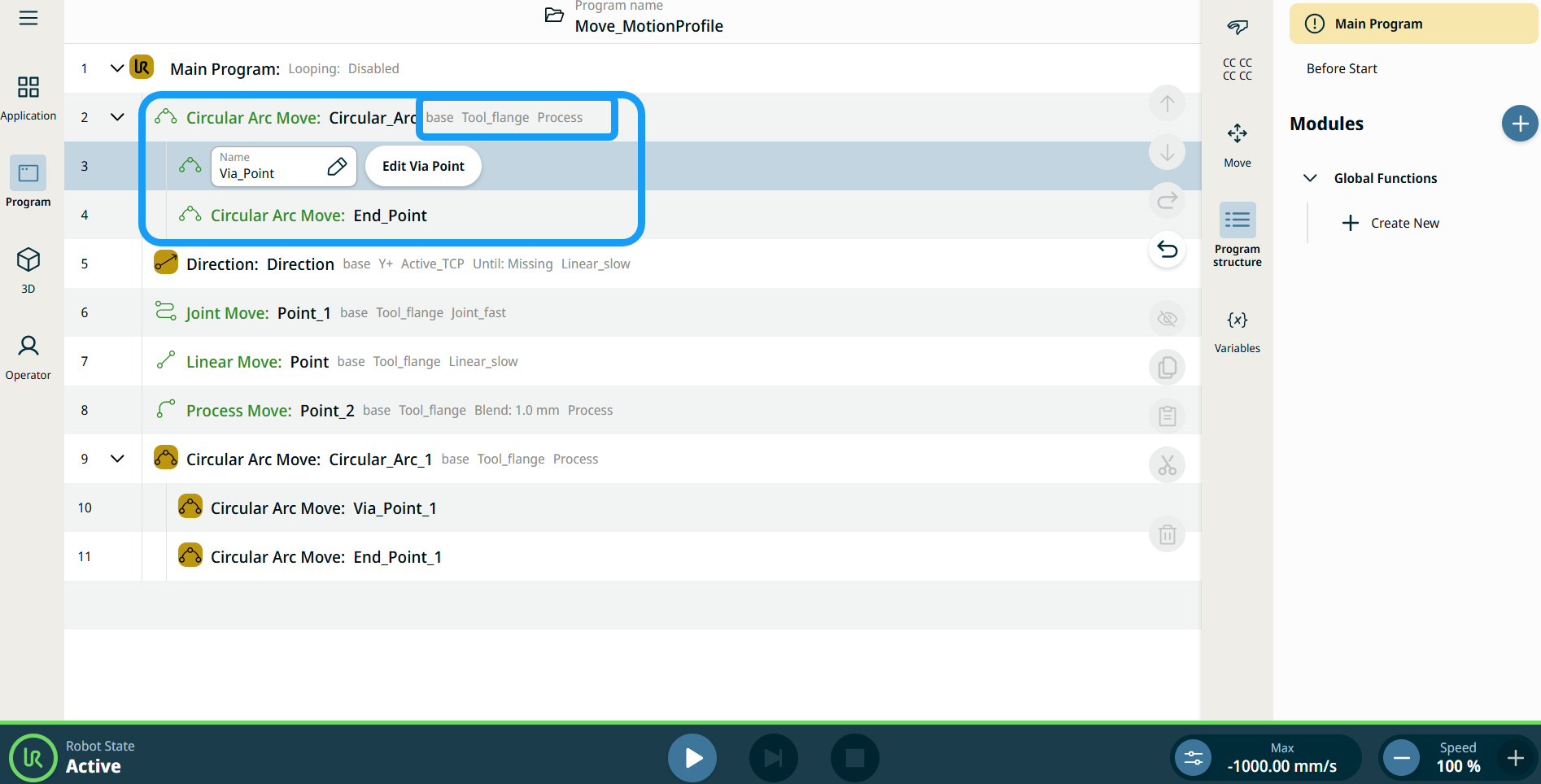
| Bewegingsprofiellabels bij bewegingsnodes |
Alle bewegingsgerelateerde commandonodes in de programmastructuur geven het Bewegingsprofiel behorende bij elke node weer. Met deze functie kunnen gebruikers het geselecteerde bewegingsprofiel van een bewegingsnode zien. Deze functie is geïmplementeerd voor de volgende commandonodes: Bewegingsnodes met een aangepast bewegingsprofiel tonen de waarden voor snelheid en acceleratie in plaats van Bewegingsprofiel. |
|
|
|
| To access More settings |
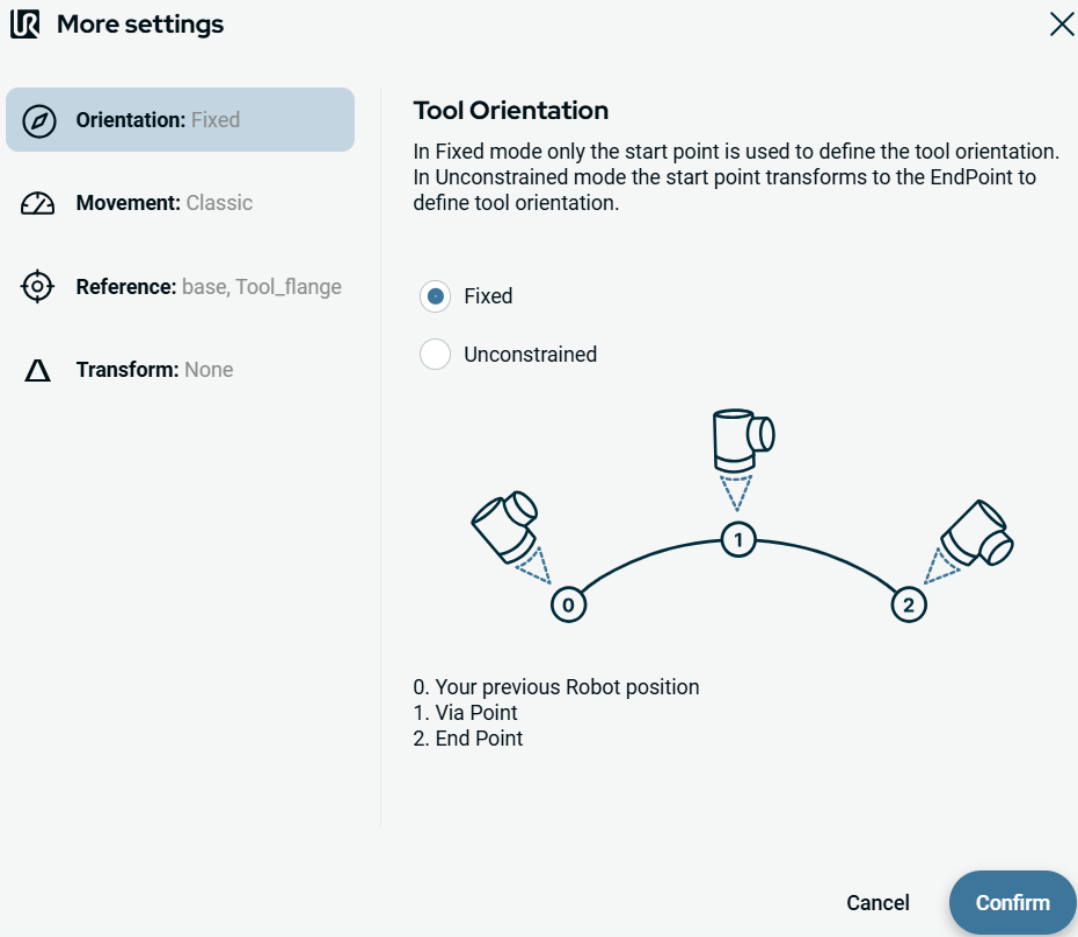
Tap the More button, and the More settings screen appears. On the left side, you see four advanced options:
|
|
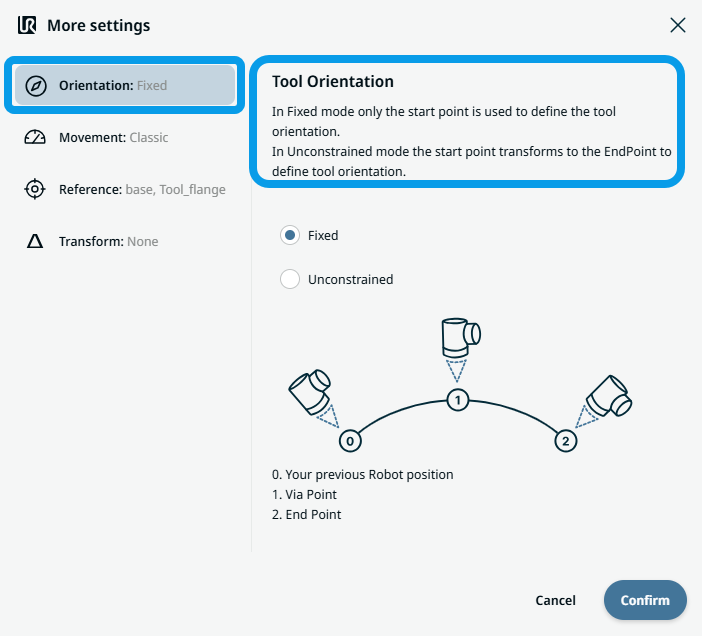
To use Orientation |
|
|
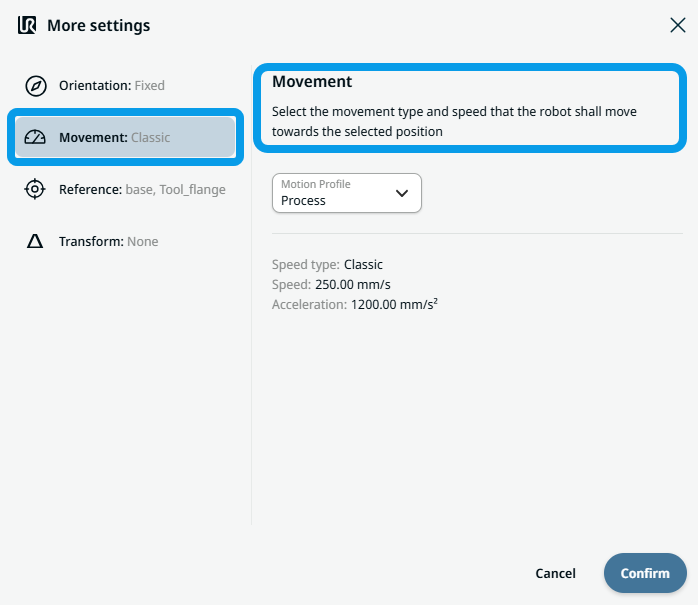
To use Movement |
|
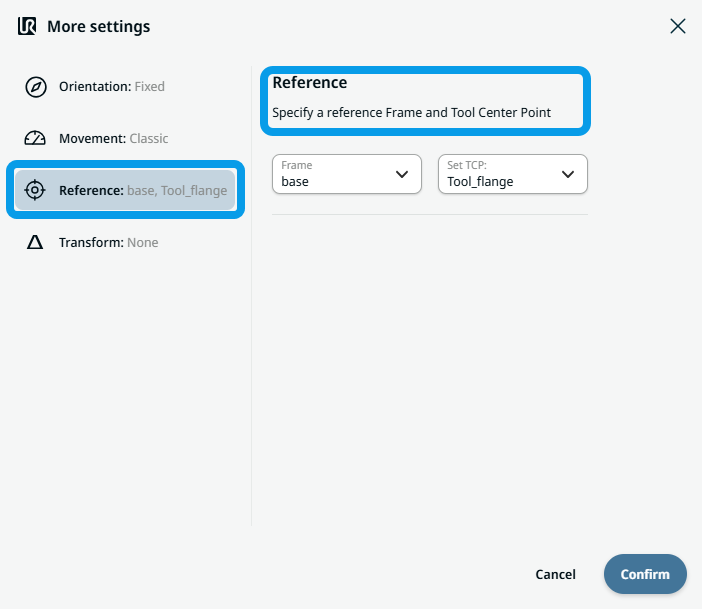
 Two fields appear:
|
To use Reference |
|
|
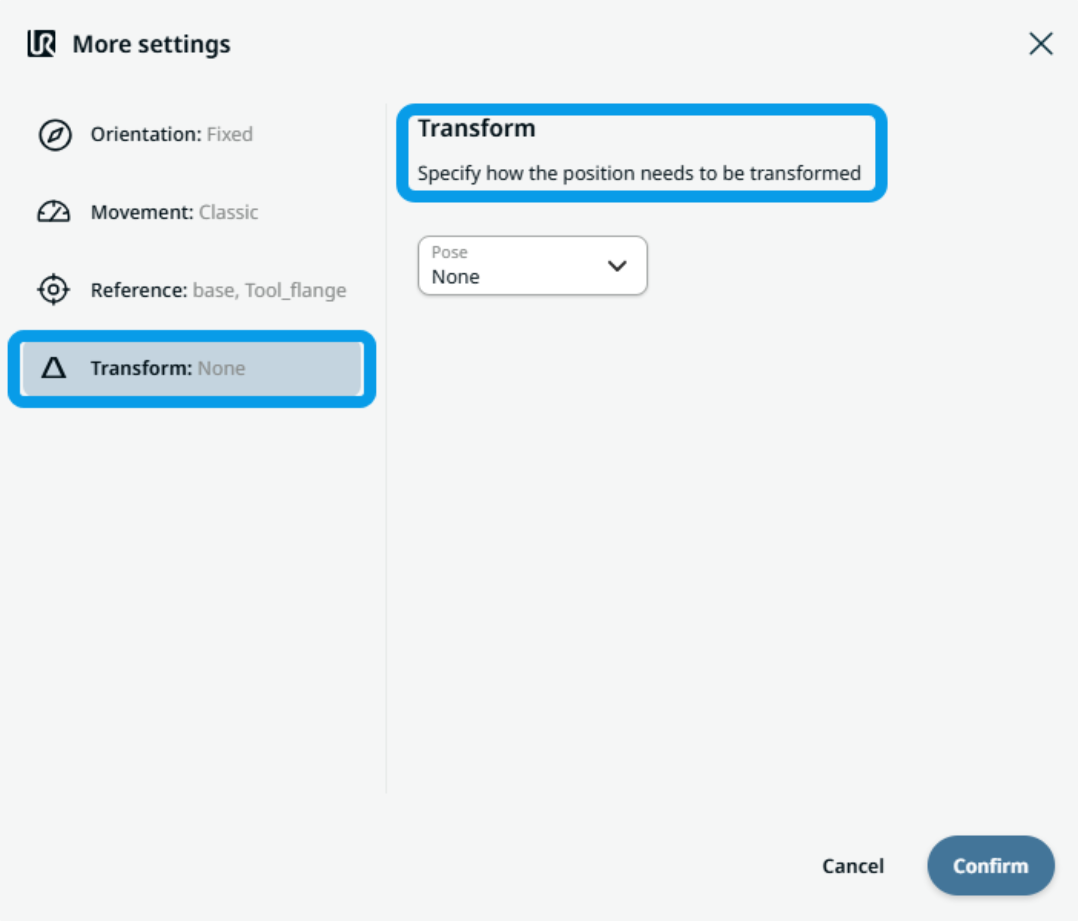
To use Transform |
|
|
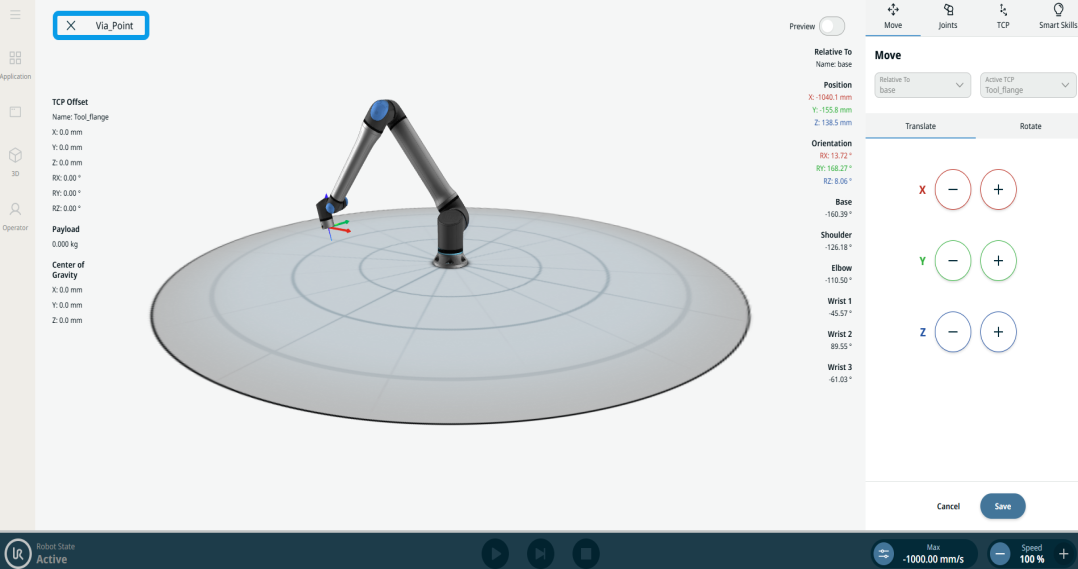
To use Circular Arc Move: Via_point |
|
|
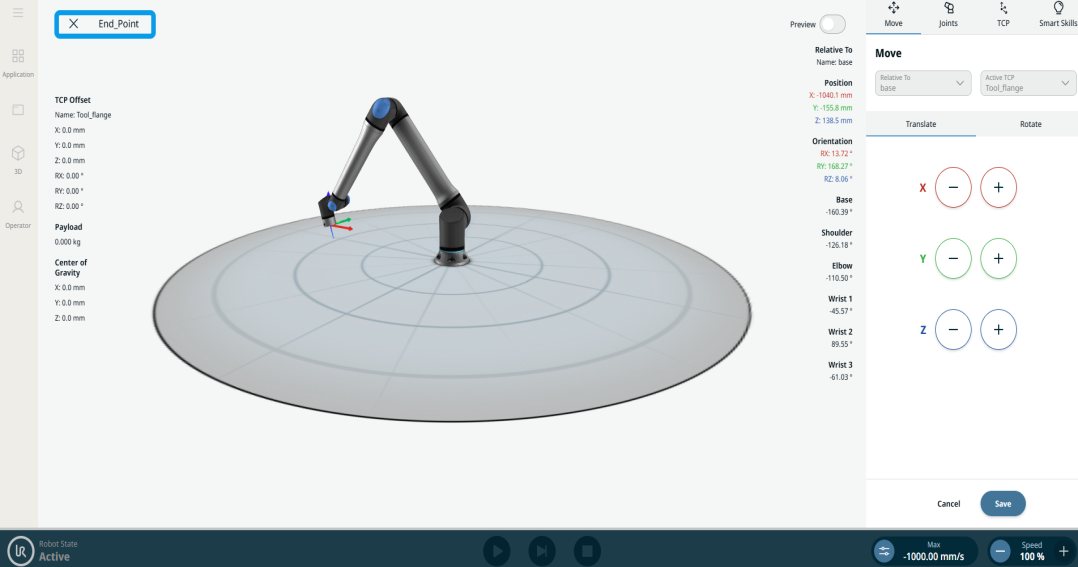
To use Circular Arc Move: End_Point |
|