방향
| 설명 |
The Direction command enables you to move the robot in a specific direction in a linear motion along an axis. A stop condition halts it.
|
|
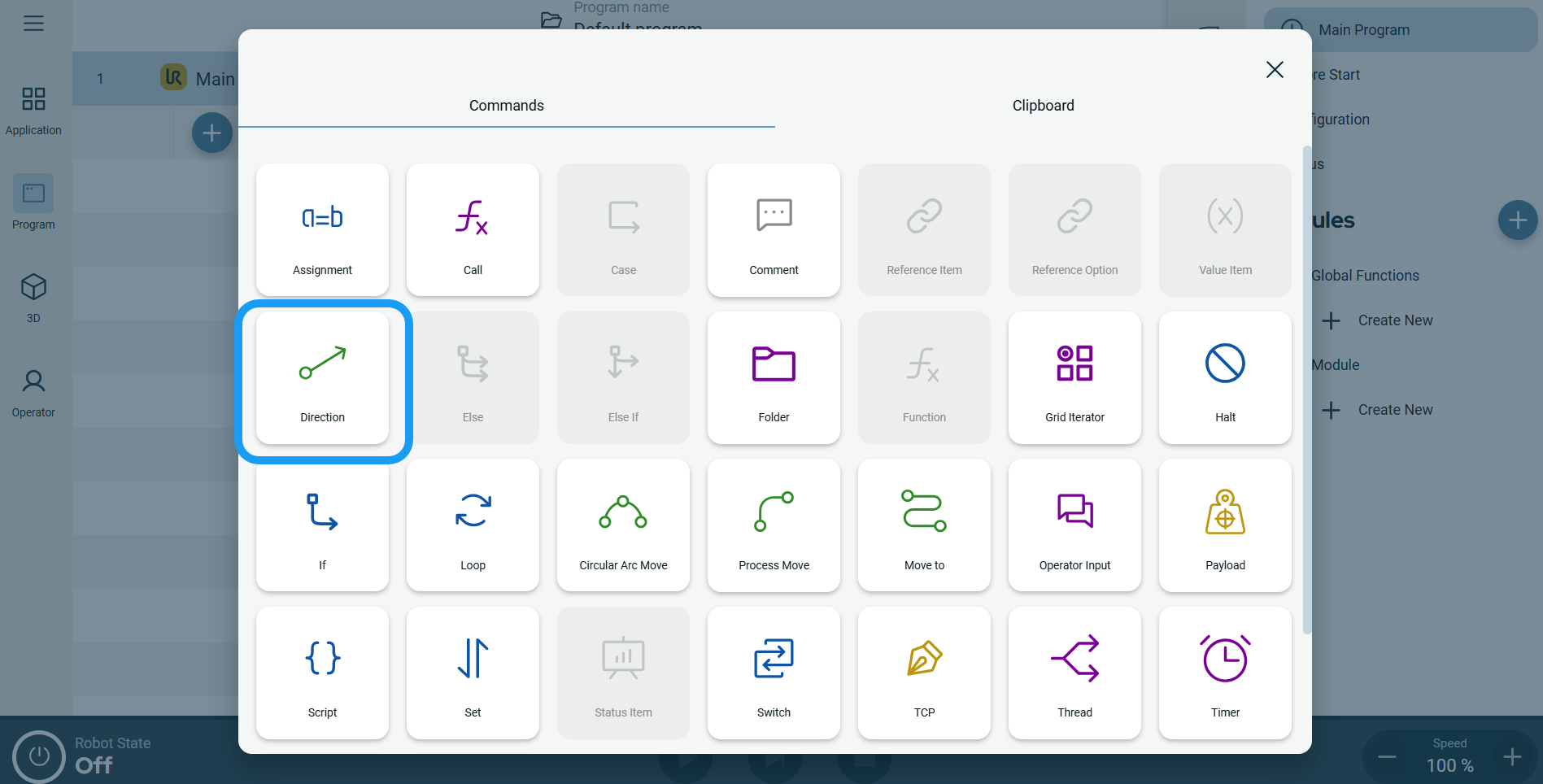
To access Direction command |
|
|
 A node with three editable fields and a More button is inserted into the program tree. The three fields are: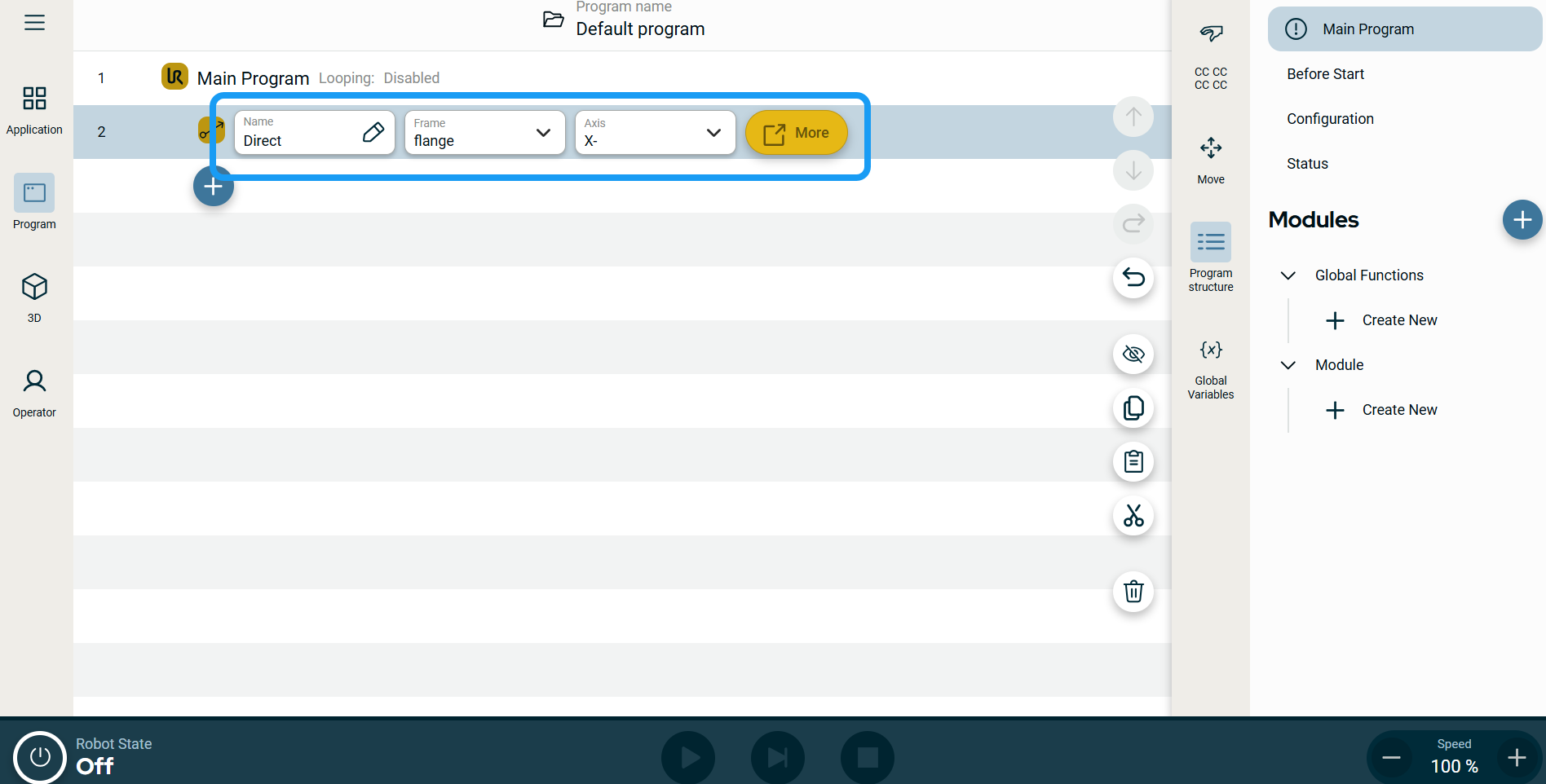
| 이동 노드의 모션 프로필 레이블 |
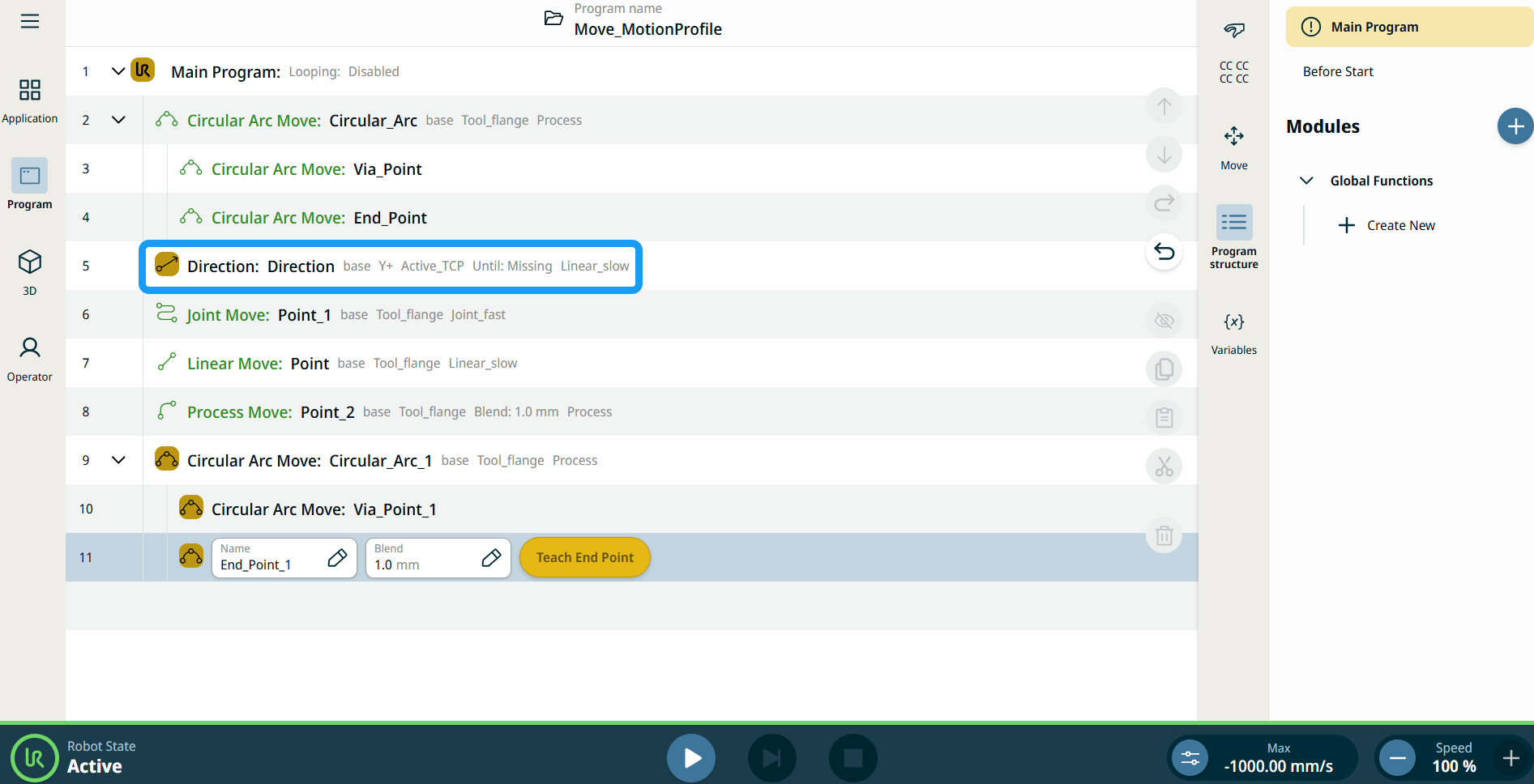
프로그램 트리의 모든 이동 관련 명령 노드에는 각 노드와 연결된 모션 프로필이 표시됩니다. 이 기능을 통해 사용자는 선택한 모션 프로필을 이동 노드에서 확인할 수 있습니다. 이 기능은 다음과 같은 명령 노드에서 구현됩니다. 커스텀 모션 프로필이 있는 이동 노드에는 모션 프로필 대신 속도 및 가속도 값이 표시됩니다. |
|
|
|
|
To use the More options |
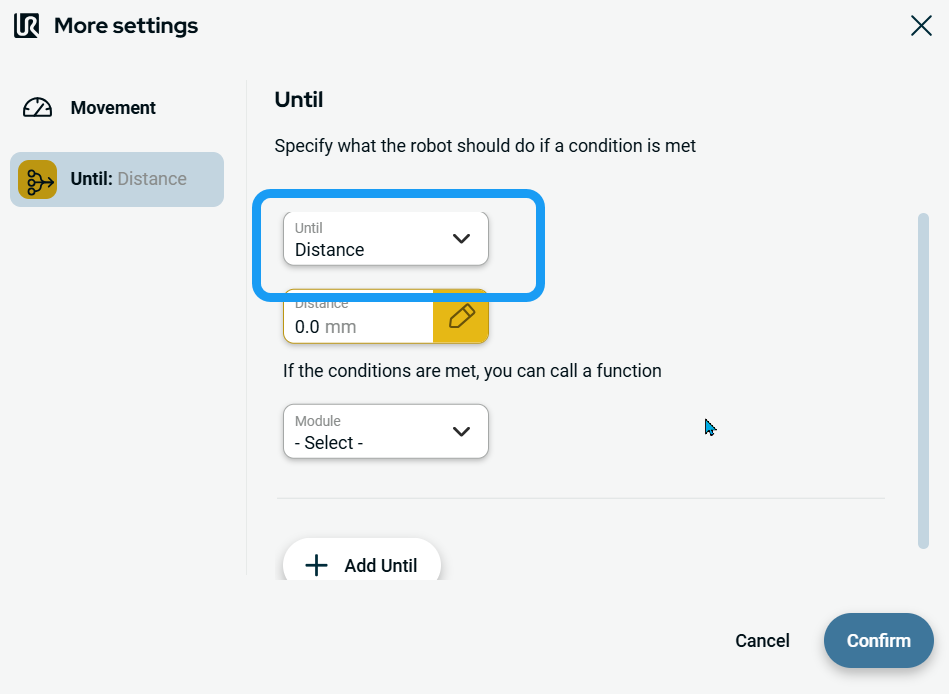
Tap the More button. A new screen appears containing two advanced settings:
|
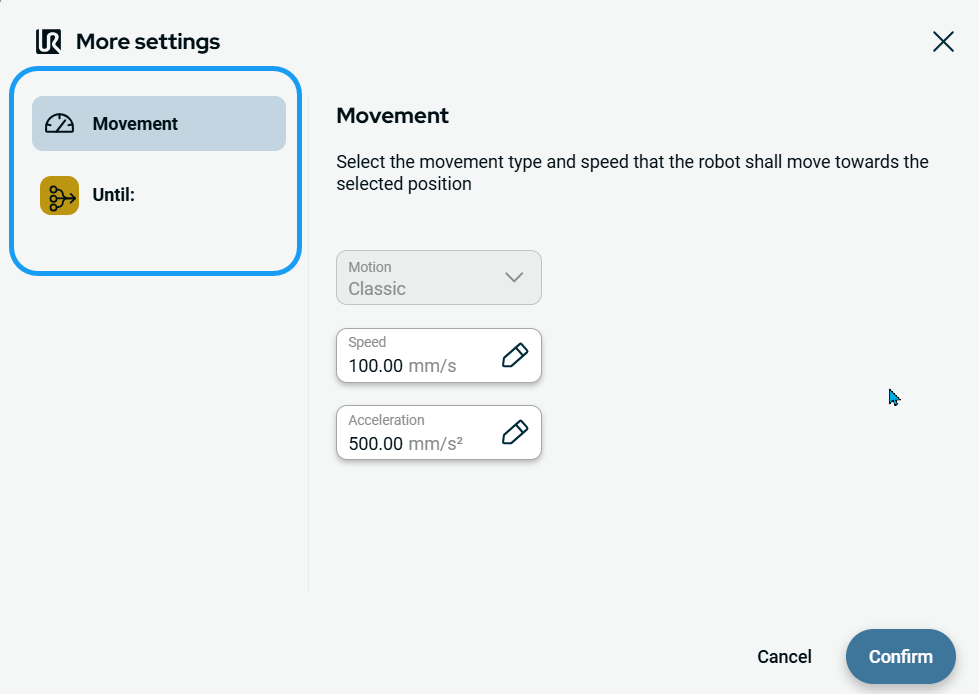
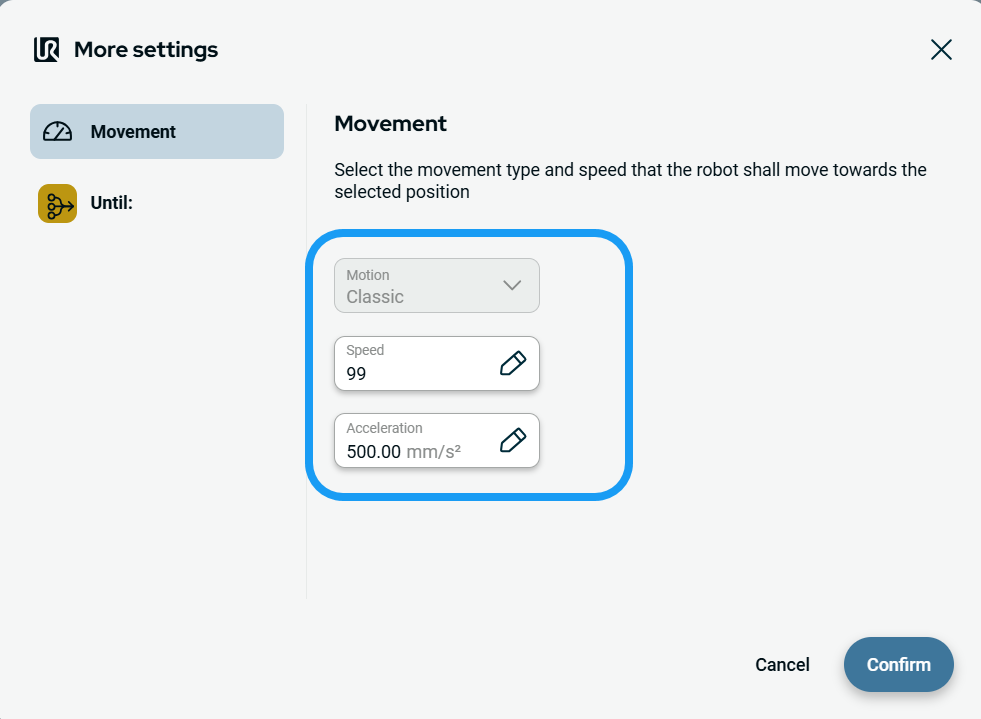
| To use Movement setting |
|
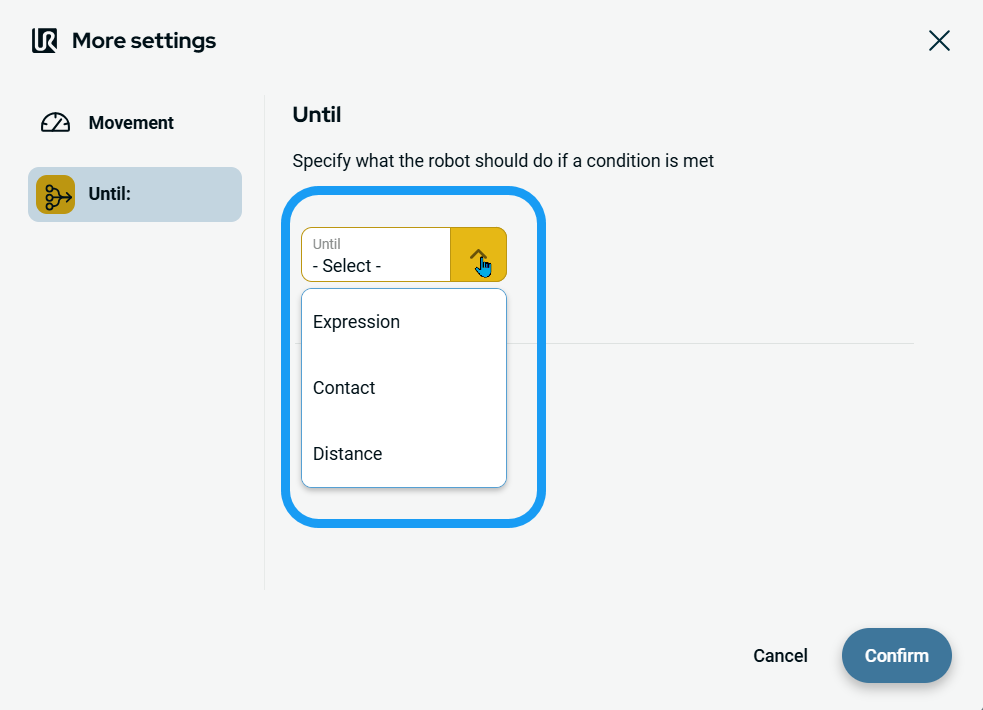
| To use Until setting |
|
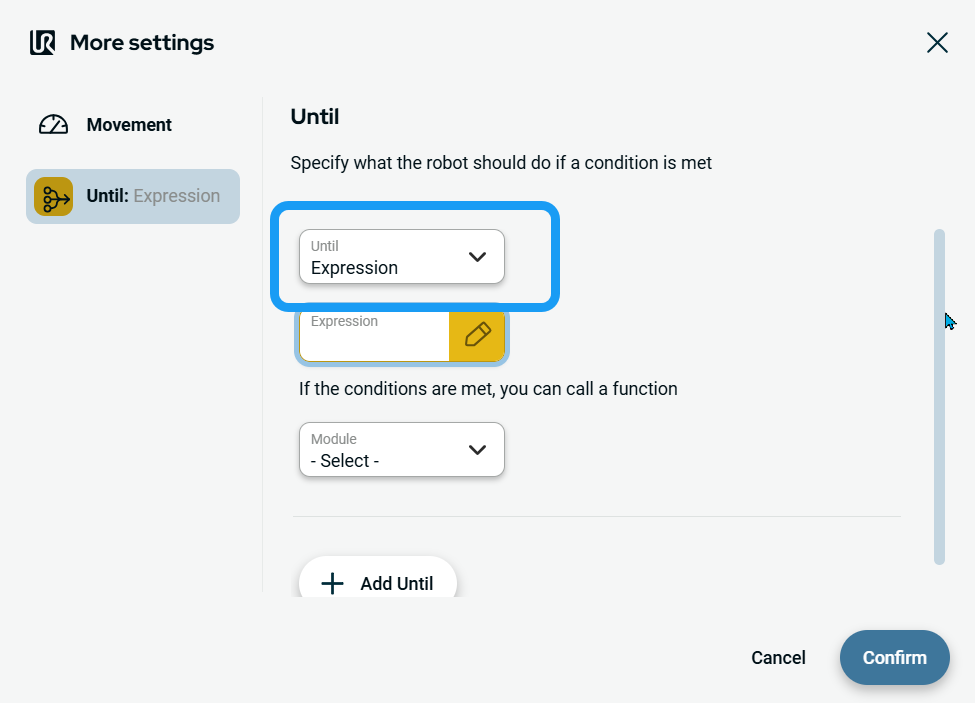
| To access Expression |
|
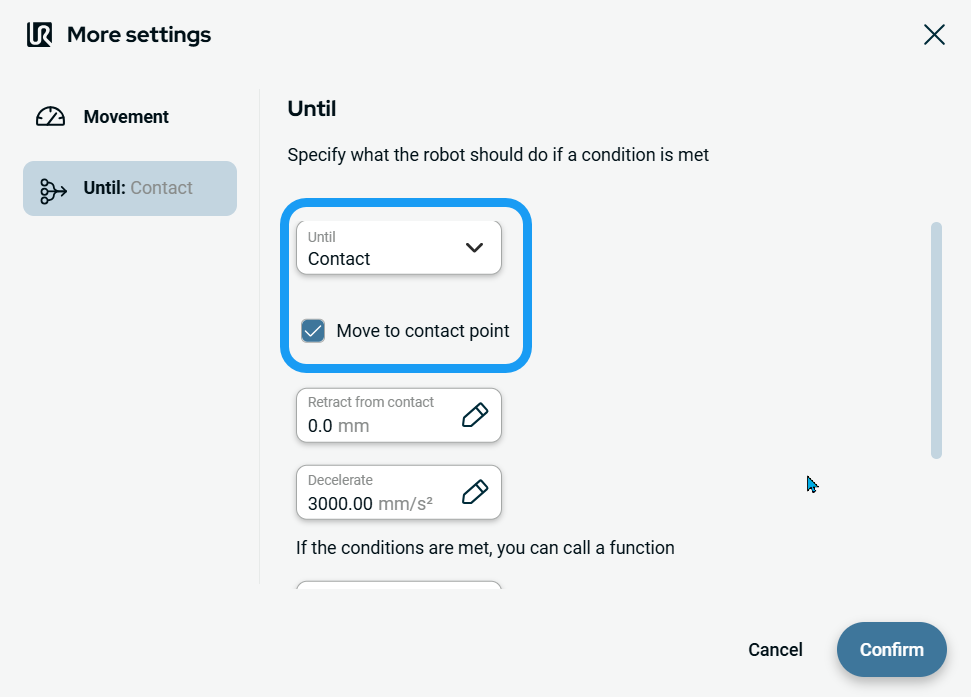
| To access Contact |
|
|
| To access Distance |
|