원호 이동
| 설명 |
The Circular Arc Move enables you to program the robot to move in a circular motion while keeping the tool orientation either fixed or unconstrained.
|
|
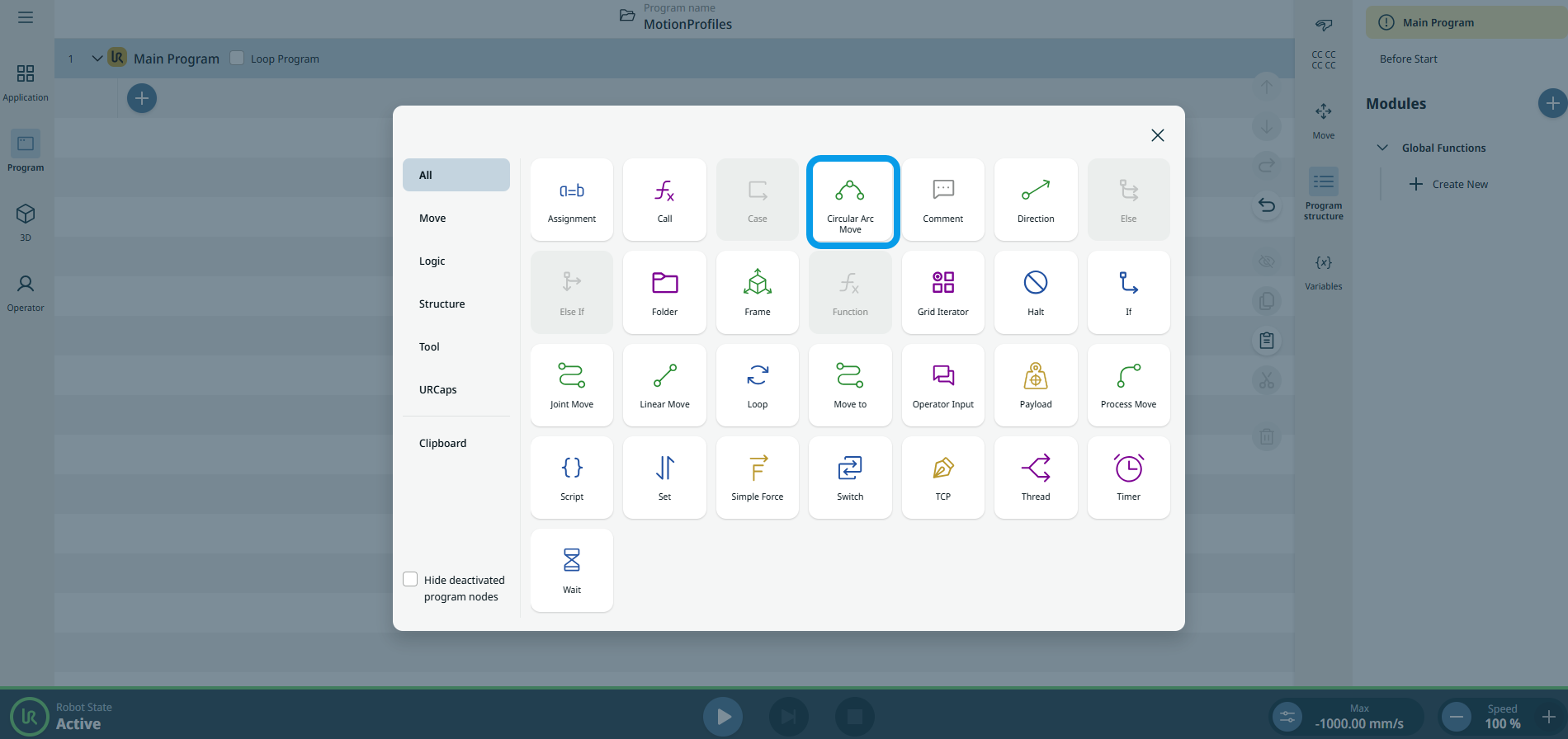
To access Circular Arc Move command |
|
|
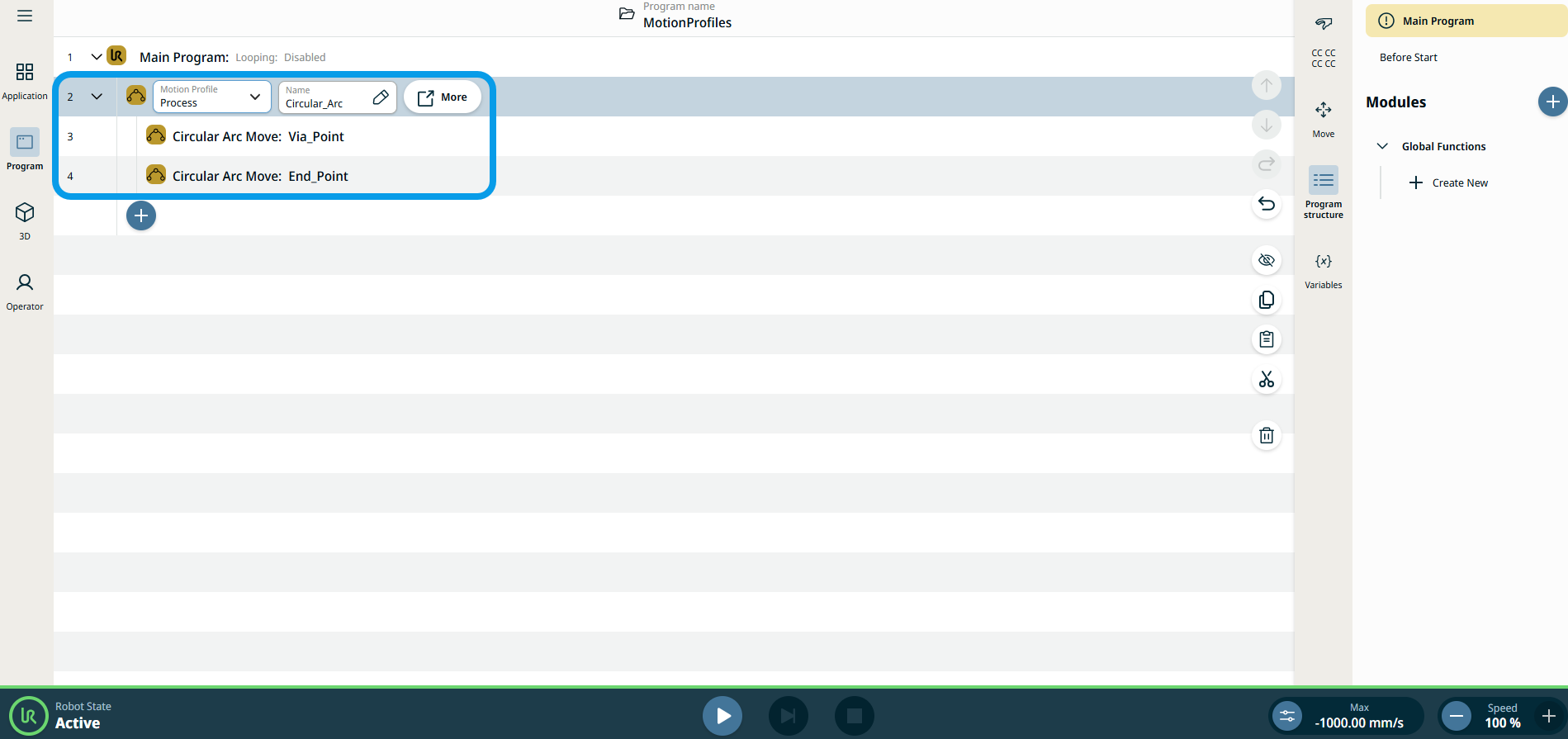
The three editable fields are:
|
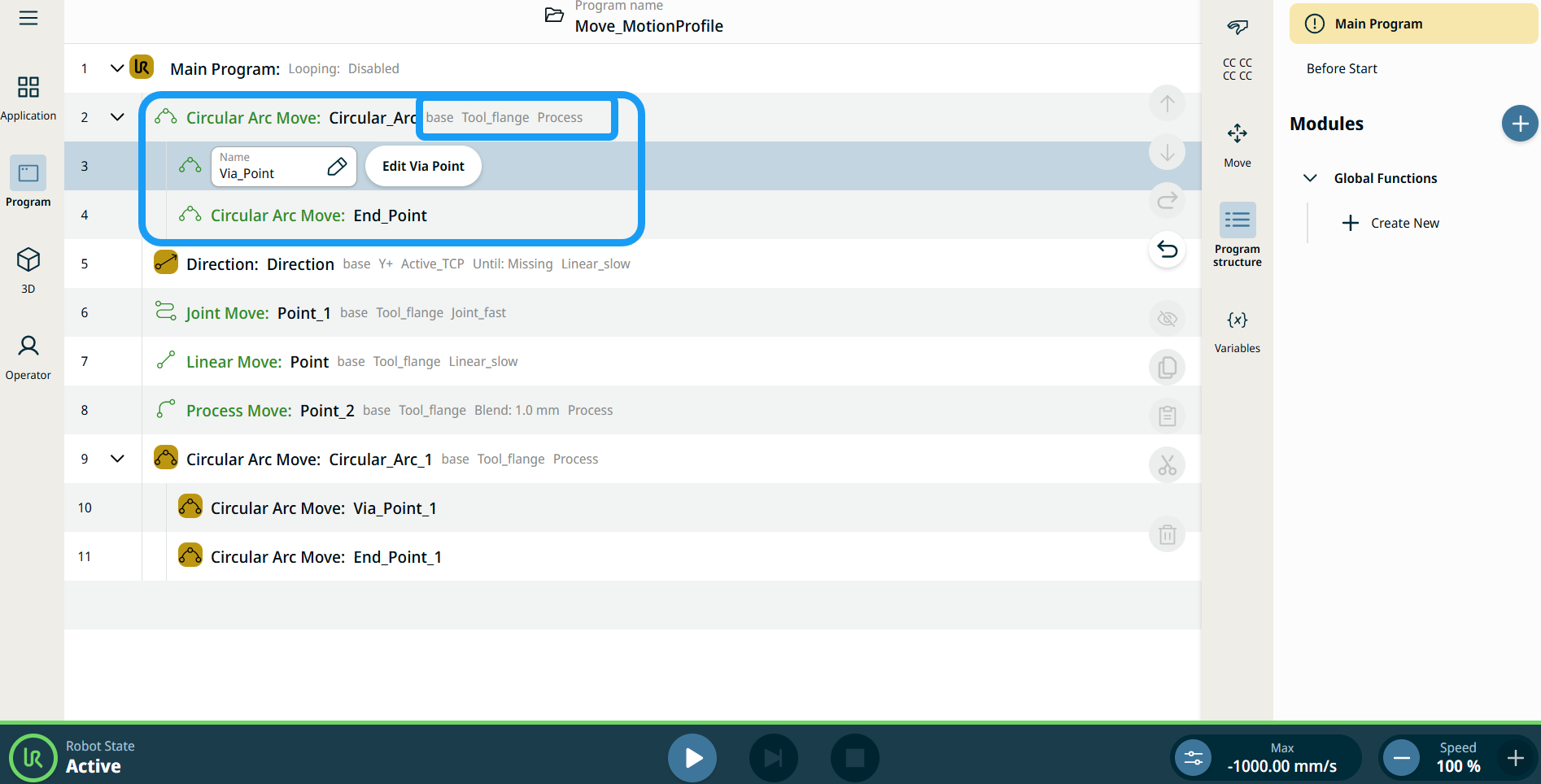
| 이동 노드의 모션 프로필 레이블 |
프로그램 트리의 모든 이동 관련 명령 노드에는 각 노드와 연결된 모션 프로필이 표시됩니다. 이 기능을 통해 사용자는 선택한 모션 프로필을 이동 노드에서 확인할 수 있습니다. 이 기능은 다음과 같은 명령 노드에서 구현됩니다. 커스텀 모션 프로필이 있는 이동 노드에는 모션 프로필 대신 속도 및 가속도 값이 표시됩니다. |
|
|
|
| To access More settings |
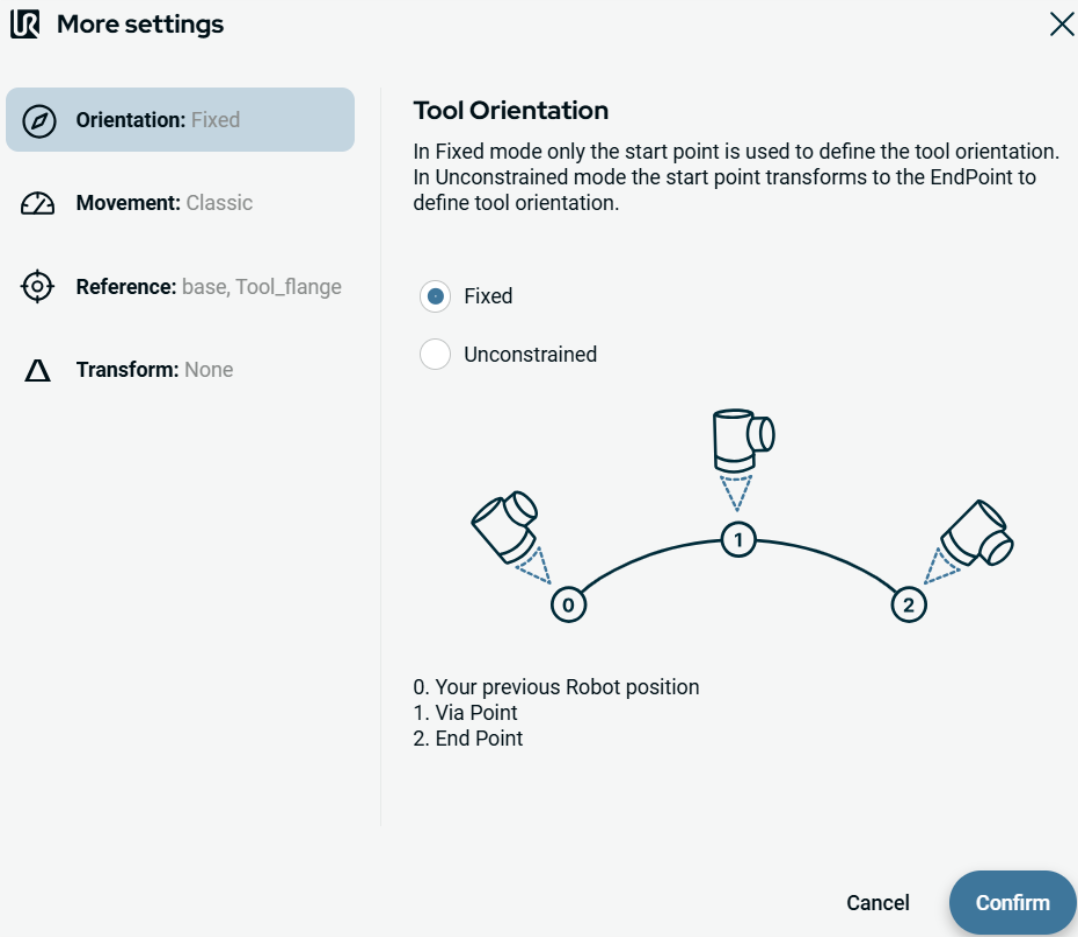
Tap the More button, and the More settings screen appears. On the left side, you see four advanced options:
|
|
To use Orientation |
|
|
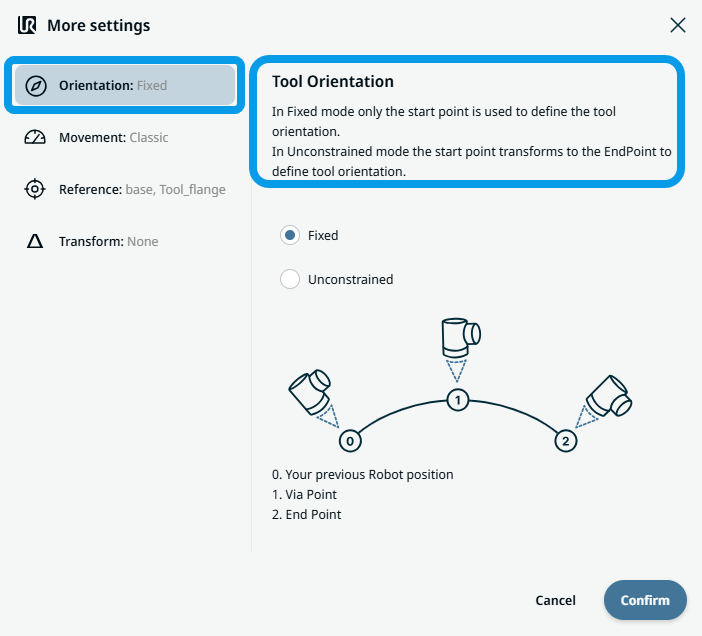
To use Movement |
|
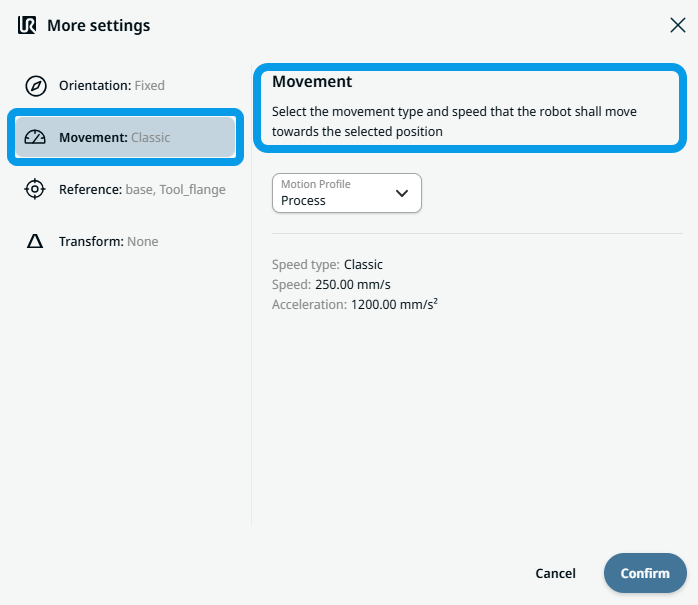 Two fields appear:
|
To use Reference |
|
|
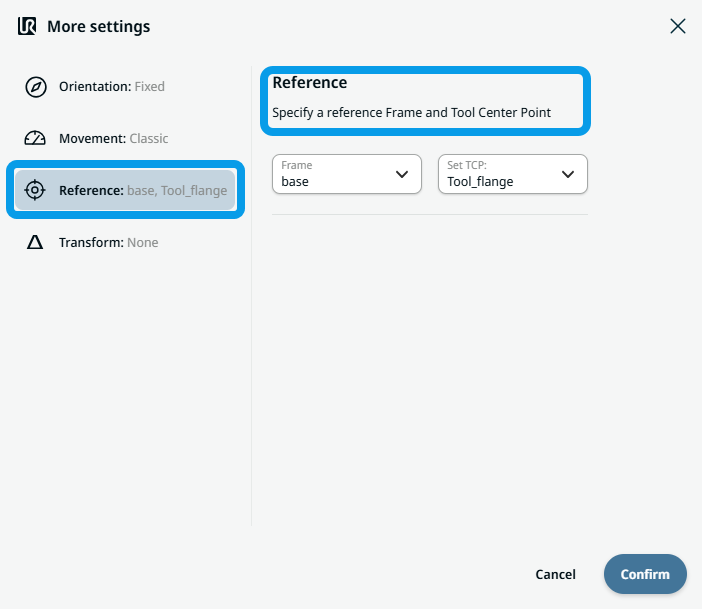
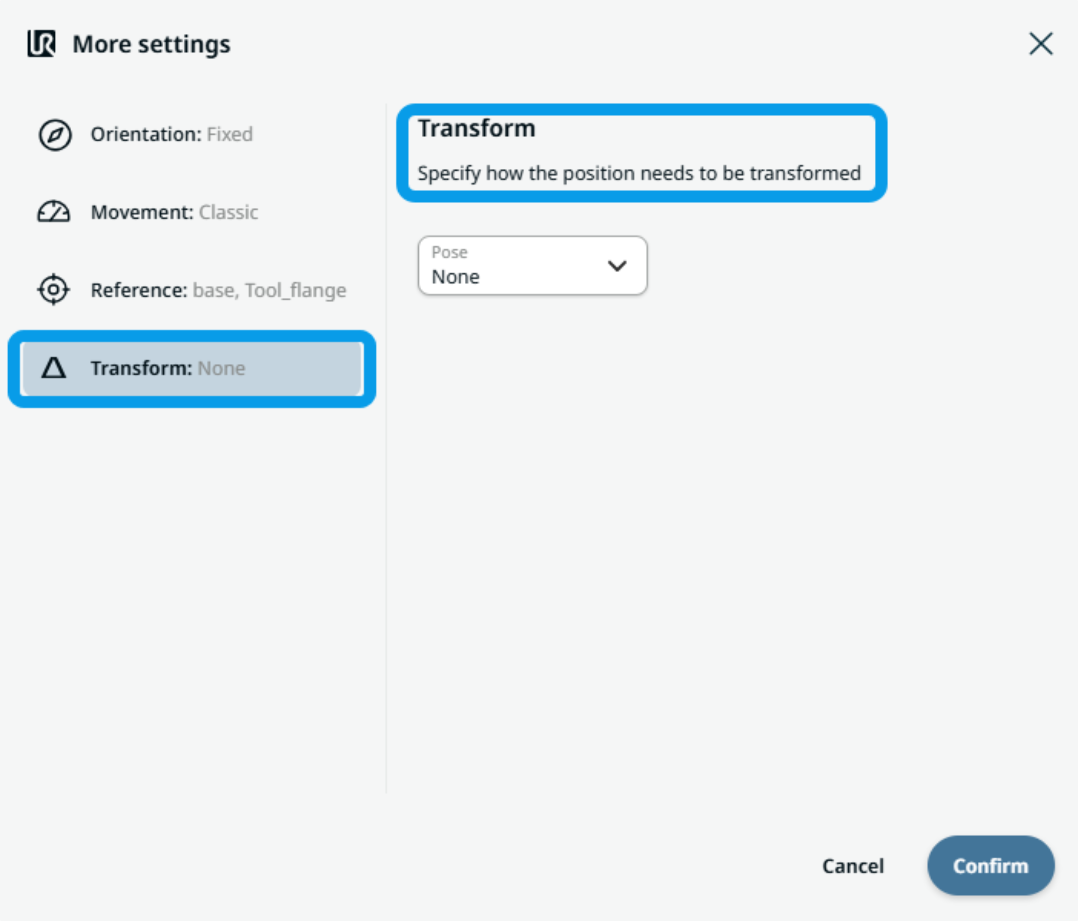
To use Transform |
|
|
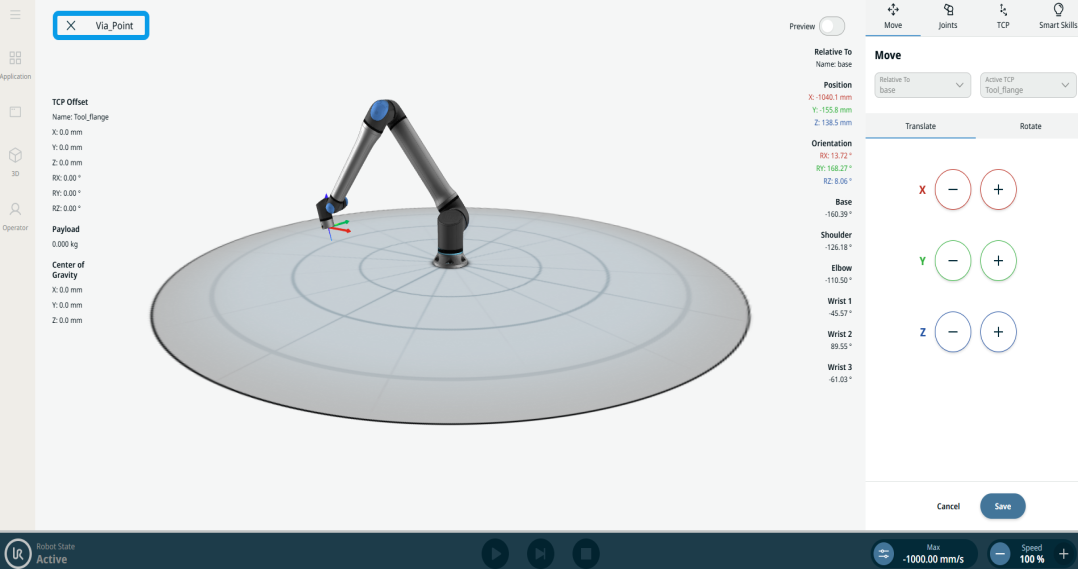
To use Circular Arc Move: Via_point |
|
|
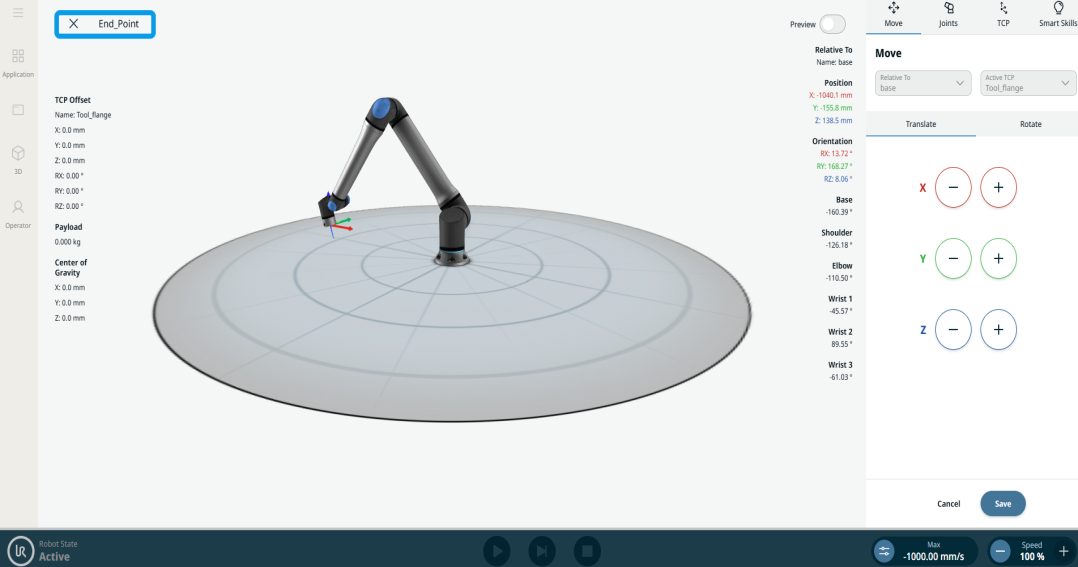
To use Circular Arc Move: End_Point |
|