Směr
| Popis |
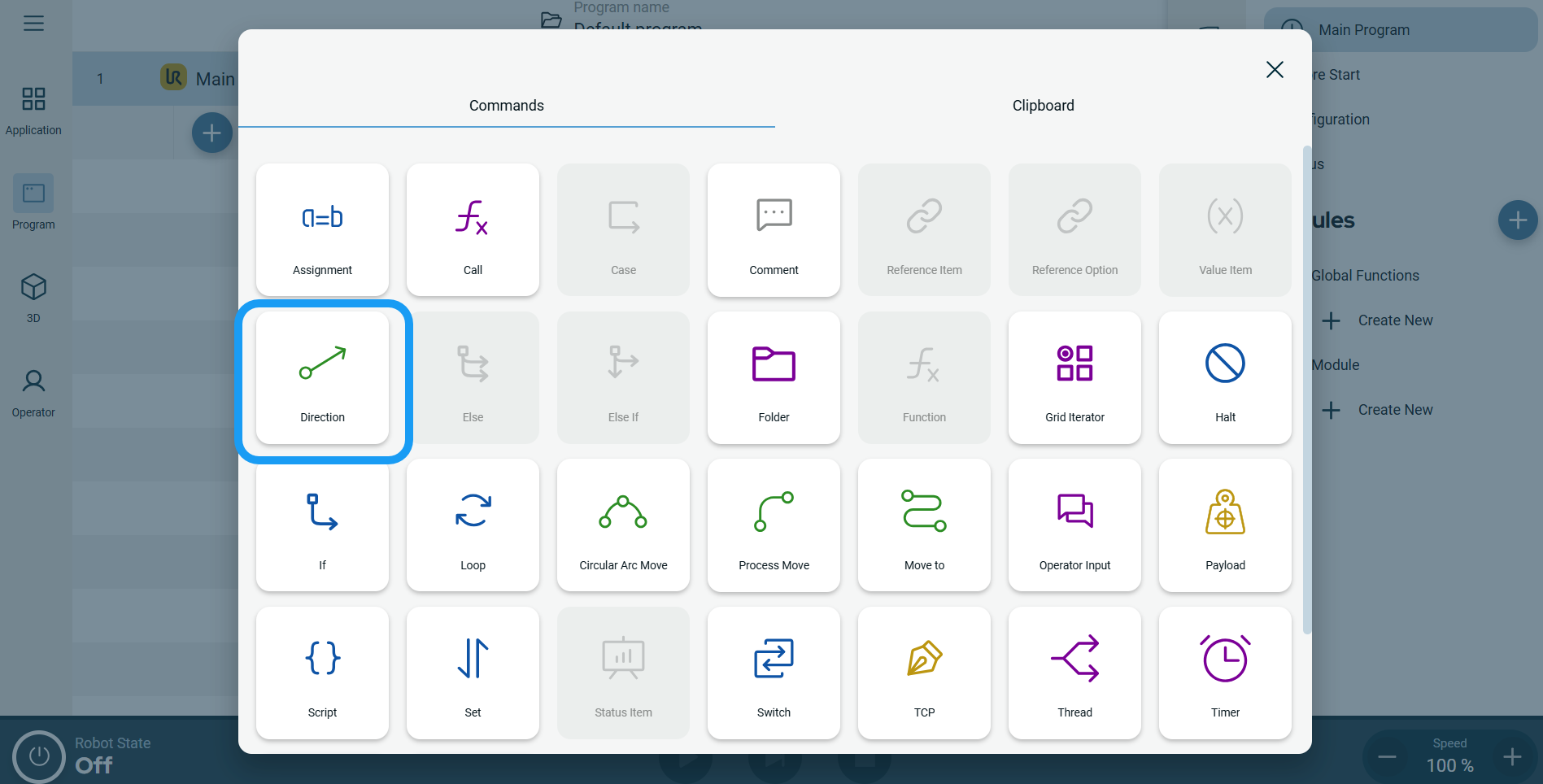
The Direction command enables you to move the robot in a specific direction in a linear motion along an axis. A stop condition halts it.
|
|
To access Direction command |
|
|
 A node with three editable fields and a More button is inserted into the program tree. The three fields are: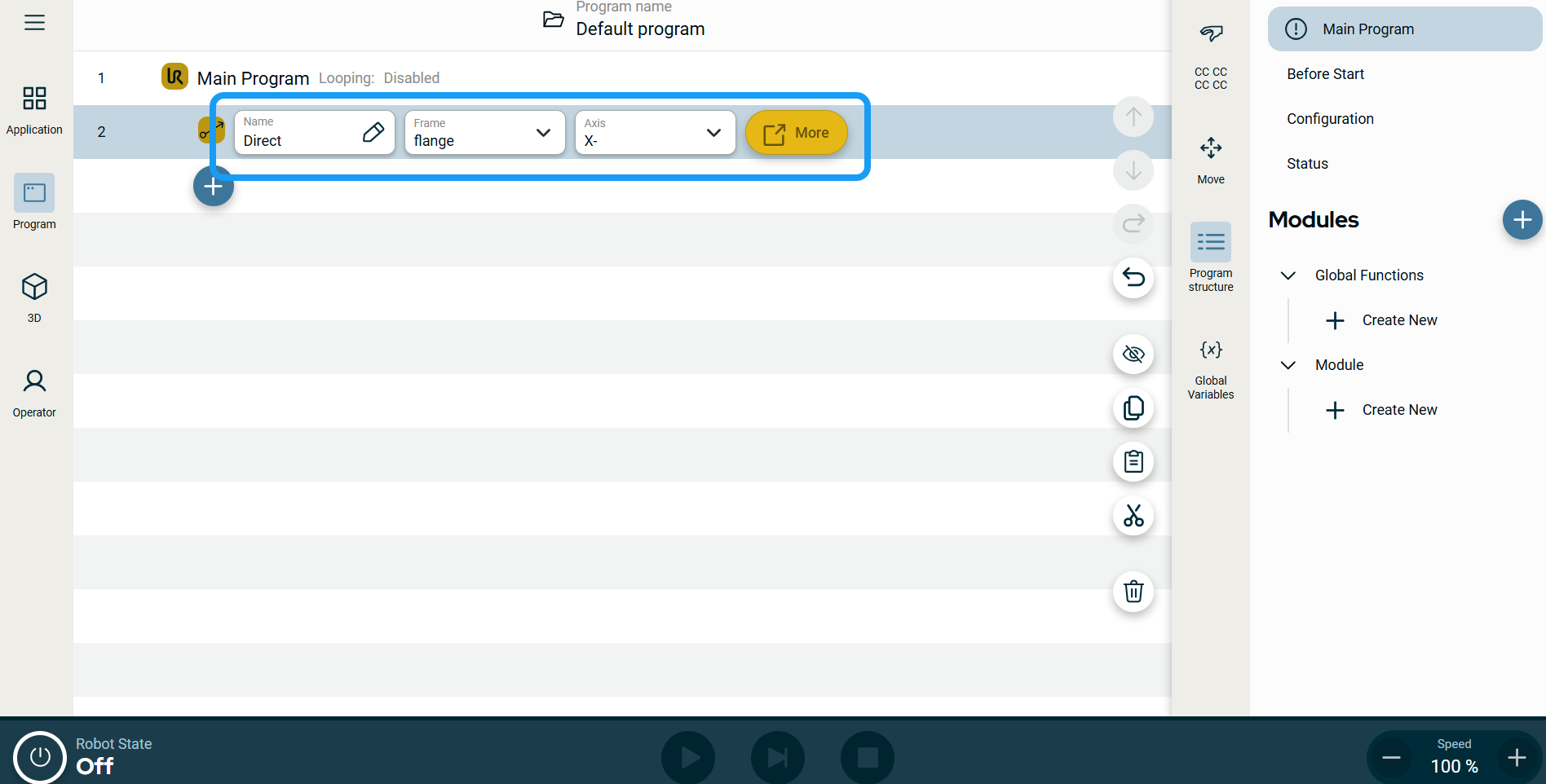
| Štítky profilu pohybu na uzlech pohybu |
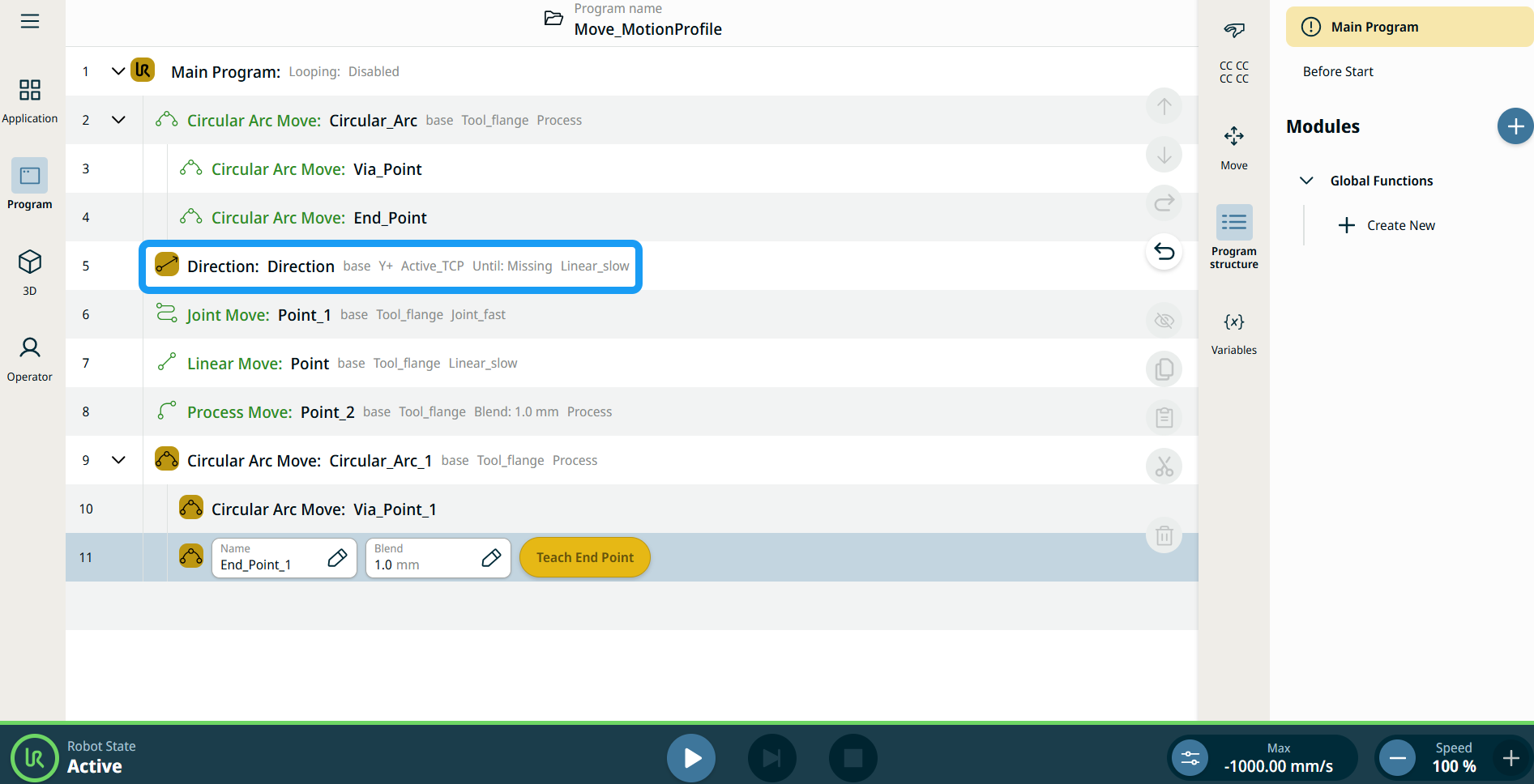
Všechny příkazové uzly související s pohybem ve stromu programu zobrazují profil pohybu přidružený ke každému uzlu. Tato funkce uživatelům umožňuje zobrazit vybraný profil pohybu na uzlu pohybu. Tato funkce je implementována na následujících uzlech příkazů: Uzly pohybu s vlastním profilem pohybu budou místo profilu pohybu zobrazovat hodnoty rychlosti a zrychlení. |
|
|
|
|
To use the More options |
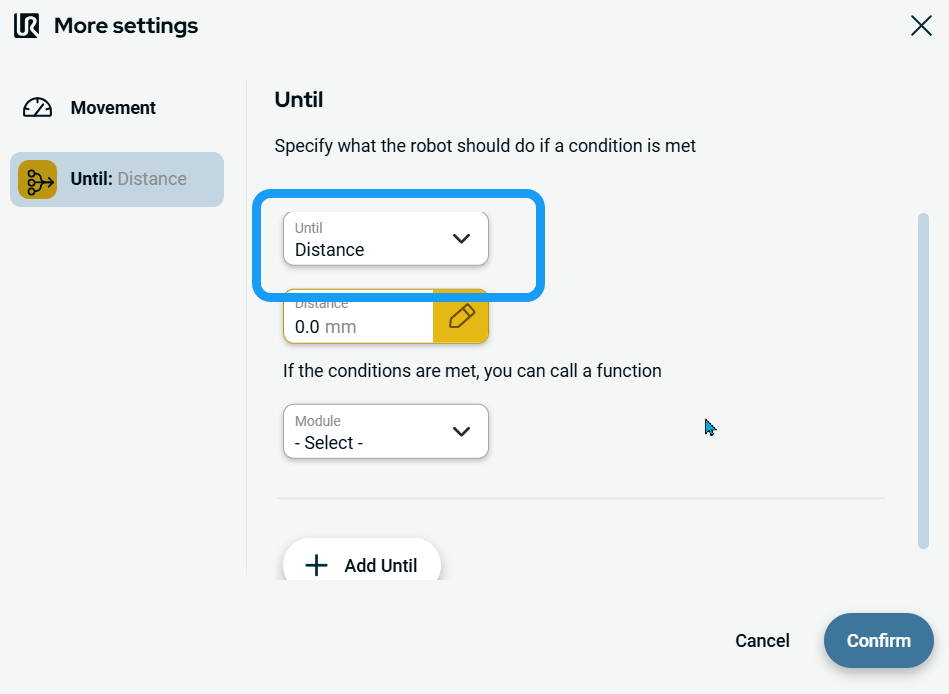
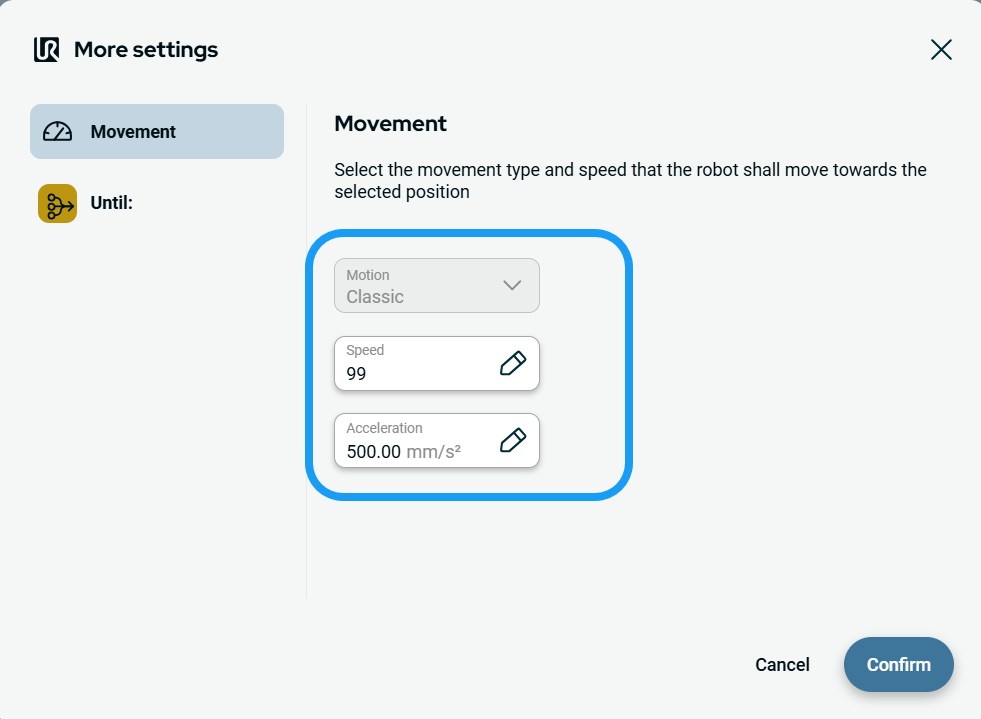
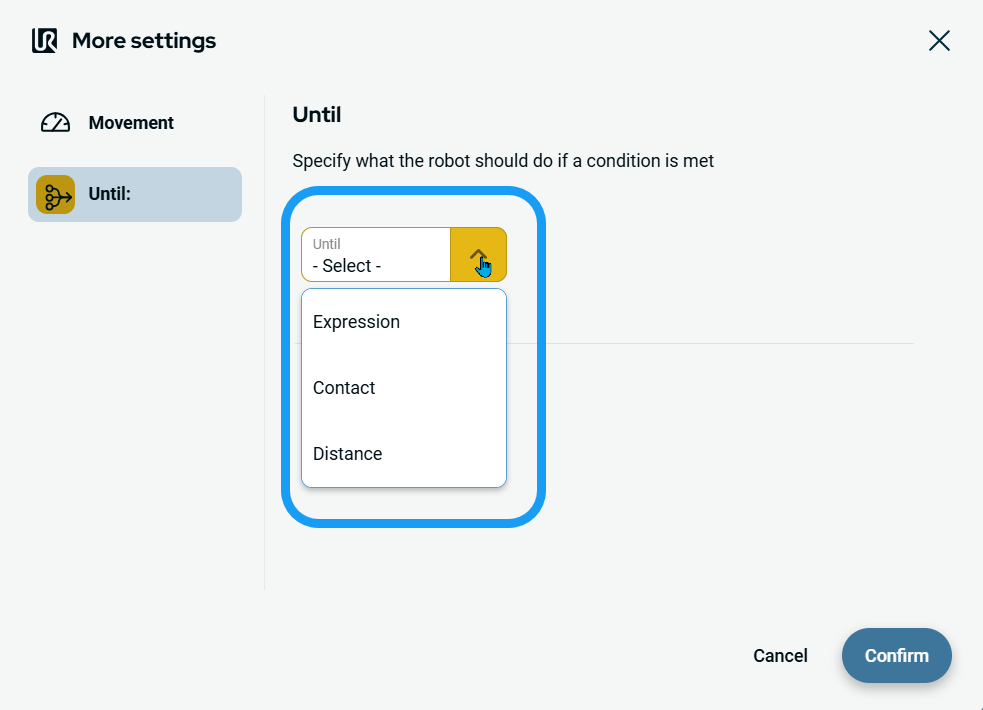
Tap the More button. A new screen appears containing two advanced settings:
|
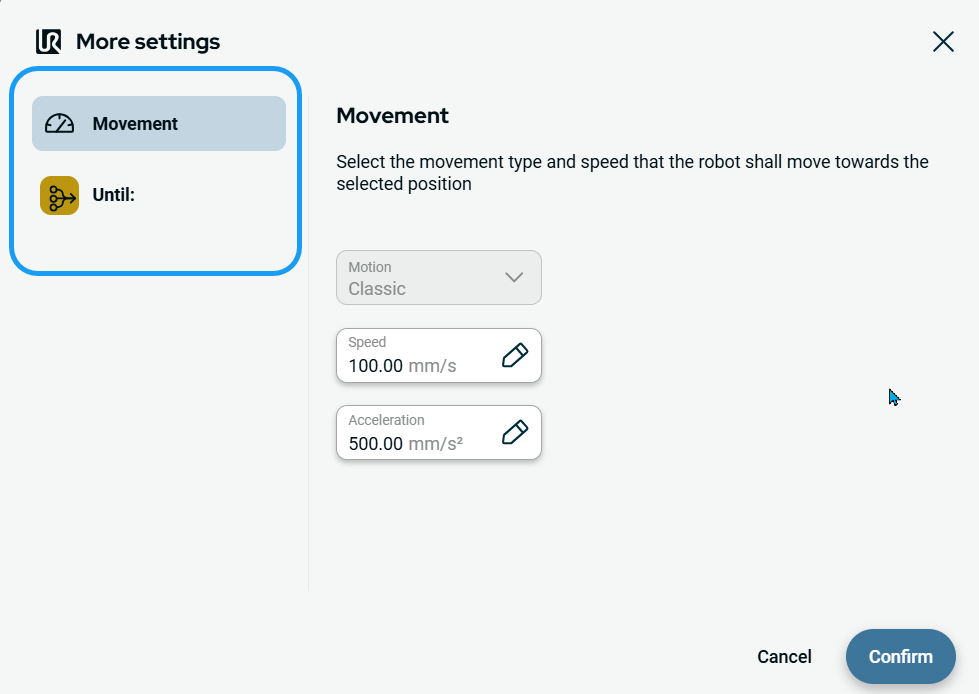
| To use Movement setting |
|
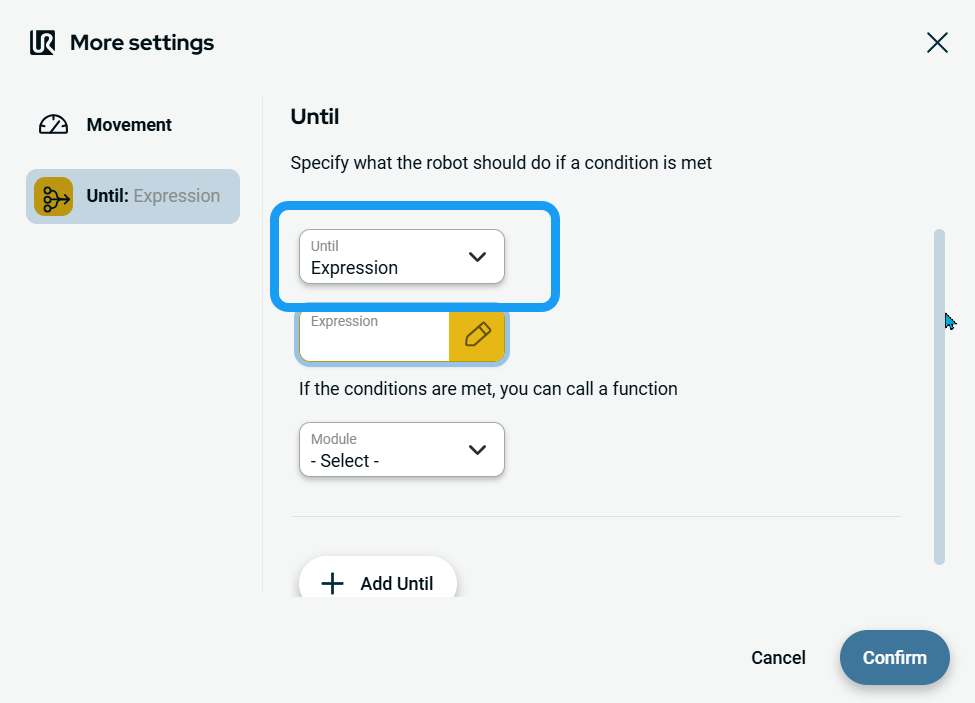
| To use Until setting |
|
| To access Expression |
|
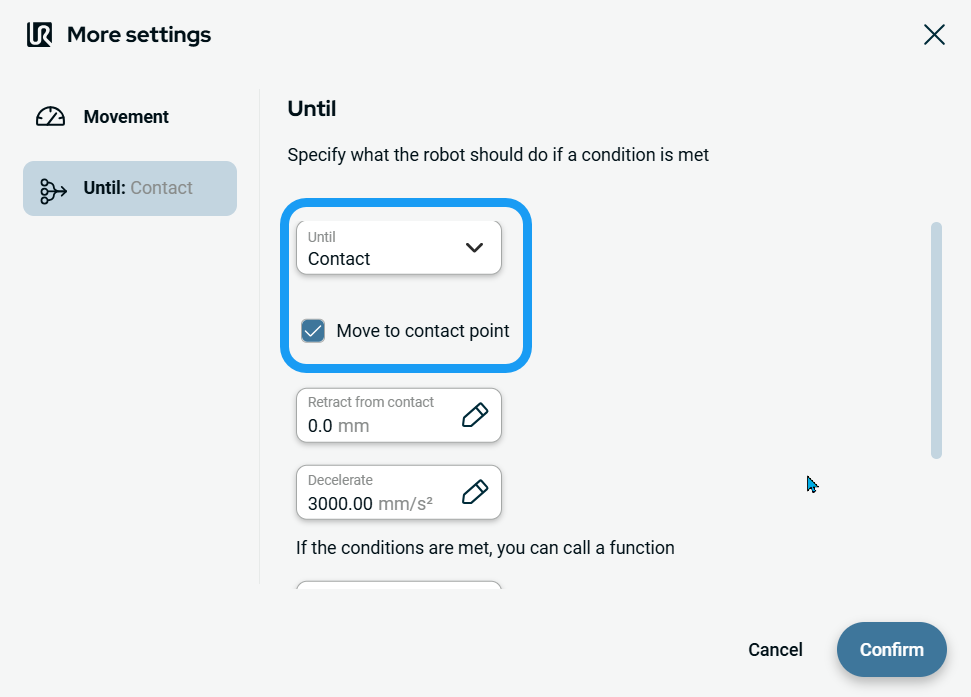
| To access Contact |
|
|
| To access Distance |
|