Backdrive
|
If the robot arm is close to colliding with something, you can use the backdrive function to move the robot arm to a safe position before (re)initializing it.
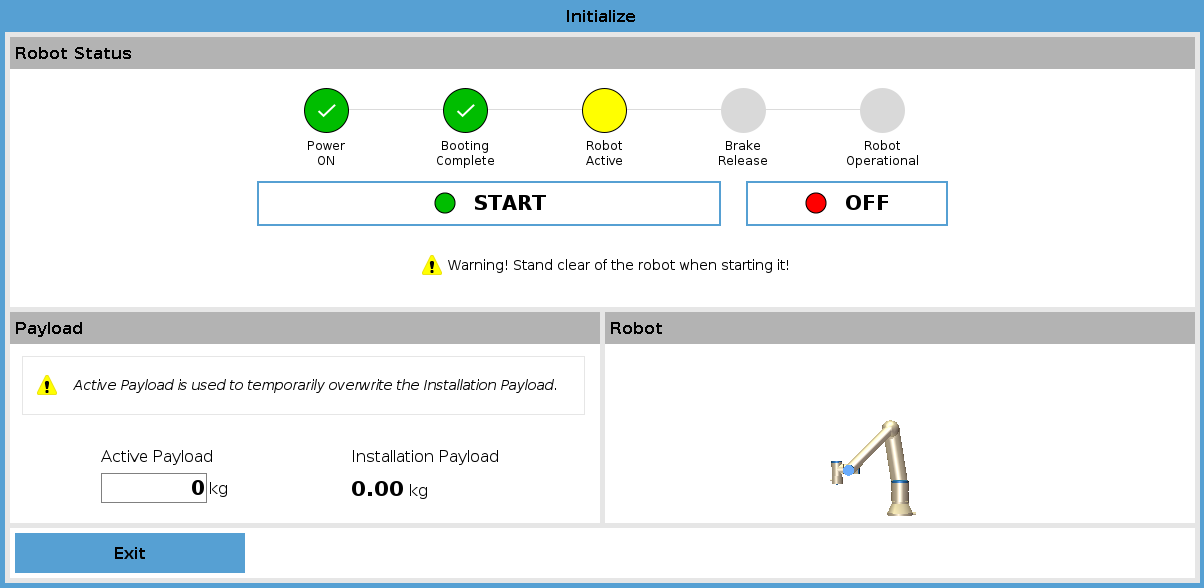
Figure 3.5. Robot status and payload information in the teach pendant.
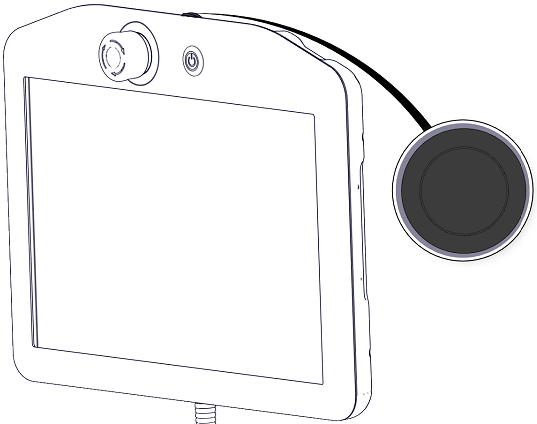
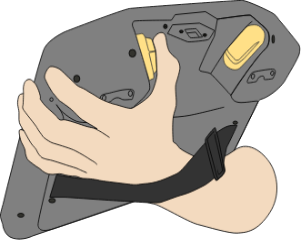
Figure 3.6. Freedriving a standard TP and 3PE TP.
|
|
The robot arm is “heavy” to move around in Backdrive, so efort is required to move the joints.
You must test Backdrive mode on all joints.
|
Safety settings Verify the robot safety settings comply with the robot installation risk assessment. Additional safety inputs and outputs are still functioning Check which safety inputs and outputs are active and that they can be triggered via PolyScope or external devices. Backup data See section Backup of Data
|