Loading the Data
|
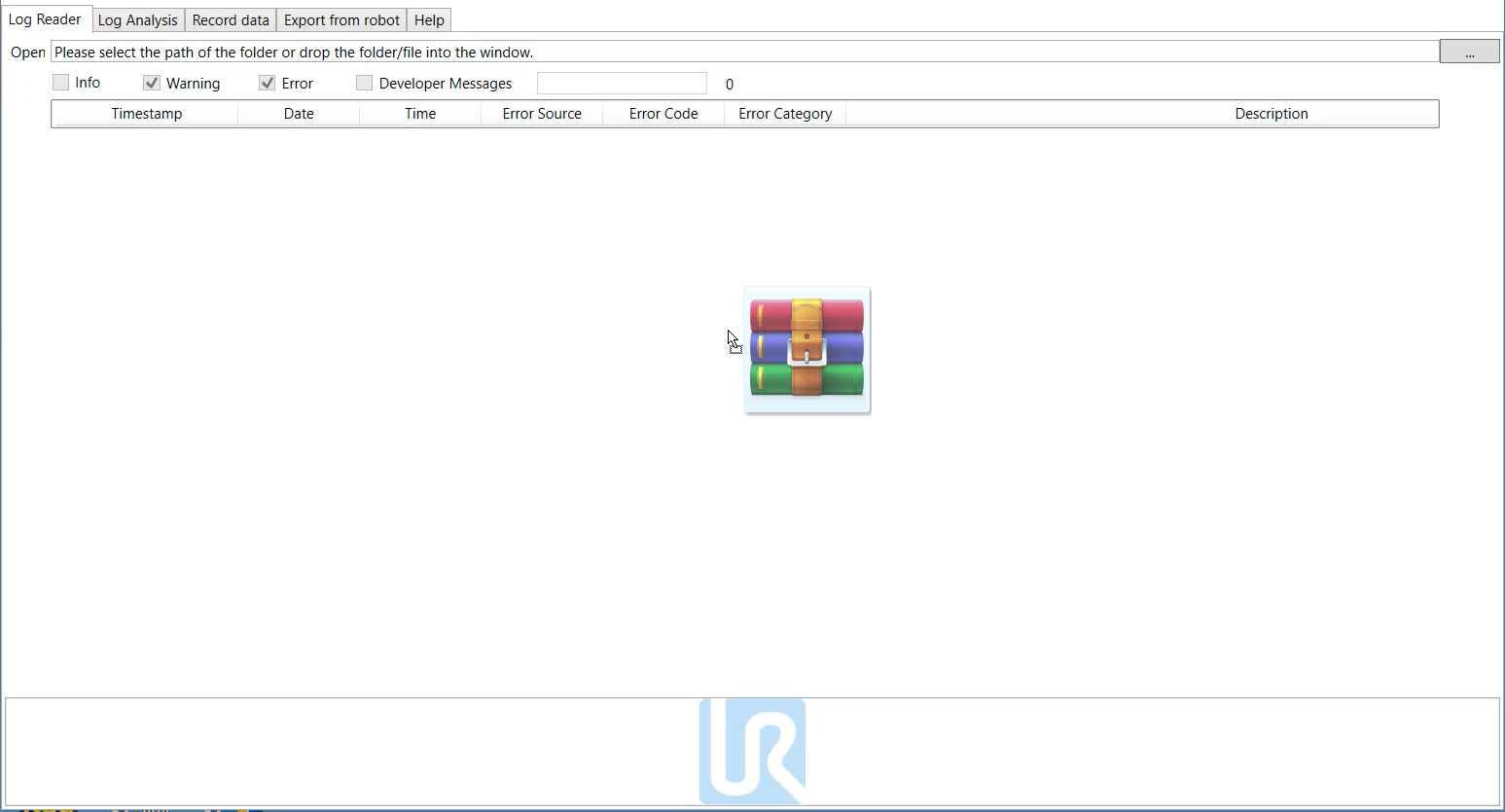
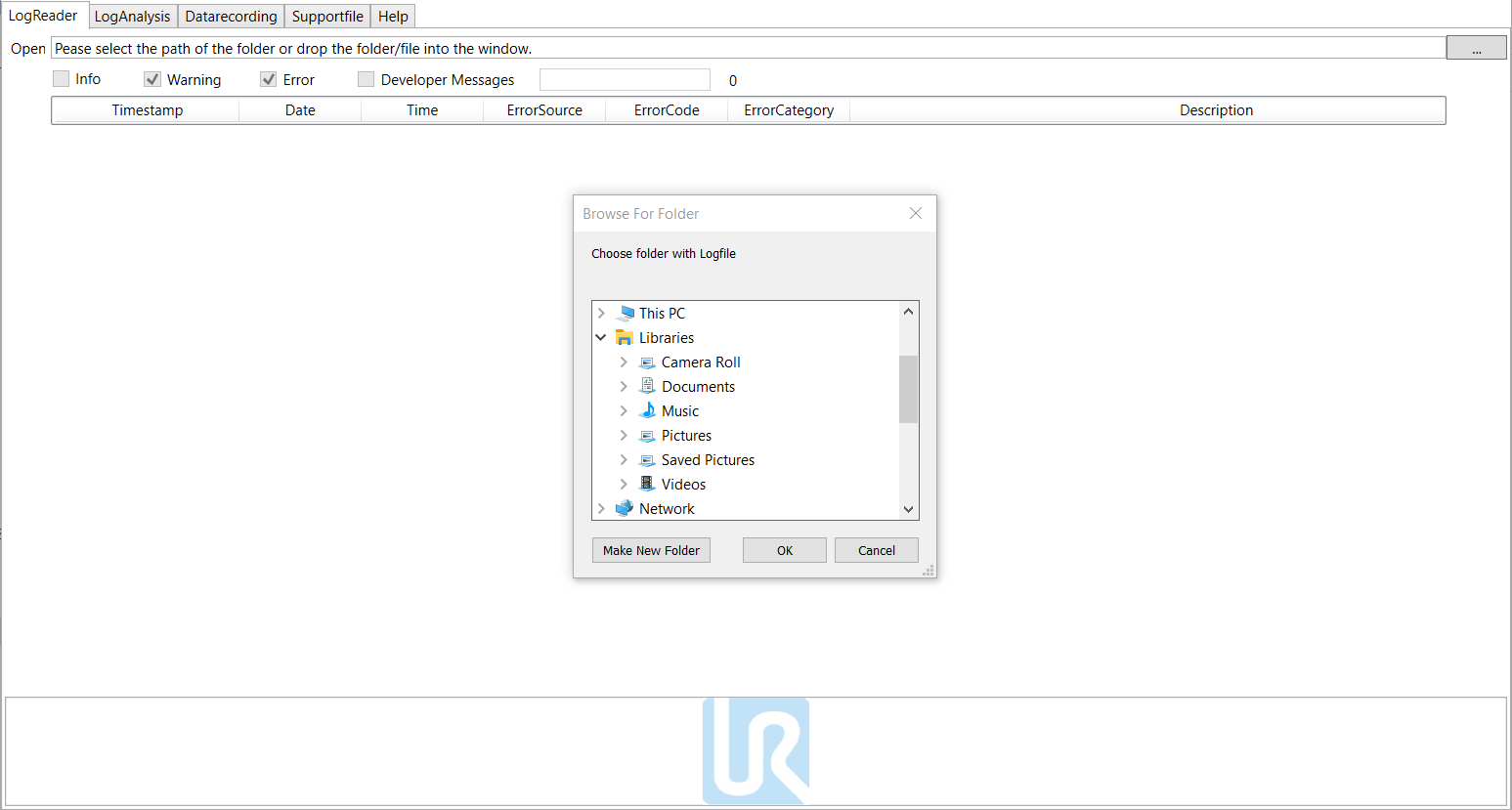
The available file can be either dragged and drop on the Log Reader tab or opened by selecting the path where the file is stored in your computer. A third option is by selecting it directly from Windows, using right-click on the file -> open with -> choose another app -> UR Log Viewer.
|
|
If you try to load the file and it doesn’t allow you to do so, please restart your software and try it again. Make sure you have the correct file while loading. If you need any support or service, consult your local Universal Robots distributor or Universal Robot’s website. |