Adding External Equipment for Troubleshooting Purpose

Add External Equipment

For troubleshooting, it can be useful to add a mouse, keyboard, or monitor.
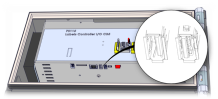
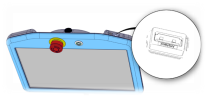
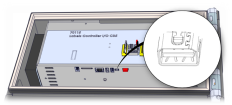
Most USB mouse and keyboards are supported. Plug in the mouse or keyboard in one of the available USB ports. A restart of the the control box may be required for it to work.

In the control box, a mini display port is available. When a monitor is connected, it will display the same content as the teach pendant and can be connected at the same time as the teach pendant. A restart of the control box may be required for it to work.