Using the 3PE Buttons
| Description |
The 3PE buttons are only active in Manual mode. In Automatic mode, robot movement does not require 3PE button action.
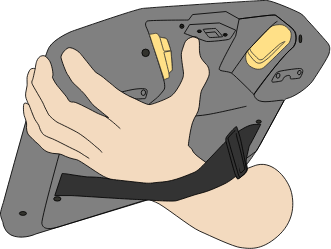
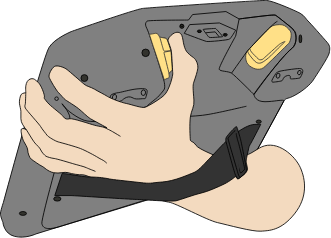
The table below describes the functions of the 3PE buttons.
|
||||||||||||||||
|
|
|
|
To play a program |
The program runs if the robot arm is in the first position of the program. If the robot is not in the first position of the program, the Move Robot into Position screen appears. |
|
Stop a program |
Release the 3PE button or, on PolyScope, tap Stop. |
|
Pause the program |
Release the 3PE button, or, on PolyScope, tap Pause. To continue the program execution, keep the 3PE button light pressed and tap Resume on PolyScope.
|