Import Warning Across Robot Types

Description

An Import Warning dialog box appears when you import a program that was exported from a different robot type. For example, when you import a program to a UR10e that was exported from a UR5e robot.


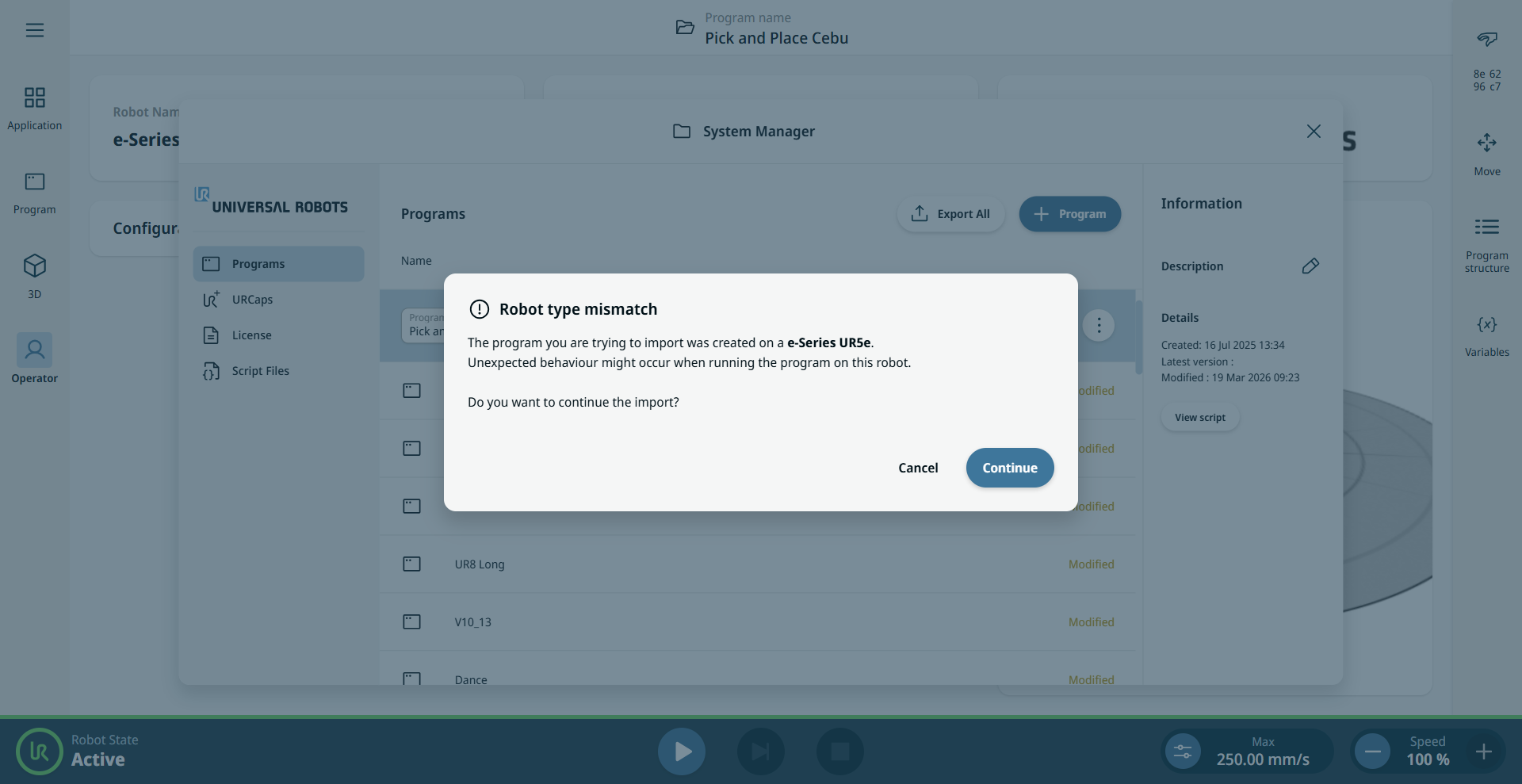
Import Warning (robot type mismatch)

  1. In the System Manager, tap the Add Program icon, then select Import Program.

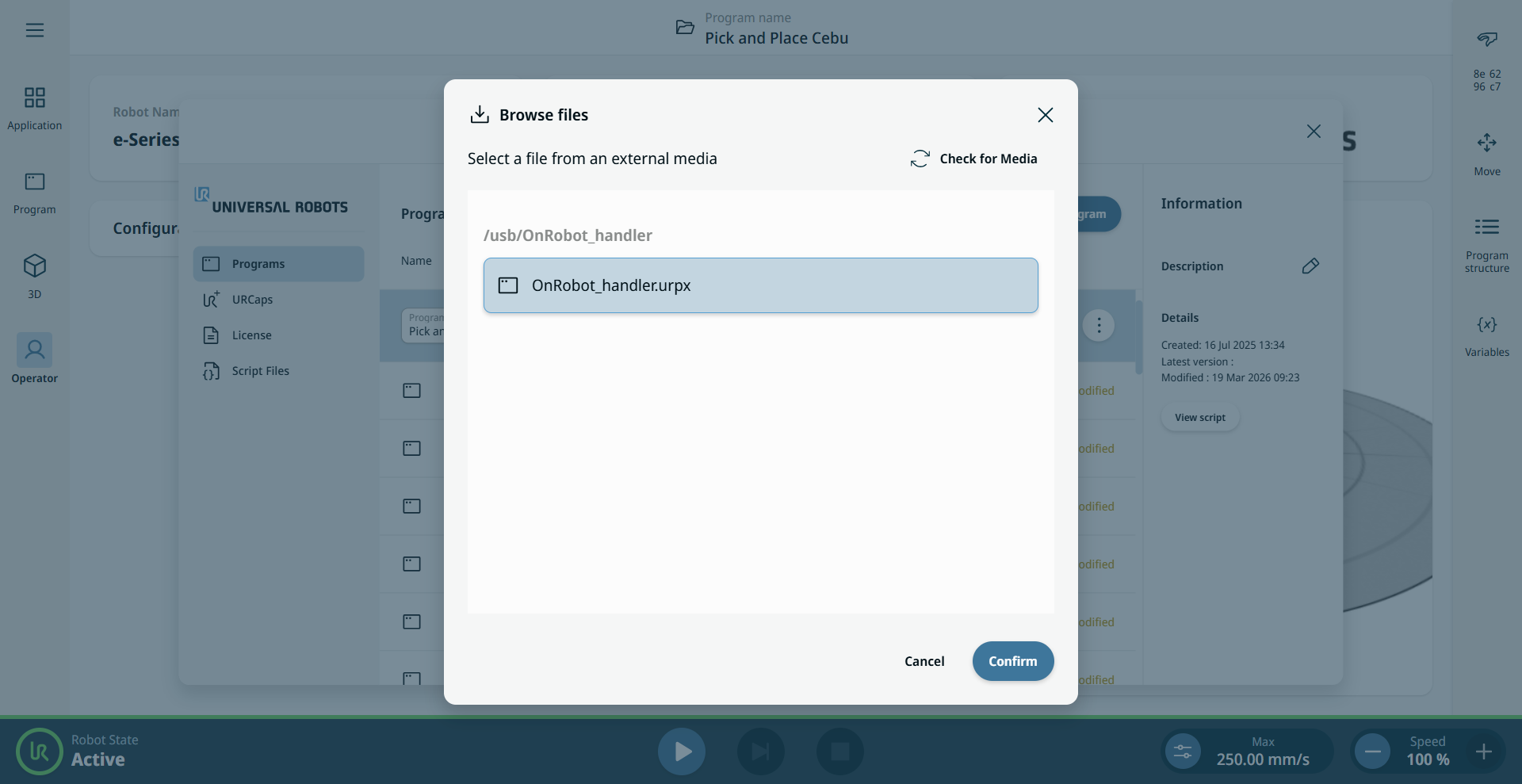
  2. Select the program from the external media inserted in your machine, then tap Confirm.

  3. The Import Warning dialog box appears and indicates a robot type mismatch.

  4. Tap Continue to complete the import and use the program. Tap Cancel to abort the import.