Downgrading vs. Restoring System Backup
| Description |
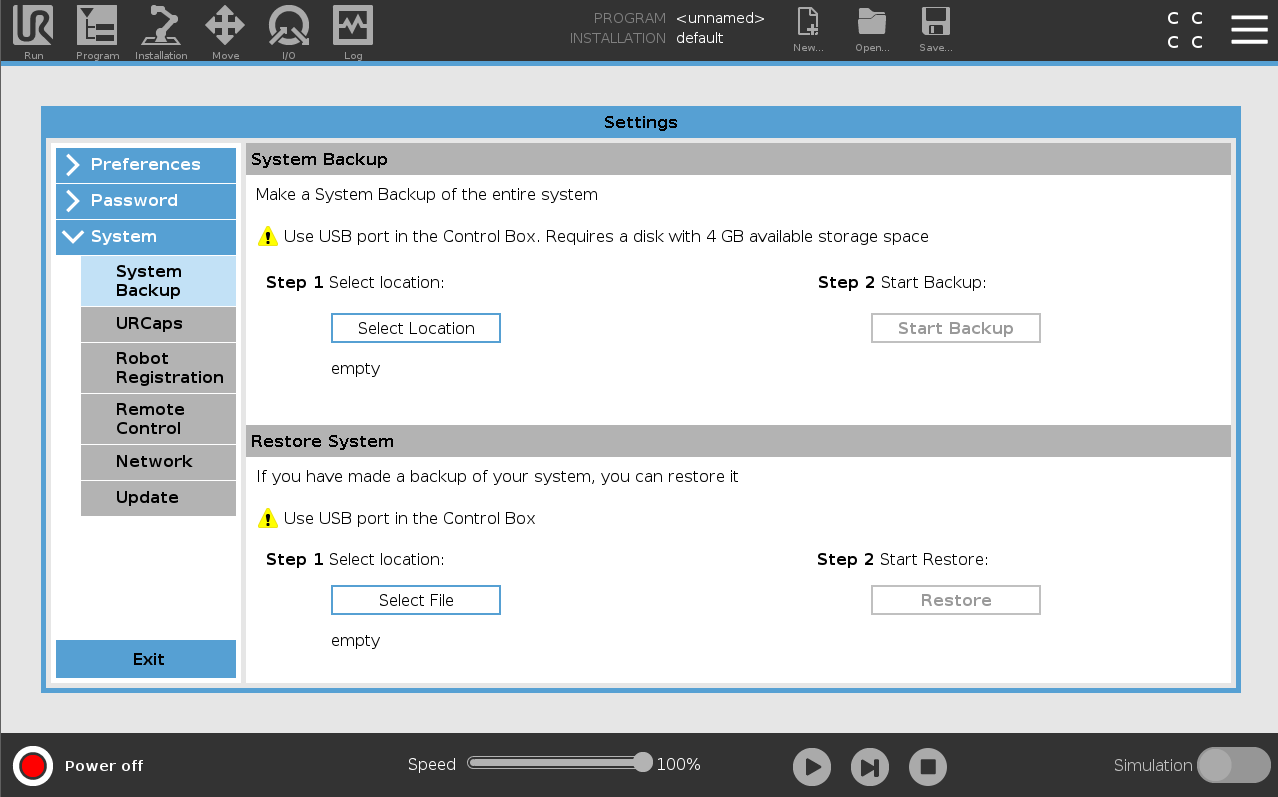
Do not downgrade the robot software to a version earlier than the robot's manufacturing date. All changes made after the upgrade will be lost. Back up all data before upgrading. The system backup requires about 4 GB of free space. Use a USB drive with 4 GB or more capacity.
Always back up program and installation files before updating the software.
|
PolyScope 5
| Do not downgrade |
Do not revert your robot software using older update packages if you have installed 5.8 or above software version. If, for any reason, you need to downgrade below PolyScope version 5.8, you can do so by restoring your old system backup (system backup was implemented from Polyscope version 5.5 ahead).
|
PolyScope X
| Do not downgrade |
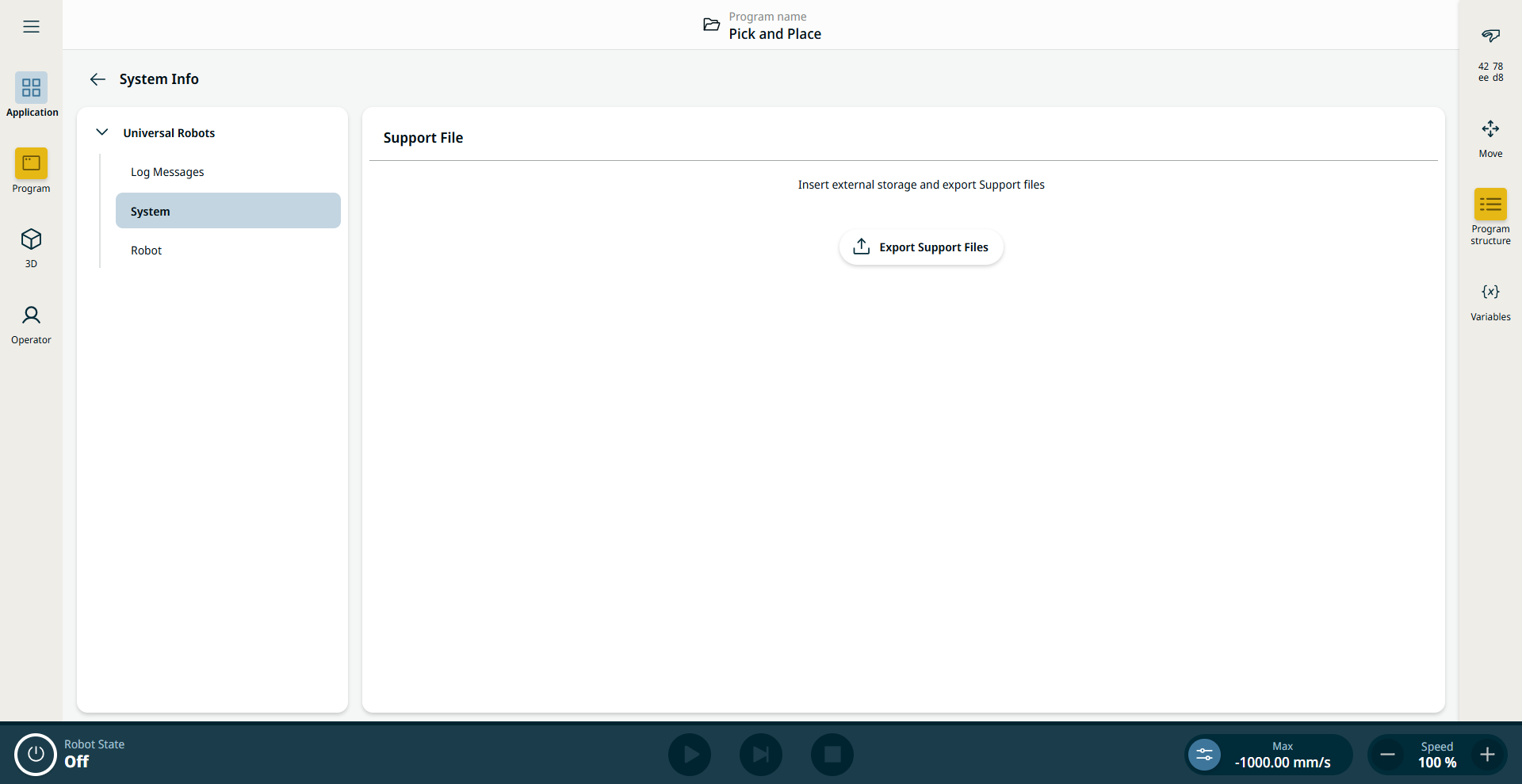
Polyscope X does not have a backup feature but it has an export feature that will export all programs to a USB drive before updating.
Export Support Files is accessible under Application tab on the System Info section.
|