Using Support File

PolyScope 5


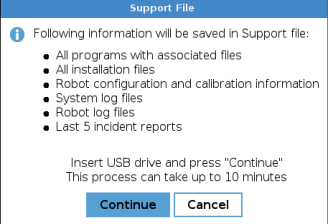
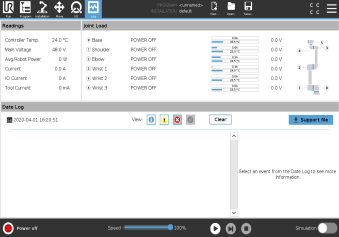
  1. Go to Log tab, insert a USB stick, and click on Support File.

This backup requires around 1Gb memory, please use a USB stick of 2Gb or more capacity.
Always perform program and installation files backup before updating the software.


PolyScope X

 
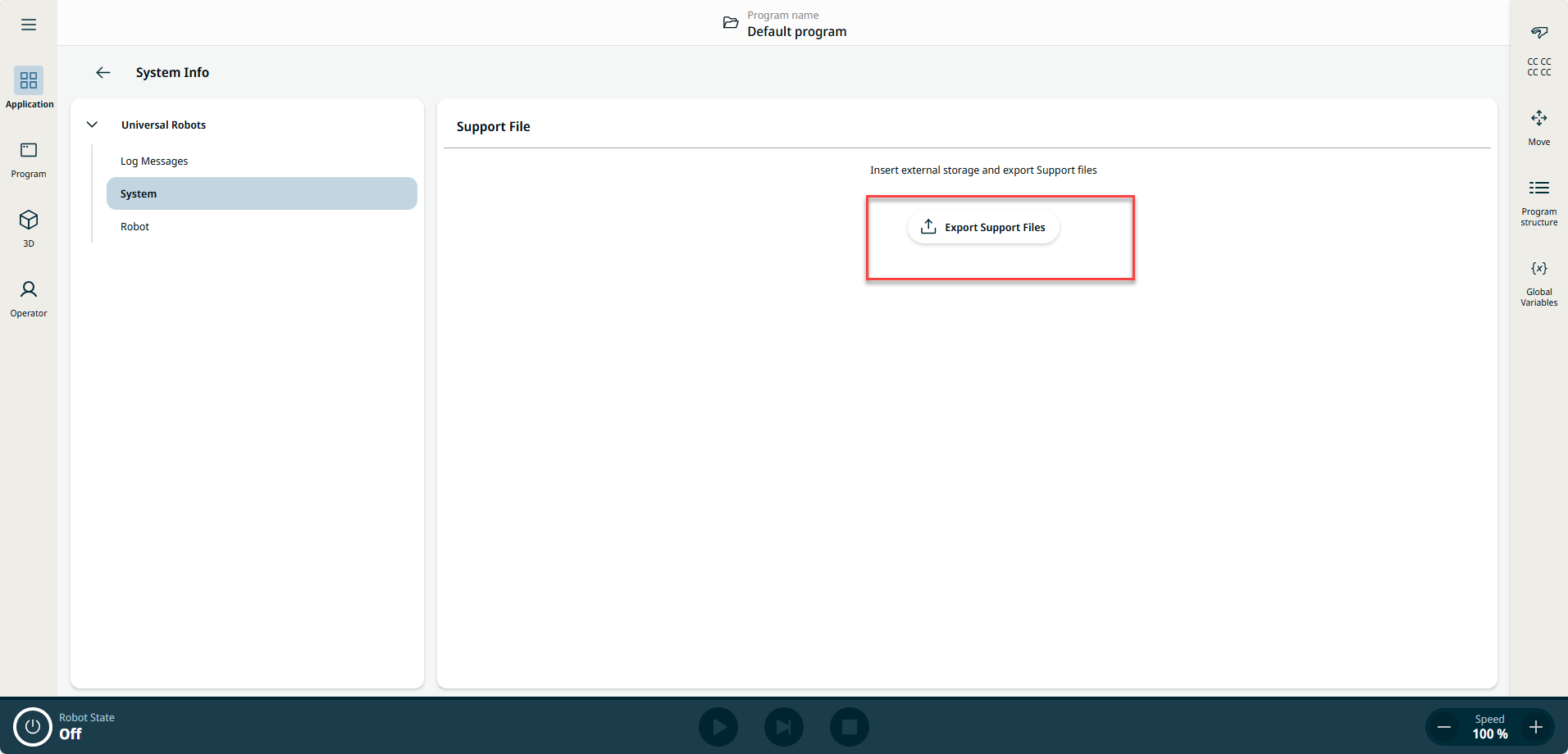
  1. On the Main Navigation, tap Application > System Info > System.

  2. Insert a USB drive and tap Export Support Files. The controller creates a zip-compressed file that contains:
    • all previous flight reports

    • entire robot log

    • individual log files for all software components

    • operating system log files, memory consumption, and available disk space

    • configuration files

    • calibration file

    • robot arm statistics

    • software metrics

This backup requires about 1 GB of free space. Use a USB drive with at least 2 GB of capacity.
Always back up program and installation files before updating the software.