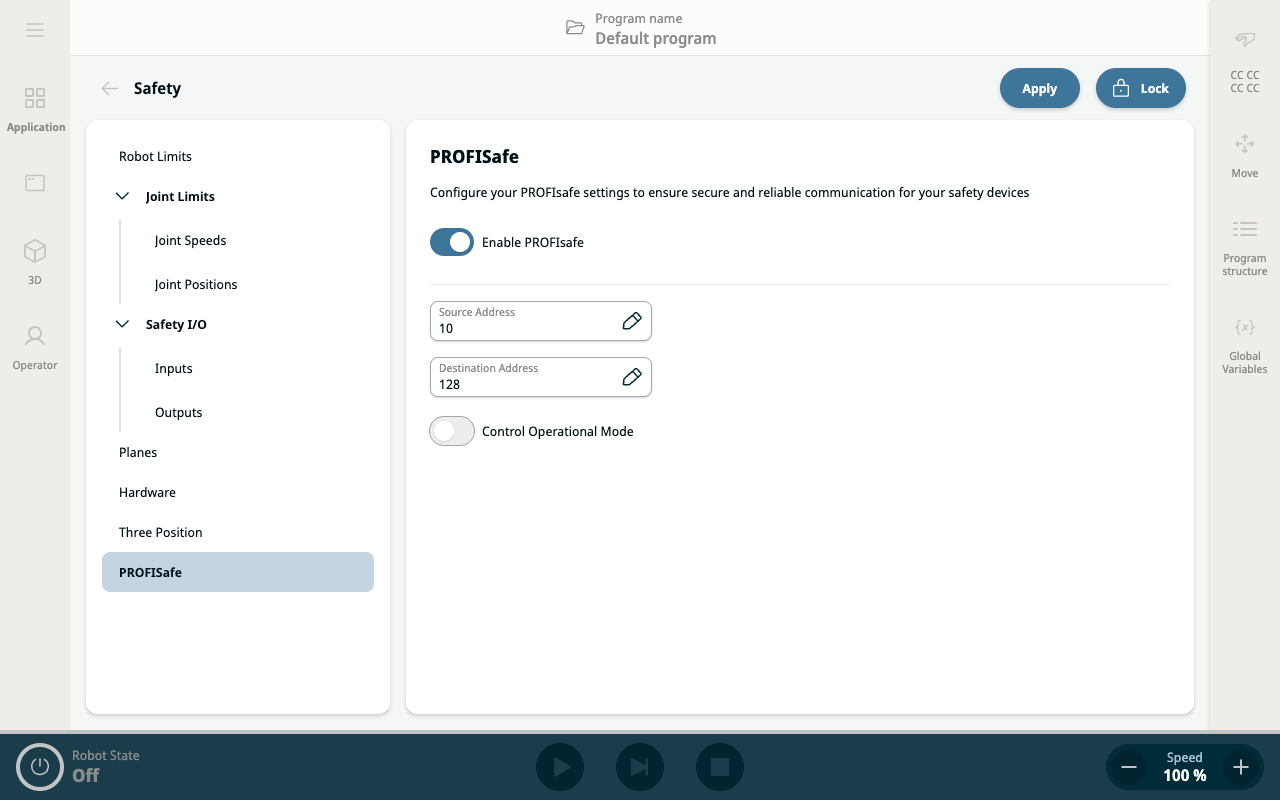
PROFIsafe
| Safety PLC In |
A status message that the robot sends to the safety PLC contains the information shown in the following table.
|
||||||||||||||||
|
|
| Configuring PROFIsafe |
|
|
|
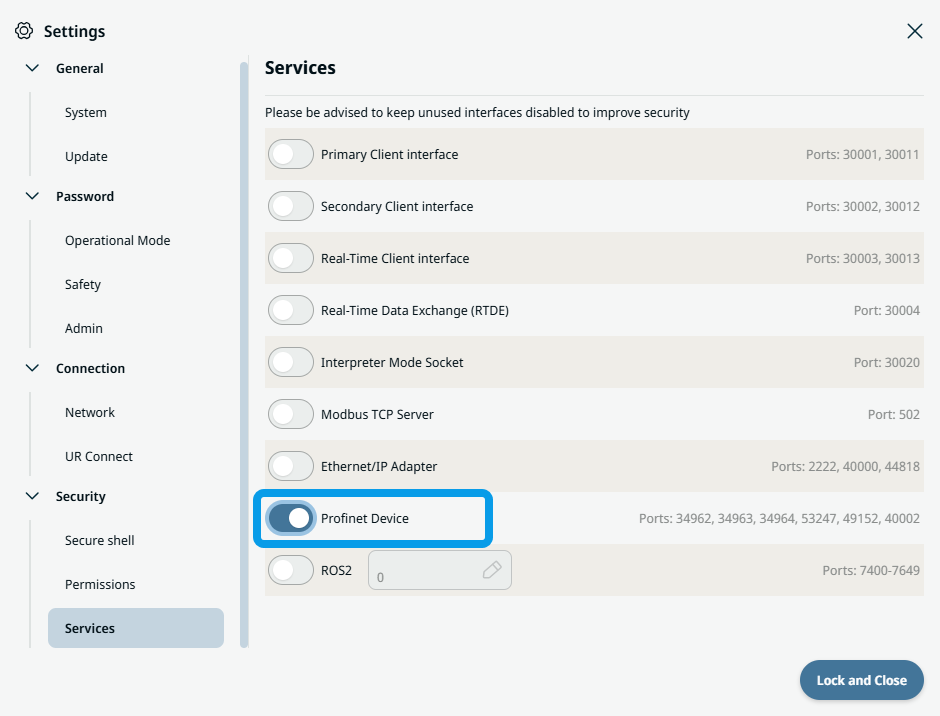
In order to configure and use PROFIsafe, Profinet Device must be enabled in the security services settings menu.
 Read for details and interface location PROFINET Device.
|