Köríves mozgás
| Leírás |
The Circular Arc Move enables you to program the robot to move in a circular motion while keeping the tool orientation either fixed or unconstrained.
|
|
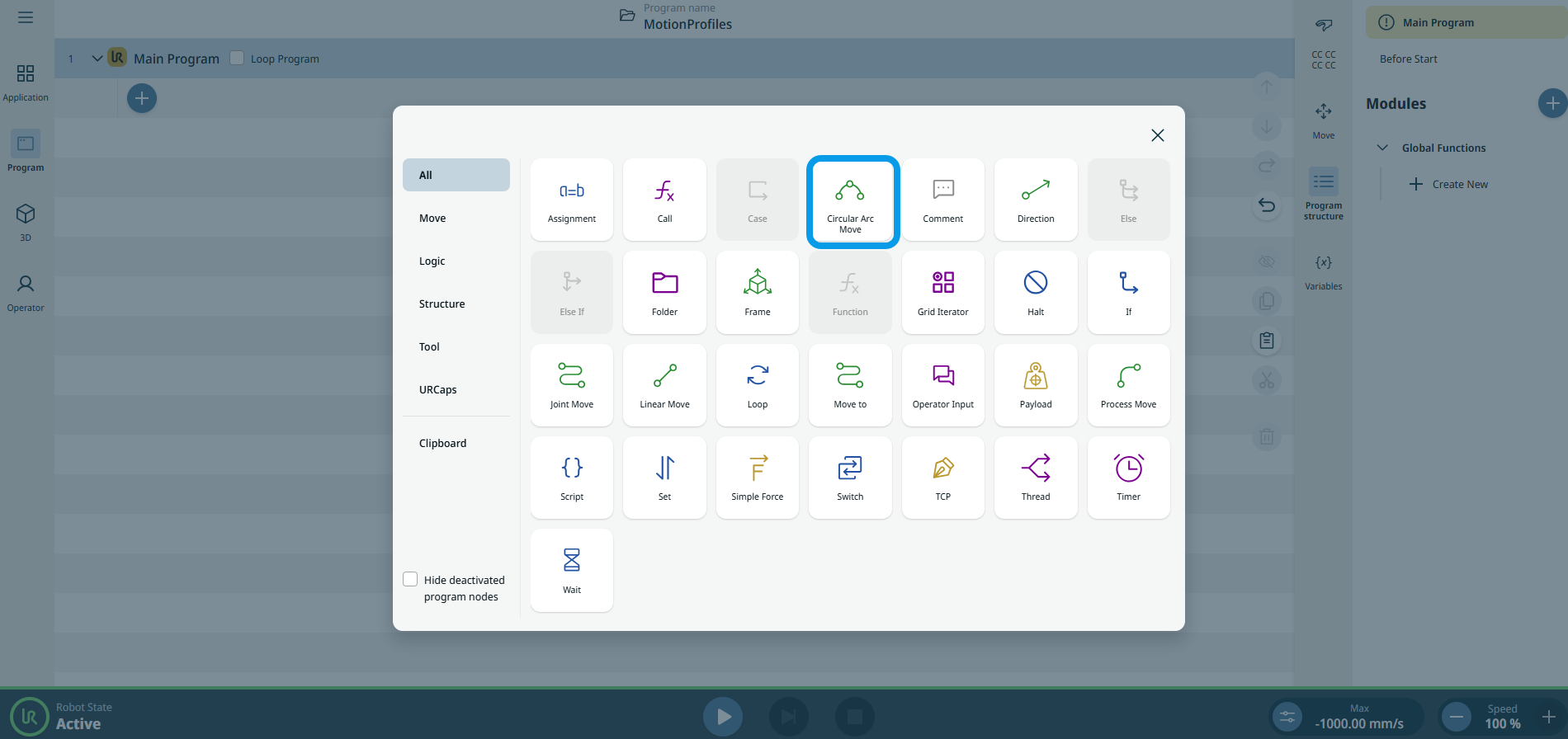
To access Circular Arc Move command |
|
|
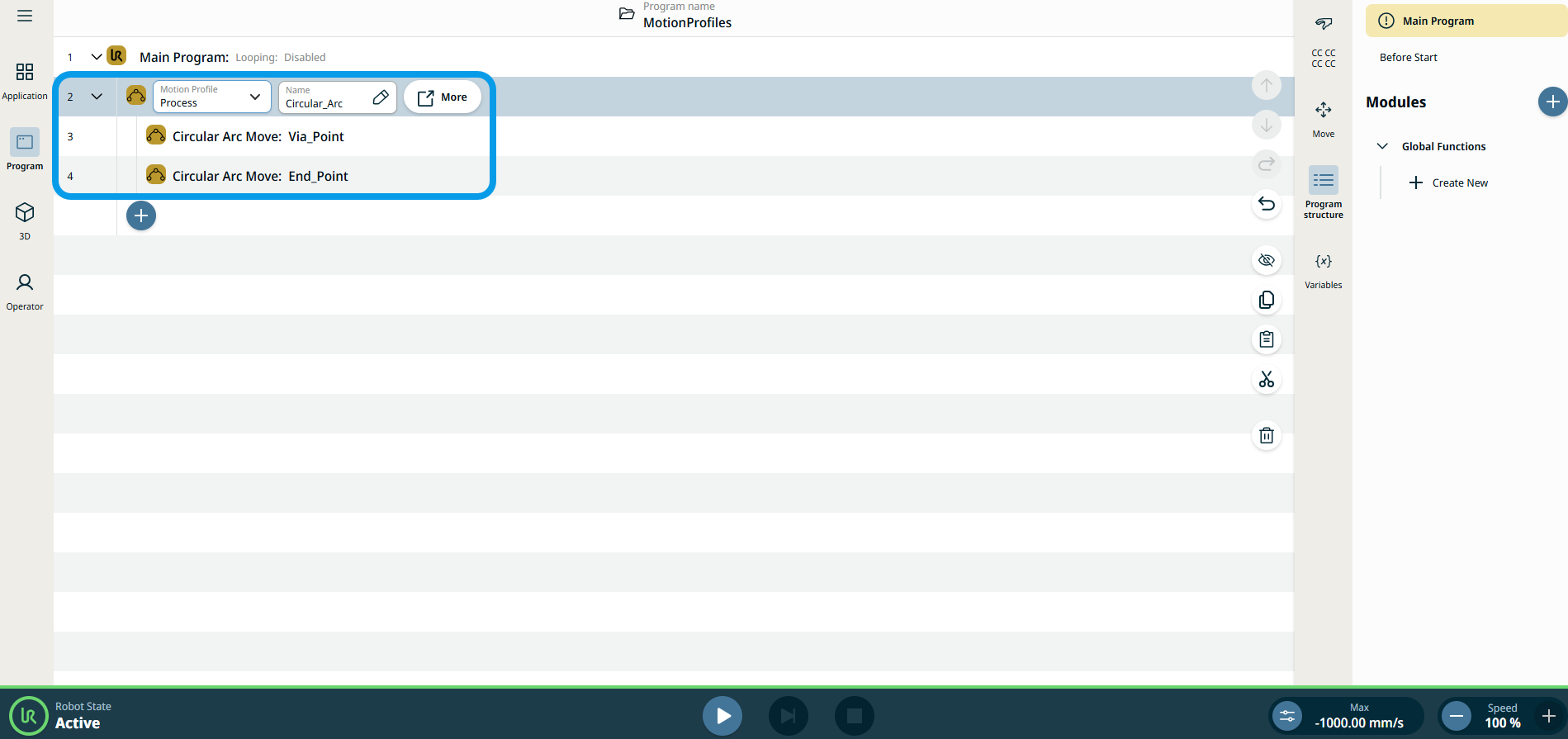
The three editable fields are:
|
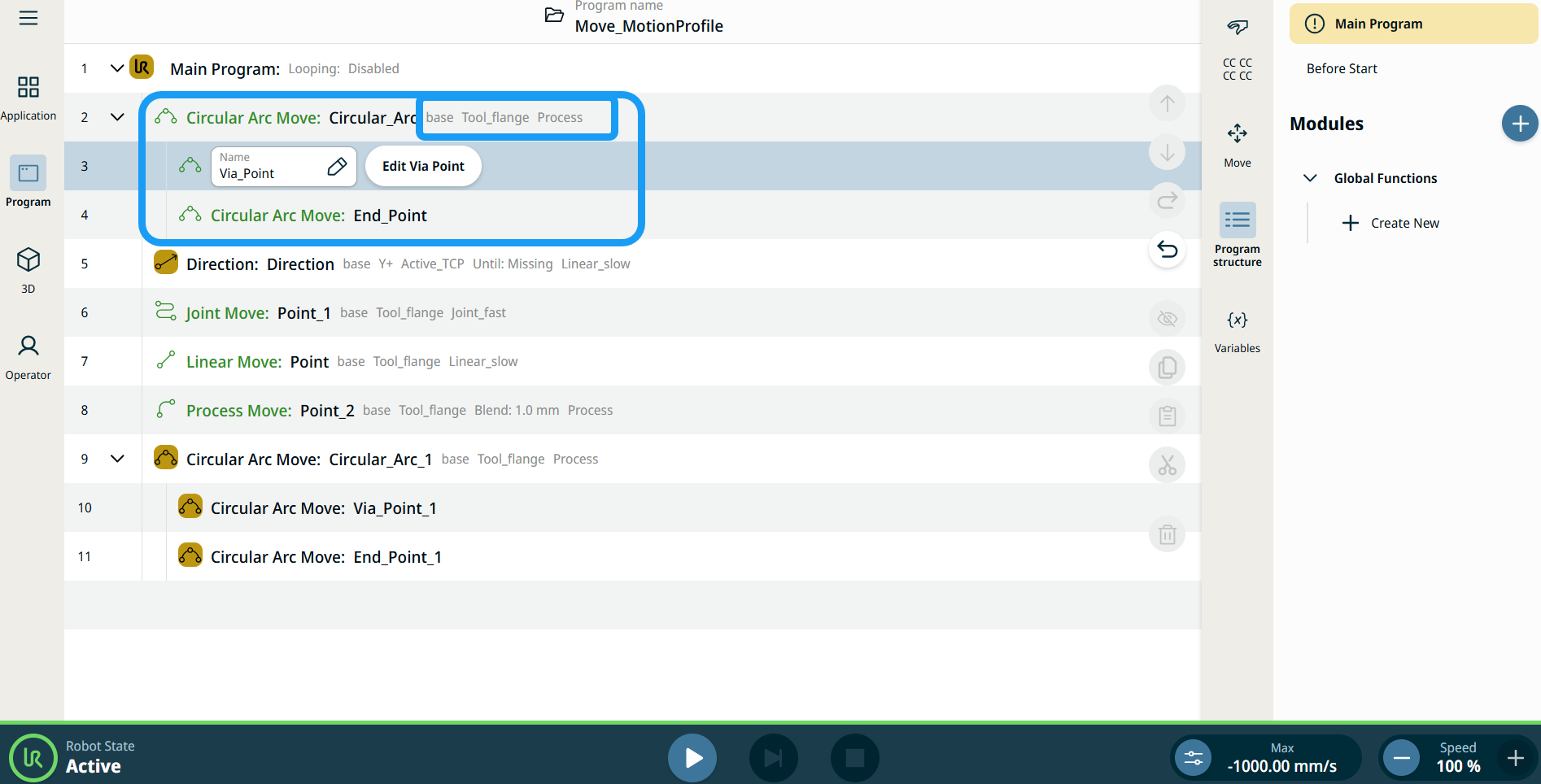
| Mozgásprofil címkék a mozgatási csomópontokon |
A programfa mozgással kapcsolatos parancs csomópontjai megjelenítik az egyes csomópontokhoz tartozó mozgásprofilt. A funkció lehetővé teszi, hogy a felhasználók megtekinthessék a kiválasztott mozgásprofilt egy Mozgatás csomóponton. A funkció a következő parancscsomópontokon működik: Az egyéni mozgásprofilú mozgáscsomópontok a Mozgásprofil helyett a sebesség és a gyorsulás értékeit jelenítik meg. |
|
|
|
| To access More settings |
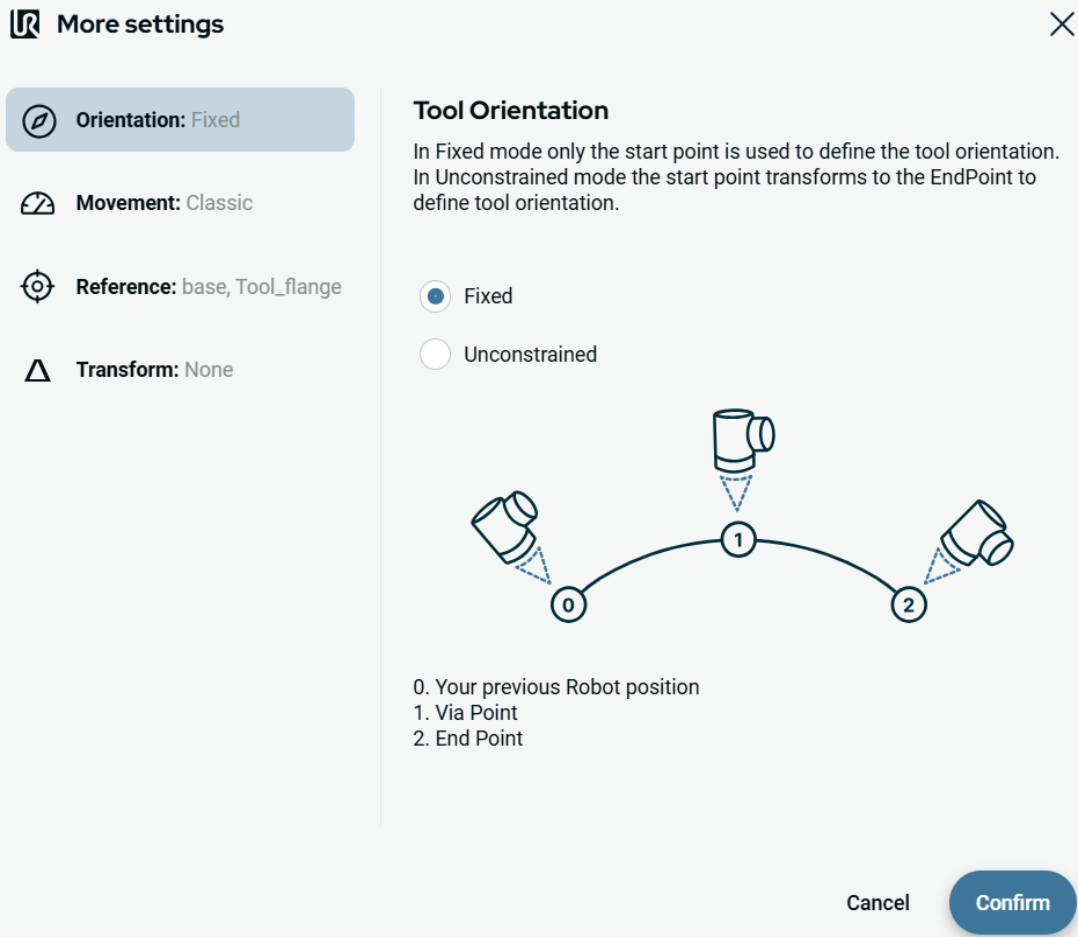
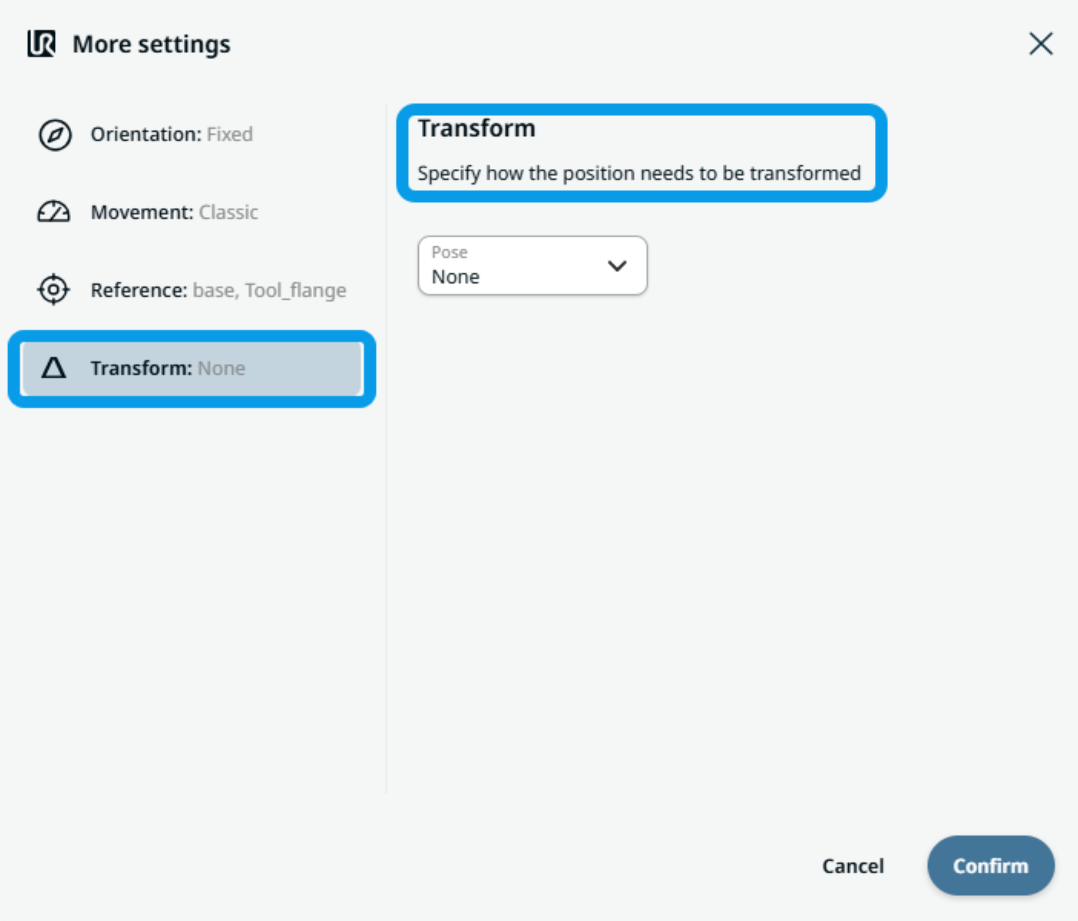
Tap the More button, and the More settings screen appears. On the left side, you see four advanced options:
|
|
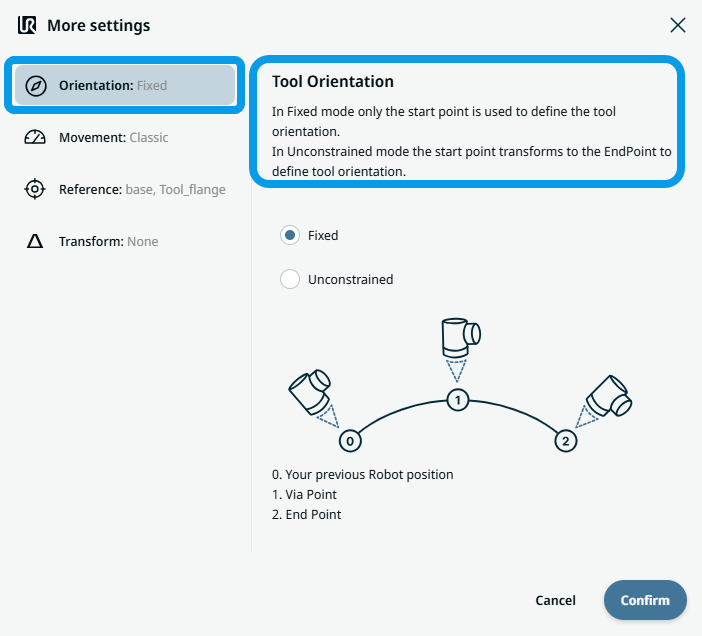
To use Orientation |
|
|
To use Movement |
|
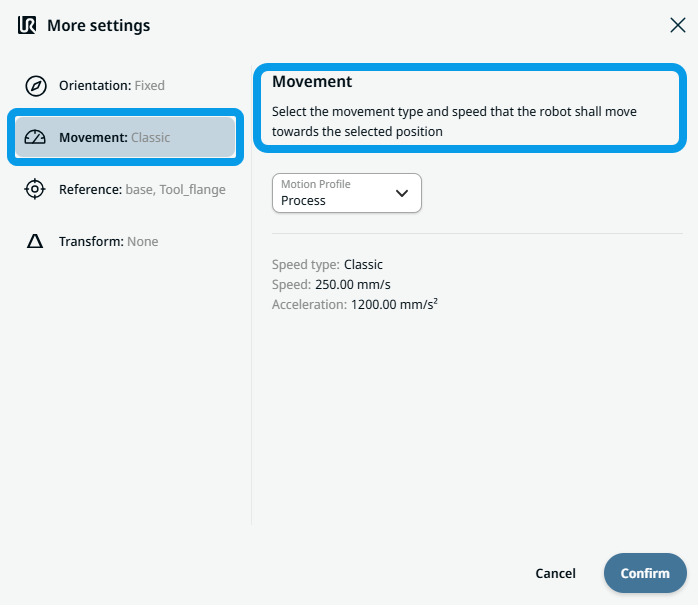 Two fields appear:
|
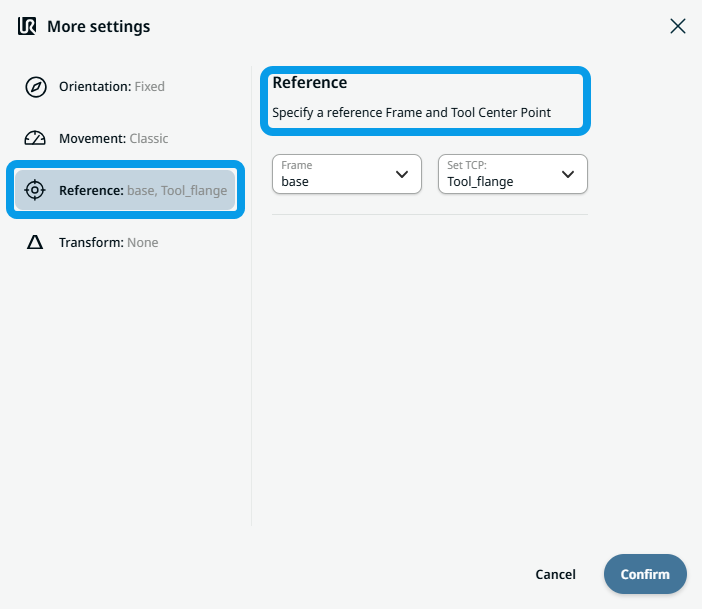
To use Reference |
|
|
To use Transform |
|
|
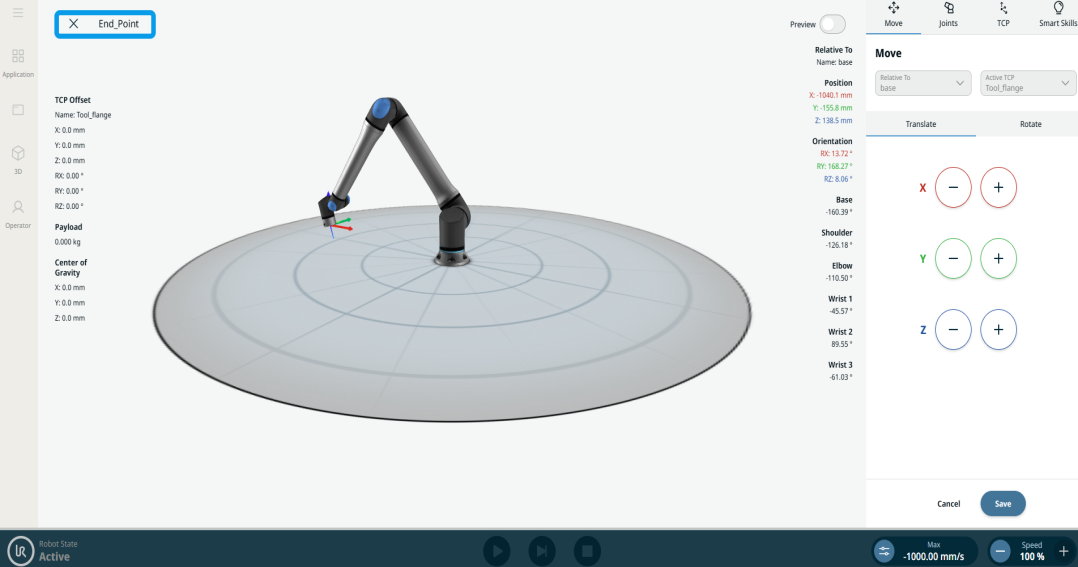
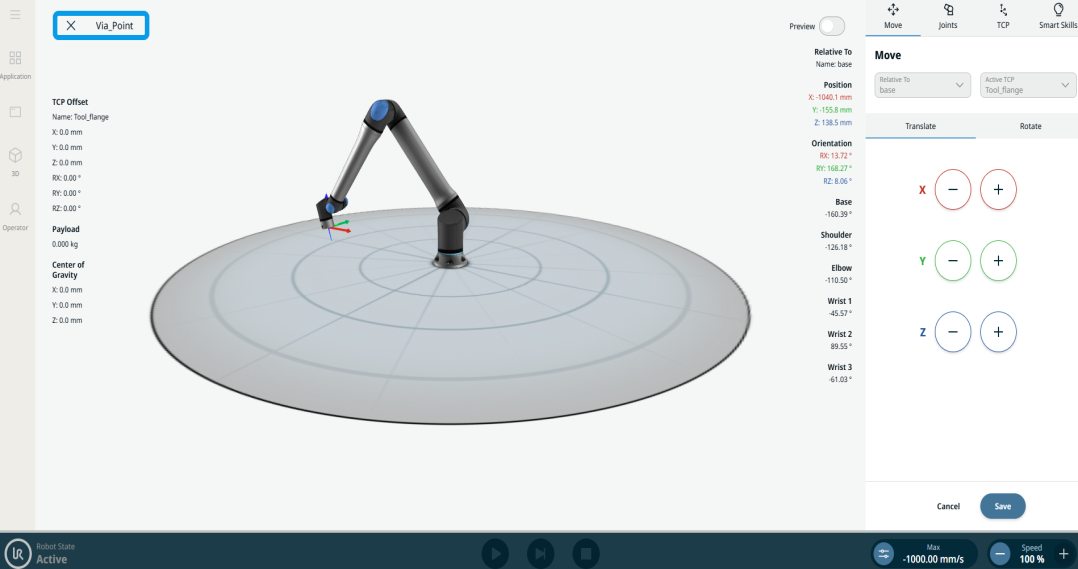
To use Circular Arc Move: Via_point |
|
|
To use Circular Arc Move: End_Point |
|