Using Move Robot into Position
Move Robot into Position allows the robot arm to move to that start position, after you complete a program. The robot arm must be in the start position before you can run the program.
For more information, refer to the Move Robot into Position section in the robot User Manual.
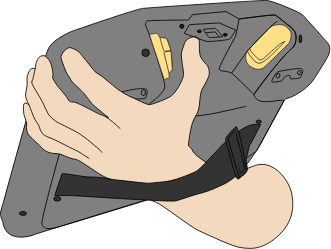
To use the 3PE button to move the robot arm into position:
-
When your program is complete, press Play
-
Select Play from beginning.
On PolyScope, the Move Robot into Position screen appears displaying robot arm movement.
-
Light-press and hold the 3PE button.
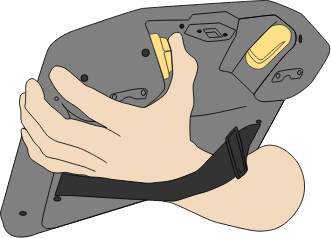
-
Now, on PolyScope, press and hold Automove, for the robot arm to move to the start position.
The Play Program screen appears.
-
Maintain a light-press on the 3PE button to run your program.
-
Release the 3PE button to stop your program.