Folder

Description

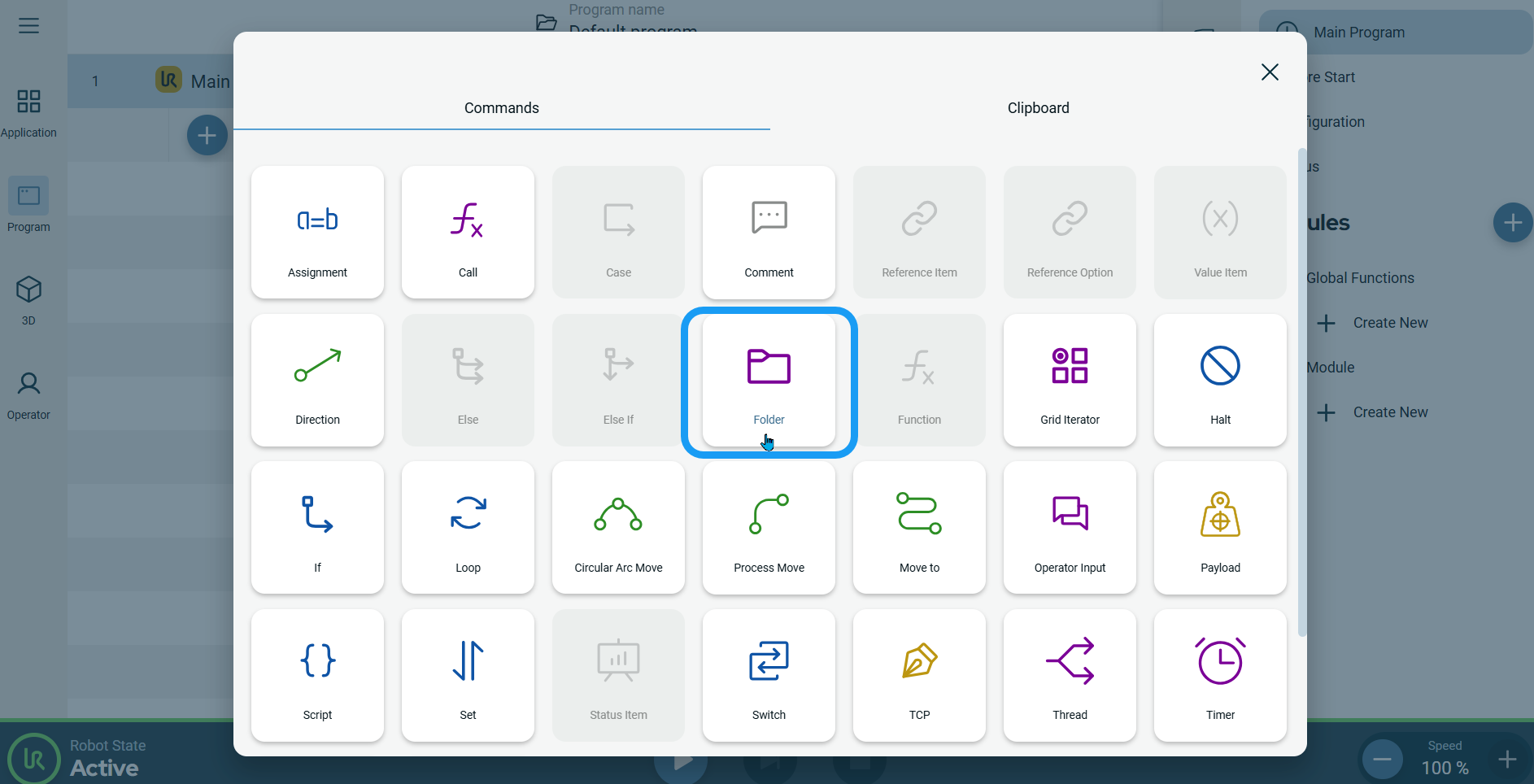
The Folder command allows you to use folders to create an easy-to-read overview of the main parts of your robot program.


To access Folder command

  1. Go to the basic command screen. See Basic Command Nodes.

  2. Tap the Folder icon in the Commands screen.


    A Folder node, which is an editable field, is inserted into the program tree.

  3. Tap the Folder field.

  4. Edit the folder name.

  5. Tap Confirm.

    You can see two add icons below the folder name:

    • You can add a new folder under the chosen program.

    • You can also add a subfolder to your created folder.