Direction
| Description |
The Direction command enables you to make the robot move in a specific direction.
|
|
To access Direction program |
|
|
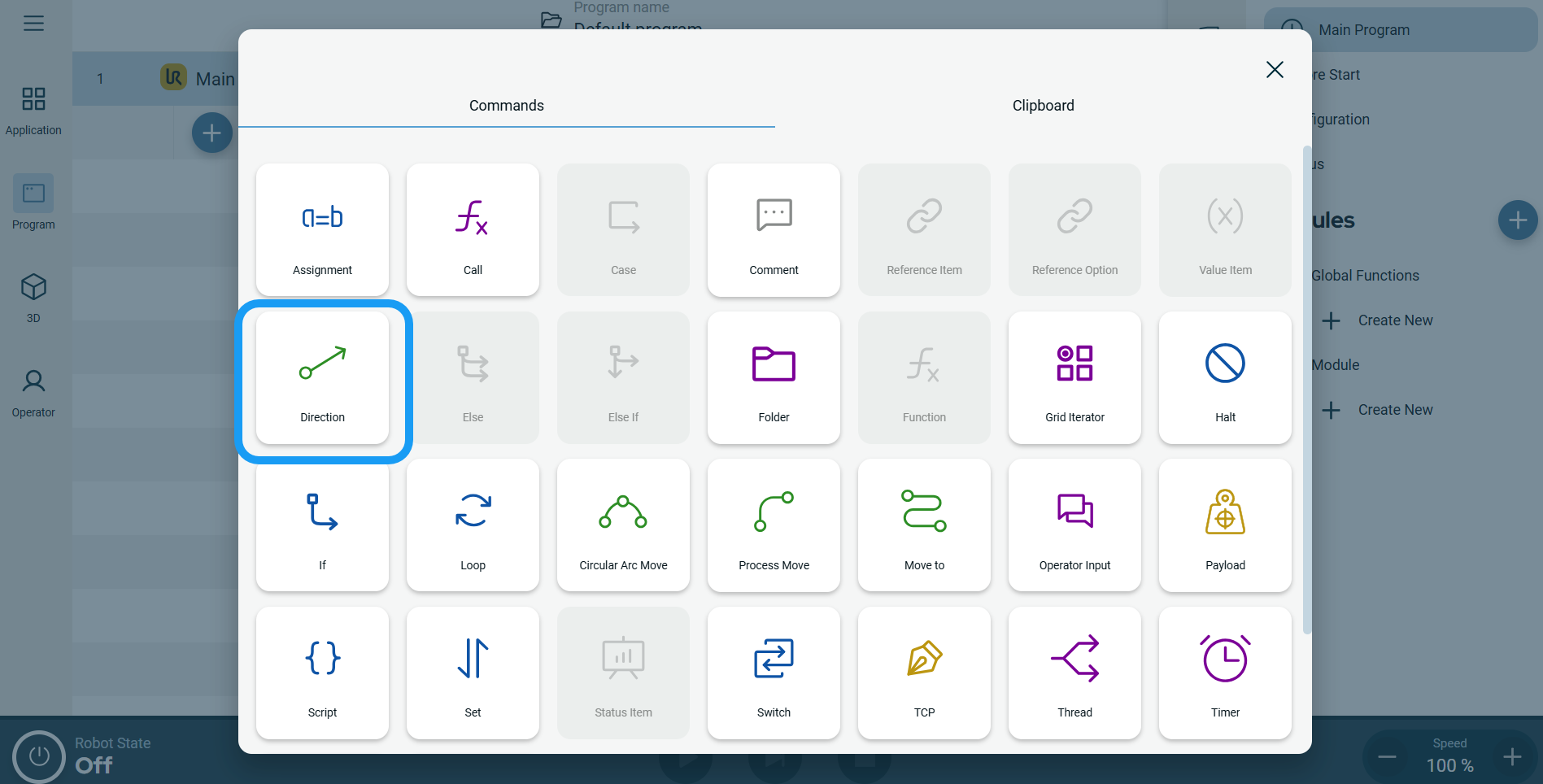 A node is inserted into the program tree. The node has three editable fields and a More button for advanced options. The three nodes are: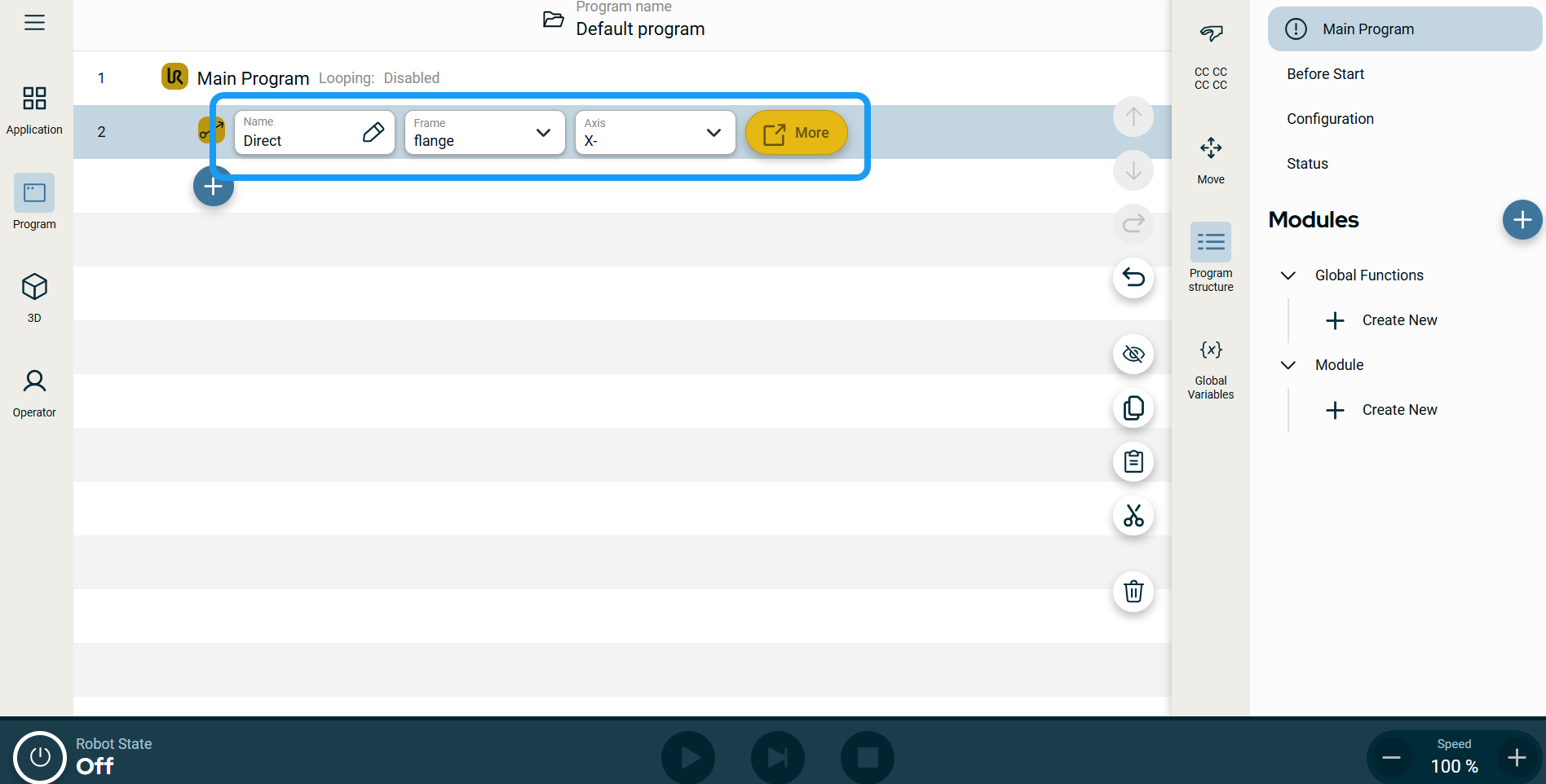
|
To use the More options |
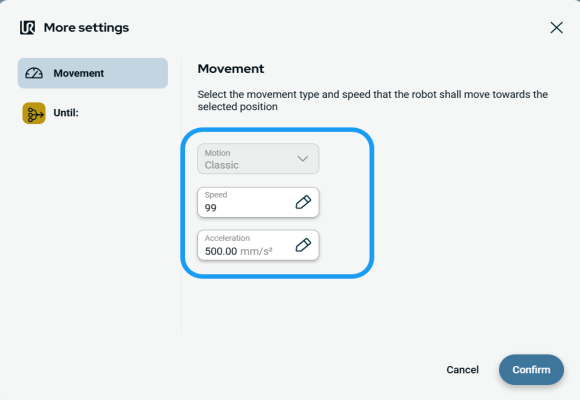
Tap the More button. A new screen appears containing two advanced settings:
|
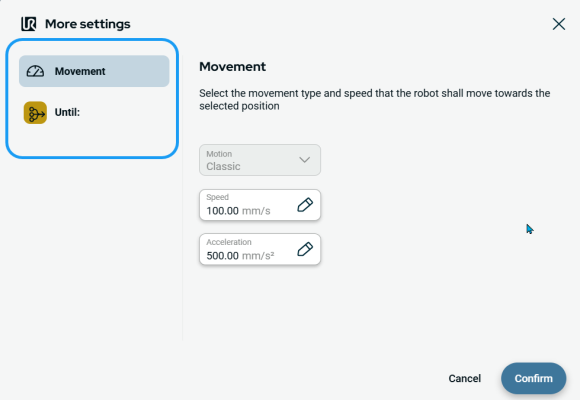
| To use Movement setting |
|
|
|
|
| To use Until setting |
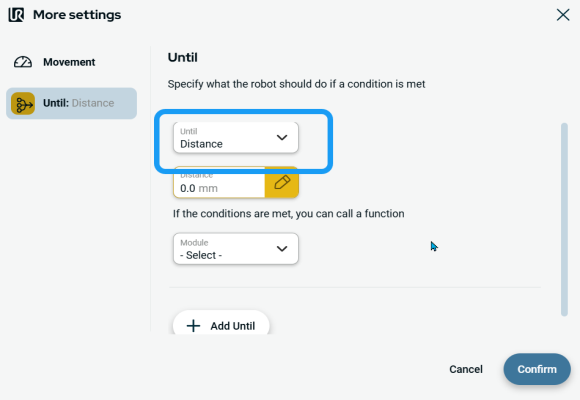
On the left side of the screen, tap Until. An Until field appears in the main screen, giving you three selections:
|
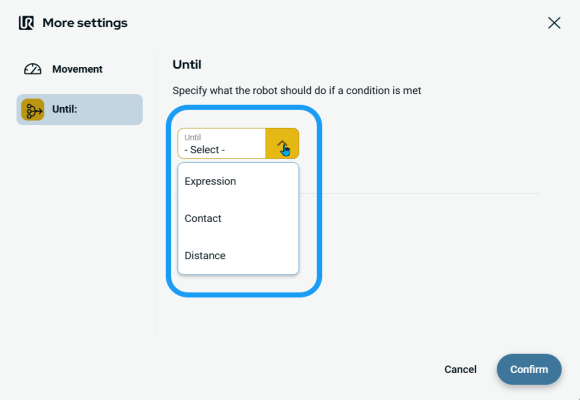
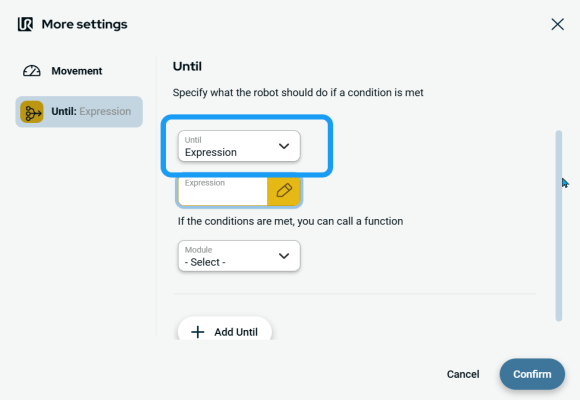
| To access Expression |
|
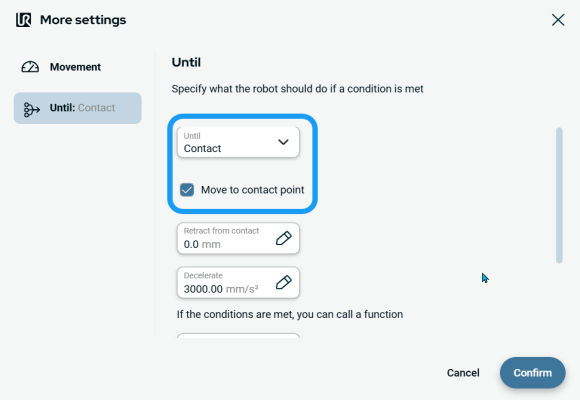
| To access Contact |
|
|
| To access Distance |
|