Downgrading vs. Restoring System Backup
| Description |
Do not downgrade the robot software to a version earlier than the robot's manufacturing date. All changes made after the upgrade will be lost. Back up all data before upgrading. The system backup requires about 4 GB of free space. Use a USB drive with 4 GB or more capacity.
Always back up program and installation files before updating the software.
|
PolyScope X
| Do not downgrade |
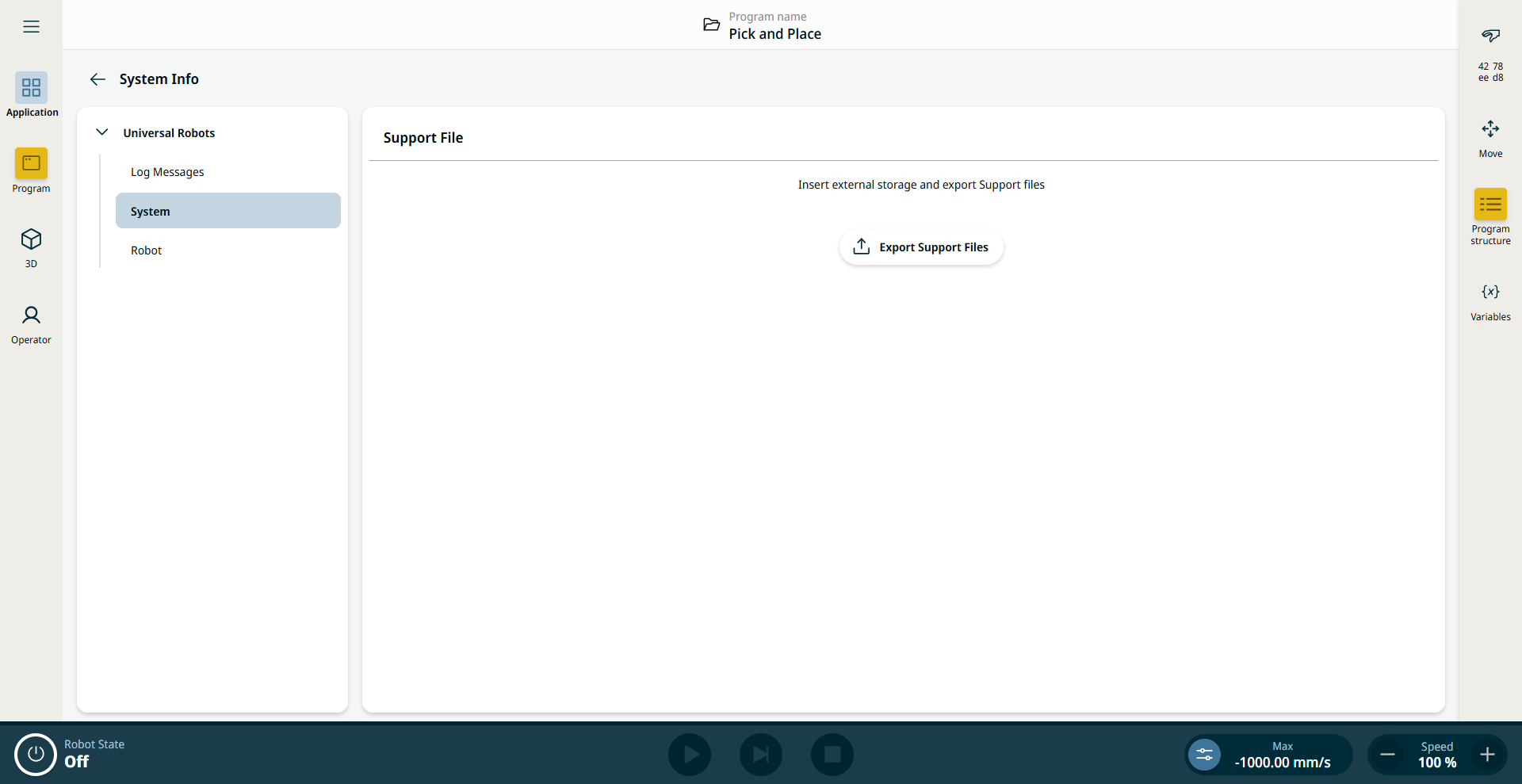
PolyScope X does not have a backup feature but it has an export feature that will export all programs to a USB drive before updating.
Export Support Files is accessible under Application tab on the System Info section.
|