Freedrive

Description

Freedriving the robot allows quickly check if the robot is functioning normally and mounting settings and payload are correctly specified.

Detailed description of the Freedrive could be found in the Freedrive section.

To test Freedrive
  1. Set Active Payload to zero if there are no tools attached to the robot arm.
    Alternatively, set the Active Payload, TCP (tool center point) and CoG (center of gravity) according to tool specifications.
    See Payload and Center of Gravity for details.

  2. To move the robot arm in Freedrive, see figure below.

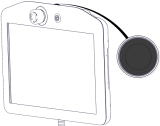
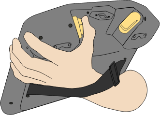
    Standard TP 3PE TP

    On a standard teach pendant (TP), press and hold the Freedrive button.

    On a 3PE TP, rapidly light-press, release, light-press again, and keep holding the 3PE button in this position.
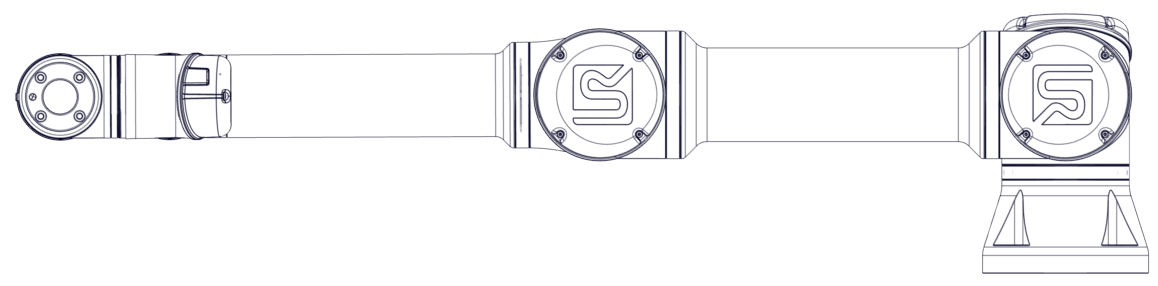
  3. Pull/Push the robot arm to a horizontally elongated position and release. See figure below.

    Elongated horizontal position of UR robot

  4. Verify the robot arm can maintain this position without support while you are pressing the Freedrive or 3PE button.