Constrained Freedrive

Description

Constrained Freedrive mode allows a robot to move freely while being compliant in specific axes. This mode is useful for manually guiding the robot without following a trajectory, but it requires careful management to avoid unintended movements or protective stops due to high acceleration and deceleration.

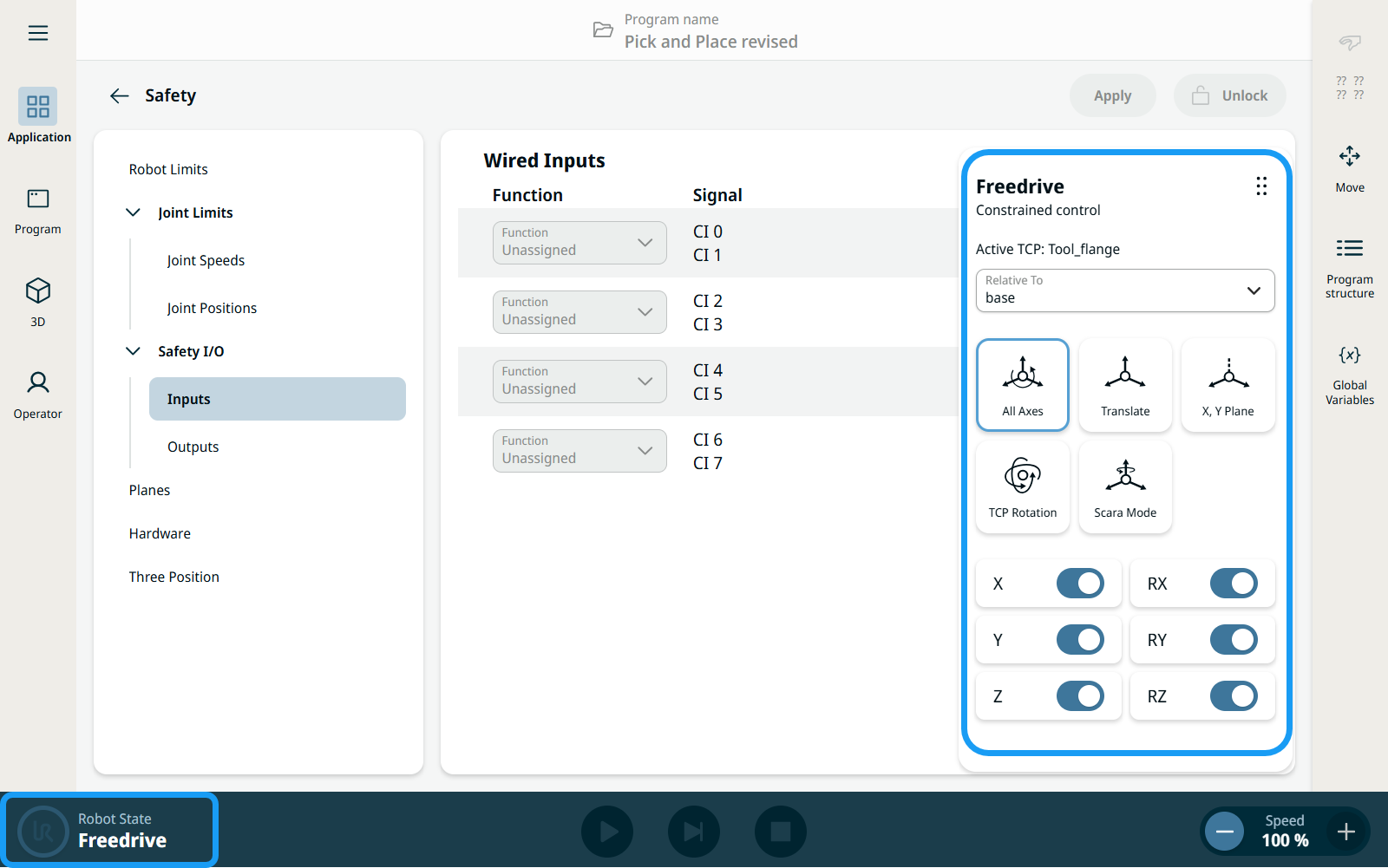
When the robot arm is in Freedrive, a panel appears in PolyScope X.

To access the Freedrive Panel
  1. Use the Teach Pendant with 3-Position Enabling (3PE) Device button to put the robot arm in Freedrive. On the left-hand corner of the footer, the Robot State is Freedrive. The Freedrive panel appears in the main screen.

  2. In the Freedrive panel, there are five different options to choose from. Tap the icon of your selected Freedrive movement.

  3. Tap the sliders to lock or unlock movement in X, Y, Z or RX, RY, RZ.
  4. Move the robot arm manually.

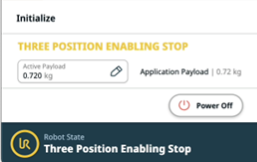
    Always press the 3PE button, as indicated, to avoid disruption of Freedrive. Accidental release of the 3PE button changes the Robot State to Three Position Enabling Stop.


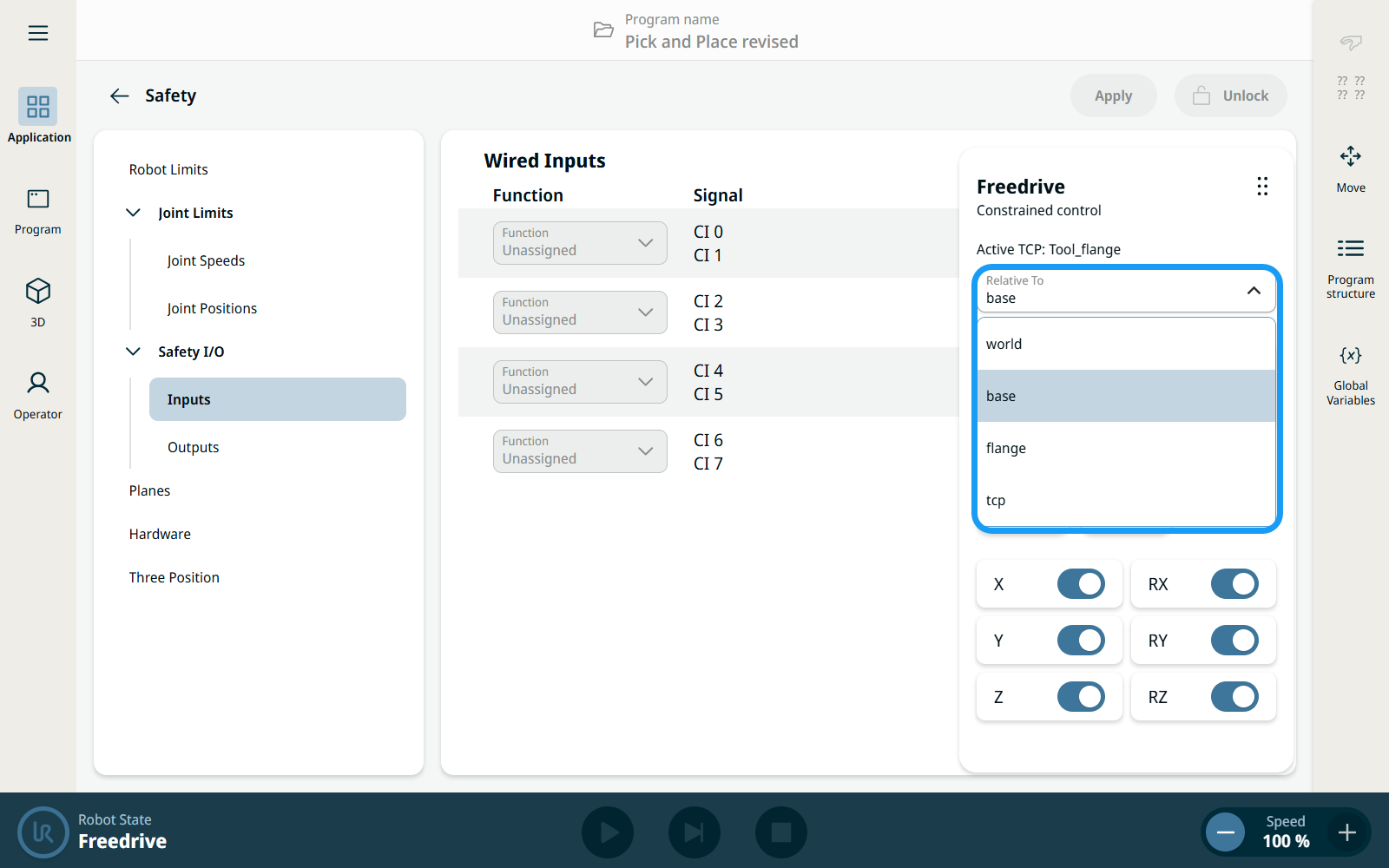
  1. The Relative To drop-down in the Freedrive panel allows users to choose what rotations and axes are relative to during constrained Freedrive. When Base is selected, all rotations and axes are relative to the base. When Tool is selected, all rotations and axes are relative to the tool.


Freedrive Panel icons

You can lock one or more of the axes allowing the TCP to move in a particular direction, as defined in the table below.


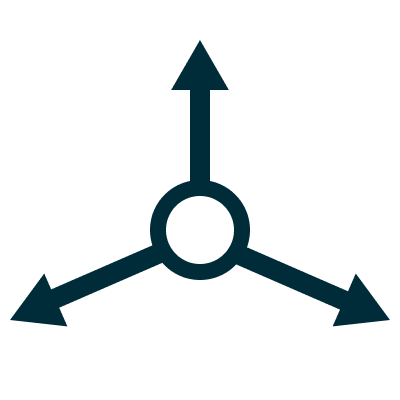
All Axes

Movement is allowed through all axes.

Translate

Movement is allowed through all axes, without rotation.

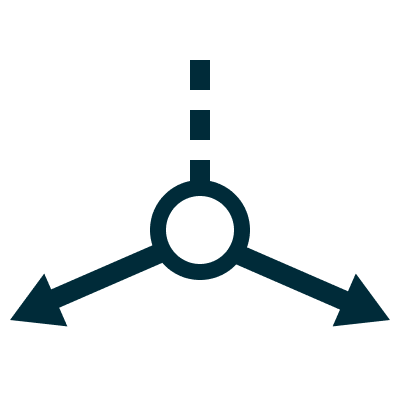
X, Y Plane

Movement is only allowed through the X-axis and Y-axis.

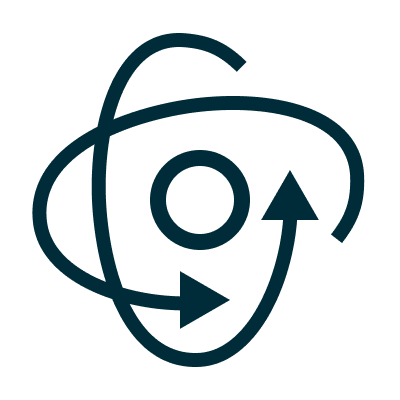
TCP Rotation

Movement is allowed through all axes, in a spherical motion, around the TCP.

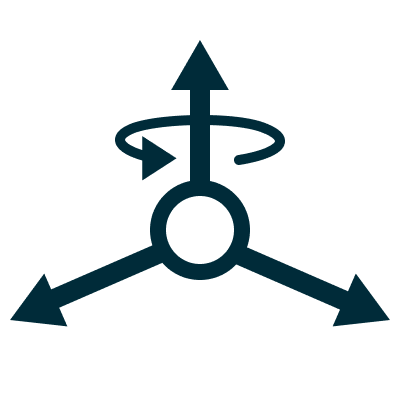
Scara Mode

Movement is allowed through all axes and only one rotation, RZ.


Moving the robot arm in some axes when a tool is attached, can present a pinch point.

  • Use caution when moving the robot arm in any axis.

Five Constrained Freedrive presets

There are five presets that the user can use to constrain movement while in freedrive.

Tap the preset icon for your preferred Freedrive constrained movement.

Alternatively, users can toggle the sliders for X, Y, Z and RX, RY, RZ to lock or unlock any combination of axes or rotations. When no preset is matched, the preset icon will not be shown as active.

Preset Icon and Name X Y Z RX RY RZ
All Axes Free Free Free Free Free Free
Translate Free Free Free Locked Locked Locked
X, Y Plane Free Free Locked Locked Locked Locked
TCP Rotation Locked Locked Locked Free Free Free
Scara Mode Free Free Free Locked Locked Free