Backdrive
| Description |
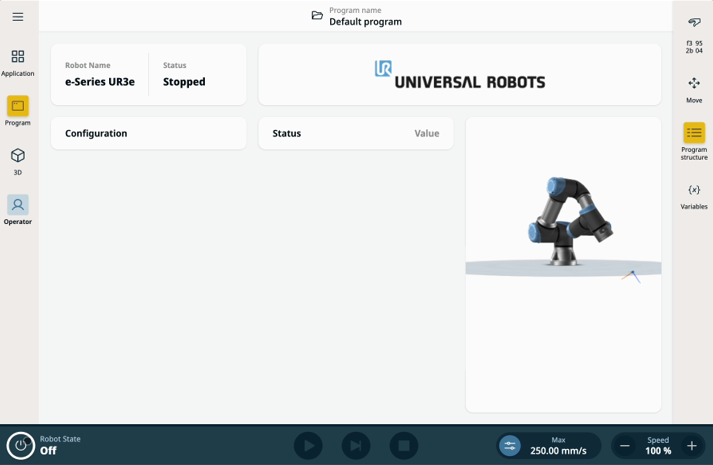
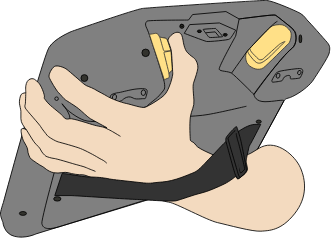
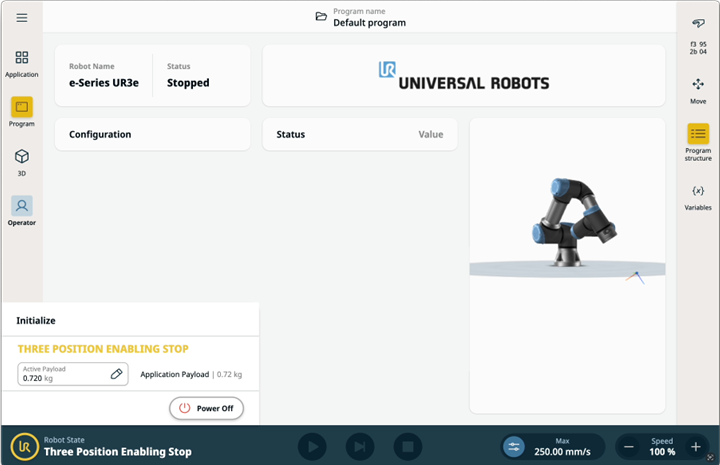
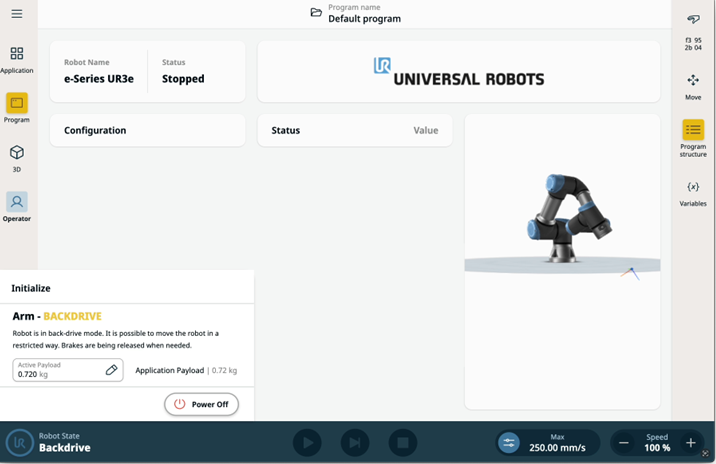
Backdrive is a Manual mode used to move specific joints to a desired position without releasing all brakes in the robot arm. This can be necessary when the robot arm is close to a collision and the motions that accompany a full restart are not desired.
|
| Enable Backdrive in 3PE Teach Pendant |
|
|
|
|
|
|
In Backdrive mode, the robot is “heavy” to move.
You must test Backdrive mode on all joints.
|
| Safety settings |
Verify that the robot safety settings comply with the installation risk assessment.
|
| Additional safety inputs and outputs are still functioning |
Check which safety inputs and outputs are active, and verify that they can be triggered via PolyScope or external devices.
|