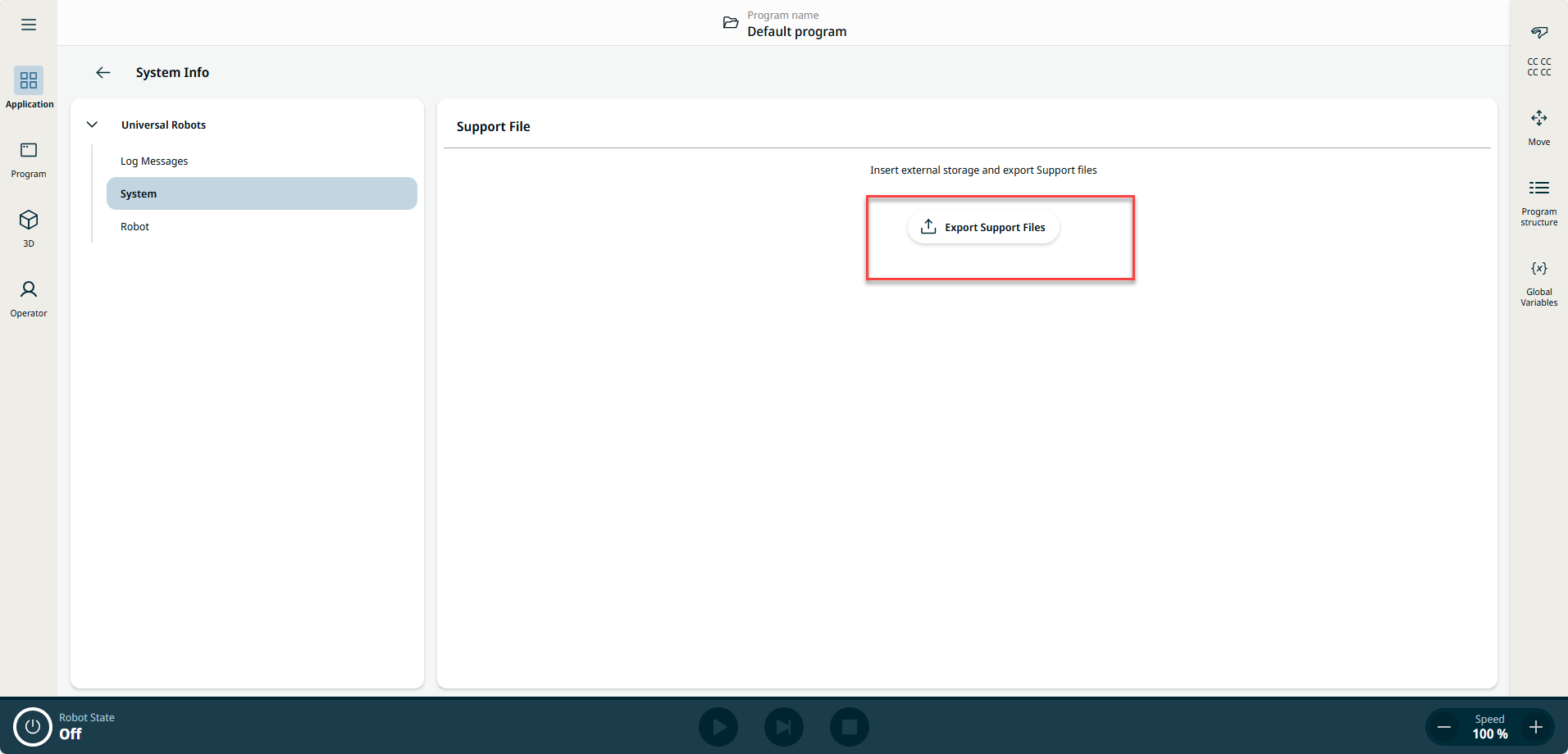
Using Support File
| Description | For easy backup, Universal Robots provides a feature available from software version equal to or above 5.8 (PolyScope 5) and 10.12 (PolyScope X), called Support File, an automatically copied file of the robot data from control box to the USB stick. |
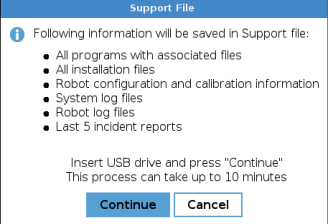
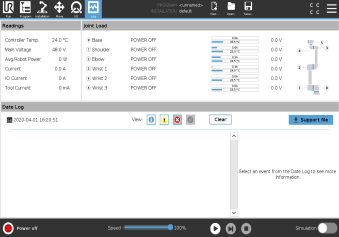
PolyScope 5
|
This backup requires around 1Gb memory, please use a USB stick of 2Gb or more capacity.
Always perform program and installation files backup before updating the software.
|
PolyScope X
This backup requires about 1 GB of free space. Use a USB drive with at least 2 GB of capacity.
Always back up program and installation files before updating the software.
|