Joint Verification PolyScope X

Verification steps

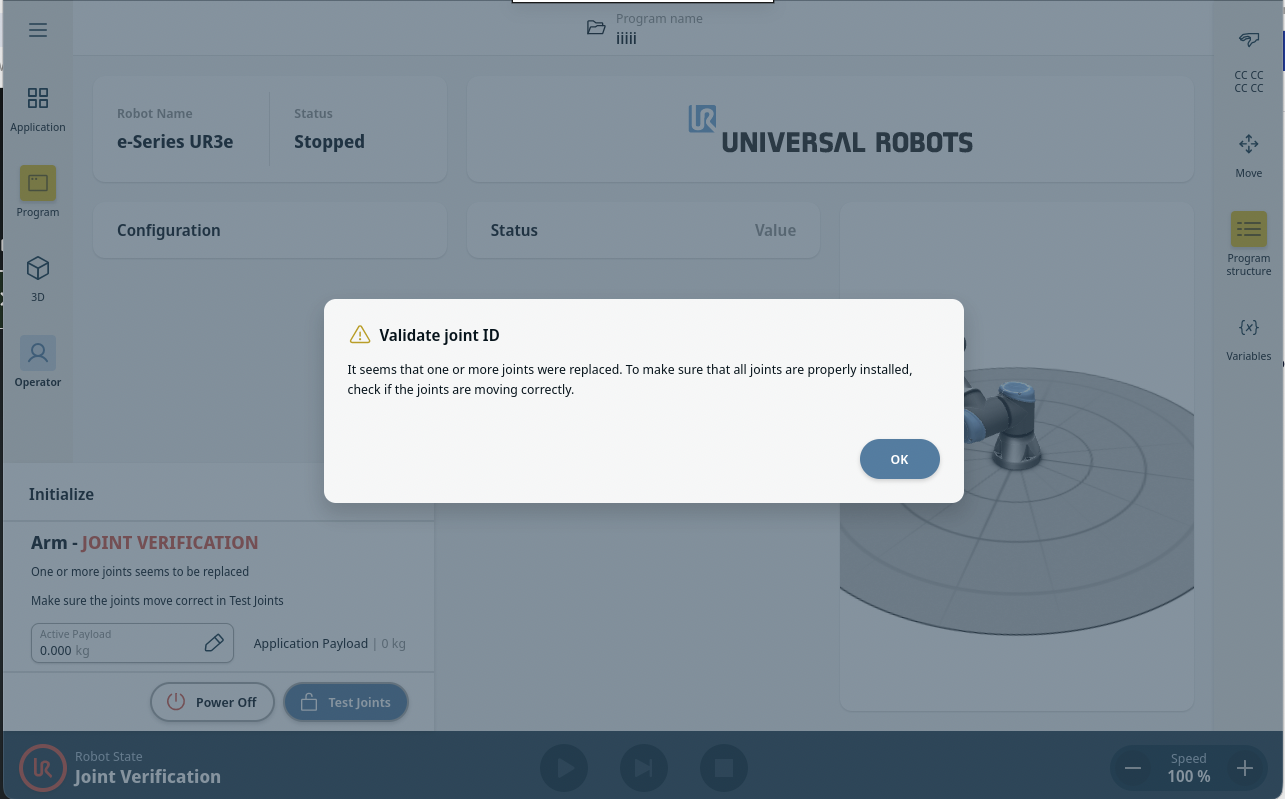
After replacing any joint on a robot, the controller requires a Joint Verification process. This procedure ensures that each joint is correctly identified in the system. The process now appears automatically during the first power on after a joint replacement.

  1. Power on the robot.
  1. A pop-up appears saying that joints need verification. Confirm the pop-up message by pressing Ok.


  1. Press Test joints to start joint verification.
 
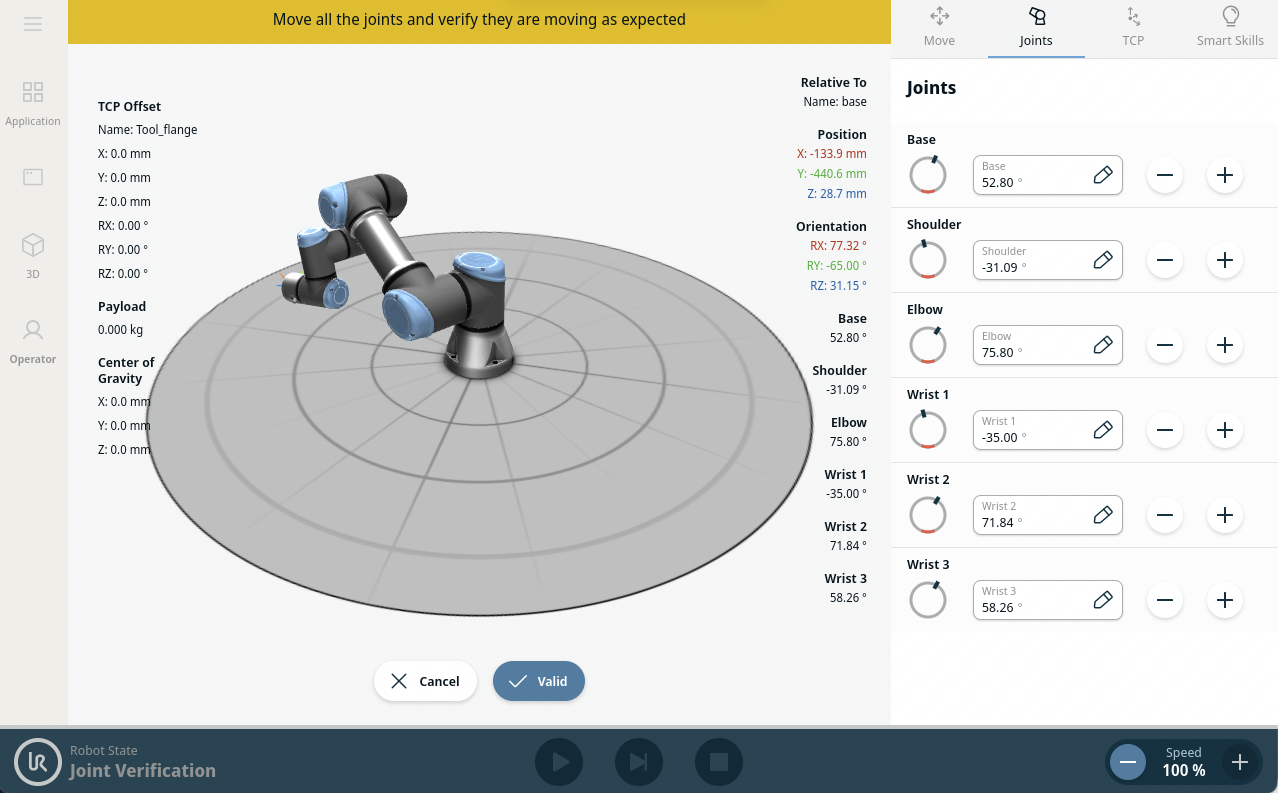
  1. Move all joints with the arrows respective to each joint.
    • If joints move as expected, press Valid.
    • If joints do not move as expected, i.e., wrong joint moves or incorrect direction), press Failed.