沟通

說明

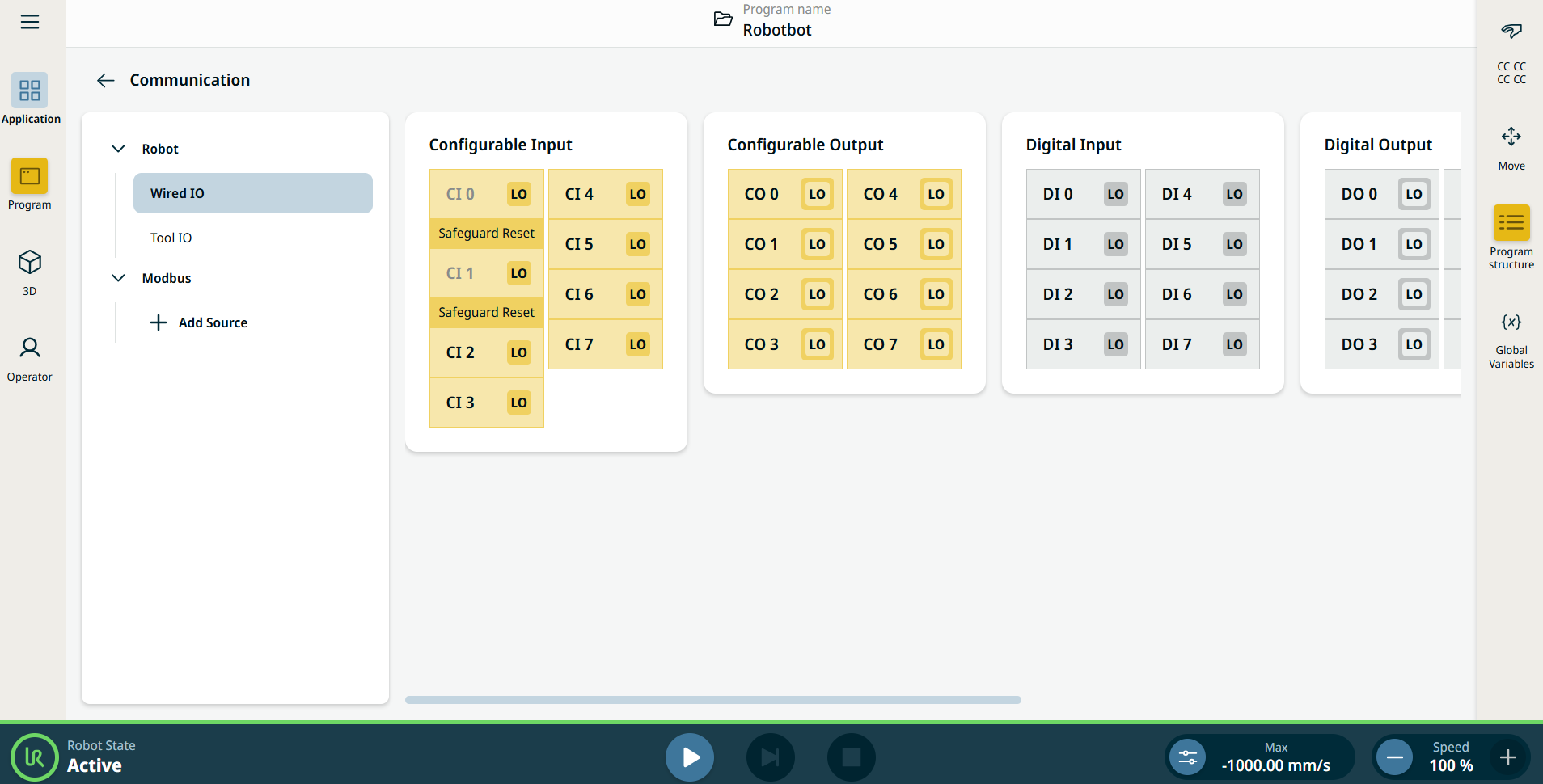
「 通訊」應用可讓您監控並設定機器人控制箱收發的即時 IO (輸入-輸出) 訊號。


圖38.2:  顯示 IO 的通訊畫面。


Using the Communication application functionality

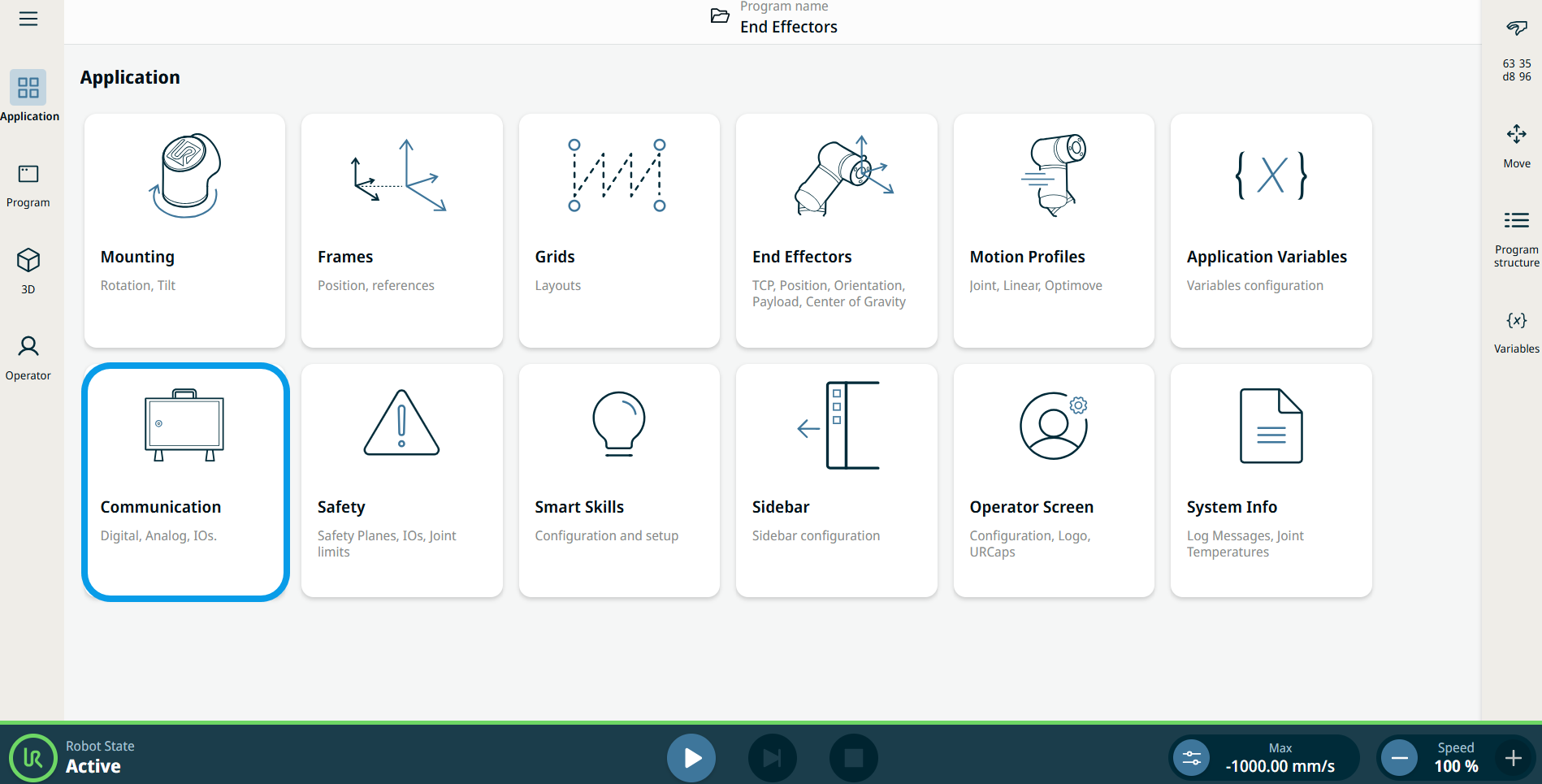
  1. Go to the Application menu screen. See 應用標籤頁.

  2. Tap the Communication icon.


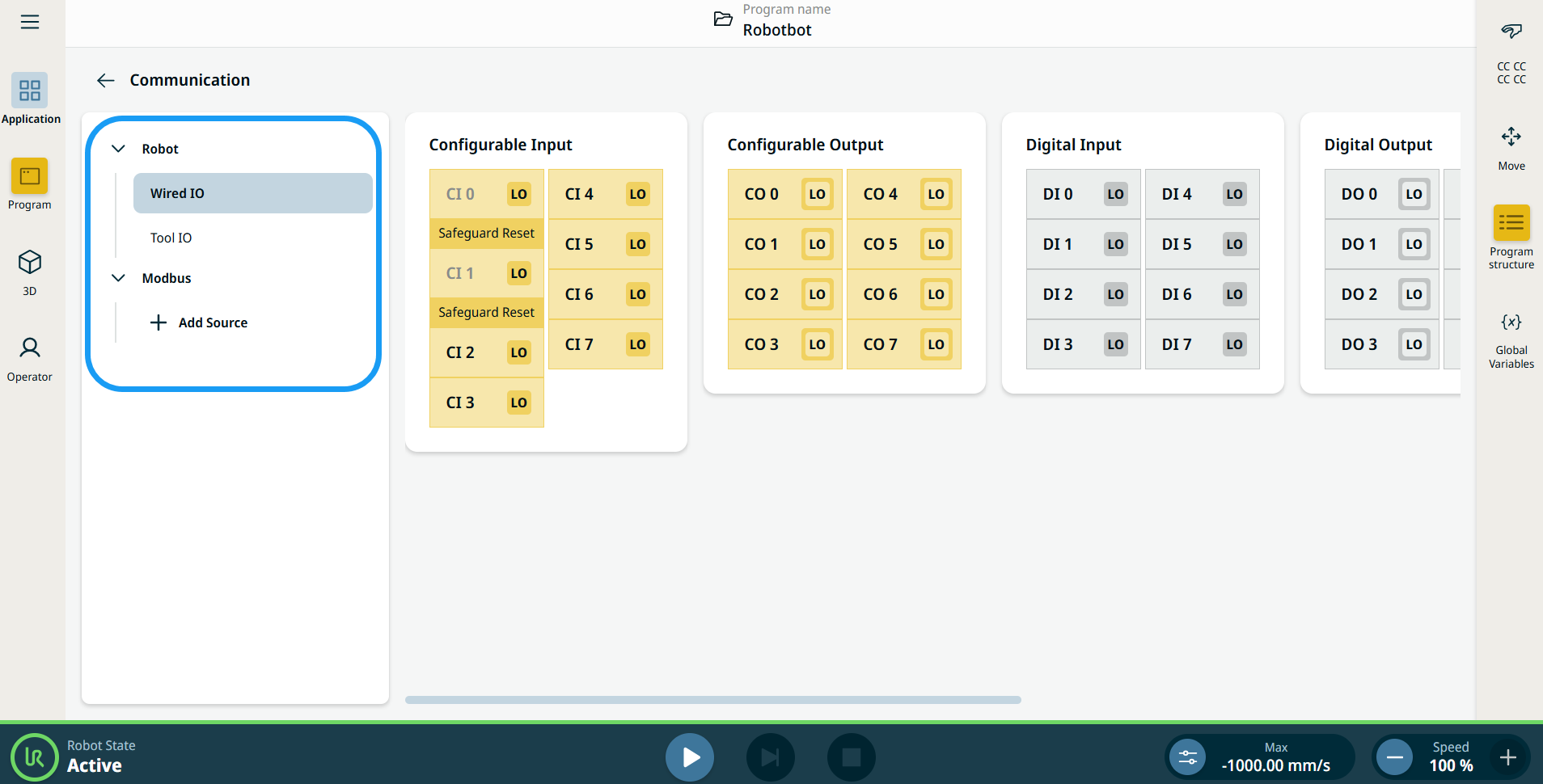
    The Communication screen appears, which is divided into the left panel and the right panels.


    The left panel consists of the communication tree, composed of three functions:

    • Robot Wired IO

    • Robot Tool IO

    • Modbus

    The right panels show the editable fields of the chosen function.