End Effectors Application
| Açıklama |
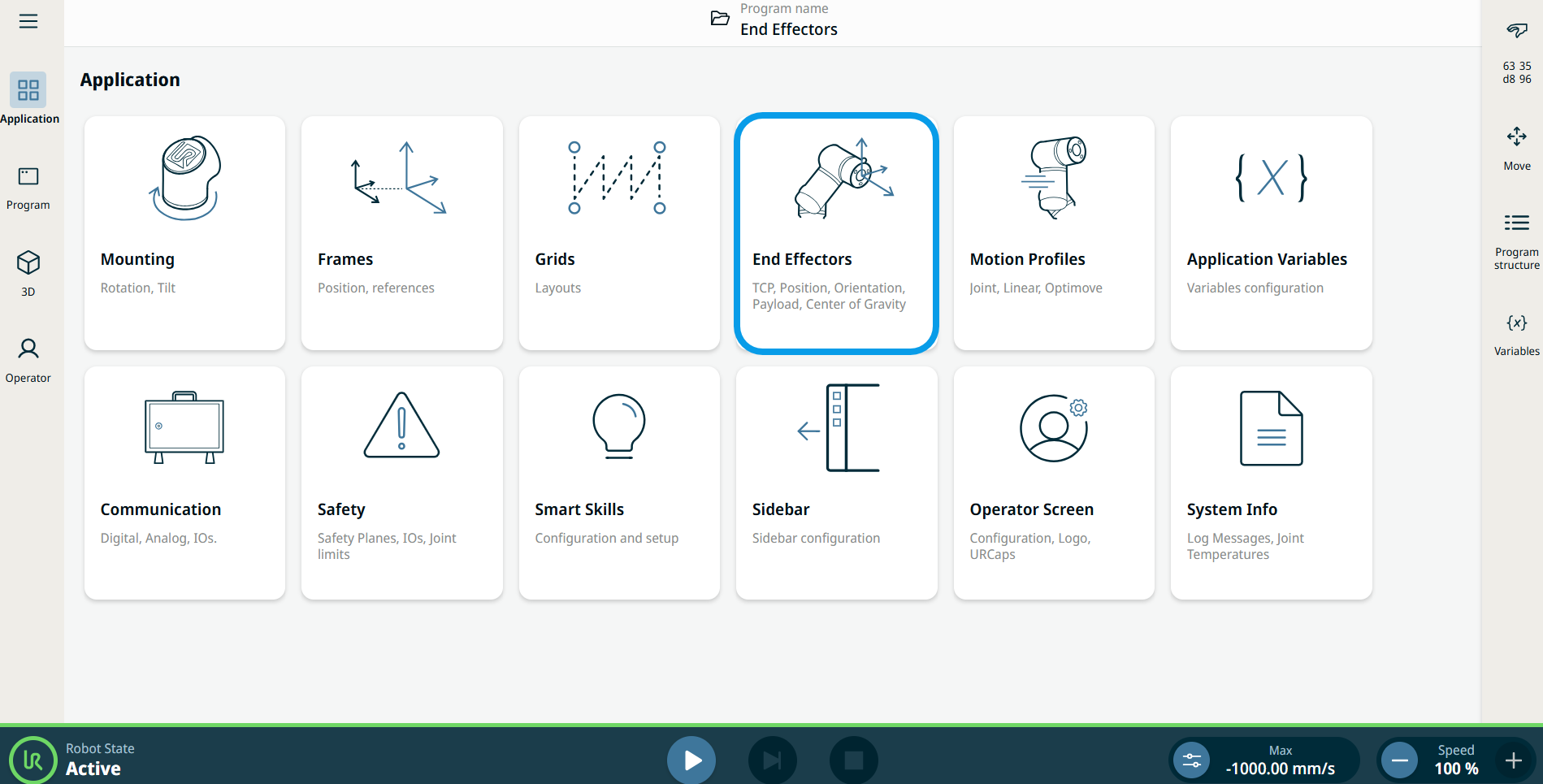
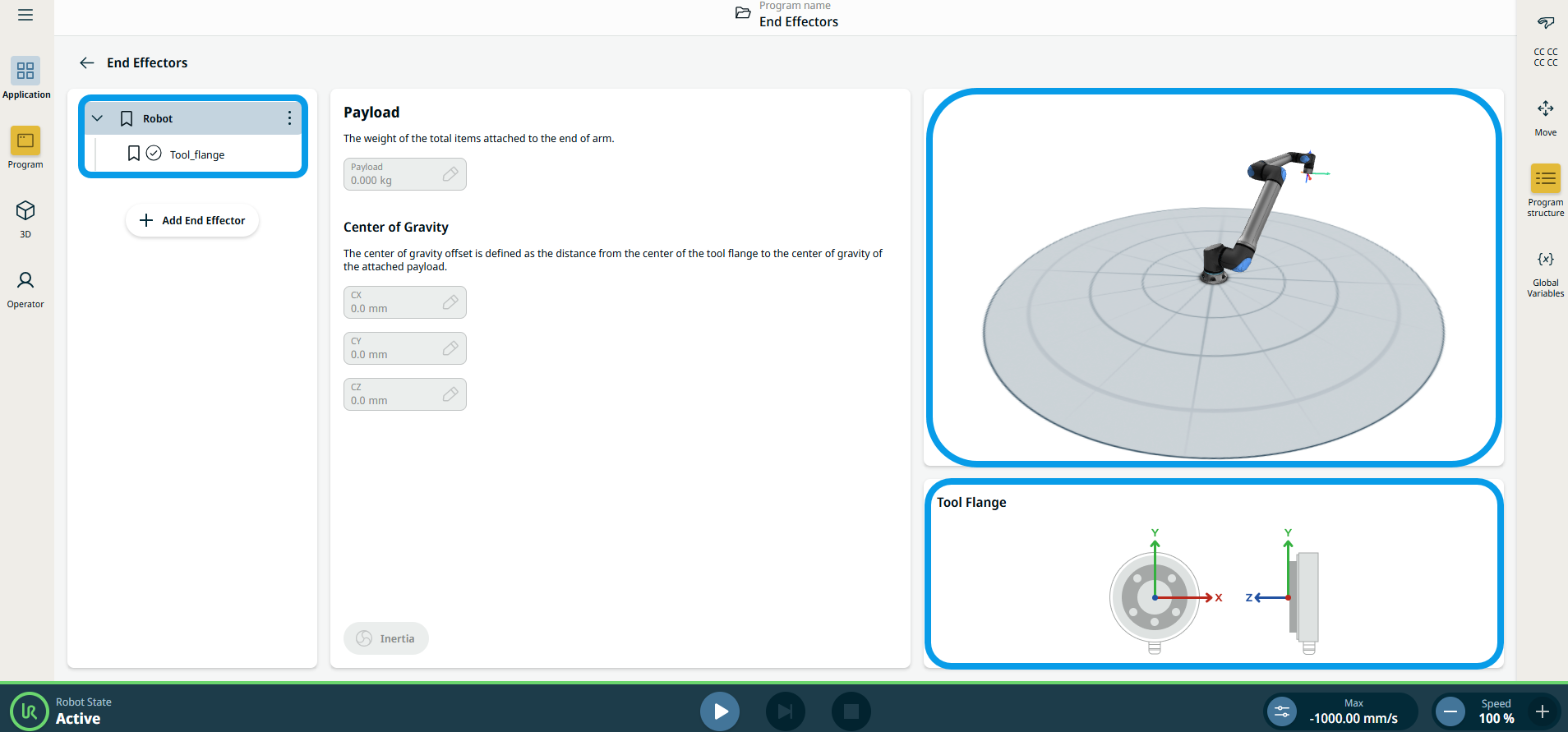
The End Effectors application is used for configuring the tooling at the end of the arm, such as the tool center point (TCP) and center of gravity (CoG).
|
|
Using the End Effectors application functionality |
|
| Tool Center Point (TCP) wizards |
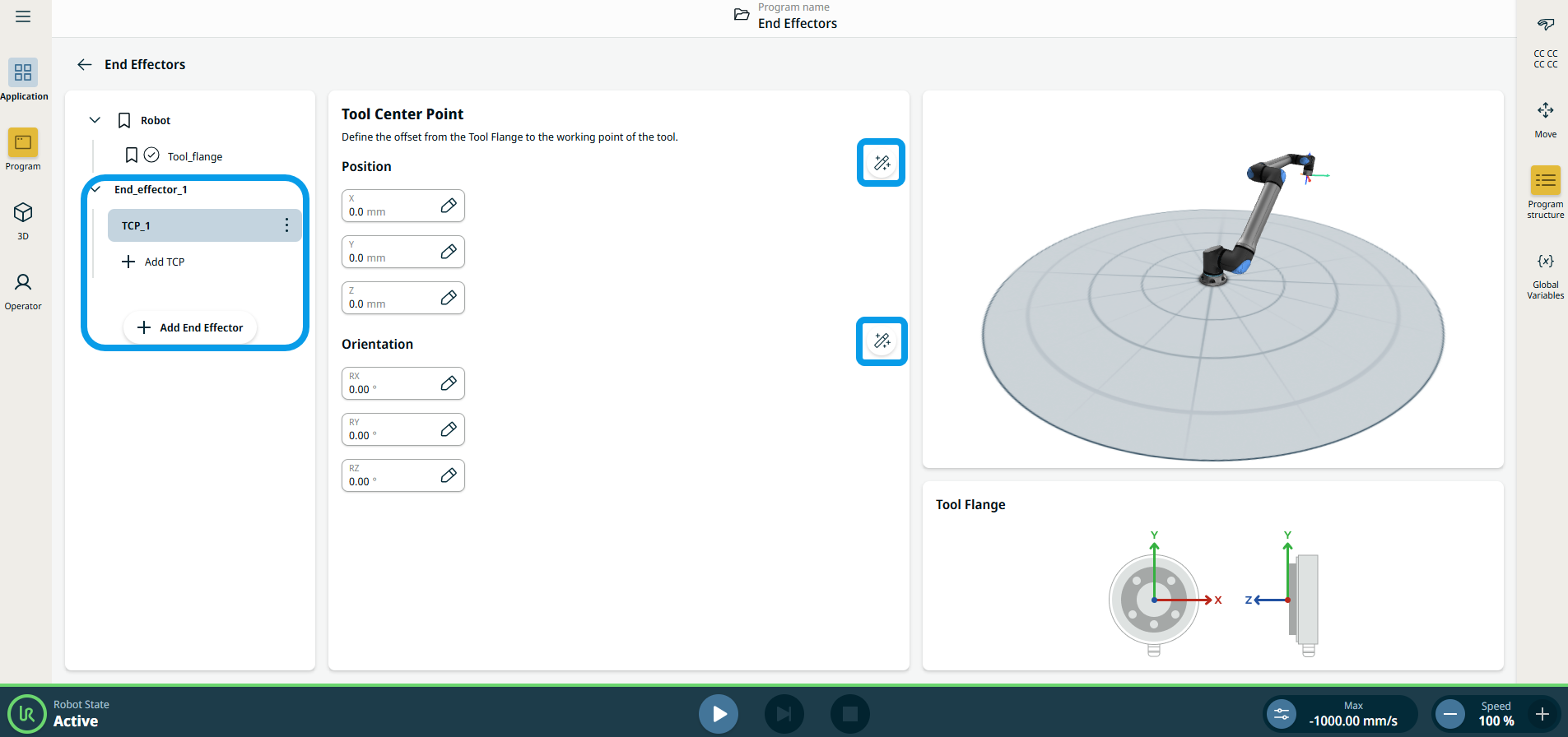
The TCP wizards enables you to define the position and orientation of a TCP. The new wizards are accessible from the Tool Center Point application screen by tapping the new wizard icon next to the Position header and the Orientation header, respectively. In both wizards, you can call up a popup any time with more detailed instructions and animations on how to use the wizard. The instructions can be accessed by pressing the Instructions icon in the bottom left corner of the wizards.
|
|
Adding, Renaming, Duplicating, and Deleting TCP |
Aşağıdaki eylemlerle yeni bir TCP yapılandırmaya başlayabilirsiniz:
|
 to define a new TCP with a unique name. The new payload appears in the End effector tree..
 to rename a TCP.
 to duplicate a TCP.
 to delete a selected TCP. Son TCP'yi kaldıramazsınız.
| Etkin TCP |
The check-mark in the drop-down indicates which TCP is active
|
 .
.
| Varsayılan TCP |
The default TCP is set as the active TCP before the program starts. Select the desired TCP and tap
|
 to Set as default to set a TCP as the default.