Comunicare

Descriere

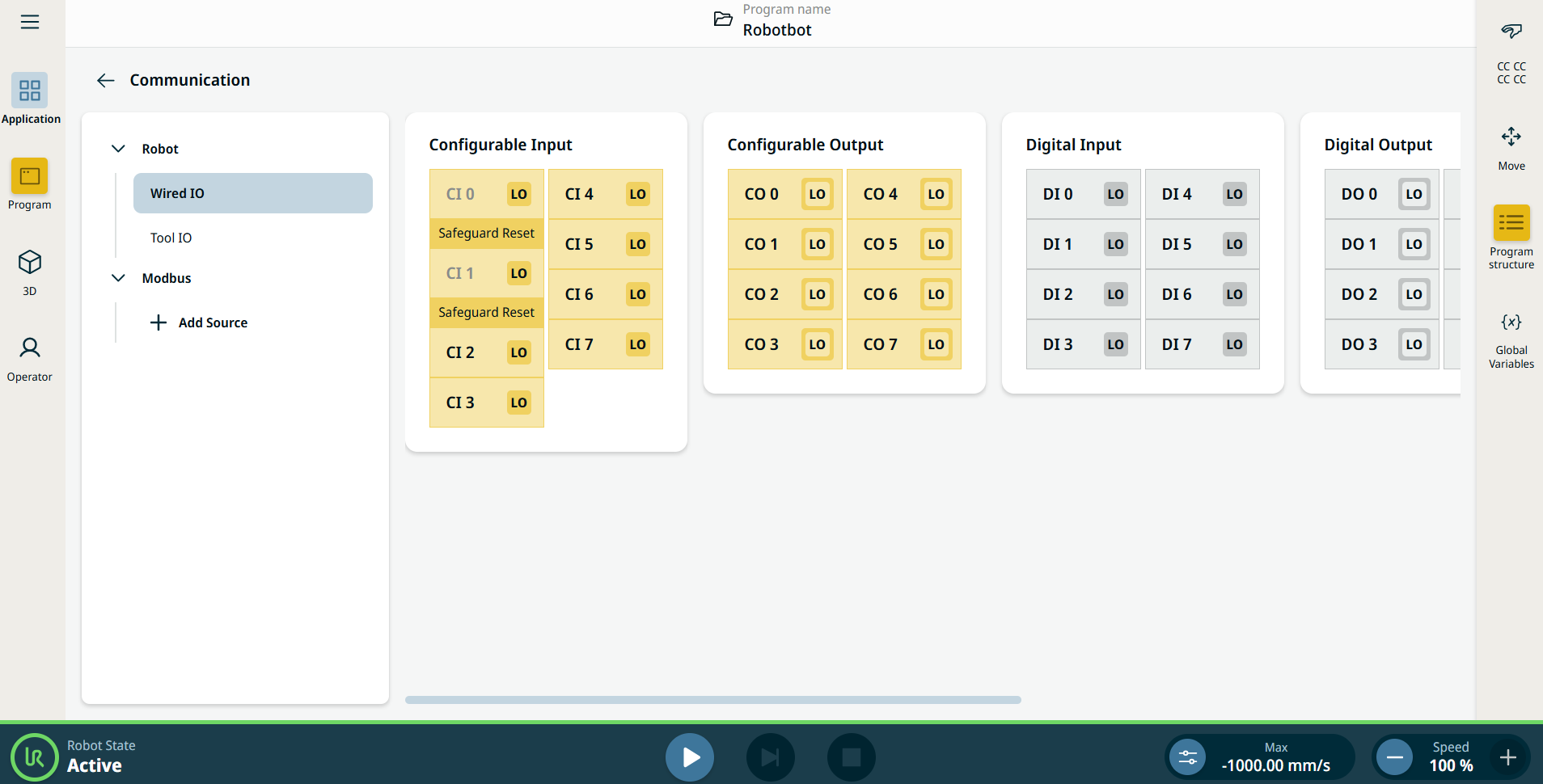
Aplicația de comunicare vă permite să monitorizați și să setați semnalele IO (input-output) în timp real de la/la caseta de comandă a robotului.


Figura 15.4:  Ecranul Comunicare afișând I/O.


Using the Communication application functionality

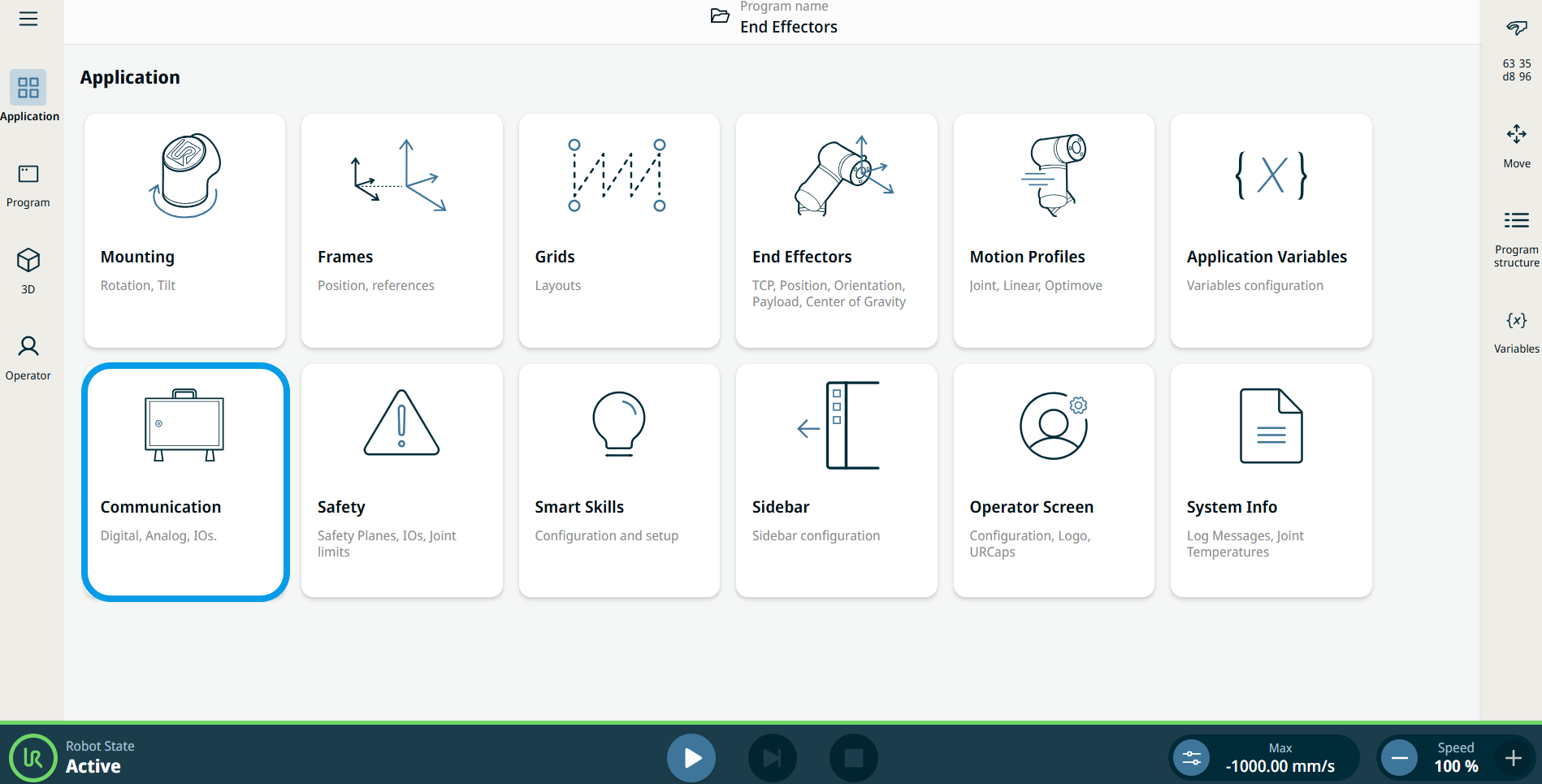
  1. Go to the Application menu screen. Vezi Fila Aplicație.

  2. Tap the Communication icon.


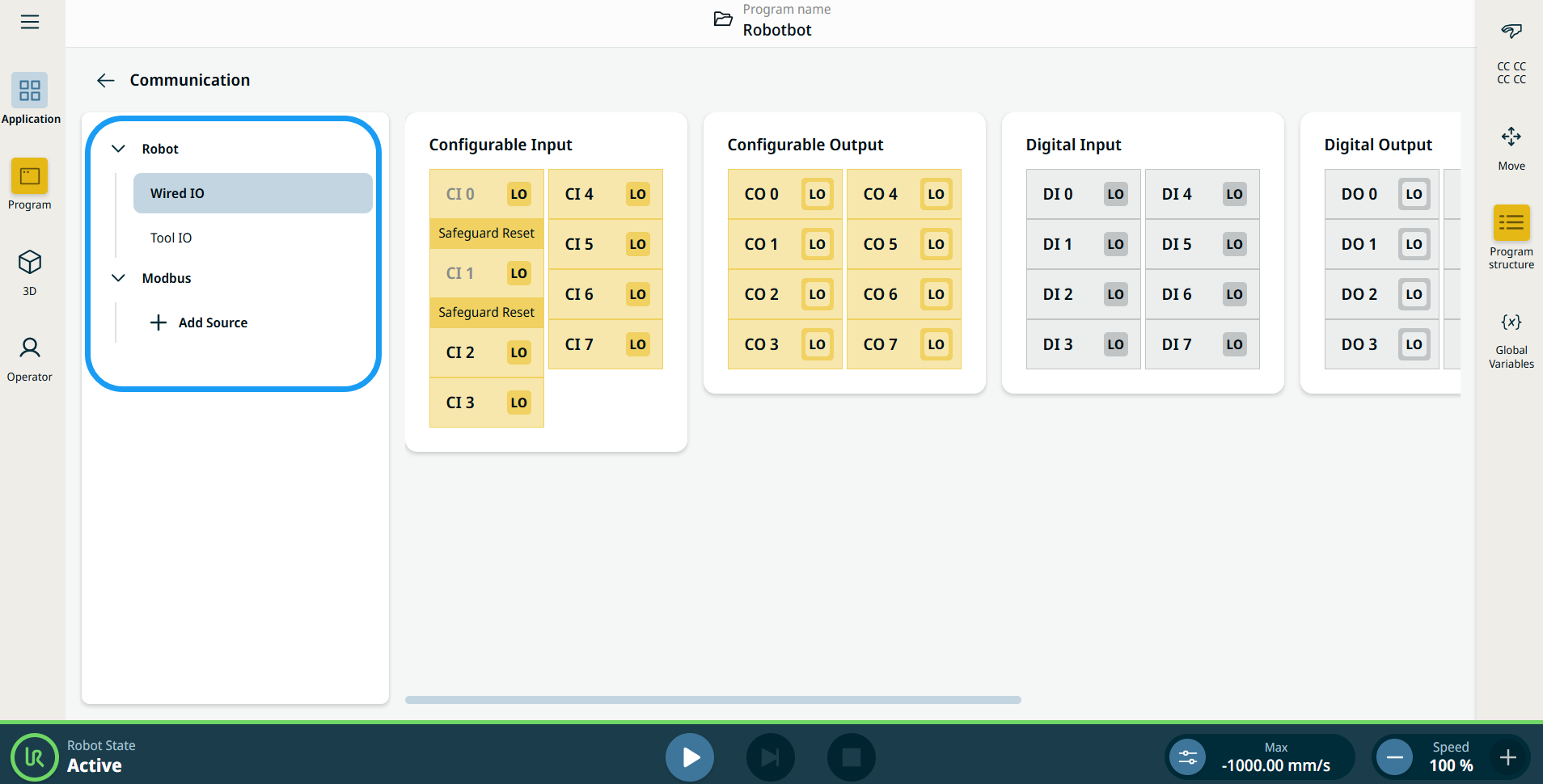
    The Communication screen appears, which is divided into the left panel and the right panels.


    The left panel consists of the communication tree, composed of three functions:

    • Robot Wired IO

    • Robot Tool IO

    • Modbus

    The right panels show the editable fields of the chosen function.